
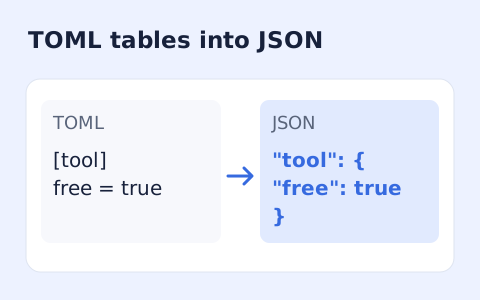
TOML to JSON Converter
Convert TOML tables, arrays, and values into formatted JSON.
Open toolConvert TOML tables, arrays and values into YAML 1.2. Keep exact integers and review how dates are represented.
Enter the inputs, then select Convert to YAML.
Result will appear here
Parse TOML with smol-toml and serialize YAML 1.2 with the YAML library.
Dates and date-times become quoted strings. TOML comments and formatting are not preserved. Large integers keep their digits; non-finite TOML numbers are rejected because they do not fit this conversion policy.
Paste TOML, convert its parsed values to YAML 1.2, and review mappings, arrays and date strings before downloading.
Include tables, arrays and values you want to convert. Duplicate keys and non-finite numbers are rejected by this conversion policy.
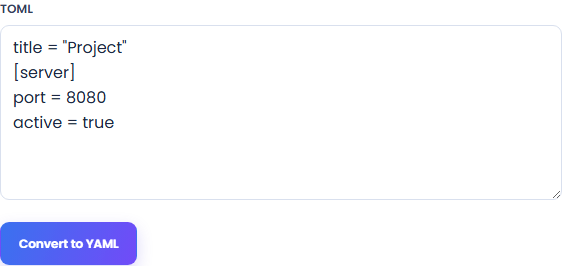
Select Convert to YAML to generate YAML 1.2 from the parsed TOML data. Check nested mappings and array values in the output; comments and source formatting are not carried across.
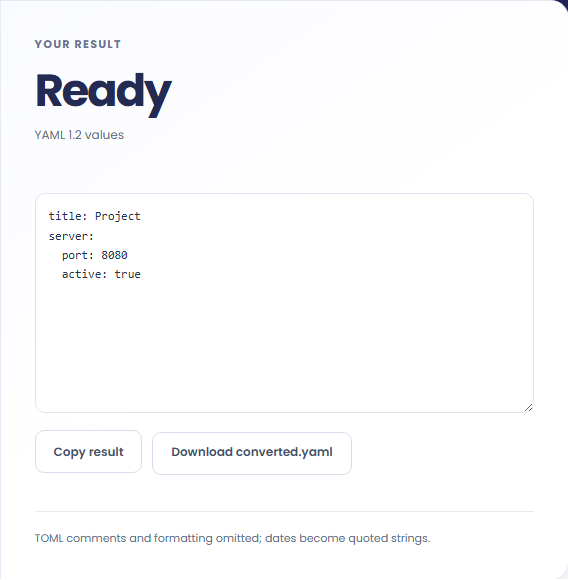
Generate YAML 1.2 and check nested mappings, array values and date strings. Copy the text or download converted.yaml.
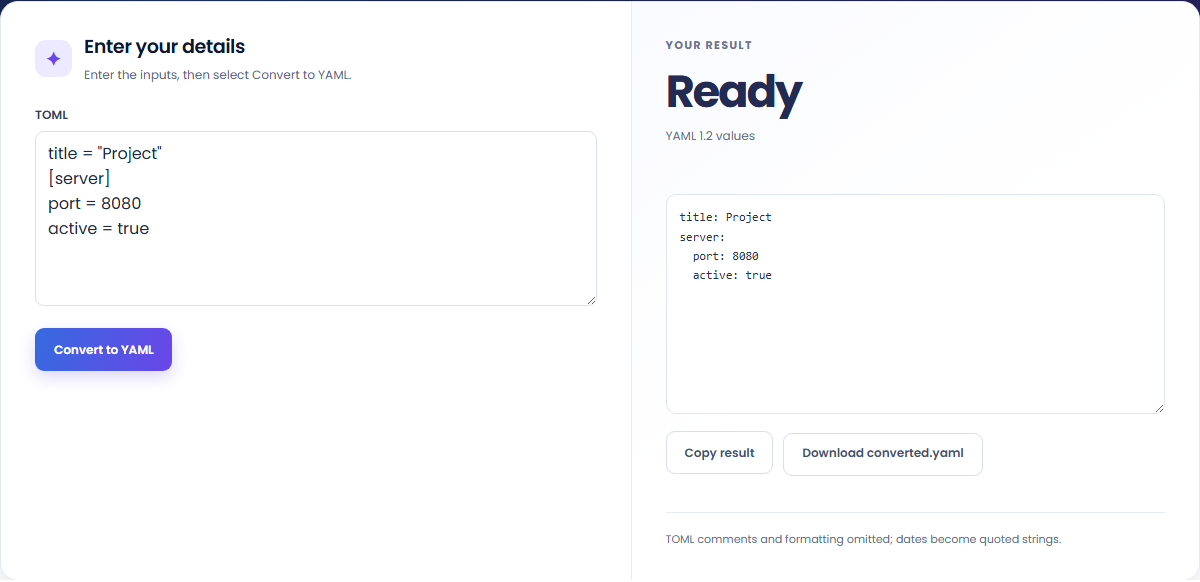
Move configuration values between formats and check the destination representation.
Convert the data structure, then adapt application-specific keys in your destination configuration. This page does not verify an application's configuration schema.

Use a TOML integer whose digits must remain exact. The converter passes BigInt values to the YAML serializer rather than rounding through JSON numbers.

Inspect TOML dates and date-times in the YAML output. They become quoted strings so their representation is explicit.

The output represents configuration values in YAML syntax, with dates handled under this page's conversion policy.
The YAML output represents the parsed TOML mappings, sequences and scalar values. Dates and date-times become quoted strings; source comments and formatting are omitted.

Check value representation and destination rules instead of assuming format conversion verifies an application's configuration.
Check date strings against the destination application. TOML comments are omitted, and a generated YAML document does not establish application compatibility.
The input is limited to 100,000 characters, and duplicate keys or non-finite TOML numbers are rejected. Large integer digits remain exact in the generated YAML; check your destination's numeric handling and date-string requirements before using it there.

Convert TOML tables, arrays, and values into formatted JSON.
Open tool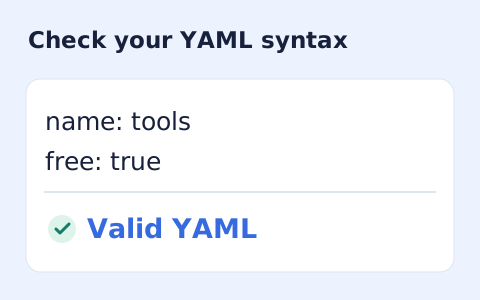
Validate YAML 1.2 syntax, duplicate keys, and bounded alias references.
Open tool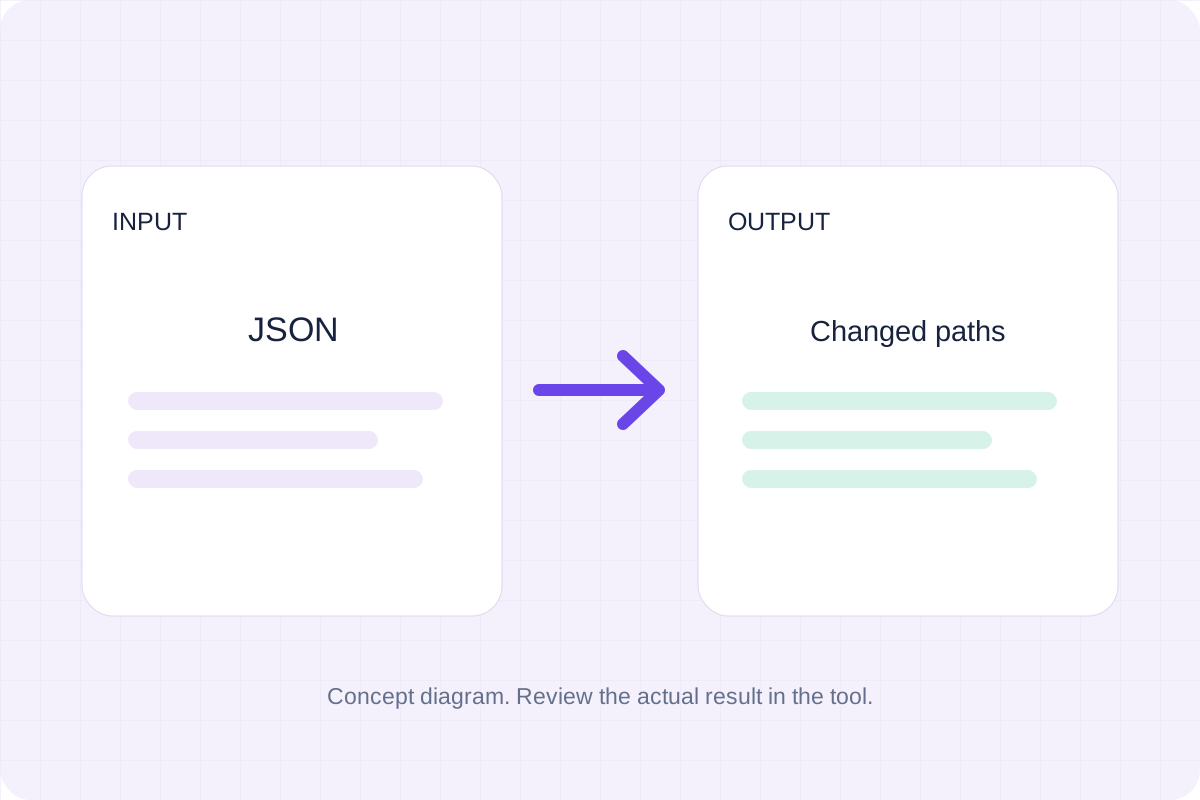
Compare two JSON values by structure. See changed paths without treating object key order as a difference.
Open toolChoose another tool for your next calculation, conversion, or text task.
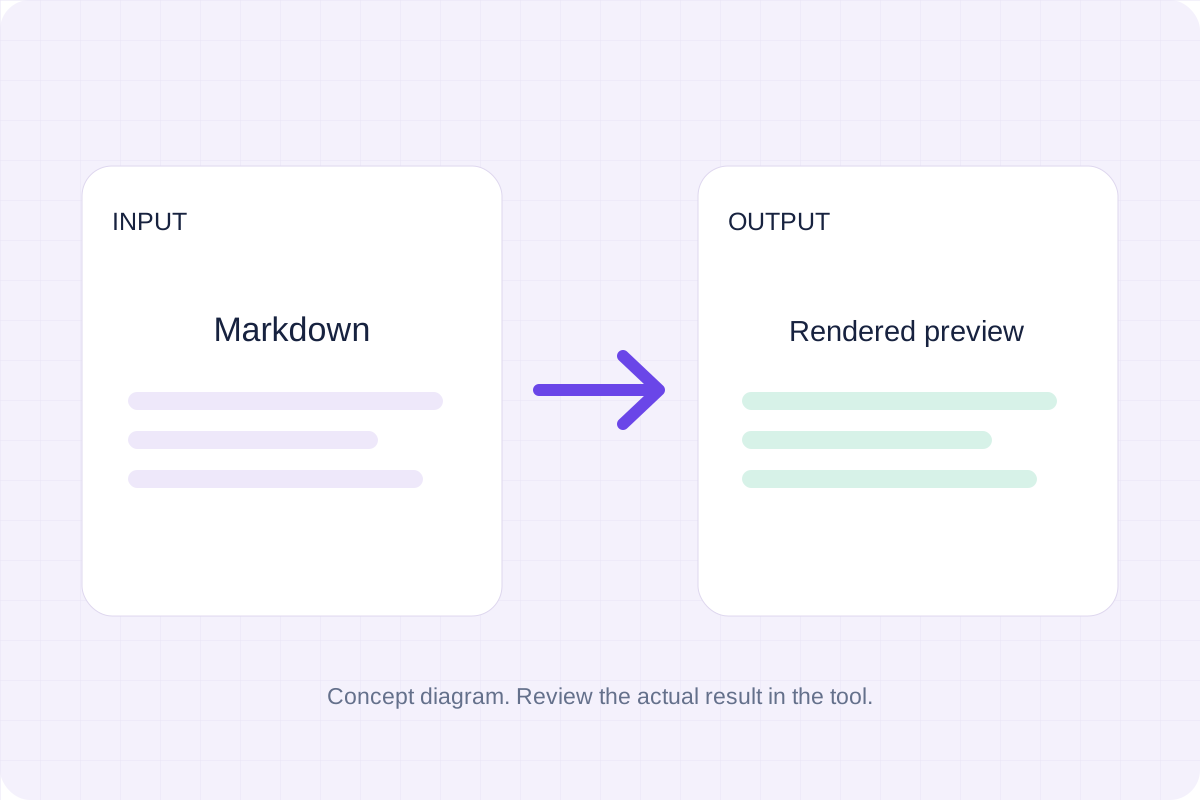
Write Markdown, update the rendered preview and download the Markdown or HTML when it is ready.
Open tool
Check CSV quoting and consistent column counts, then review the record count and selected delimiter.
Open tool
Create a newly encoded PNG, JPEG or WebP from a local image and remove its original embedded metadata.
Open tool
Remove scripts, event handlers and unsupported markup from basic HTML. Review the cleaned fragment and a contained preview.
Open toolAnswers about using TOML to YAML Converter and understanding its results.
No. The converter reads TOML values and writes YAML; source comments and formatting are omitted.
Dates and date-times are emitted as quoted YAML strings.
Convert TOML tables, arrays and values into YAML 1.2. Keep exact integers and review how dates are represented.