
Sitemap Generator
Generate sitemap XML from a list of absolute page URLs.
Open toolPreview a page title, URL and meta description in approximate desktop and mobile search-result layouts. Compare title width and text length before editing your page.
Enter the inputs, then select Preview snippet.
Result will appear here
The preview lays out your title, URL, and description while measuring title width with a 20 px Arial approximation and counting Unicode characters.
This gives an editorial comparison of the proposed wording. It does not fetch the page, update its metadata, predict clicks, or reproduce every search engine presentation.
Use a complete HTTP or HTTPS URL without embedded credentials.
Reference: Google: Title links.

Prepare the title, page address, and description you intend to use before opening the preview.
Enter the proposed title, complete HTTP or HTTPS URL, and description, then choose desktop or mobile. Use wording that describes that destination page; the preview does not retrieve its metadata.
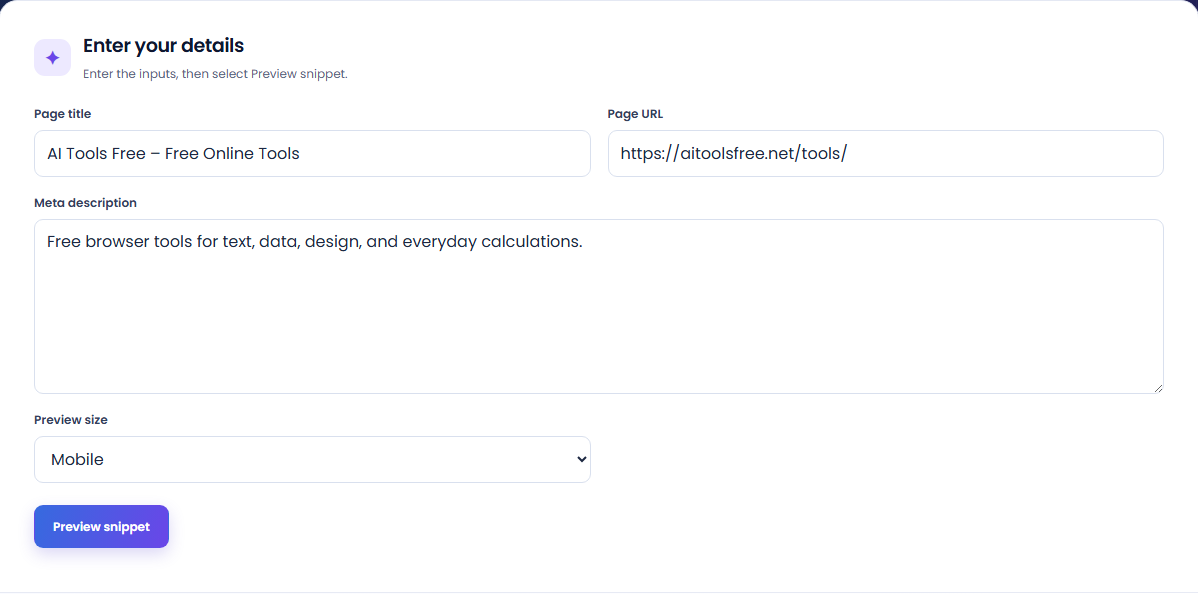
Generate the snippet and inspect the rendered title, address, and description together. Check whether the important page context remains understandable in the selected preview width.
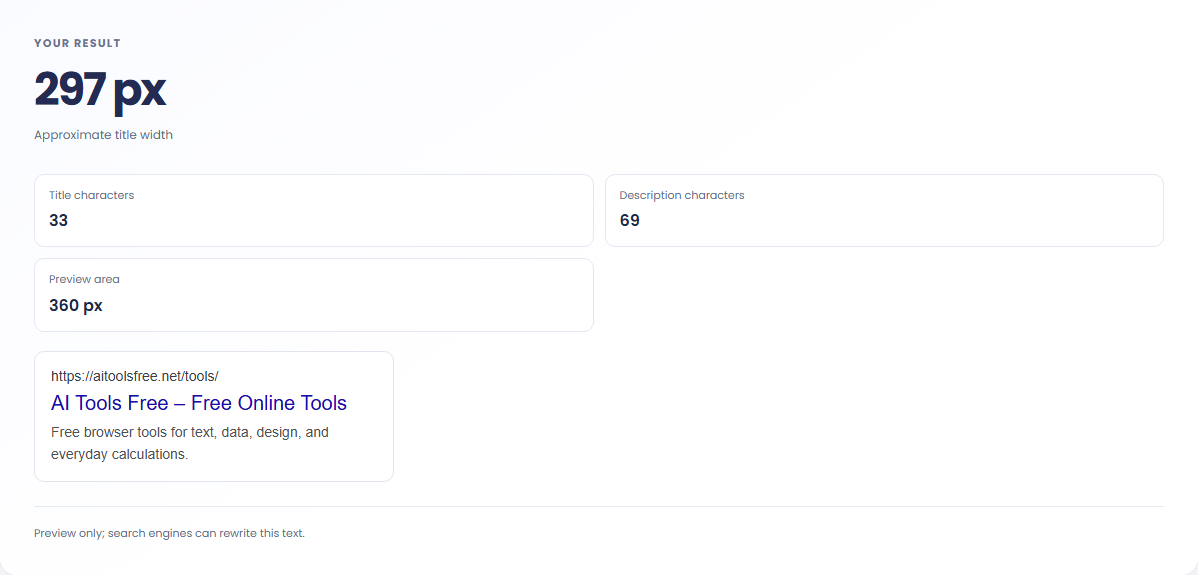
Read the approximate title width and the two character totals. Compare both layouts before moving the copy into your editor. The preview note explains that a search engine may rewrite the text.

The preview supports editorial comparison without requiring the page to be fetched or published.
Check that a tool title names the task and that its description explains the input or output. A preview can expose vague wording that reads well in a document but gives little context when shown beside only a page address.

Try two titles that emphasize different parts of a page, such as the conversion task and its output format. Review the actual words in both layouts. The preview cannot establish which wording will attract more clicks from real search visitors.

Paste proposed metadata for a page moving to a new path and inspect the displayed address with the copy. This helps catch a mismatch between the text and destination before publication, while a separate site check must confirm the deployed metadata.

Treat the rendered snippet as a writing preview when judging title length and the relationship between its parts.
The title width is measured with an Arial font approximation. Character totals count Unicode code points. Equal character counts can occupy different widths because letters and symbols do not have equal shapes.
The displayed layout is an approximation, not a captured search result. Search engines may rewrite titles or descriptions, and their presentation can differ from this preview across devices and queries.

Review the page address and copy before comparing the desktop and mobile layouts.
Use a complete HTTP or HTTPS URL without embedded credentials. Titles and descriptions must contain text. If input is rejected, check the address syntax and remove accidental pasted content beyond the field limits.
Do not treat a visually short snippet as proof that it will appear unchanged. After publishing, inspect the actual page metadata and use real search observations for questions about indexing or visitor behavior.

Generate sitemap XML from a list of absolute page URLs.
Open tool
Generate robots.txt from a user-agent token and newline-separated allow and disallow paths.
Open tool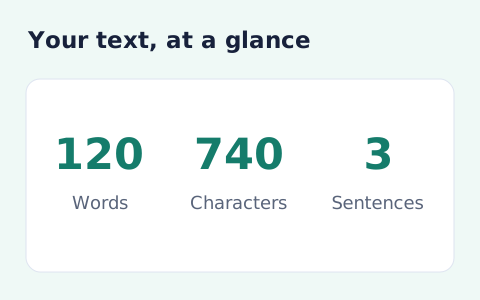
Analyze pasted text locally with word, sentence, paragraph, line, and character statistics.
Open toolChoose another tool for your next calculation, conversion, or text task.
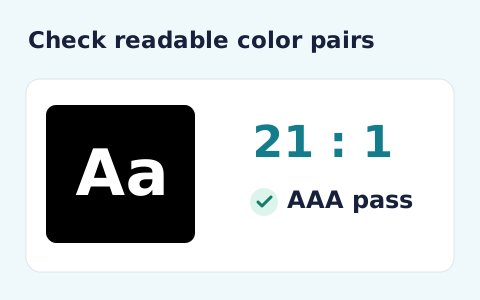
Calculate the WCAG 2 contrast ratio and AA/AAA results for normal and large text.
Open tool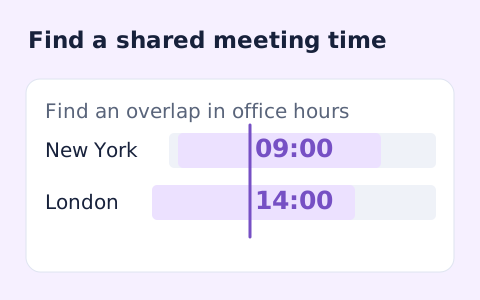
Plan a dated meeting across IANA time zones and check typical weekday office hours.
Open tool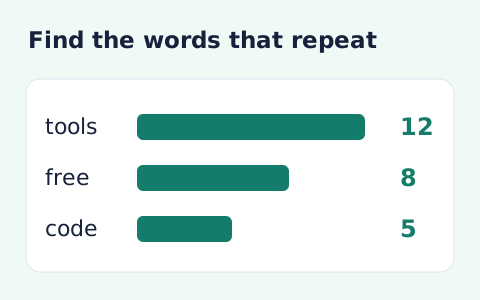
Analyze word counts and term frequency locally with Unicode aware word matching.
Open tool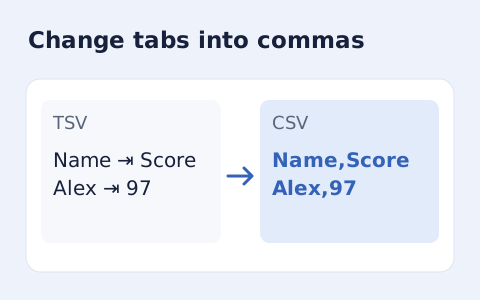
Convert tab-delimited records into quoted CSV without losing multiline cells.
Open toolPrepare the title, page address, and description you intend to use before opening the preview.
Answers about using SERP Snippet Preview and understanding its results.
No. It previews appearance and length only.
Not always. A search engine may choose text from the page to match a query.
No. The URL is shown with the wording you enter; the tool does not retrieve the page metadata.
Letter shapes have different widths. The measured pixel width can change even when two titles have the same character count.