
Word Frequency Counter
Analyze word counts and term frequency locally with Unicode aware word matching.
Open toolCount words, characters, sentences, paragraphs and lines with this free online text analyzer. Paste a passage to review its structure; it does not check grammar.
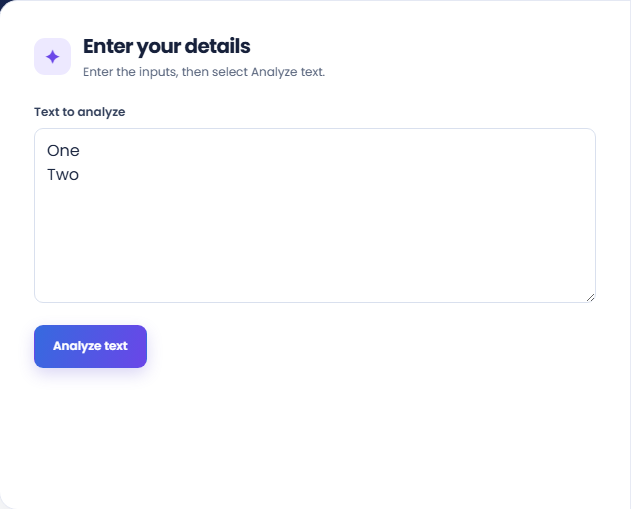
Enter the inputs, then select Analyze text.
Result will appear here
The analyzer identifies letter and number words, segments English sentences, and counts paragraphs from nonempty blocks separated by blank lines.
The result puts the counts together so you can inspect the structure of one passage. It measures text, rather than checking grammar or judging whether the writing is good.
An empty passage or a passage with no letter or number word is rejected.
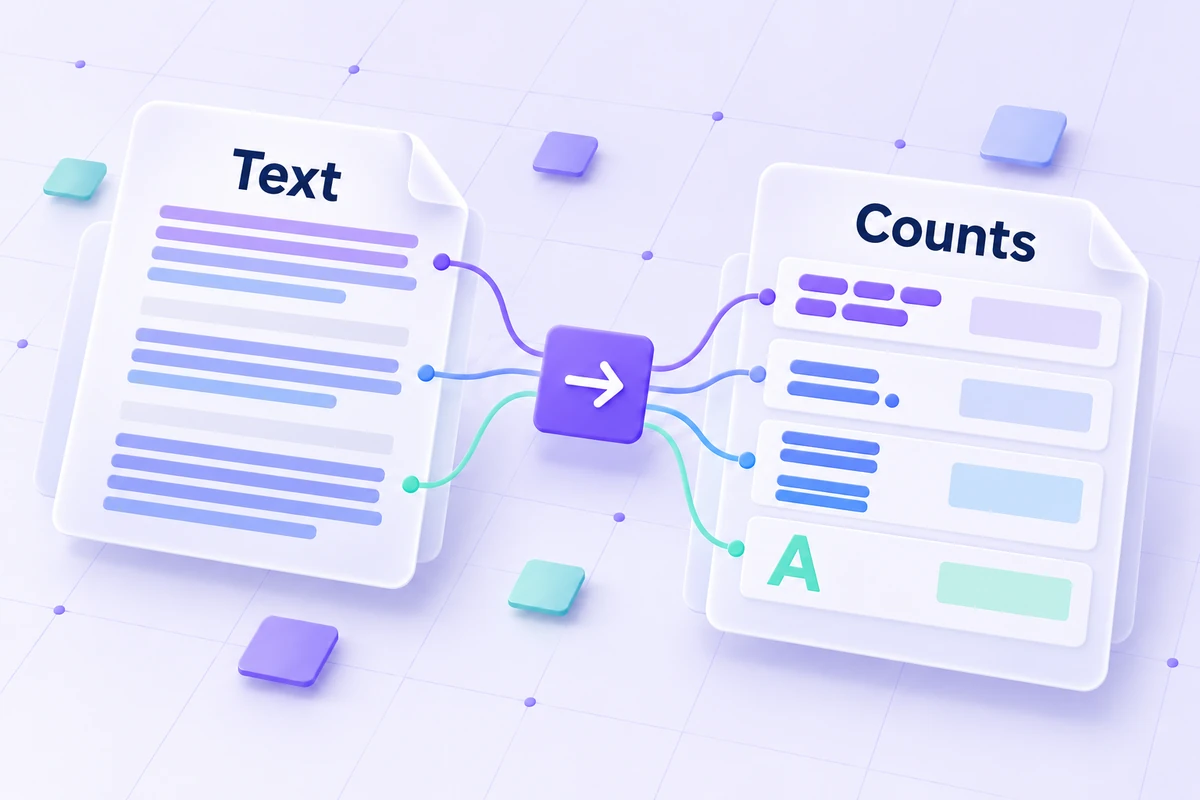
Paste the actual text you want to measure, including the breaks between lines and paragraphs.
Paste the passage into Text to analyze, including meaningful line breaks and blank lines. Analyze the same document portion each time when comparing revisions, and remove unrelated clipboard material first.
Run the analysis and read the main word total. The result also displays characters, non-space characters, sentences, paragraphs, lines, and words per sentence so you can inspect one defined passage.
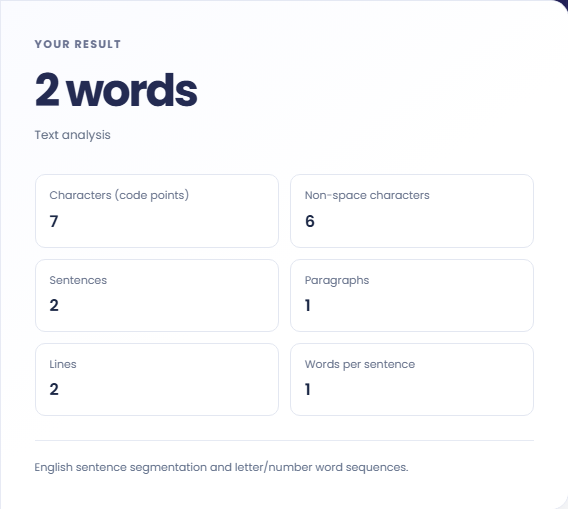
Read the English-segmentation note alongside the totals. Blank lines affect paragraphs, and Unicode code points affect characters. Record the counts before replacing the input; this screen does not save a revision history.
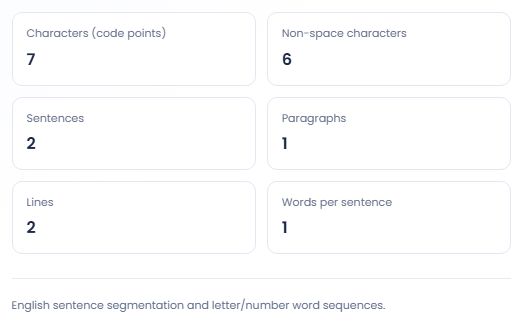
These counts help answer a defined editing question before you decide what to change.
Use the character count when a form or submission has a length allowance. Confirm how that destination counts characters: this tool counts Unicode code points, and another system may count bytes or use a different treatment of emoji.

Paste a draft to see how many nonempty paragraph blocks it contains. Combine that result with a read of the actual paragraphs when checking a dense introduction or a section that has been split into many short blocks.

Record word, sentence, and line counts alongside a sample used in an editing exercise. Keep the original sample available so someone else can see what was counted, especially when headings, lists, or trailing line breaks affect the totals.

Use the counts to describe the passage, then consider how punctuation and paragraph breaks affect them.
Sentence segmentation uses English conventions. Abbreviations and unusual punctuation can affect the result, so inspect the text before treating a sentence total as a precise description of its grammar.
A word here is a sequence of letters or numbers. Chinese and Japanese passages are not separated into individual words by this counter. A count is not a readability score or a quality assessment.

A useful count starts with the intended passage rather than stray clipboard text or an incomplete selection.
An empty passage or a passage with no letter or number word is rejected. Remove accidental clipboard content and keep the input within 100000 characters before submitting again.
If line or paragraph totals surprise you, check invisible trailing newlines and blank lines. For a repeated term question, use a frequency counter rather than inferring repetition from the overall word total.

Analyze word counts and term frequency locally with Unicode aware word matching.
Open tool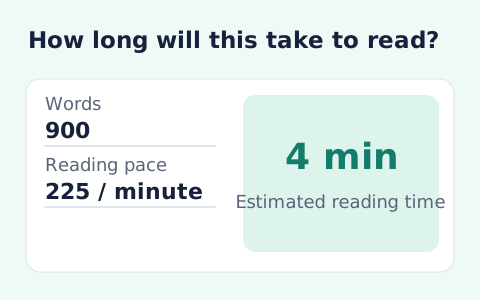
Paste text and estimate reading time from its word count and your chosen reading speed.
Open tool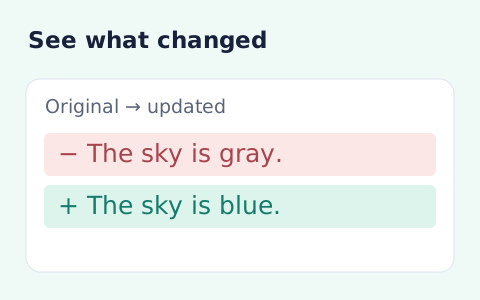
Compare two pieces of text locally with additions and removals highlighted by word or line.
Open toolChoose another tool for your next calculation, conversion, or text task.
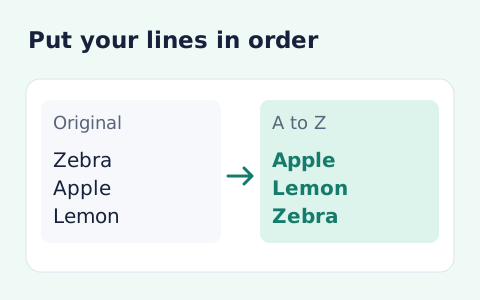
Sort text lines A–Z or Z–A, optionally removing blank and duplicate lines, then copy the result.
Open tool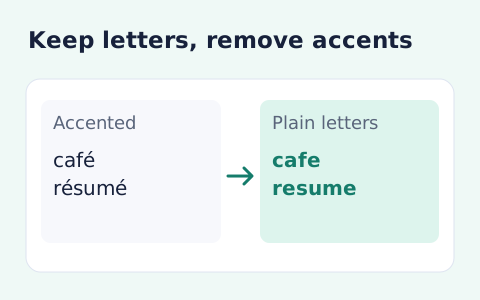
Remove diacritic marks from Unicode text locally while keeping the original letter order and line breaks.
Open tool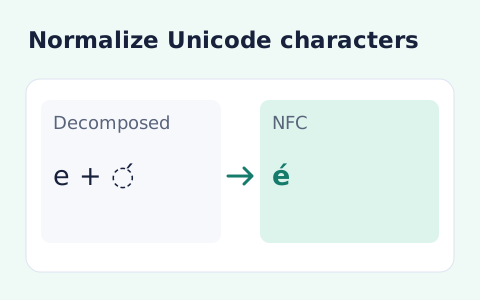
Convert text between the four Unicode normalization forms locally in your browser.
Open tool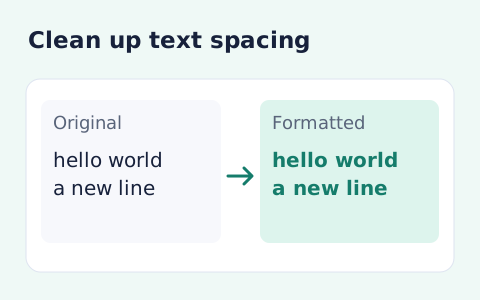
Format pasted text with line trimming, horizontal whitespace cleanup, blank-line handling, and case conversion.
Open toolPaste the actual text you want to measure, including the breaks between lines and paragraphs.
Answers about using Online Text Analysis Tools and understanding its results.
Nonempty blocks separated by blank lines count as paragraphs.
No. It counts text structure and does not make a grammar or quality judgment.
It analyzes one pasted passage at a time. Record the totals before replacing the input if you want to compare a revision.
Characters are counted as Unicode code points. A destination may instead count bytes, UTF-16 units, or displayed graphemes.