
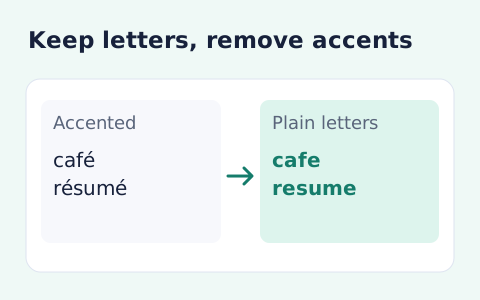
Remove Accents from Text
Remove diacritic marks from Unicode text locally while keeping the original letter order and line breaks.
Open toolNormalize pasted Unicode text with NFC, NFD, NFKC, or NFKD. Review whether the representation changed and copy the selected-form output.
Update the inputs to see your result.
Result will appear here
The selected Unicode form rewrites text representation through String.normalize.
The selected form is passed to JavaScript String.normalize. The returned text is compared with the source to show whether it changed, and its Unicode code points are counted for the displayed result.
Compatibility forms (NFKC/NFKD) may change visual or semantic distinctions. Original text is not uploaded.
Reference: MDN: String.normalize().

Choose a normalization form based on whether compatibility distinctions should be preserved.
Paste the source text and select NFC, NFD, NFKC, or NFKD. Keep the original where exact distinctions matter. Canonical forms handle equivalent representation, while compatibility forms can also change distinctions in the source.
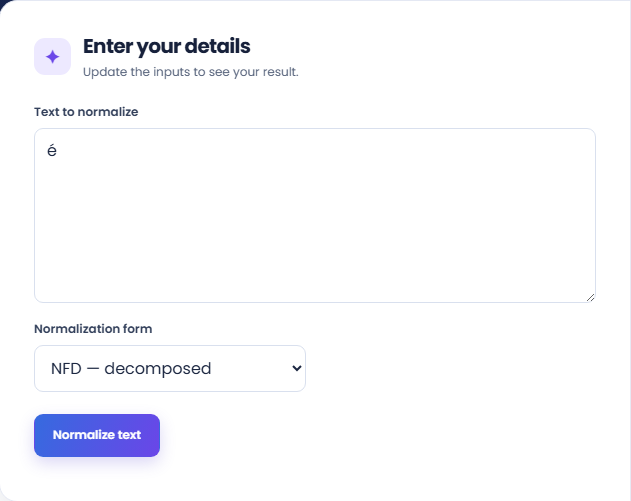
Select Normalize text and review the returned text. The page applies JavaScript String.normalize with the selected form. Composed and decomposed sequences can look similar while containing different code points, so inspect relevant terms rather than appearance alone.
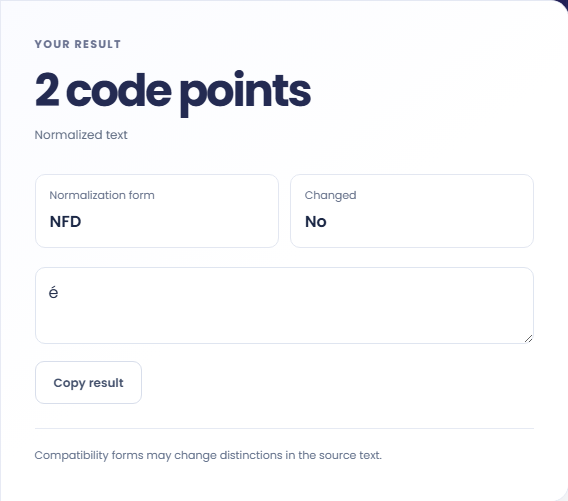
Read Normalization form, Changed, and the code-point count, then use Copy result if the output fits the destination. Normalization does not automatically strip accents. A No changed flag applies only to this input and the selected form.
Choose the representation goal before transforming names, identifiers or content.
An e followed by a combining acute accent can become the single composed character é under NFC. The visible word may look the same while the code point count changes. This example shows why representation and visible characters need separate checks.

Use NFD when you want to see a canonical decomposed representation of applicable characters. It preserves combining marks instead of removing them. For deliberate accent removal, use the separate Remove Accents tool rather than assuming decomposition alone will drop the accents.

Test a small representative sample before using NFKC or NFKD on a larger passage. Compatibility normalization can change visual or semantic distinctions. Keep the original if exact symbols or identifiers matter, and inspect the resulting text in its intended use.

Read canonical and compatibility changes with their code-point differences.
The result counts Unicode code points in the normalized string. A code point count is not a byte length or a guaranteed count of visible characters. Combining marks can contribute to that count without appearing as separate letters.
NFC and NFD use canonical normalization, while NFKC and NFKD include compatibility processing. The selected form controls the transformation. The page does not translate, transliterate or assess whether the result retains a passage's intended meaning.

Review the selected form before using normalized text in an exact-match destination.
An unchanged output can be correct when the text already uses the selected form. Check the Changed line instead of assuming the button failed. A blank text field needs content before the normalization operation can run.
Compatibility forms can collapse distinctions that matter in names or technical notation. Review those uses explicitly. If Copy result is unavailable, select the result text manually; the page does not provide a file download or stored revision history.

Remove diacritic marks from Unicode text locally while keeping the original letter order and line breaks.
Open tool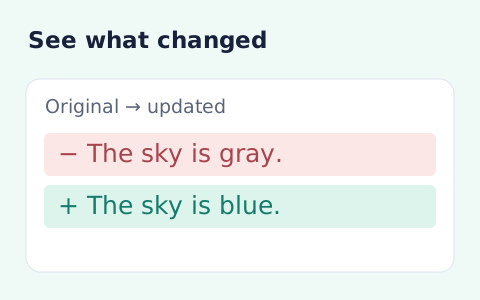
Compare two pieces of text locally with additions and removals highlighted by word or line.
Open tool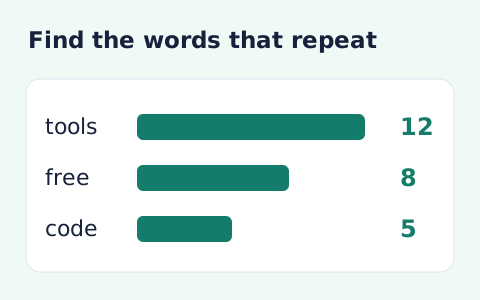
Analyze word counts and term frequency locally with Unicode aware word matching.
Open toolChoose another tool for your next calculation, conversion, or text task.
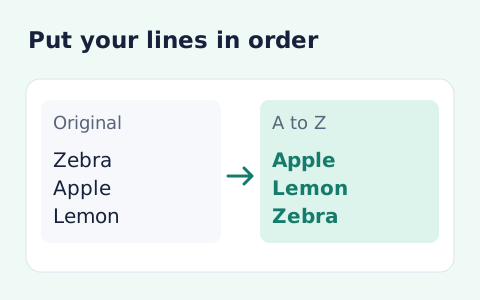
Sort text lines A–Z or Z–A, optionally removing blank and duplicate lines, then copy the result.
Open tool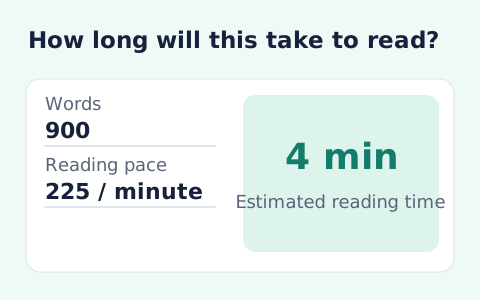
Paste text and estimate reading time from its word count and your chosen reading speed.
Open tool
Analyze pasted text locally with word, sentence, paragraph, line, and character statistics.
Open tool
Format pasted text with line trimming, horizontal whitespace cleanup, blank-line handling, and case conversion.
Open toolNormalize pasted Unicode text with NFC, NFD, NFKC, or NFKD.
Answers about using Unicode Normalizer and understanding its results.
NFC composes canonical sequences where possible; NFD decomposes them.
No. Normalization changes representation, while the separate accent-removal tool removes combining marks.
Normalization can compose or decompose character sequences. The output counts Unicode code points, so visually similar text can have a different count; it is not a count of bytes or visible characters.
Yes. NFKC and NFKD apply compatibility mappings as well as normalization. Review the output before using it where exact distinctions matter.