
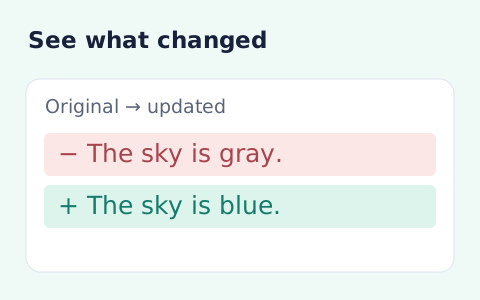
Text Compare
Compare two pieces of text locally with additions and removals highlighted by word or line.
Open toolFormat and beautify SQL online with the dialect and keyword case you choose. Review an indented query and copy the text; no SQL is executed.
Enter the inputs, then select Format SQL.
Result will appear here
The formatter parses SQL using the selected dialect and rewrites whitespace and keyword presentation with two-space indentation.
Literals and comments remain part of the formatted text. The tool does not connect to a database, run statements, or verify that a query returns the intended result.
The input is limited to 100000 characters and formatting runs in a bounded worker.

Choose the SQL dialect and keyword case before formatting a statement or query.
Paste the SQL statement and choose its actual dialect. Set uppercase, lowercase, or preserved keyword case. Keep literals and comments in the source so they remain available for review.
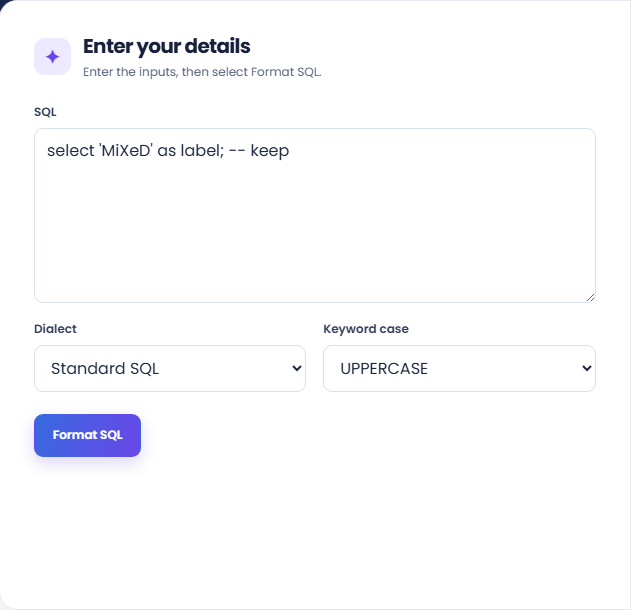
Run the formatter and read the indented output. The result identifies the selected dialect and line count, helping you check that the statement was processed with the intended settings.
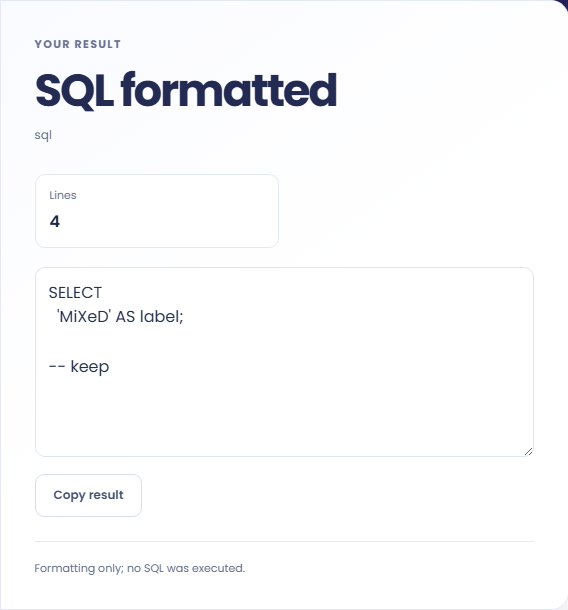
Copy the SQL and inspect literals, comments, and dialect-specific syntax before using it. The result note states that nothing was executed. Query behavior and performance still need database-side evaluation.
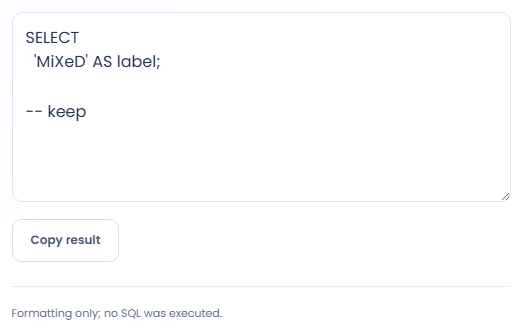
Use formatted SQL to make a review easier while keeping execution in the database workflow.
Format a query with several clauses before discussing it with another developer. The line layout can help locate joins and conditions. Still read the conditions themselves, since visually tidy SQL can select the wrong rows or calculate the wrong expression.

Apply a consistent keyword case to a SQL excerpt used in documentation. Select the dialect shown by the sample and retain quoted identifiers and literal values. Keep any surrounding explanation accurate instead of treating the formatted appearance as validation.

Format comparable SQL statements from an application before inspecting their differences. Use a text comparison afterwards if needed. Formatting can reduce visual noise, but it cannot establish semantic equivalence or explain why an application generated a different condition.

Review the reformatted statement as source text before taking it back to an editor or database workflow.
The result is SQL text with a new layout and keyword treatment. It is not a query plan, a schema check, an execution result, or a test of database performance.
Quoted content is handled as source content rather than executed. A parser error can indicate a dialect mismatch or unsupported syntax, so compare the source with its actual database dialect.

Match the dialect to the original statement and address parser errors before using the formatted text.
The input is limited to 100000 characters and formatting runs in a bounded worker. For a rejected statement, confirm the dialect and remove copied command prompts before changing the SQL itself.
Keep the original query when formatting a large generated statement. If work is stopped, format a smaller complete statement or relevant excerpt and review it with the same dialect selection.

Compare two pieces of text locally with additions and removals highlighted by word or line.
Open tool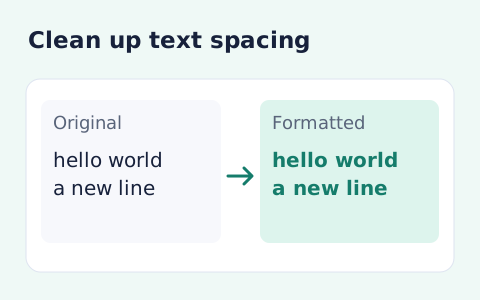
Format pasted text with line trimming, horizontal whitespace cleanup, blank-line handling, and case conversion.
Open tool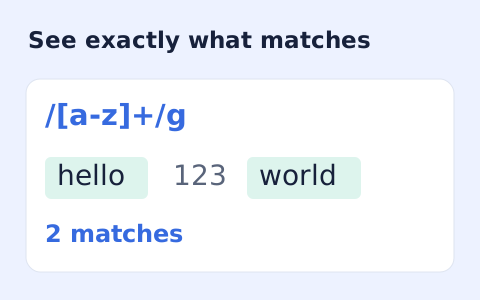
Test JavaScript regular expressions in a separate worker and inspect matches, offsets, and capture groups.
Open toolChoose another tool for your next calculation, conversion, or text task.
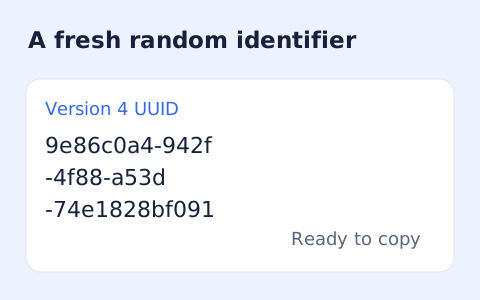
Create one or more RFC 4122 version 4 UUIDs locally and copy them in one click.
Open tool
Convert pixel values to CSS rem units with a configurable root font size and a quick reference table.
Open tool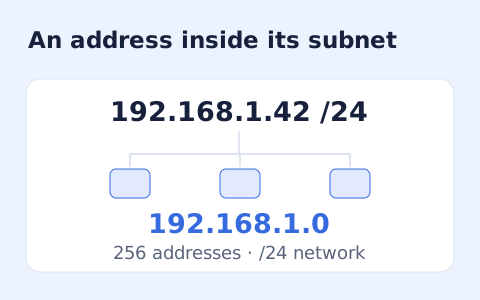
Calculate IPv4 subnet details from an address and CIDR prefix, including /31 and /32 cases.
Open tool
Generate a CSS border-radius declaration from four corner values and preview the shape.
Open toolChoose the SQL dialect and keyword case before formatting a statement or query.
Answers about using SQL Formatter and understanding its results.
No. It formats pasted text only.
The formatter preserves them, but review the output before using it.
Standard SQL, PostgreSQL, MySQL, SQLite, SQL Server, and BigQuery are available in the form.
The tool changes presentation. It does not execute or optimize the query; inspect an execution plan in the database when performance is the question.