
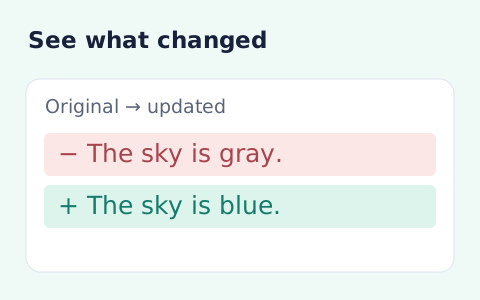
Text Compare
Compare two pieces of text locally with additions and removals highlighted by word or line.
Open toolSort text lines alphabetically A to Z or Z to A, remove blank or duplicate lines, and copy a list with original spelling preserved.
Update the inputs to see your result.
Result will appear here
Retained lines are compared using a case-insensitive numeric-aware sort.
Line endings are normalized before optional blank and duplicate removal. Retained lines are sorted using a case-insensitive English comparison with numeric sorting; original line text stays in the output.
Processing happens in the browser. Duplicate removal ignores case and surrounding spaces; blank-line removal trims whitespace.

Put one item on each line, then choose the ordering and cleanup options separately.
Paste the source lines and choose ascending or descending order. Decide whether to remove blanks and duplicates before running the sort. Duplicate matching ignores case and surrounding spaces, but the retained line text keeps its original spelling and spacing.
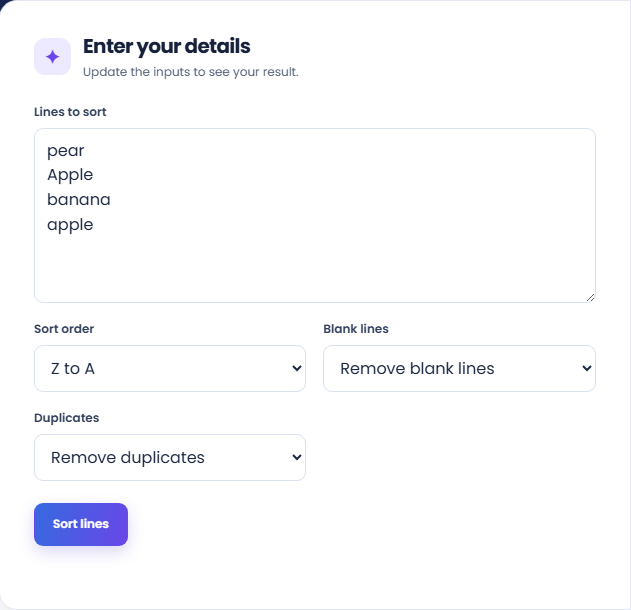
Select Sort lines and inspect the sorted list. The page uses a case-insensitive English comparison with numeric sorting. Check the visible order with representative lines before using the output, especially when the source combines names, numbers, and indentation.
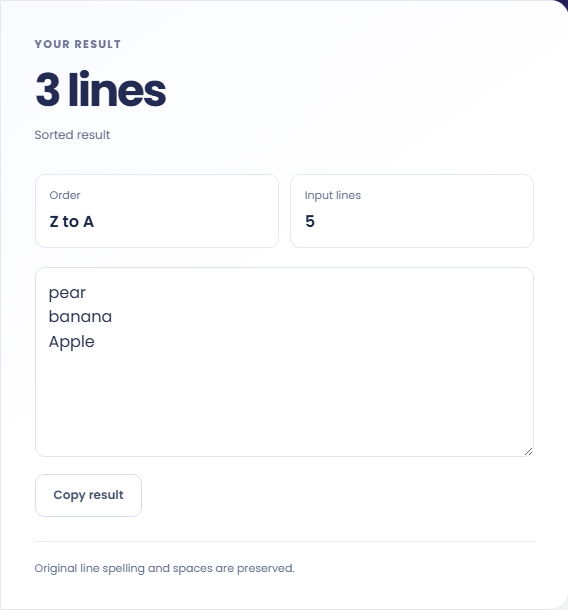
Review the input and output line counts, particularly when removal options are enabled. Use Copy result after confirming the retained content. Sorting changes order and selected retention rules; it does not rewrite capitalization or clean all spacing inside a line.
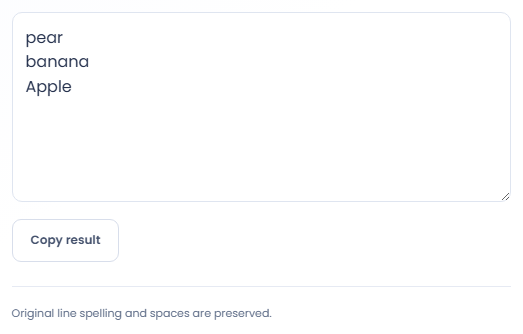
Use the options deliberately when repeated lines or spacing carry information.
Numeric comparison is enabled in the English line ordering, so item2 sorts before item10 in ascending order. Use that behaviour for labels with embedded numbers. This is whole line ordering and does not sort a separate numerical column in a table.

Choose Remove duplicates to reduce a pasted list with repeated names. Lines such as Apple and apple compare as duplicates, including surrounding spaces. Review the retained line spelling if capitalisation distinguishes meaningful values in the source list.

Sort each list using the same direction and cleanup settings before comparing them elsewhere. Keep repeated entries when repetition matters. Equal ordering makes a comparison easier to read, but it does not prove that different lines represent the same underlying item.

Understand what changes in line order and what stays in retained text.
Ordering ignores letter case for comparison and uses numeric awareness inside lines. Lines that compare equally retain their original relative order. The result keeps each retained line's text, including spaces that were not removed as blank lines.
Removing blank lines drops lines containing only whitespace. Removing duplicates uses trimmed, case folded comparison values, so it is a stronger operation than simply reordering text. Review those settings before replacing an original list.

Review blank-line and duplicate settings before replacing a source list.
A paragraph or comma separated list will be treated as a line unless you insert line breaks yourself. This page does not parse CSV fields or a spreadsheet column. Use a data conversion tool when the input is a structured table.
If copying is unavailable, select the generated text and copy it manually. There is no file upload or download on this tool. Keep the untouched input outside the page because it does not save a version history.

Compare two pieces of text locally with additions and removals highlighted by word or line.
Open tool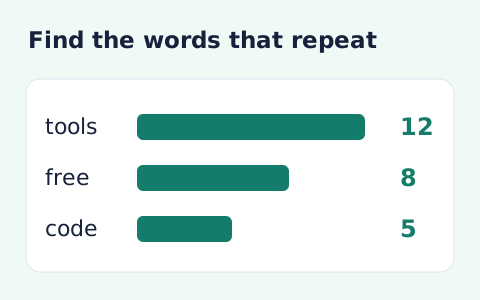
Analyze word counts and term frequency locally with Unicode aware word matching.
Open tool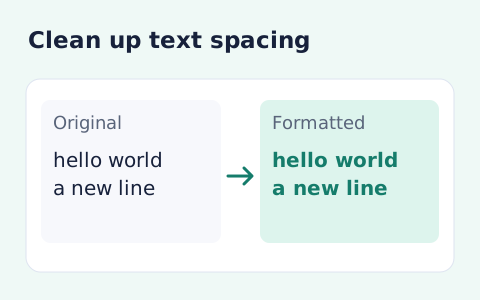
Format pasted text with line trimming, horizontal whitespace cleanup, blank-line handling, and case conversion.
Open toolChoose another tool for your next calculation, conversion, or text task.
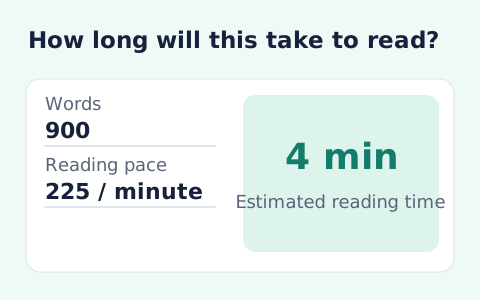
Paste text and estimate reading time from its word count and your chosen reading speed.
Open tool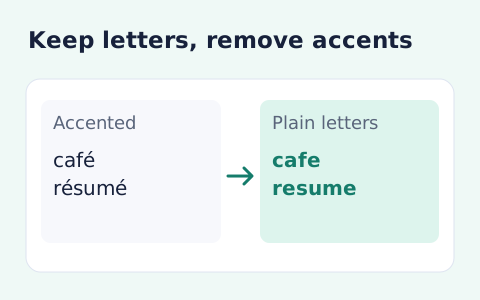
Remove diacritic marks from Unicode text locally while keeping the original letter order and line breaks.
Open tool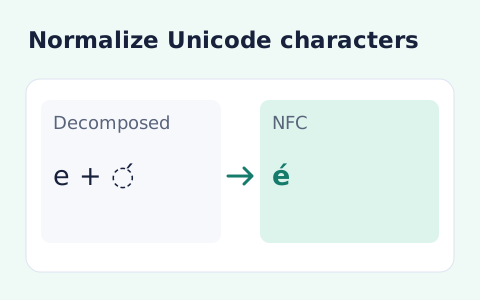
Convert text between the four Unicode normalization forms locally in your browser.
Open tool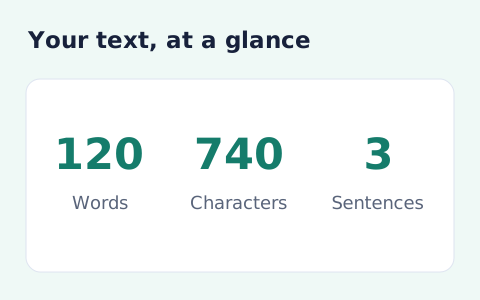
Analyze pasted text locally with word, sentence, paragraph, line, and character statistics.
Open toolSort text lines in either direction, optionally remove blank or duplicate lines, and copy the resulting list with original spelling preserved.
Answers about using Sort Text Lines and understanding its results.
No. Sorting runs in your browser.
The same line, ignoring letter case and leading or trailing spaces, counts as a duplicate.
The English comparison enables numeric sorting, so number sequences can sort in numeric order within a line rather than solely by character order.
No. Duplicate detection can ignore case and surrounding spaces, but retained lines keep their original text.