
CSV Viewer
Inspect quoted CSV cells in a readable table without uploading your data.
Open toolConvert a JSON array of objects to CSV online for free. Combine keys into columns, review the result, then copy or download the CSV in your browser. No sign-up required.
Paste object records, then select Convert to CSV.
Result will appear here
Turn JSON object records into a table while keeping control over the exported CSV cell text.
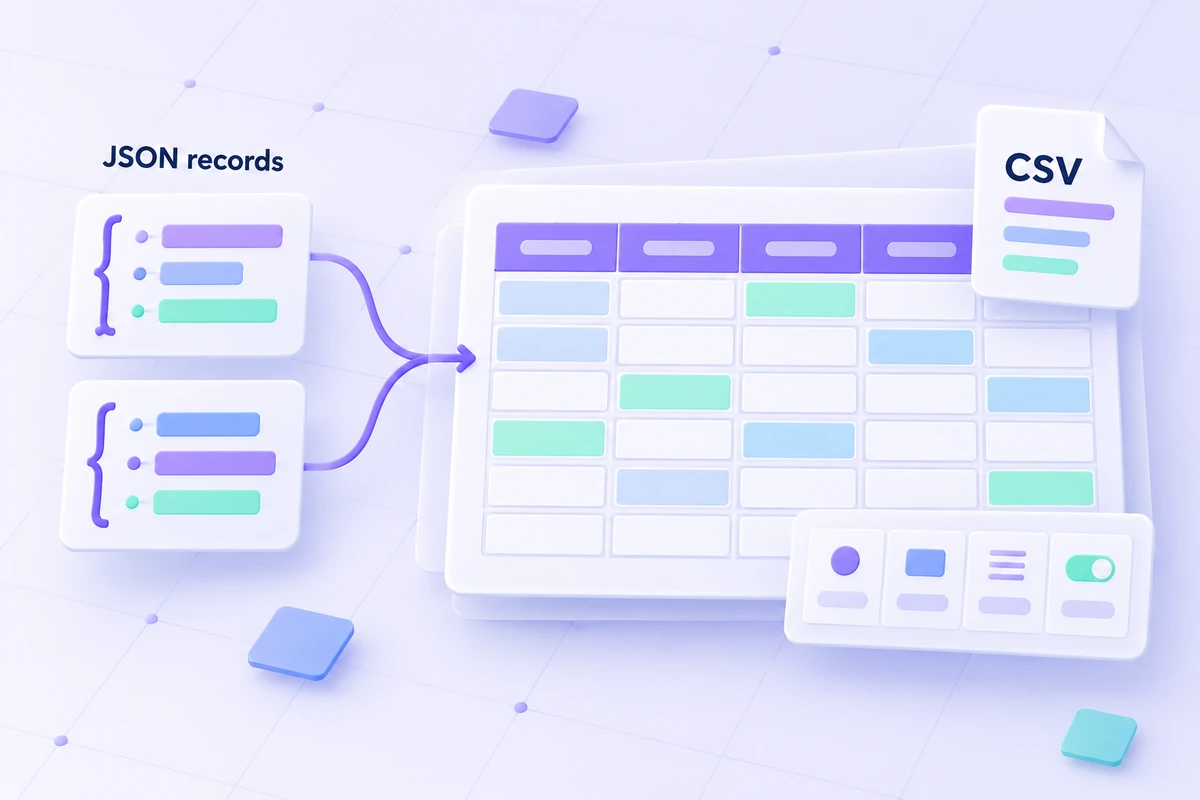
Each object becomes one CSV row. The converter collects keys across the records in their first encountered order, then quotes values where CSV requires it.
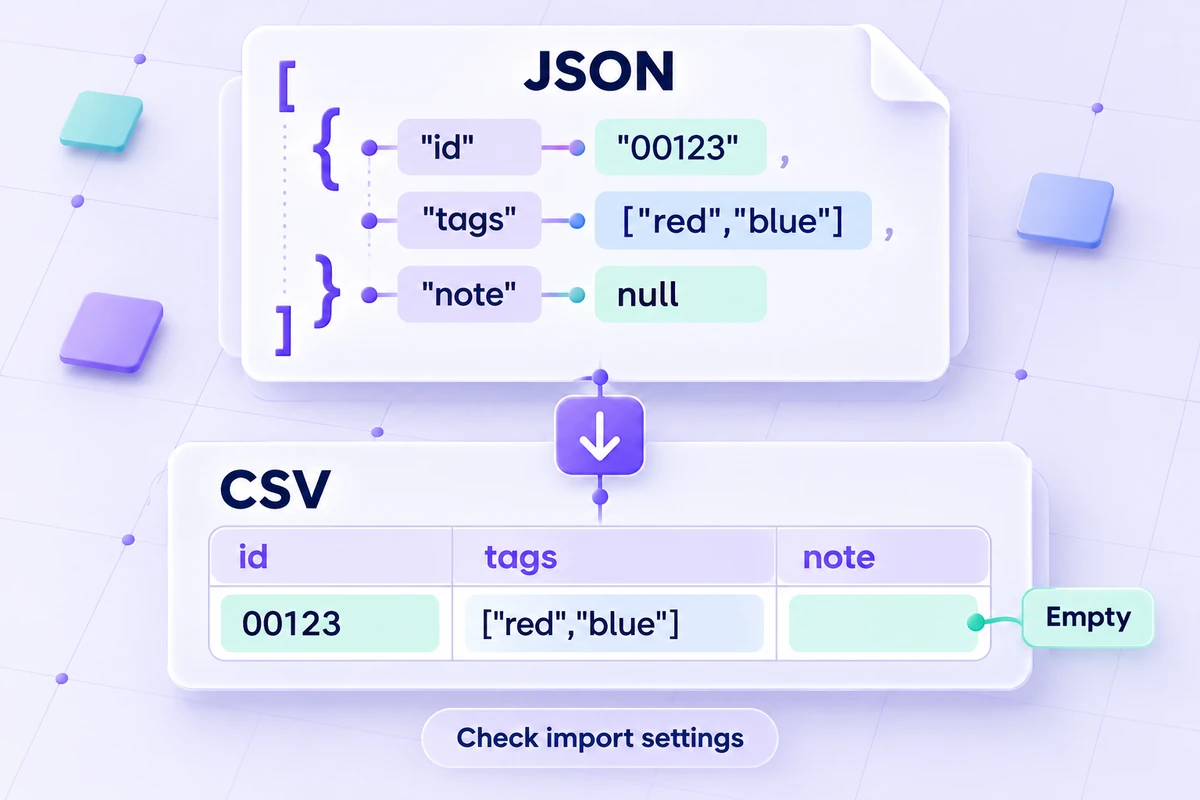
Missing and null values produce empty cells. Nested objects and arrays stay together as compact JSON text inside a cell.
Numeric tokens retain their digits without rounding during conversion. The limit is 100,000 input characters, 5,000 object records, and 100 columns. Check your spreadsheet import settings before relying on its display of identifiers or dates.
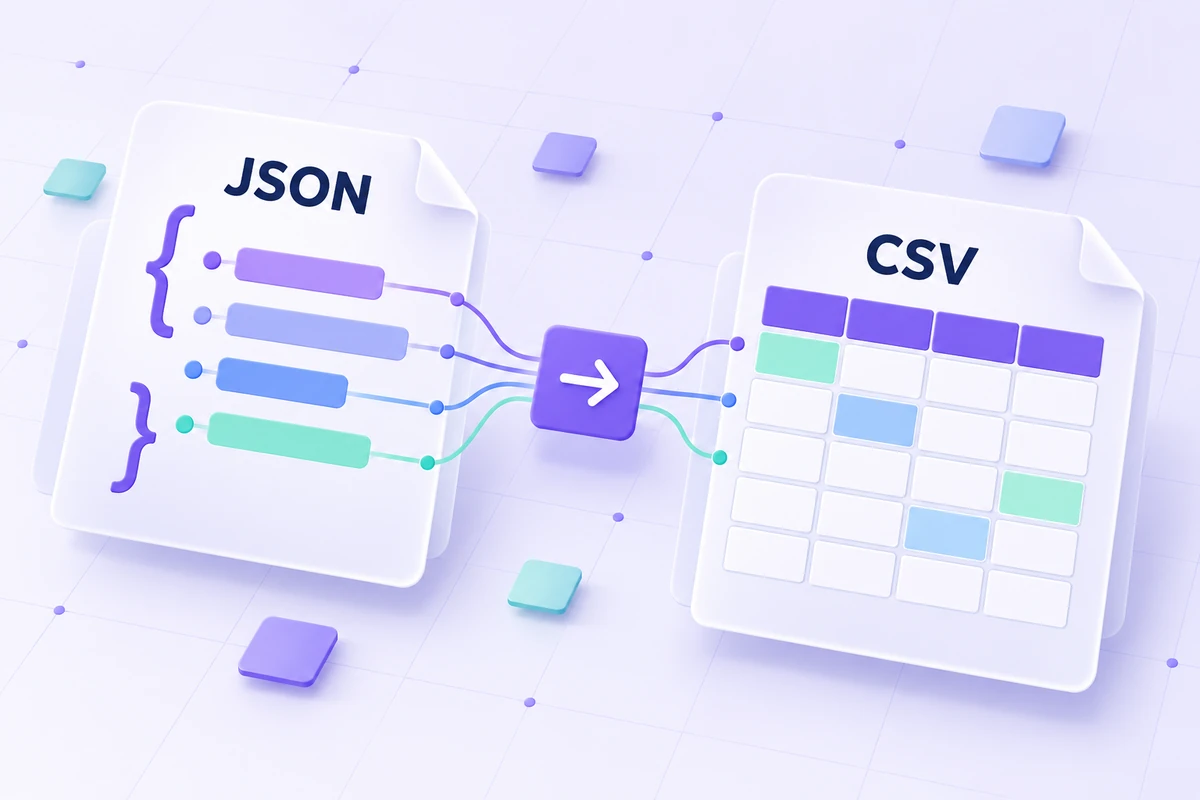
Paste a JSON array of objects, review the CSV columns, and choose the export treatment for your spreadsheet workflow.
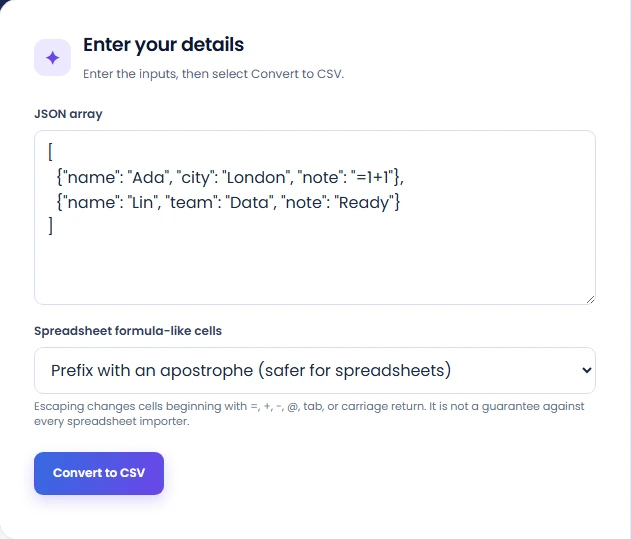
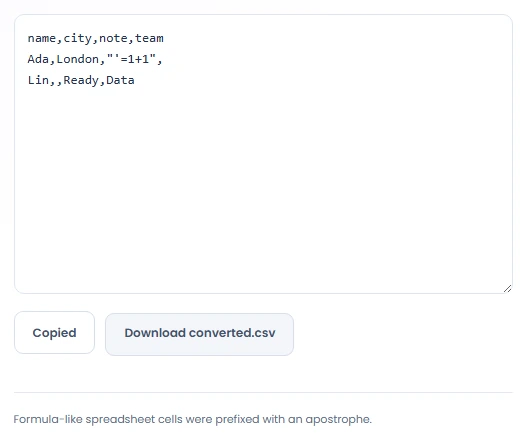
Paste a nonempty JSON array of objects into the JSON array field. In the pictured example, Ada has a city field and Lin has a team field. Each object represents one output row. A single object or an array of scalar values is not supported.
Select Convert to CSV and review the headers. This example produces name, city, note, and team columns, collected in the order their keys are first encountered. Check several records: a missing field and a null value both produce an empty cell.
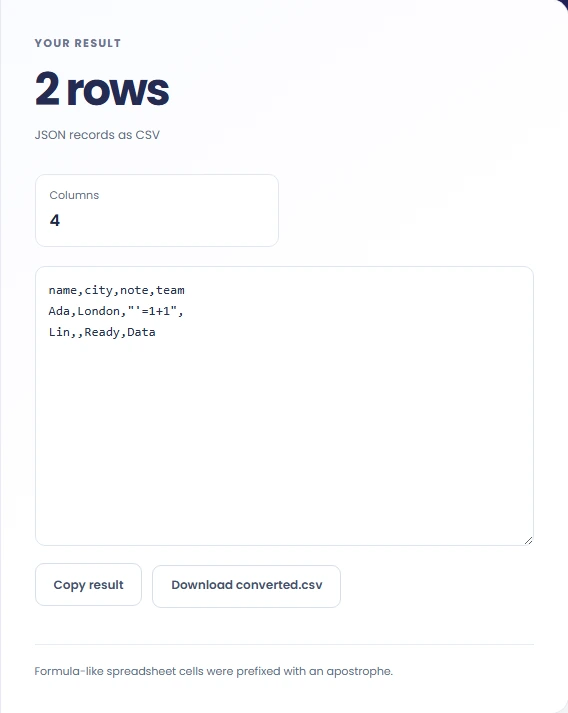
Choose Prefix with an apostrophe or Keep exact cell text for formula-like cells. Select Convert to CSV again after changing that setting. Review the output, then use Copy result or Download converted.csv. Check long numbers and nested values in the receiving application, whose import settings may change how cells are interpreted.
Create CSV rows from JSON records with different keys or nested values, then check how your spreadsheet imports the cells.
Convert an object array into CSV when a spreadsheet is the next review environment. Inspect the importer treatment of dates, identifiers, and formulas separately. The conversion creates cells but does not set the destination column types or spreadsheet display formats.
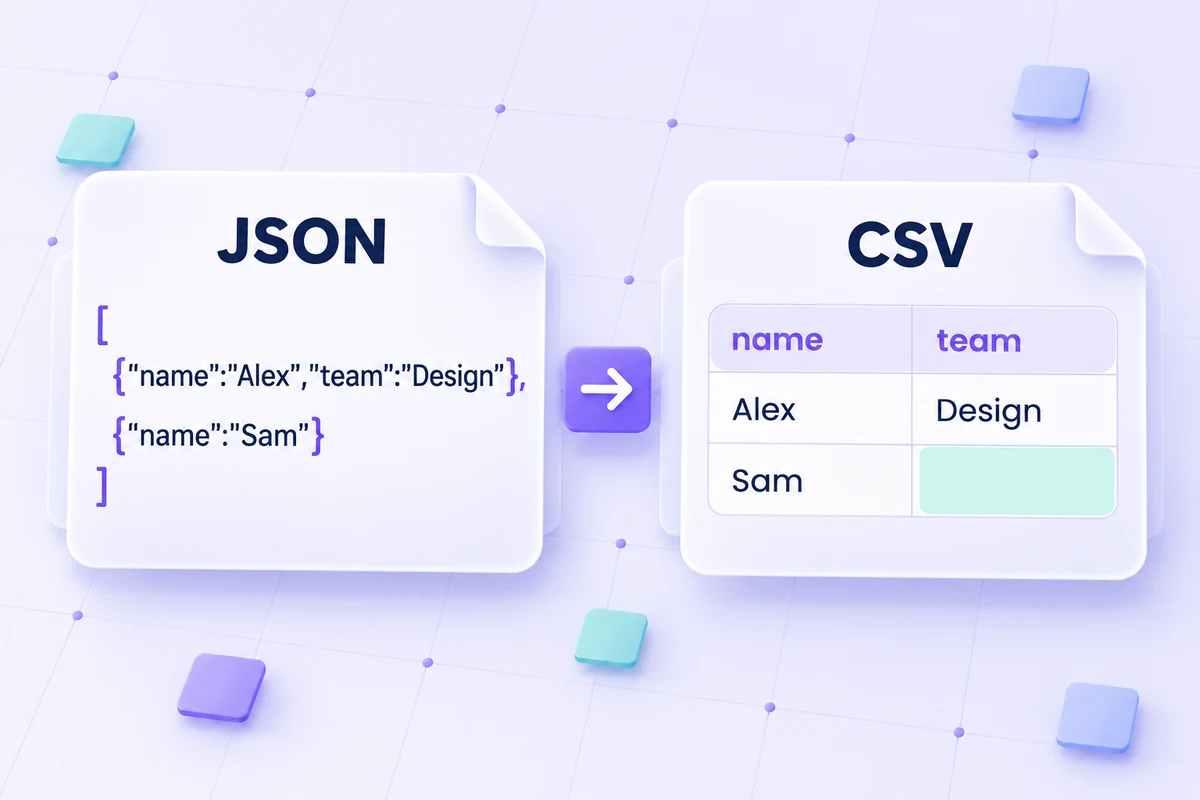
Use a sample where objects have different fields to inspect the union of headers. Empty output cells can represent a missing key or a null value, so retain the JSON source if that distinction affects your interpretation of the table.
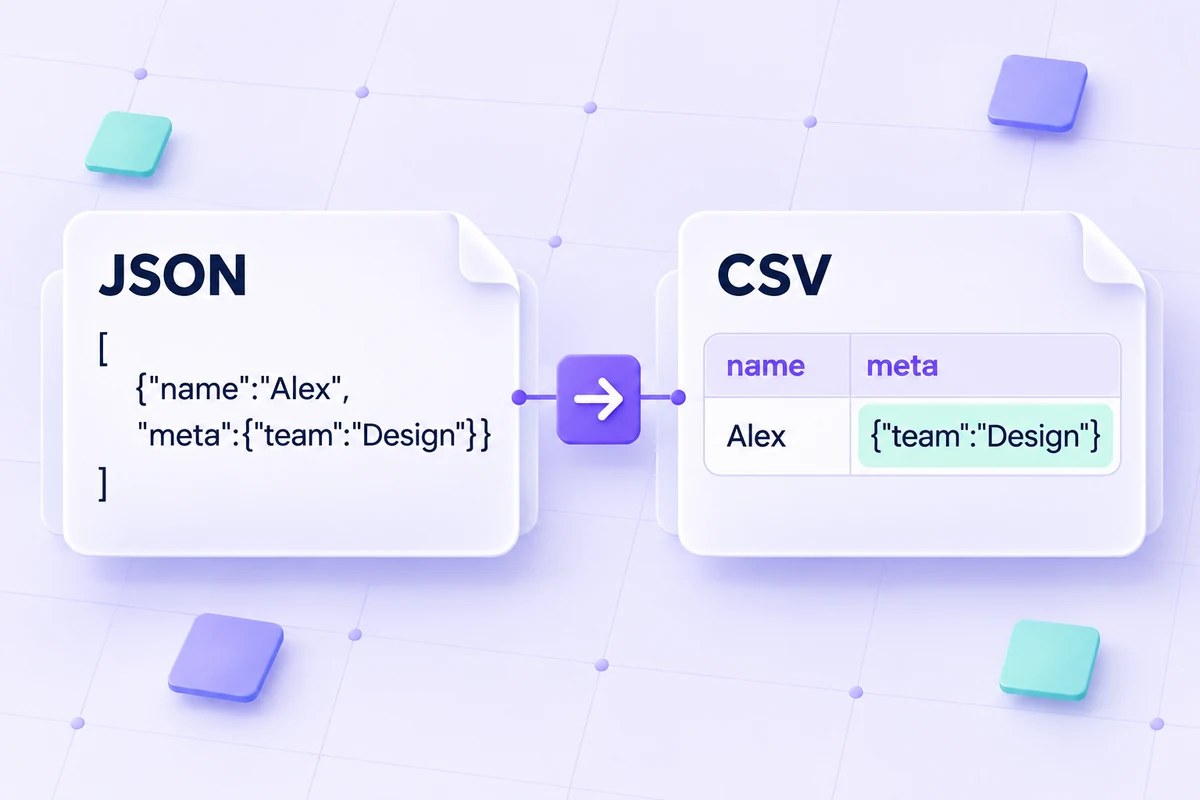
Convert records containing an object or array in a field when a single CSV cell is acceptable for that nested content. The nested value becomes compact JSON text. Use another transformation if the destination requires separate columns for its inner keys.
See how JSON objects and arrays, empty fields, and numeric text are represented in the CSV output.
Nested arrays and objects are serialized inside a cell rather than flattened into dotted column names. Null and missing values both become empty cells, which removes that distinction from the table.
Numeric tokens retain their textual digits in the output. A spreadsheet or other consumer can still parse them into a different numeric representation, so test long identifiers at the destination.
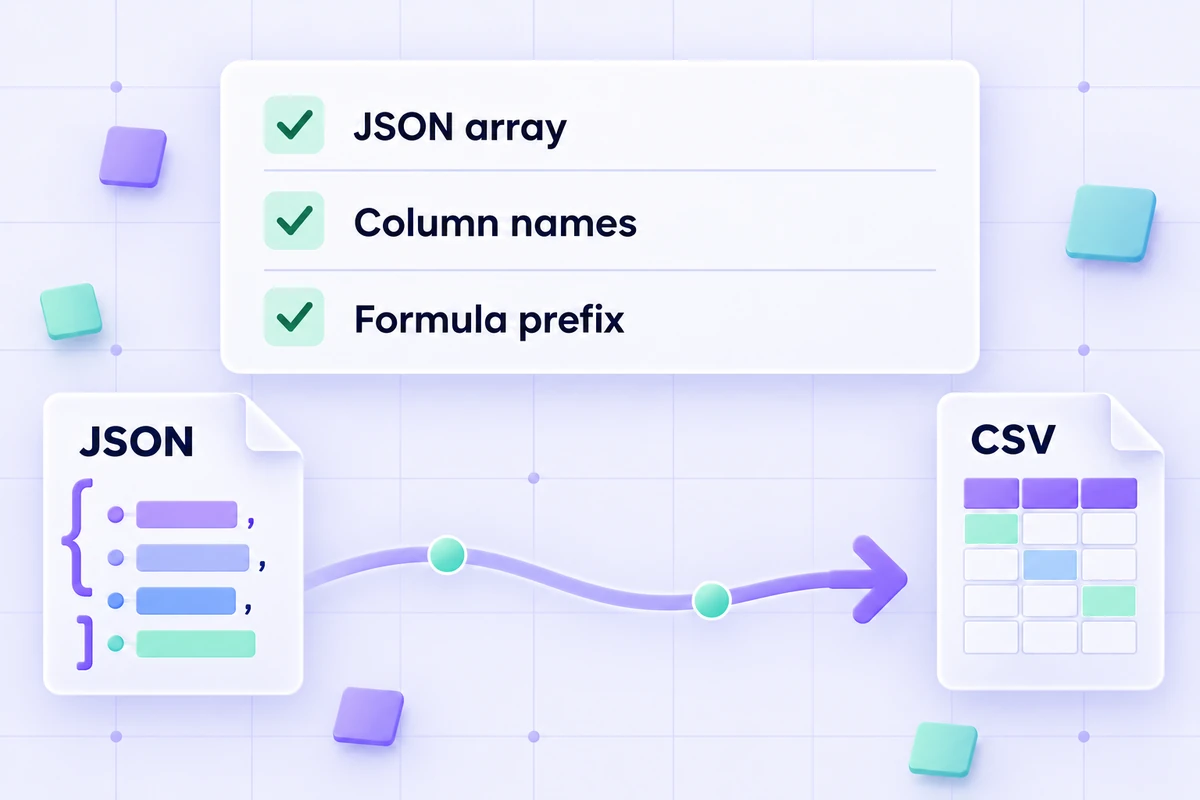
Check the JSON array structure and CSV export settings before opening the result in a spreadsheet.
Use valid JSON containing a nonempty array of objects. The converter accepts up to 100,000 input characters, 5,000 records, and 100 resulting columns. JavaScript object literals with unquoted keys or trailing commas are not valid JSON.
Formula escaping prefixes selected leading characters and changes the cell text. Review that setting alongside the importer behavior rather than treating it as a guarantee for every spreadsheet environment.
=SUM(1,2)→'=SUM(1,2)Inspect quoted CSV cells in a readable table without uploading your data.
Open tool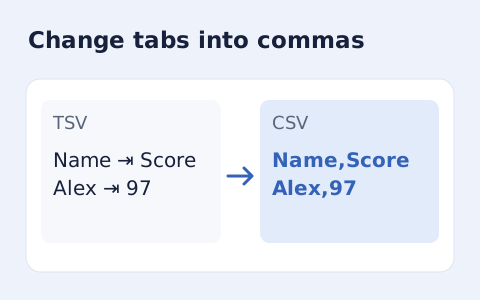
Convert tab-delimited records into quoted CSV without losing multiline cells.
Open tool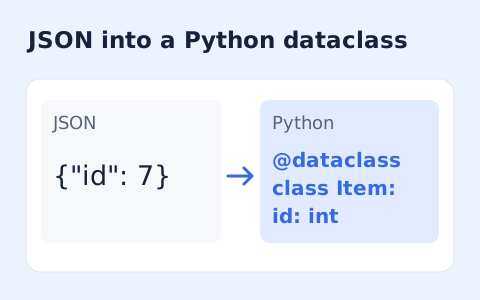
Infer nested Python dataclass definitions from JSON example records.
Open toolConvert an HTML table to CSV, turn TOML into JSON, generate a PHP array from JSON, or compare two texts.
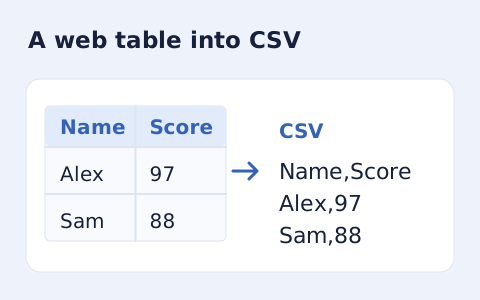
Extract an HTML table into CSV, expanding row and column spans.
Open tool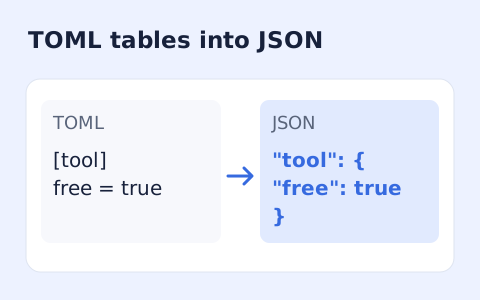
Convert TOML tables, arrays, and values into formatted JSON.
Open tool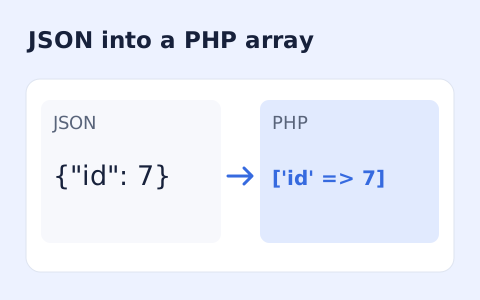
Generate a PHP array expression from JSON without running code.
Open tool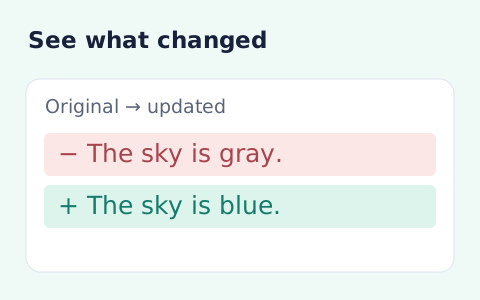
Compare two pieces of text locally with additions and removals highlighted by word or line.
Open toolPaste your JSON object records, review the columns, and copy or download the CSV.
Answers about JSON input, CSV output, and spreadsheet import settings.
Paste a nonempty JSON array of objects. A single object, an empty array, or an array of scalar values is not supported. The input limit is 100,000 characters, with up to 5,000 records and 100 resulting columns.
No. The CSV headers include keys found across all records, in the order they are first encountered. A missing key or a null value produces an empty cell.
No. Nested objects and arrays become compact JSON text inside one CSV cell. They do not become separate columns for each inner key.
The converter preserves numeric token digits in its CSV output. A spreadsheet may still interpret long numbers, leading zeros, or dates differently. Check the destination import settings and use text columns for identifiers where appropriate.
The default option adds an apostrophe to cells beginning with =, +, -, @, tab, or carriage return. Keep exact cell text leaves them unchanged. Review the result with your spreadsheet importer; the prefix is not a guarantee against every importer.
Yes. After selecting Convert to CSV, use Copy result or Download converted.csv in the result panel. Conversion runs in your browser and does not require an account.