
YAML Validator
Validate YAML 1.2 syntax, duplicate keys, and bounded alias references.
Open toolConvert TOML to formatted JSON online. Review tables, arrays and values, then copy or download the result; integer tokens remain exact and date/time values become ISO strings.
Enter the inputs, then select Convert to JSON.
Result will appear here
The parser reads TOML tables and values, emits exact integer number tokens, and represents TOML date and time values as ISO strings in JSON.
The generated JSON represents the parsed data structure, rather than comments or original formatting. TOML nan and inf values are rejected because JSON cannot represent them.
Review duplicate assignments, table declarations, and value syntax in the original TOML when parsing fails.

Paste TOML source to produce JSON for review or a compatible downstream consumer.
Enter the TOML tables, arrays, and values you want to convert. Keep quoted strings and table headers intact. Reduce excessive nesting and resolve unsupported nonfinite values before submitting.
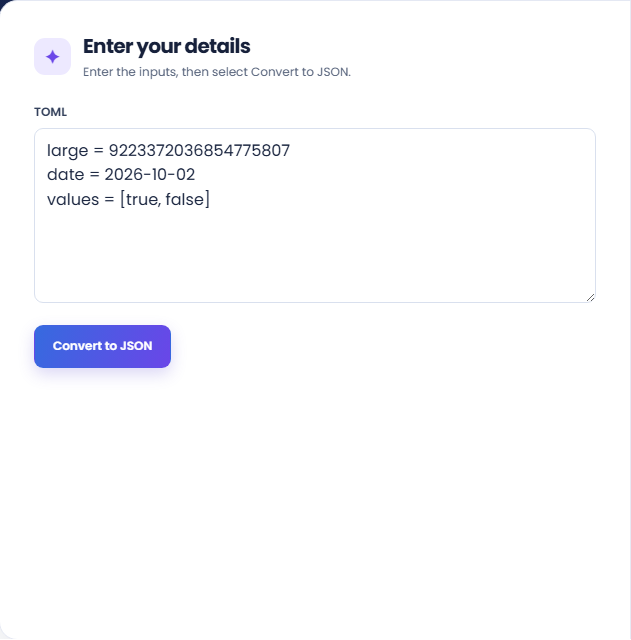
Run the conversion and inspect the generated JSON structure. Table relationships and arrays come from the parsed source rather than from its original spacing or comments.
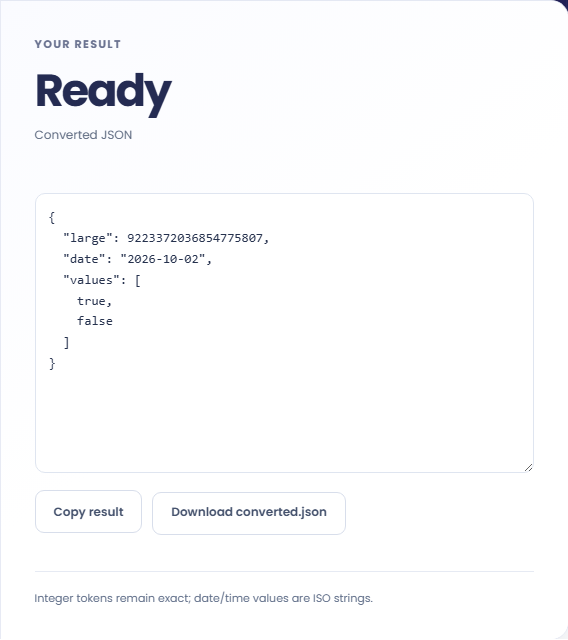
Copy the JSON or download converted.json. Read the exact-integer and ISO-date-string note, then check the destination parser. JSON has no date type, and the receiving application can impose its own number limits.
Use conversion when the destination needs JSON rather than the original TOML representation.
Convert a TOML configuration when an import process specifically requests JSON. Check that the import expects the same key structure and value types. Changing the serialization format does not map one application configuration schema into another application schema.

Inspect the JSON output when you want to see how TOML tables and arrays become nested data. Keep the source beside the result so a reader can relate the objects to their table declarations rather than guessing their origin.

Use a sample containing a long integer to inspect the emitted JSON token before integrating the conversion. Verify the receiving runtime preserves that value as needed. An exact token in the file does not guarantee exact arithmetic after another system parses it.

Check how the receiving application will interpret JSON numbers and strings after the TOML types are converted.
TOML date and time values become strings in JSON. The result therefore needs an explicit interpretation in the receiving application rather than an assumption that JSON carries a native date type.
NaN and infinity are rejected because they cannot be emitted as ordinary JSON numbers. Comments are not carried into the output as annotations or documentation.

Review source assignments and table declarations before checking the converted document with its intended consumer.
Review duplicate assignments, table declarations, and value syntax in the original TOML when parsing fails. The input is limited to 100000 characters, and deeply nested data beyond the supported depth is rejected.
If an import succeeds but values change, check the receiving JSON number and date handling. Keep the TOML source as the authoritative editing copy when comments and formatting remain useful.

Validate YAML 1.2 syntax, duplicate keys, and bounded alias references.
Open tool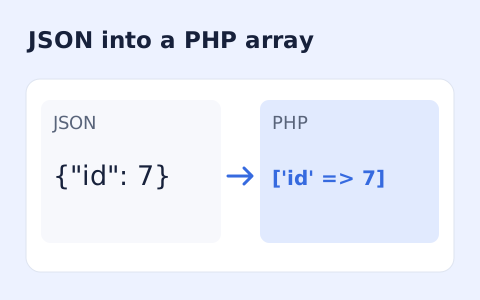
Generate a PHP array expression from JSON without running code.
Open tool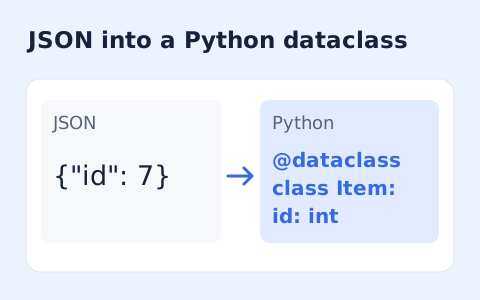
Infer nested Python dataclass definitions from JSON example records.
Open toolChoose another tool for your next calculation, conversion, or text task.
Create one or more RFC 4122 version 4 UUIDs locally and copy them in one click.
Open tool
Convert pixel values to CSS rem units with a configurable root font size and a quick reference table.
Open tool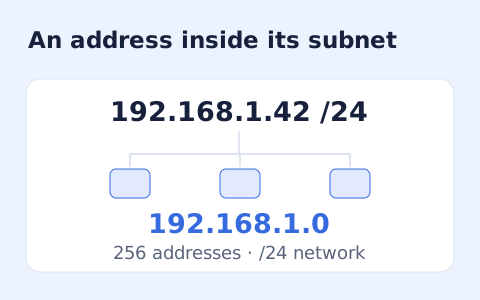
Calculate IPv4 subnet details from an address and CIDR prefix, including /31 and /32 cases.
Open tool
Generate a CSS border-radius declaration from four corner values and preview the shape.
Open toolAnswers about using TOML to JSON Converter and understanding its results.
No. Integer values are parsed as BigInt and emitted without rounding.
They are represented as ISO strings; JSON has no date type.
No. The output serializes the parsed data as JSON; comments and the original document formatting are not carried over.
JSON does not represent nan or inf. Those TOML values are rejected instead of silently converted to another value.
Paste TOML source to produce JSON for review or a compatible downstream consumer.