TOML to JSON Converter
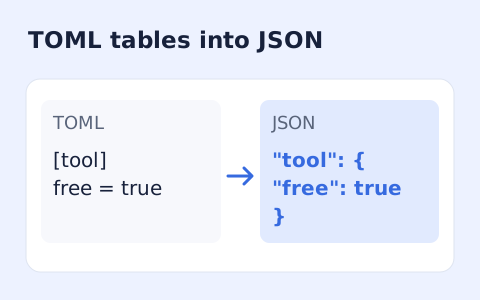
Convert TOML tables, arrays, and values into formatted JSON.
Open toolCheck YAML 1.2 syntax, duplicate keys and bounded alias references. Paste one or several documents to inspect parser errors; this validator does not check an application schema.
Enter the inputs, then select Validate YAML.
Result will appear here
The validator parses YAML 1.2 documents with strict syntax and unique keys, resolves references under an alias-count limit, and reports the document total.
A valid result concerns YAML syntax and reference consistency. It does not prove that a Kubernetes manifest, CI file, or another application configuration follows its schema.
Preserve actual indentation instead of aligning text by appearance alone.

Paste YAML source to check parsing under the supported YAML 1.2 rules.
Paste the YAML source with meaningful indentation, quoted values, anchors, and references intact. Separate multiple documents using the YAML document marker when needed, staying within the document and alias limits.
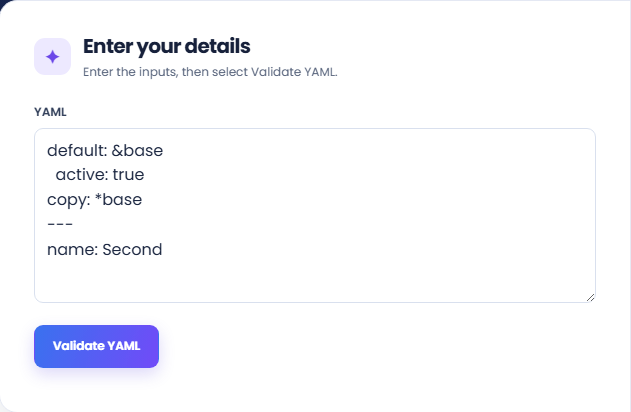
Run the validator and inspect the Valid YAML result or reported parser problem. On success, the result shows how many documents were checked with the strict YAML 1.2 parser.
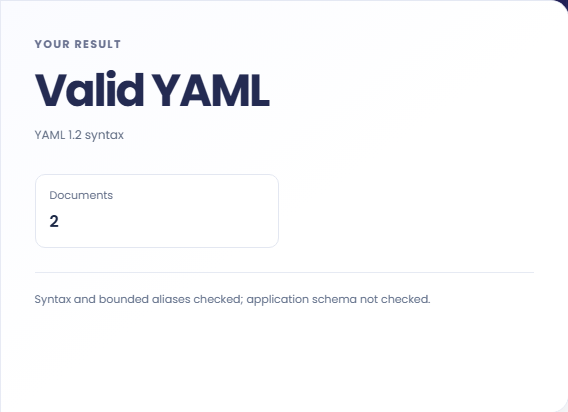
Review the syntax-and-bounded-alias note before handing the configuration to an application. This result does not check a Kubernetes, CI, or other application schema, so validate those requirements separately.
Use syntax validation as one step before an application specific configuration review.
Validate a YAML file after editing a nested setting or adding a list item. This can catch a syntax mistake before application testing. Keep the intended behavior test separate, because changing a valid value can still produce an unwanted configuration.

Check a source containing document separators and inspect the reported document count. Confirm the destination supports the same number and arrangement of documents. A parser accepting several documents does not establish that an application will process all of them.

Use the strict check when a copied configuration may repeat the same key in one mapping. Resolve the duplication deliberately by checking the intended source value. Do not rely on another parser silently choosing one of the conflicting entries.

Use the validation result to assess the supported YAML syntax before checking an application-specific schema.
Duplicate keys are rejected under this YAML 1.2 check. Unsupported tag warnings are also treated as a validation problem rather than evidence that the data has been safely interpreted.
Alias expansion is bounded, and the input supports from one to twenty documents. These are implementation limits, not a statement that all other YAML processors accept the same constructs.

Inspect indentation, tags, keys, and references in the original document when a validation error appears.
Preserve actual indentation instead of aligning text by appearance alone. If a tag or alias causes rejection, check whether the target application requires that feature before replacing it with a guessed value.
The validator does not check an application schema or generate a corrected file. Use the original source and the consumer documentation when deciding how to resolve a valid but unsuitable configuration.

Choose another tool for your next calculation, conversion, or text task.
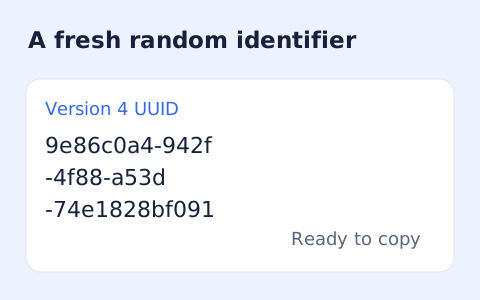
Create one or more RFC 4122 version 4 UUIDs locally and copy them in one click.
Open tool
Convert pixel values to CSS rem units with a configurable root font size and a quick reference table.
Open tool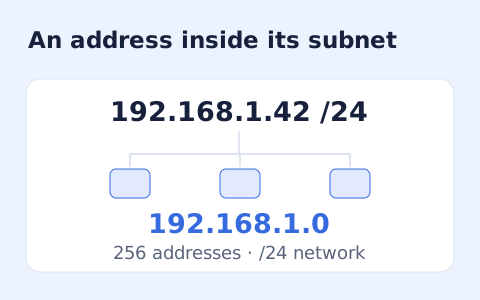
Calculate IPv4 subnet details from an address and CIDR prefix, including /31 and /32 cases.
Open tool
Generate a CSS border-radius declaration from four corner values and preview the shape.
Open toolPaste YAML source to check parsing under the supported YAML 1.2 rules.
Answers about using YAML Validator and understanding its results.
Yes. Separate them with ---; the limit is 20.
No. It validates YAML syntax and reference consistency only.
The parser uses unique-key checks and rejects duplicate keys rather than silently accepting one value.
No. Alias resolution is bounded, with a maximum alias-count setting of 50. Reduce excessive alias expansion before validating again.