
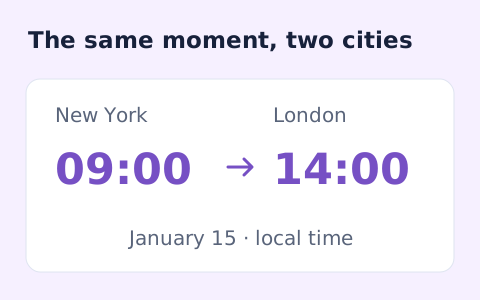
Timezone Converter
Convert dated local times between IANA zones while handling daylight saving transitions.
Open toolConvert Unix time in seconds or milliseconds to a UTC date, or turn an ISO date into a timestamp. Date input needs Z or an explicit timezone offset.
Enter the inputs, then select Calculate.
Result will appear here
The converter maps integer Unix seconds or milliseconds to a UTC date, or maps an ISO date with an explicit offset back to the selected timestamp unit.
The result displays UTC and both integer timestamp units. Milliseconds are the output precision; seconds are rounded down from that millisecond instant.
A numeric timestamp must be a signed integer within the accepted digit and date range.

Choose the conversion direction and state the timestamp unit before interpreting a date.
Select timestamp-to-date or date-to-timestamp and choose seconds or milliseconds. Enter the relevant integer timestamp or ISO date-time. A date input needs Z or an explicit numeric offset.
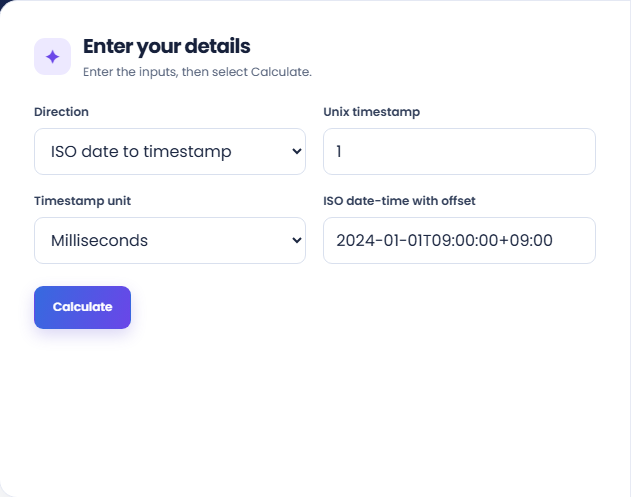
Run the conversion and read the main UTC date or selected-unit timestamp. The result shows the same instant in both Unix seconds and Unix milliseconds for comparison.
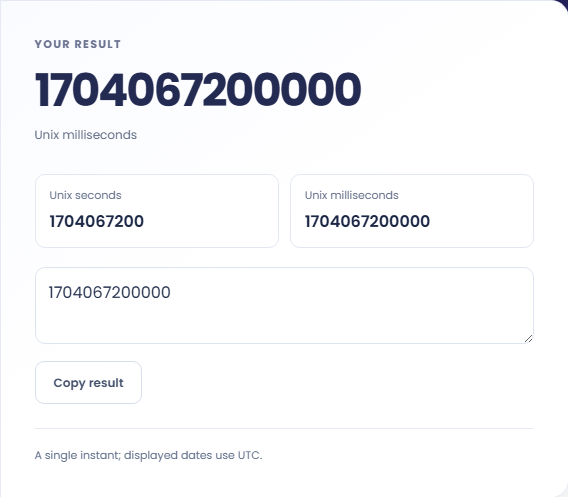
Copy the text output matching the selected direction and keep its unit with it. Review the UTC note and both supporting timestamp rows; second output is rounded down from milliseconds.
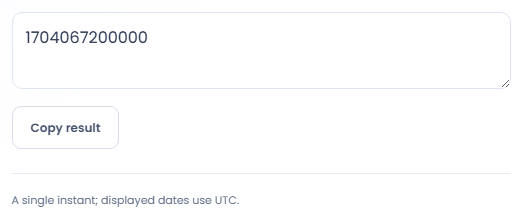
Use explicit units and UTC output to compare values that come from different systems.
Convert a timestamp from a log into a readable UTC date to check when an event occurred. Confirm the logging system uses seconds or milliseconds first. UTC gives a common reference but does not by itself show the viewer local time.

Convert an explicitly offset date into the integer unit required by an API or import. Compare the resulting UTC instant with the source date. The tool prepares a value; it does not call the integration or validate its field requirements.

Convert differently formatted records to UTC to see whether they refer to the same instant. Keep the original offset and unit in your notes, since two equal instants can have different displayed calendar dates in their source locations.

Compare the unit and UTC representation before transferring a timestamp into another system.
The result represents an instant in UTC. Milliseconds are the date precision used here; finer fractional precision in a source date cannot be carried into the integer millisecond output.
Seconds are rounded down from milliseconds. This matters for negative timestamps before the Unix epoch, where rounding down differs from simply removing decimal digits toward zero.

Confirm the conversion direction, numeric unit, and explicit date offset before running the conversion.
A numeric timestamp must be a signed integer within the accepted digit and date range. Remove a decimal suffix and confirm whether the source provided fractional seconds rather than an integer timestamp.
A date without Z or an explicit offset is rejected. If you only have a local wall clock time, use a timezone conversion first so the intended location and any daylight saving ambiguity are resolved.

Convert dated local times between IANA zones while handling daylight saving transitions.
Open tool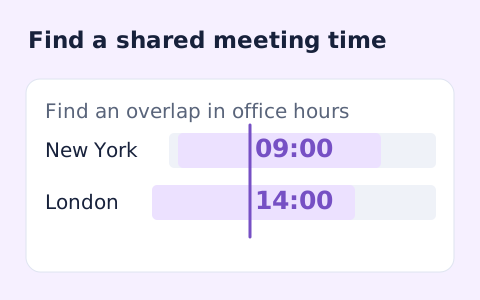
Plan a dated meeting across IANA time zones and check typical weekday office hours.
Open tool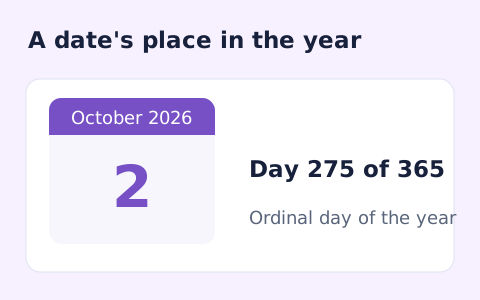
Find whether a date is day 1 through 365 or 366 of its calendar year.
Open toolChoose another tool for your next calculation, conversion, or text task.
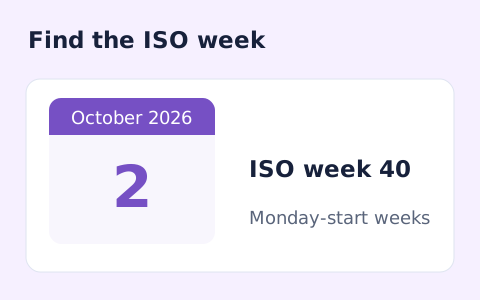
Calculate a date's ISO 8601 week number, week-year, and weekday.
Open tool
Count weekdays between two dates, including both endpoints and excluding Saturdays and Sundays.
Open tool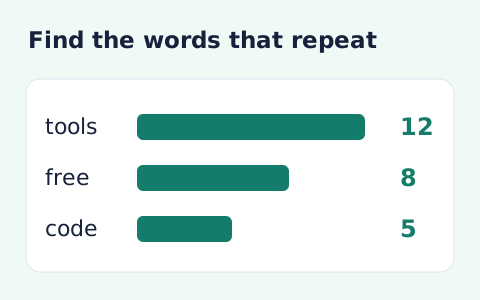
Analyze word counts and term frequency locally with Unicode aware word matching.
Open tool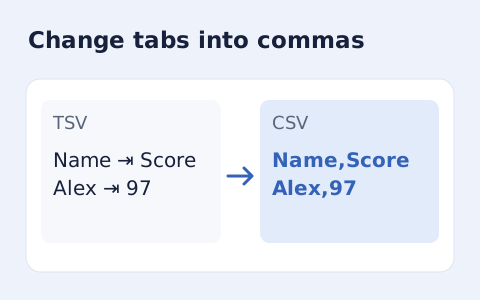
Convert tab-delimited records into quoted CSV without losing multiline cells.
Open toolAnswers about using Unix Timestamp Converter and understanding its results.
Yes. Negative timestamps represent earlier instants.
No. Choose the matching unit to avoid a thousand-fold difference.
No. Add Z for UTC or an explicit offset. Resolve a wall-clock time in a named zone before using it as an instant.
The displayed date and integer output use millisecond precision. Finer source fractions do not remain in the integer millisecond result.
Choose the conversion direction and state the timestamp unit before interpreting a date.