
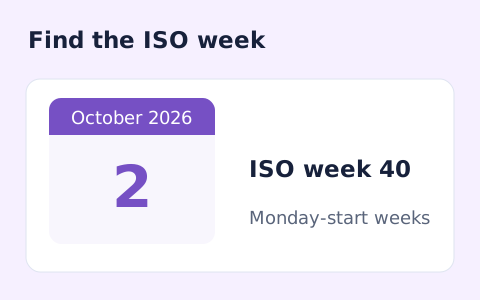
Week Number Calculator
Calculate a date's ISO 8601 week number, week-year, and weekday.
Open toolFind a date's day number within its calendar year. Review the ordinal day, leap-year status, year length, and days remaining after the selected date.
Update the inputs to see your result.
Result will appear here
UTC calendar-day arithmetic counts from January 1 with one-based numbering.
The date is parsed as a UTC calendar date. Whole days from January 1 of that year are counted and one is added. The next January 1 determines year length and remaining days after the selected date.
Uses the Gregorian calendar and UTC date arithmetic to avoid daylight-saving shifts.

Choose one calendar date to find its ordinal position within that year.
Select the date whose position within its year you want to count. Check the year as well as the month and day. This page uses a calendar date rather than a time-of-day or time-zone input.
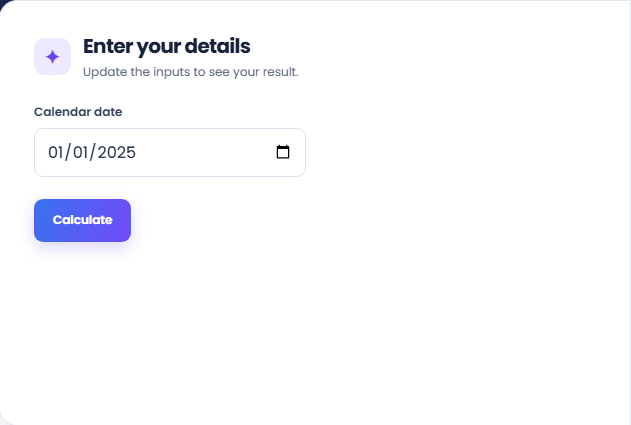
Select Calculate and read the day-of-year answer. January 1 is day one, and the ordinal position counts whole UTC calendar days from that date. Leap-year handling follows the selected date’s year rather than the current year.
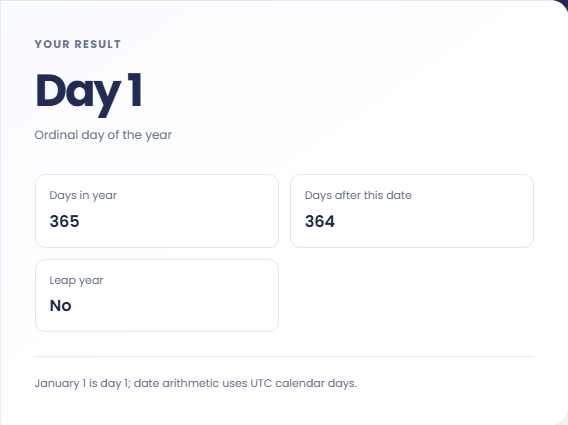
Read Days in year, Days after this date, and Leap year beside the main ordinal value. Days after excludes the selected date itself. Keep these labels distinct when moving the count into an annual record or date-based dataset.
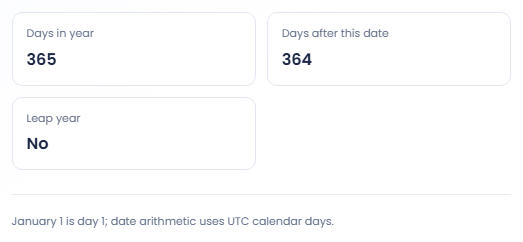
Use the year with the ordinal value whenever the date is recorded or compared.
Use the day number when a record format needs a date's position in its calendar year. Keep the year as a separate part of the record. This page displays the number but does not generate a file name or convert a dataset automatically.

Compare a date after February in a leap year with the same month and day in a nonleap year. The ordinal can differ because one year contains February twenty ninth. The tool makes that year context visible in the extra result lines.

For December thirty first, Days after this date is zero because no calendar days remain in that year. This boundary check helps distinguish the ordinal day from the remaining day count, which answers a different question.

Read ordinal position, year length, and remaining days as separate counts.
The ordinal counts the selected day as part of the year. Days after this date excludes it. Adding the ordinal and the remaining count equals the displayed number of days in that year.
The calculation uses Gregorian calendar dates with UTC date arithmetic to avoid daylight saving shifts. It does not convert a local time between zones or measure elapsed hours from the start of the year.

Check the selected year and the convention used by the destination record.
An ordinal discrepancy often comes from a different selected year or a convention that begins numbering at zero. This page begins with Day one on January first. Confirm the convention before comparing a number from another system.
The form needs a valid selected date. For an ISO week number, use Week Number Calculator; an ordinal day and an ISO week belong to different calendar conventions and should not be substituted for each other.

Calculate a date's ISO 8601 week number, week-year, and weekday.
Open tool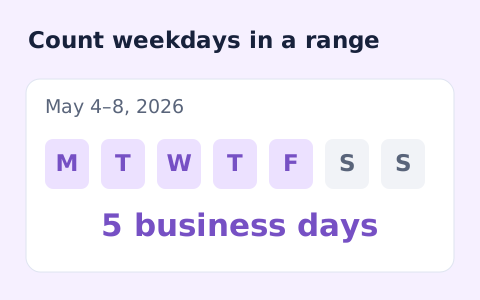
Count weekdays between two dates, including both endpoints and excluding Saturdays and Sundays.
Open tool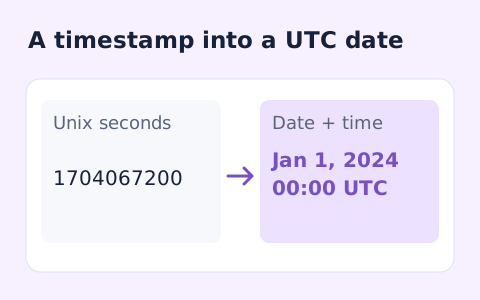
Convert signed Unix timestamps and ISO date-times with explicit time-zone offsets.
Open toolChoose another tool for your next calculation, conversion, or text task.
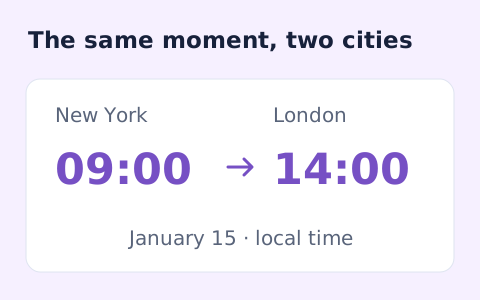
Convert dated local times between IANA zones while handling daylight saving transitions.
Open tool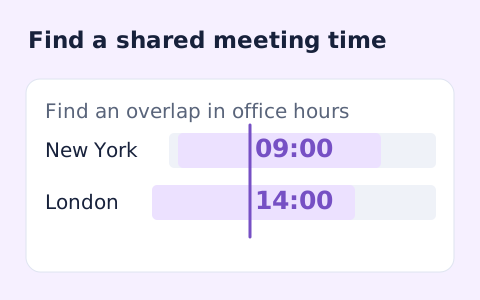
Plan a dated meeting across IANA time zones and check typical weekday office hours.
Open tool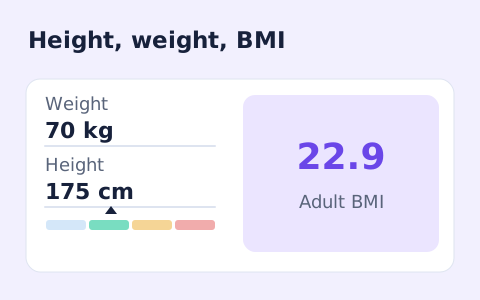
A free adult BMI calculator with metric inputs, a clear BMI category, and the calculation shown.
Open tool
Convert hourly pay to gross annual, monthly, and weekly salary using your own working hours and weeks.
Open toolFind a date’s ordinal day within its calendar year.
Answers about using Day of Year Calculator and understanding its results.
Yes. Leap years have 366 days, and dates after February 29 shift by one day.
No. January 1 is day 1.
No. The supporting value shows days after the selected date. The selected date is already represented by its ordinal day number.
The page uses UTC calendar-day arithmetic rather than local clock durations, so daylight-saving shifts are excluded from the ordinal count.