
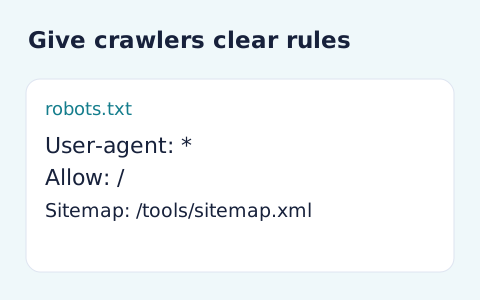
Robots.txt Generator
Generate robots.txt from a user-agent token and newline-separated allow and disallow paths.
Open toolGenerate sitemap XML from your list of absolute page URLs on one origin. Review normalized entries and duplicates, then copy or download the file; no pages are crawled or submitted.
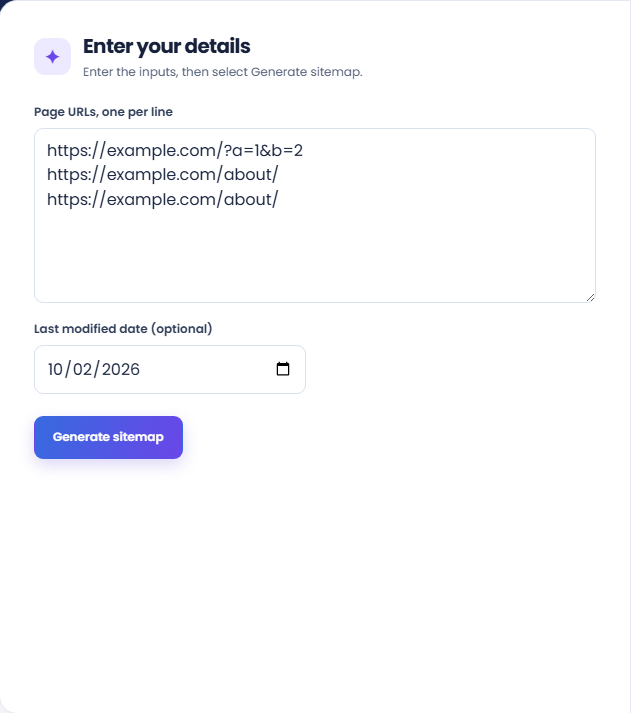
Enter the inputs, then select Generate sitemap.
Result will appear here
The generator normalizes supplied URLs from one origin, removes duplicates, and XML-escapes them within a sitemap document.
An optional date is written for each entry. The tool neither crawls the site nor submits the sitemap, and inclusion is not evidence that a URL will be indexed.
The list accepts up to 5000 nonempty lines and addresses up to 2048 characters.

List complete page URLs from one origin and optionally supply a shared last modified date.
Paste absolute HTTP or HTTPS page URLs, one per line, from the same origin. Add a valid last-modified date only when it describes the listed pages. Remove fragments and embedded credentials.
Run the generator and inspect the URL total. The supporting origin and duplicates-removed rows help you review the supplied list before using the XML.
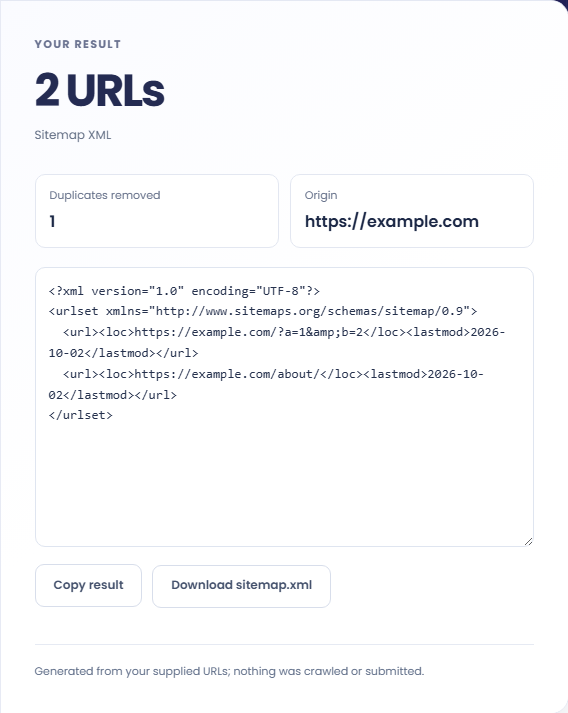
Copy the XML or download sitemap.xml, then check its entries and deployment. The result note explains that no pages were crawled or submitted. Inclusion does not establish that a page will be indexed.
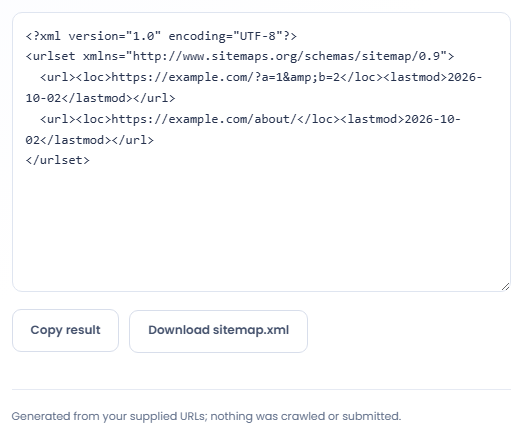
Build a reviewed XML list from known URLs without treating generation as a crawl or submission.
Use a reviewed list of deployed tool URLs to prepare a sitemap for the collection. Confirm each page actually exists and uses the intended canonical path. The generator cannot determine whether a page is indexable from the URL text alone.

Generate from a list with repeated entries and inspect the duplicate count. Normalized addresses are deduplicated, but different query strings can still describe different URLs. Choose the desired canonical variants before relying on the generated list.

Build a sitemap from the new canonical paths when preparing a site migration. Keep the redirect plan and old URL inventory separately. A list of new locations does not create redirects or show that existing links now reach those destinations.

Review the URL list as a proposed sitemap rather than an inventory discovered by crawling the site.
The generator rejects fragments, embedded credentials, mixed origins, and URLs beyond its supported length. It escapes XML characters such as ampersands so accepted addresses can appear in the document.
Normalization and deduplication concern URL representation. They do not check page status, robots rules, canonical tags, or whether a URL offers useful content for indexing.

Confirm the origin and intended indexable URLs before placing or submitting the generated file.
The list accepts up to 5000 nonempty lines and addresses up to 2048 characters. Check malformed lines and origin differences before removing URLs that may belong in another sitemap.
A supplied date must be a real calendar date. After deployment, inspect the actual XML response and the host sitemap references instead of treating a successful download as deployment evidence.

Generate robots.txt from a user-agent token and newline-separated allow and disallow paths.
Open tool
Create an approximate search-result snippet and inspect title width and text length.
Open tool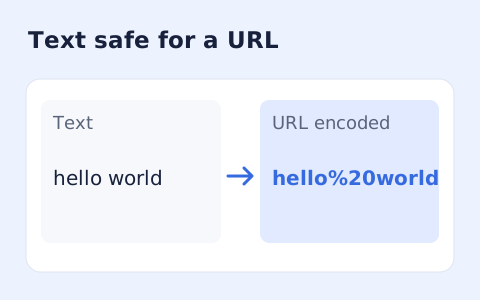
Percent-encode UTF-8 text for a URL component or convert escaped text back to readable characters.
Open toolChoose another tool for your next calculation, conversion, or text task.
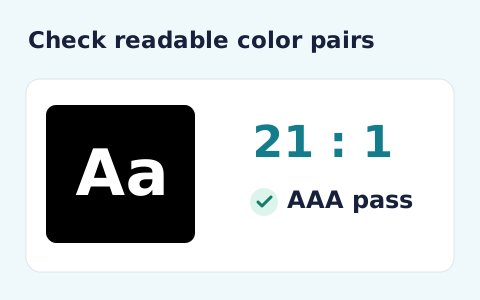
Calculate the WCAG 2 contrast ratio and AA/AAA results for normal and large text.
Open tool
Plan a dated meeting across IANA time zones and check typical weekday office hours.
Open tool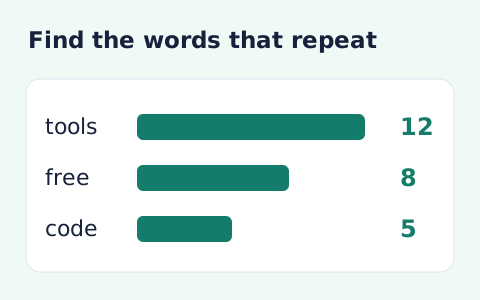
Analyze word counts and term frequency locally with Unicode aware word matching.
Open tool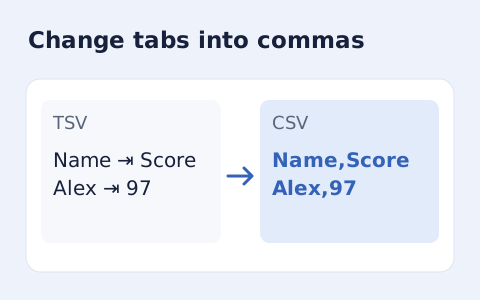
Convert tab-delimited records into quoted CSV without losing multiline cells.
Open toolList complete page URLs from one origin and optionally supply a shared last modified date.
Answers about using Sitemap Generator and understanding its results.
No. Paste the pages you want to include.
No. Search engines decide whether to crawl or index submitted pages.
The form requires one origin. Split other origins into separate lists before generating.
The generator normalizes the supplied addresses and removes duplicate URLs before producing the XML. Review the resulting list against the pages you intended to include.