
Sitemap Generator
Generate sitemap XML from a list of absolute page URLs.
Open toolGenerate robots.txt from a user-agent token and newline-separated allow and disallow paths.
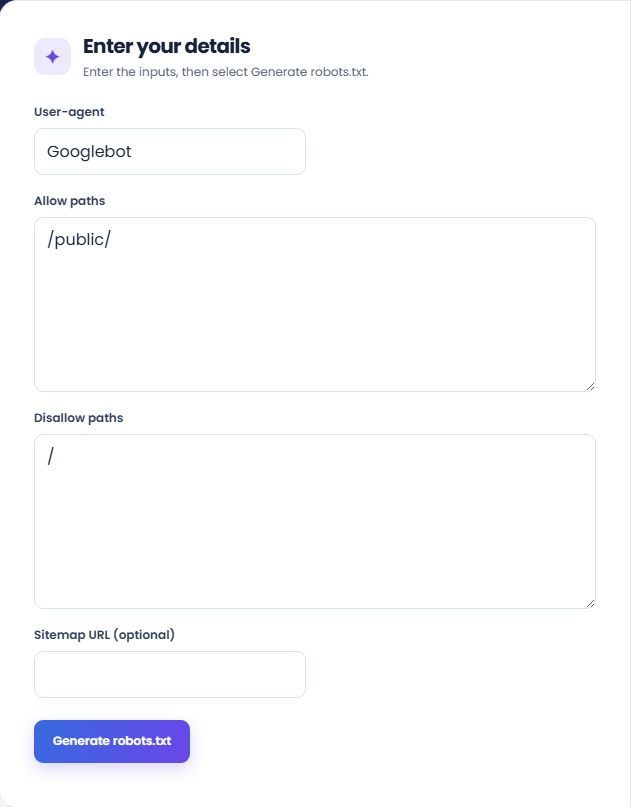
Enter the inputs, then select Generate robots.txt.
Result will appear here
The generator combines a validated user-agent token, allow and disallow paths, and an optional sitemap URL into one robots.txt group.
An optional HTTP(S) sitemap URL is added as a reference. The generated text needs to be reviewed and merged into the domain-root robots.txt; the tool does not publish it.
The agent field accepts a simple token, and rule paths cannot contain whitespace or a hash character.
Reference: Google: robots.txt specification.

Prepare the crawler group, path rules, and optional sitemap address before generating the file text.
Enter one user-agent token or an asterisk. Put each allow and disallow path on its own line, beginning with a slash, and add an absolute sitemap URL only when needed.
Run the generator and inspect the user-agent line with the resulting path rules. The supporting totals show how many allow and disallow lines were supplied.
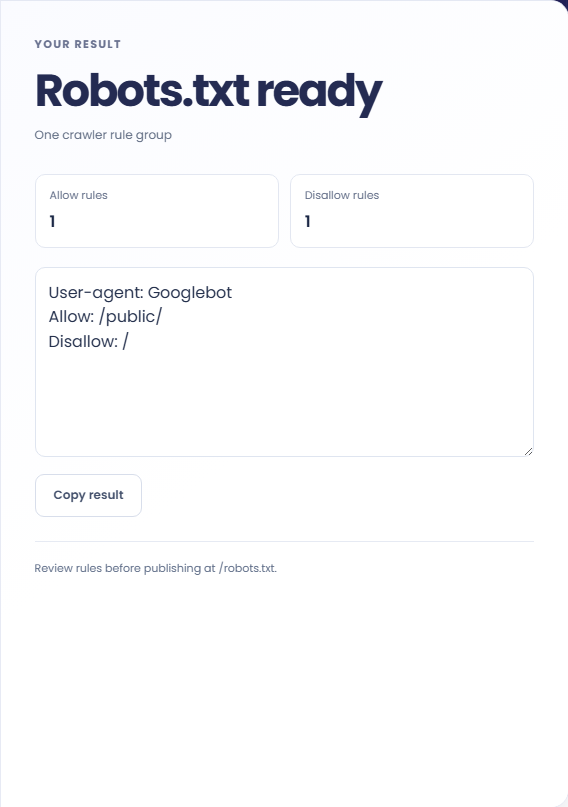
Copy the generated text into your deployment review. Check the root-file placement and merge it with existing groups. An empty disallow line does not mean the file provides authentication or page removal.
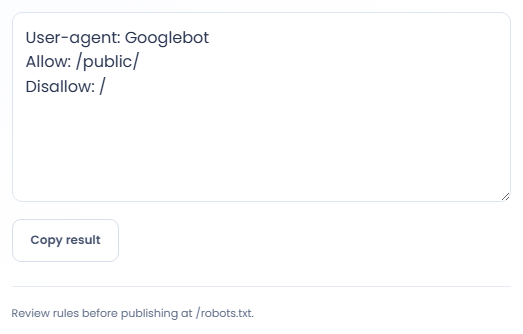
Draft one robots group to review against site routes.
Use the actual folder prefix when deciding whether a group should request access to tool pages or exclude another area. A rule intended for one route family can affect more pages when its path is too broad, so inspect the generated lines together.

Include the address of an existing sitemap to make that resource available in the file. Confirm the sitemap belongs to the intended deployment rather than copying an example address. The generator does not fetch the XML or validate the pages listed inside it.

Create a draft for one crawler when evaluating different rules from the general group. Keep that draft with the existing robots content for review. Generating an isolated group cannot establish how multiple groups in the deployed file will be interpreted.

Read each directive as a crawler instruction and consider how its path relates to the URLs on your site.
Robots rules are crawl instructions. They do not provide authentication or prevent someone from opening a URL. A disallow rule should not be treated as a reliable way to remove an already known page from search results.
An empty disallow line is produced when no blocked paths are supplied. The sitemap line is optional, and its address is a resource reference rather than a page rule.

Compare the generated paths and sitemap address with the intended site before placing the file at its origin.
The agent field accepts a simple token, and rule paths cannot contain whitespace or a hash character. Use a complete HTTP or HTTPS sitemap URL without credentials or a fragment.
A robots file for tools mounted under a folder still belongs at the domain root. Merge the generated group with the host site rules and verify the final root response before relying on it.

Generate sitemap XML from a list of absolute page URLs.
Open tool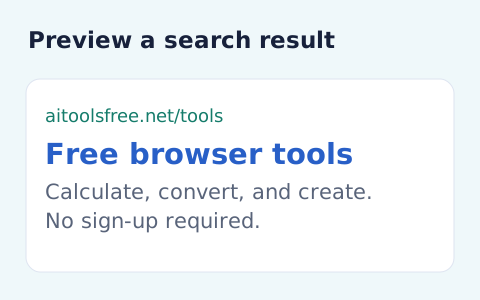
Create an approximate search-result snippet and inspect title width and text length.
Open tool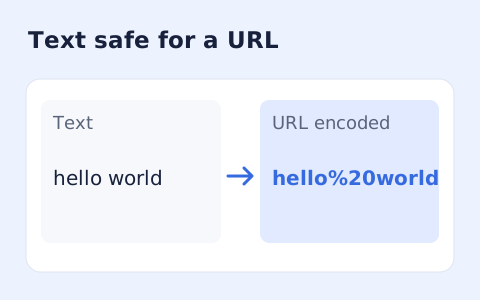
Percent-encode UTF-8 text for a URL component or convert escaped text back to readable characters.
Open toolChoose another tool for your next calculation, conversion, or text task.
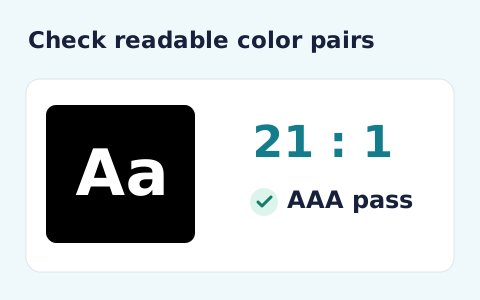
Calculate the WCAG 2 contrast ratio and AA/AAA results for normal and large text.
Open tool
Plan a dated meeting across IANA time zones and check typical weekday office hours.
Open tool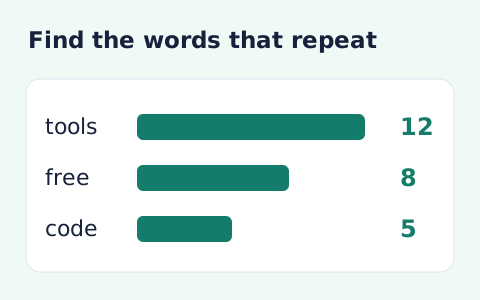
Analyze word counts and term frequency locally with Unicode aware word matching.
Open tool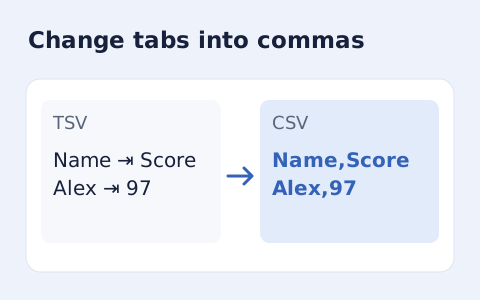
Convert tab-delimited records into quoted CSV without losing multiline cells.
Open toolPrepare the crawler group, path rules, and optional sitemap address before generating the file text.
Answers about using Robots.txt Generator and understanding its results.
Enter / in the Disallow field.
No. Publicly accessible URLs still need proper authentication or access control.
No. It uses the paths you supply. Check them against your actual routes.
Each output contains one group. Review and combine separate groups within the final root file when needed.