
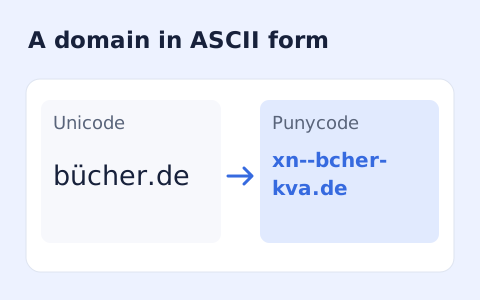
Punycode Converter
Convert a hostname between Unicode characters and its xn-- Punycode representation.
Open toolPercent-encode or decode a URL component or complete URI. Choose the scope for your source, inspect the escaped characters and copy the result; decoding does not turn plus signs into spaces.
Enter the inputs, then select Calculate.
Result will appear here
Component mode escapes a parameter value while complete URI mode preserves address delimiters using the corresponding JavaScript URI functions.
Decoding reverses supported percent escapes. Plus signs are not converted to spaces, and malformed escapes or invalid Unicode input are rejected.
The field accepts up to 100000 characters. Encoding treats the source as UTF-8 text; it does not shorten a URL or check whether its destination exists.

Choose a direction and distinguish a URL component from a complete URI.
Enter the source, choose Encode or Decode, and select one URL component or a complete URI. Component mode suits a parameter value; complete URI mode retains the delimiters of an address.
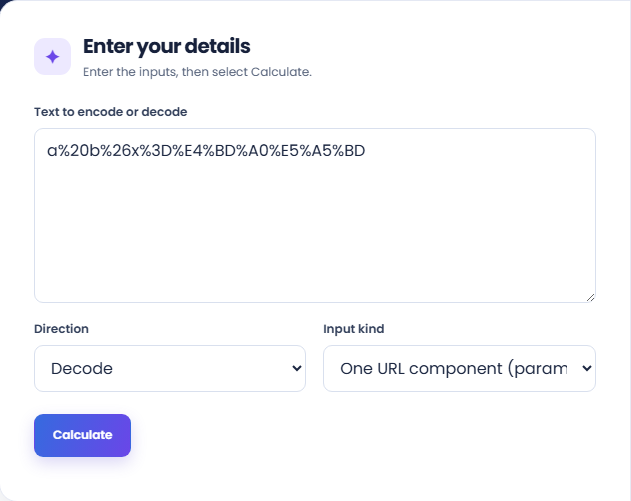
Run the converter and read the output alongside its Component or Complete URI result label. Inspect whether separators are escaped or retained as required by the chosen scope.
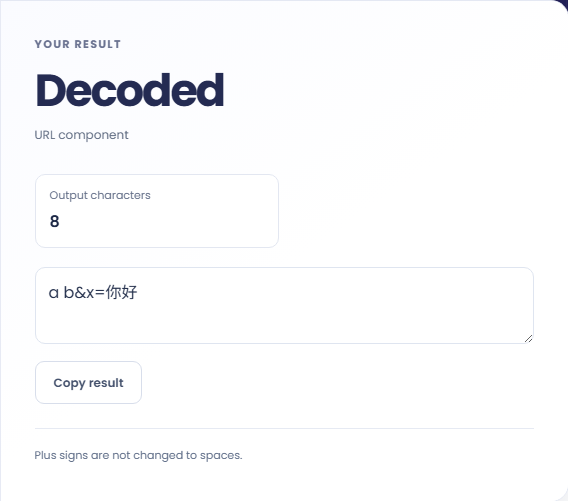
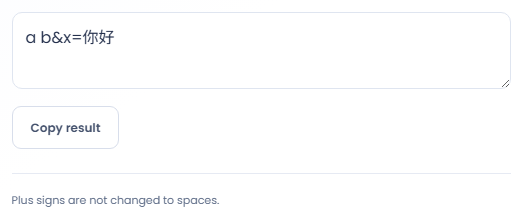
Copy the result into the intended field, then review reserved characters and the unchanged-plus-sign note. The tool does not turn plus signs into spaces or check that the destination address is valid.
The correct scope depends on whether delimiters are data or part of the address structure.
Encode a search phrase or label as a component before placing it after a query parameter name. This keeps an ampersand inside the value from becoming a new parameter separator. The surrounding query syntax still needs to be assembled correctly elsewhere.

Decode a component copied from a log when you want to inspect its readable content. Retain the encoded source alongside the result, especially if exact spelling matters. The tool does not fetch the address or establish that the destination exists.

Compare a source value with a decoded copy when percent signs appear unexpectedly in an integration. One decoding step may expose another encoded layer. Determine which system supplied each layer rather than repeatedly decoding until the text looks familiar.

Consider whether the text is one parameter value or a complete address when checking the escaped characters.
A plus sign is not converted into a space by this decoder. That matters when the source uses form encoding conventions rather than the JavaScript URI functions used here.
Full URI scope preserves certain reserved delimiters while component scope encodes them. Neither scope verifies the address structure or makes a decoded string safe to navigate automatically.

Choose a mode that matches the source and inspect percent sequences before retrying a failed decode.
Malformed percent escapes and invalid UTF-8 byte sequences are rejected. Review the original source for a cut off escape sequence before modifying it, since a partial clipboard copy can resemble an encoding problem.
Empty input is rejected, while spaces can be meaningful input. If an encoded value behaves incorrectly in a form submission, compare the form encoding rules with this tool scope and treatment of plus signs.

Convert a hostname between Unicode characters and its xn-- Punycode representation.
Open tool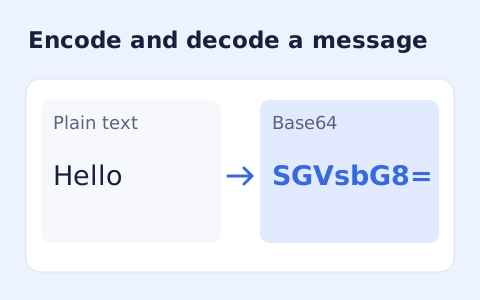
Encode UTF-8 text into standard padded Base64 and decode Base64 back into Unicode text.
Open tool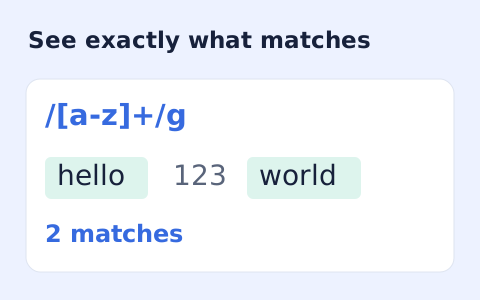
Test JavaScript regular expressions in a separate worker and inspect matches, offsets, and capture groups.
Open toolChoose another tool for your next calculation, conversion, or text task.
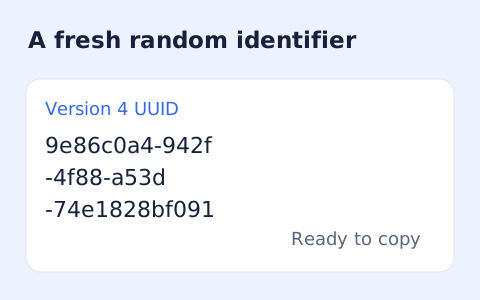
Create one or more RFC 4122 version 4 UUIDs locally and copy them in one click.
Open tool
Convert pixel values to CSS rem units with a configurable root font size and a quick reference table.
Open tool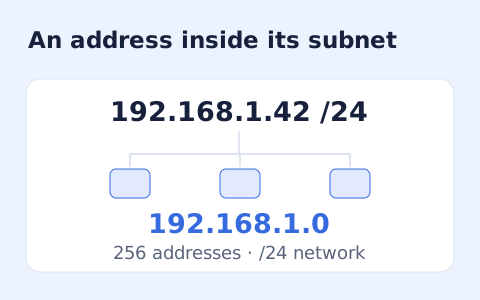
Calculate IPv4 subnet details from an address and CIDR prefix, including /31 and /32 cases.
Open tool
Generate a CSS border-radius declaration from four corner values and preview the shape.
Open toolChoose a direction and distinguish a URL component from a complete URI.
Answers about using URL Encoder Decoder and understanding its results.
Choose one URL component so separators such as & and = are escaped.
No. It changes character representation, not the destination.
No. This converter does not apply form-encoding plus-to-space handling.
Choose Complete URI when you need to preserve its delimiters. Choose One URL component for an individual parameter value.