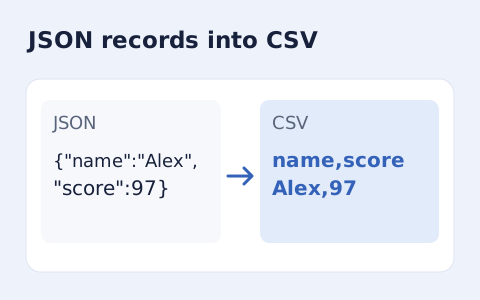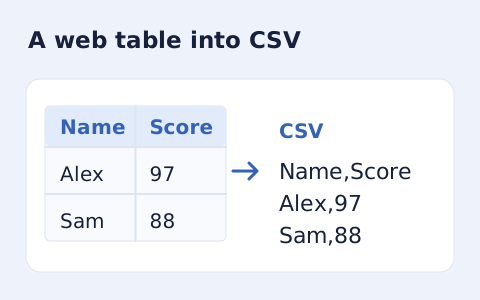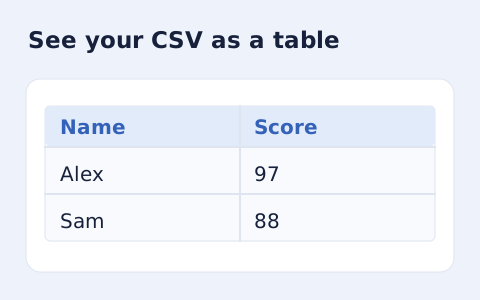
CSV Viewer
Inspect quoted CSV cells in a readable table without uploading your data.
Open toolConvert tab-separated records to comma-delimited CSV. Keep correctly quoted multiline cells and choose how formula-like spreadsheet cells are exported.
Enter the inputs, then select Convert to CSV.
Result will appear here
The converter parses tab-delimited text cells and serializes them as comma-delimited records with CSV quoting and preserved multiline fields.
The formula-like cell option can add an apostrophe prefix. Choose exact text when the consumer requires unchanged cells, then review the resulting CSV in its destination application.
If a row count or column error appears, inspect tabs and quoting near the affected source record.

Paste tab separated records and choose the spreadsheet formula escape setting before converting.
Paste the tab-delimited records, retaining correctly quoted multiline cells. Choose apostrophe prefixes or exact text for spreadsheet formula-like cells according to the destination requirements.

Run the converter and read the record and column totals. The text output contains comma-delimited CSV with the quoting needed for the parsed cells.
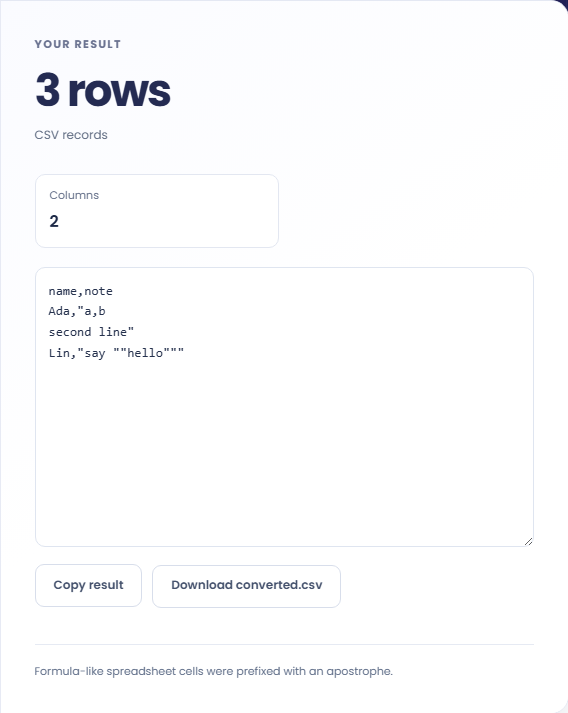
Copy the CSV or download converted.csv. Read the formula-treatment note and inspect multiline or quoted cells in the destination. The prefix option changes some cell text and is not a blanket importer guarantee.
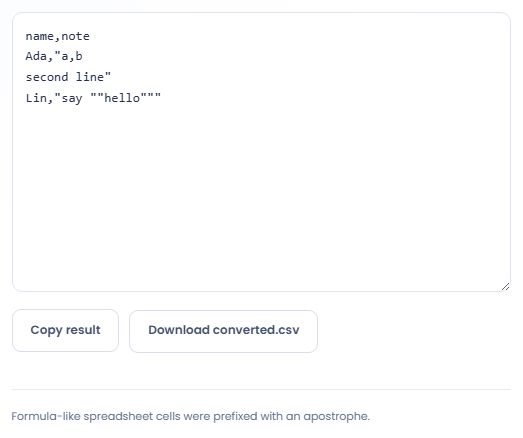
Convert a tabular text export when a receiving workflow specifically expects CSV.
Use the converter for a TSV export that must enter a CSV based import workflow. Check the expected headers and column order separately. Changing separators does not rename fields, transform dates, or map the table into a new application schema.

Convert a table containing missing entries while keeping its rectangular shape. Empty cells remain positions in the record. Verify a few rows with blanks so the importer does not shift later values into the wrong columns after reading the file.

Try representative rows containing commas, quotation marks, or embedded newlines before converting a larger export. Compare the actual cells using a CSV viewer. Looking only at the output text can make correct quoting resemble extra records or punctuation.

Compare row boundaries and cell text before importing the comma-delimited result into another application.
The parser supports quoted TSV fields and requires consistent column counts. CSV output uses carriage return and line feed record endings, while quoted cell content can itself contain a line break.
Formula escaping covers certain leading characters, including equals and plus. It is an output precaution with a defined rule, not a guarantee about every spreadsheet importer or every possible cell interpretation.

Check the source tabs, quoted fields, and spreadsheet-escape choice before exporting the conversion.
If a row count or column error appears, inspect tabs and quoting near the affected source record. A visibly aligned text block made with spaces is not the same as TSV.
Keep input within the supported text size and column limit. When an importer changes values, inspect its number, date, and formula handling in addition to the CSV generated here.

Choose another tool for your next calculation, conversion, or text task.

Plan a dated meeting across IANA time zones and check typical weekday office hours.
Open tool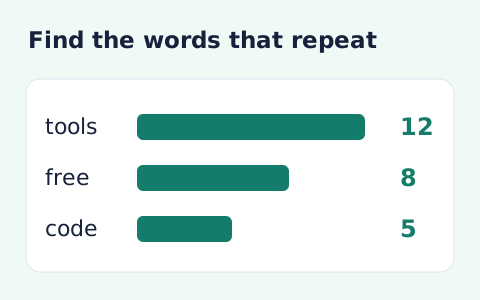
Analyze word counts and term frequency locally with Unicode aware word matching.
Open tool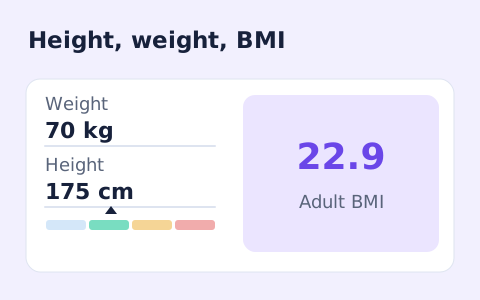
A free adult BMI calculator with metric inputs, a clear BMI category, and the calculation shown.
Open tool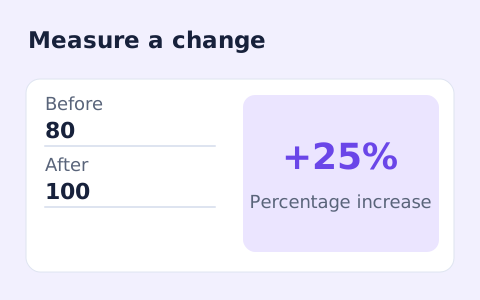
Calculate percentage change and absolute difference between a positive starting value and a new value.
Open toolAnswers about using TSV to CSV Converter and understanding its results.
No. Fields are quoted when the output requires it.
The safer spreadsheet option prefixes formula-like cells with an apostrophe. Choose exact text if you need unchanged data.
Yes, when it is represented as a correctly quoted multiline cell. It is not treated as a separate row.
All parsed rows must have the same number of columns. Check missing tabs and quoted cells in the source.
Paste tab separated records and choose the spreadsheet formula escape setting before converting.