
Reading Time Calculator
Paste text and estimate reading time from its word count and your chosen reading speed.
Open toolCount words and repeated terms in pasted text. Review unique words, characters, and a frequency table using the selected number of top terms.
Update the inputs to see your result.
Result will appear here
Normalized matching terms are counted and ranked by their occurrences.
The text is normalized with NFKC and converted to lowercase for word matching. Unicode letter and number sequences are counted, then terms are ordered by frequency and alphabetically when counts tie.
Punctuation separates words. Apostrophes and hyphens split terms; scripts without spaces may be counted as one sequence. Text stays in your browser.

Paste the text and choose how many ranked terms to show in the result table.
Paste the passage to analyze and enter a whole number of top words to show. Use the same source boundaries and table limit when comparing passages. The limit affects displayed frequency rows rather than which text contributes to the total count.
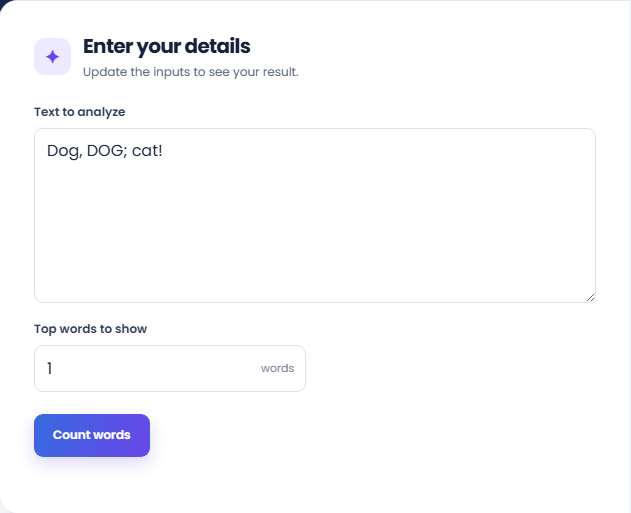
Select Count words and review total words and the ranked frequency table. The page normalizes text and groups matching words without regard to capitalization. Tied frequencies are sorted alphabetically rather than ordered by first appearance.
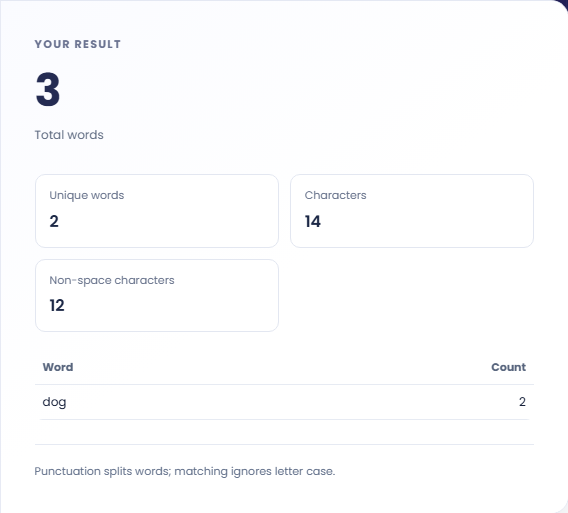
Read Unique words, Characters, and Non-space characters separately. Punctuation splits word sequences; apostrophes and hyphens can separate terms, and scripts without spaces may form one sequence. These rules explain why the count may differ from another text application.
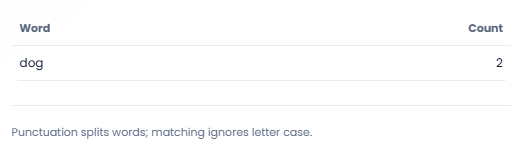
Frequency describes counted terms, not the importance or meaning of a passage.
Look at the highest frequency rows to identify words you may want to reread in context. Common connecting words remain in the table because there is no stop word removal option. Decide whether a repetition helps the passage before changing it.

Count passages separately with the same displayed row limit. Compare total word counts along with term frequencies, because a longer passage can contain more occurrences without a greater relative emphasis. The tool does not combine or normalize separate document comparisons.

The hypothetical text apple Apple banana produces three counted words and two unique terms. Apple is combined with apple in the ranked table. This makes the matching rule visible before using the result for a list whose case distinctions matter.

Read term counts separately from characters and display-row limits.
Terms are counted from letters and numbers after compatibility normalization and case folding. Punctuation separates terms, including apostrophes and hyphens. A phrase written with punctuation can therefore produce more than one counted term.
Character counts use Unicode code points, with a separate count excluding whitespace. They are different from byte sizes and from the word count. Scripts without word separating spaces can produce a sequence that does not match linguistic word boundaries.

Check token boundaries before comparing counts from another application.
A passage made only of punctuation can have characters without counted words. Check the original text when a term total differs from another counter; different punctuation and word boundary rules can explain the difference.
This tool shows a frequency table and totals. It does not remove common words, classify topics, export a CSV or measure keyword ranking potential. For reading duration, use Reading Time Calculator with an explicit words per minute assumption.

Paste text and estimate reading time from its word count and your chosen reading speed.
Open tool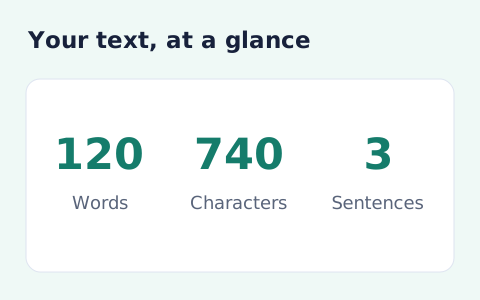
Analyze pasted text locally with word, sentence, paragraph, line, and character statistics.
Open tool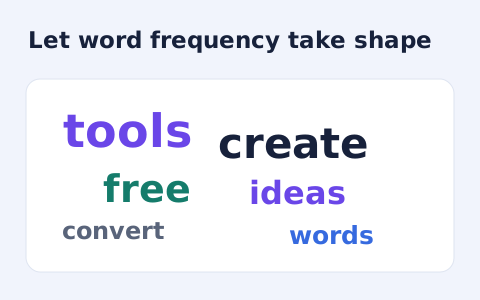
Create a downloadable word cloud from the most frequent terms in your text.
Open toolChoose another tool for your next calculation, conversion, or text task.
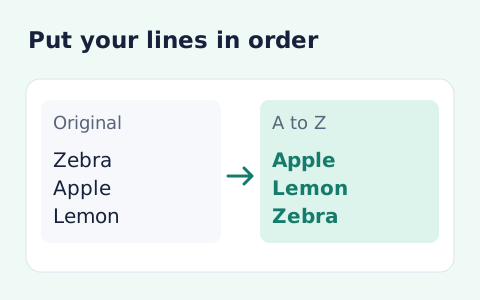
Sort text lines A–Z or Z–A, optionally removing blank and duplicate lines, then copy the result.
Open tool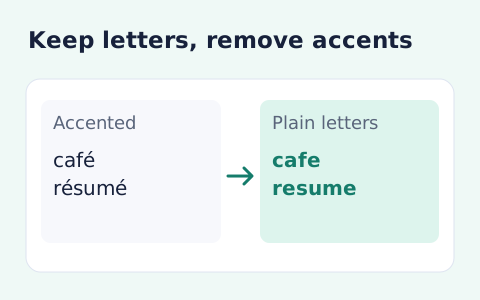
Remove diacritic marks from Unicode text locally while keeping the original letter order and line breaks.
Open tool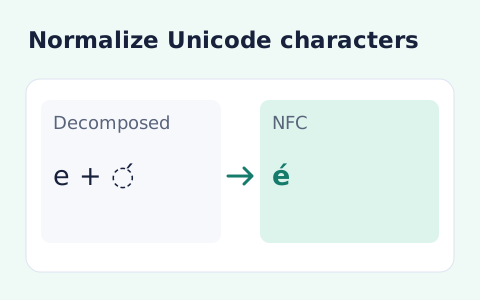
Convert text between the four Unicode normalization forms locally in your browser.
Open tool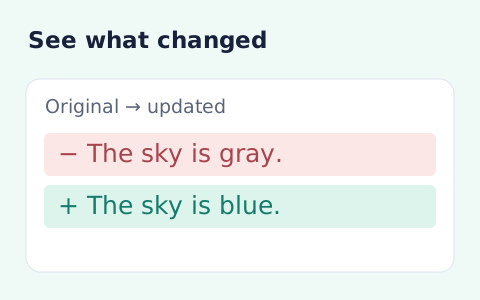
Compare two pieces of text locally with additions and removals highlighted by word or line.
Open toolCount words and repeated terms in pasted text.
Answers about using Word Frequency Counter and understanding its results.
No. Apple and apple are grouped together.
Yes. The summary includes characters and non-space characters as well as words.
No. It limits the frequency table rows. The summary still counts the complete pasted text.
No. Punctuation splits matching sequences, so a contraction or hyphenated expression may produce multiple terms. Some scripts without spaces can remain one sequence.