
HMAC Generator
Calculate HMAC-SHA-256, SHA-384, or SHA-512 locally and copy hexadecimal or Base64 output.
Open toolGenerate one to 100 version 4 UUIDs with the browser’s secure random source, then copy the identifiers. UUIDs are identifiers rather than passwords.
Update the inputs to see your result.
Result will appear here
Secure random bytes are formatted with version 4 and variant markers.
The generator uses crypto.randomUUID where available. Its fallback fills random bytes with crypto.getRandomValues, sets the version and variant bits, then formats the bytes into the UUID groups.
UUIDs are generated locally using your browser's secure random number generator. They are identifiers, not secrets or passwords.

Choose how many version 4 identifiers you need, then generate a fresh batch.
Enter a whole number from one to 100 in Number of UUIDs. Select the batch size needed for your records. The generator requires a browser secure random source; it does not take a name or input string to derive the identifiers.

Select Generate UUIDs and inspect the version 4 identifier list. A fresh random batch is produced on each run. Keep the UUID groups and hyphens intact when using the text in a destination that expects the displayed format.
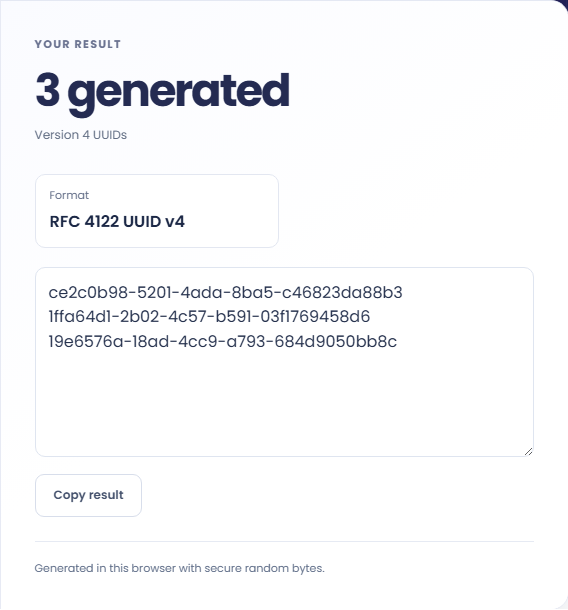
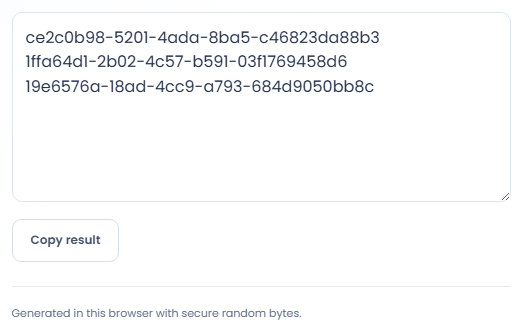
Use Copy result or select the generated text directly. The page does not check existing identifiers in your destination, so apply its validation separately. UUIDs are identifiers rather than secrets or passwords, and random uniqueness is not mathematically guaranteed.
Use these random UUID v4 values in systems that accept their text format. If your application calls them GUIDs, check its version and format requirements.
Generate a small batch for a test dataset and assign one line to each record. Keep that assignment stable while testing relationships. Regenerating identifiers halfway through a test can break references even when every new value is correctly formatted.

Copy generated values into a seed file that expects text UUIDs. Check the database column type and its constraints before importing. This tool supplies identifier strings; it does not connect to the database or reserve the values there.

Use one generated value as a label for an object whose identity should not depend on its display name. Store that identifier with the object in your own application. The generator does not retain an object directory or map values to names.

Understand the identifier format and the limits of random uniqueness.
The output follows the version 4 UUID layout and contains random bytes with the required version and variant bits. It is an identifier string, so do not use it as a password or authentication secret.
A successful generation tells you the browser produced the requested values. It does not confirm uniqueness against an existing collection or validate a database schema. Those checks belong to the system that stores the identifiers.

Check browser support and the destination’s identifier requirements.
The generator requires a supported secure random source. If the browser cannot supply it, the page reports a generation error rather than using a weak substitute. Try a supported browser and keep existing identifiers unchanged.
If Copy result reports that copying is unavailable, select the result text and copy it manually. Check that all lines reached the destination. This page has no UUID file download, bulk database import or identifier history.

Calculate HMAC-SHA-256, SHA-384, or SHA-512 locally and copy hexadecimal or Base64 output.
Open tool
Inspect the header and payload of a compact JWT without verifying its signature.
Open tool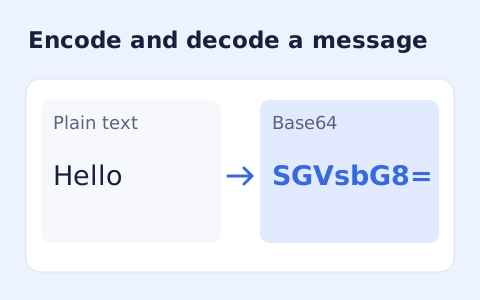
Encode UTF-8 text into standard padded Base64 and decode Base64 back into Unicode text.
Open toolChoose another tool for your next calculation, conversion, or text task.

Convert pixel values to CSS rem units with a configurable root font size and a quick reference table.
Open tool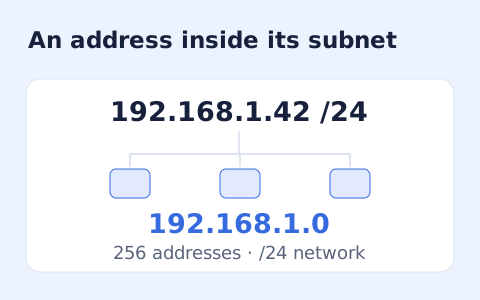
Calculate IPv4 subnet details from an address and CIDR prefix, including /31 and /32 cases.
Open tool
Generate a CSS border-radius declaration from four corner values and preview the shape.
Open tool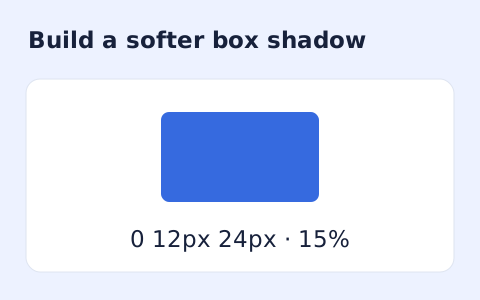
Create a CSS box-shadow declaration from editable shadow settings and copy the result.
Open toolGenerate one to 100 version 4 UUIDs with the browser’s secure random source, then copy the identifiers.
Answers about using UUID Generator and understanding its results.
Random version 4 UUIDs have an extremely low collision probability, but uniqueness is not mathematically guaranteed.
No. The browser generates them locally.
The current page provides a Copy result button for the UUID list. It does not add a file-download control.
No. Selecting Generate UUIDs makes a fresh set using the browser random source. Store identifiers in your own destination if you need to retain them.