
Base64 Encode Decode
Encode UTF-8 text into standard padded Base64 and decode Base64 back into Unicode text.
Open toolCalculate HMAC-SHA-256, SHA-384, or SHA-512 locally and copy hexadecimal or Base64 output.
Enter the inputs, then select Generate HMAC.
Result will appear here
Browser Web Crypto computes an HMAC from the UTF-8 message and key with the selected SHA algorithm, then represents the bytes as hexadecimal or Base64.
A nonempty key is required, while an empty message is allowed. This produces an authentication code; it does not encrypt the message or verify a remote request.
Web Crypto needs a secure context such as HTTPS or trusted localhost.
Reference: MDN: HMAC signing.

Use the exact message and a UTF-8 text key, then choose the required hash and output encoding.
Enter the literal UTF-8 key and exact message, preserving meaningful spaces and line breaks. Select SHA-256, SHA-384, or SHA-512 and the hexadecimal or Base64 output expected by the consumer.
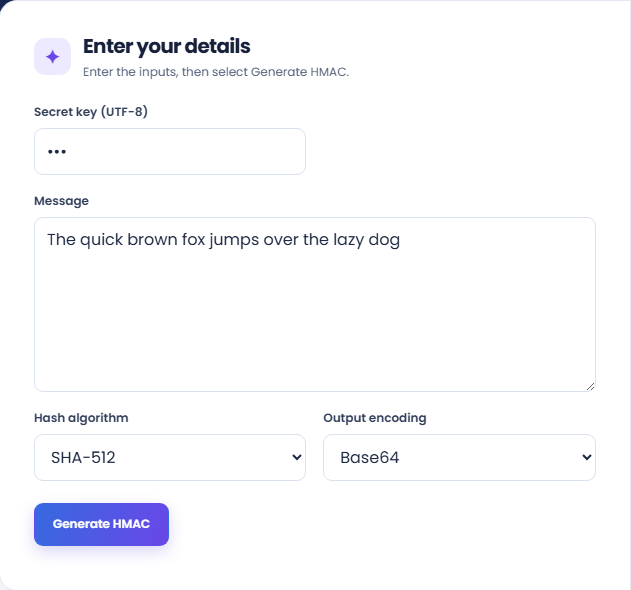
Run the generator and inspect the HMAC output. The result identifies the selected algorithm, byte length, and output encoding; these must match the comparison you intend to make.
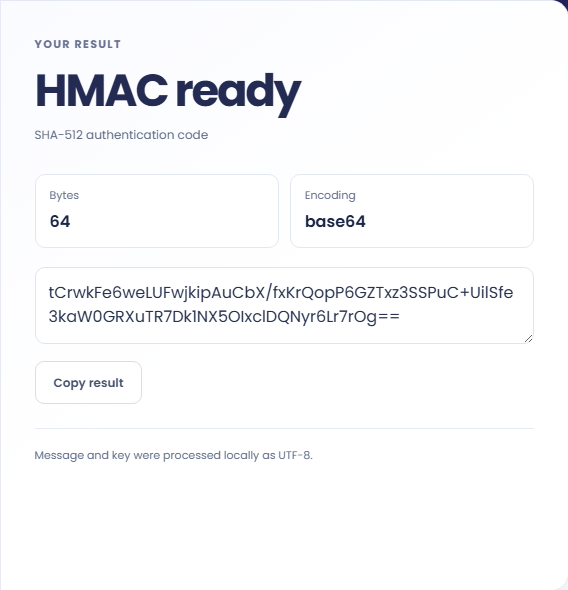
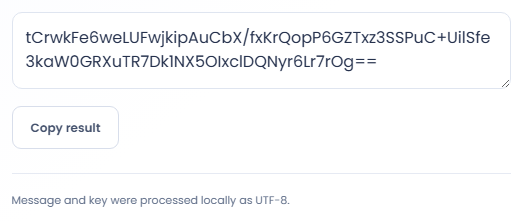
Copy the generated code and keep its algorithm and encoding with it. Review the UTF-8 processing note when a comparison differs. A key that looks like hex is still text, and no remote verification occurs.
Compare a generated authentication code with a documented integration requirement.
Reproduce the message text from an integration example and generate its HMAC using the stated algorithm. If the code differs, compare the exact key representation and message first. A visually similar request body can contain a different newline or different spacing.

Generate hexadecimal and Base64 versions for the same message and algorithm when documenting an interface. They are representations of the authentication code, not separate encryption choices. Keep the encoding label with the copied value so another person can compare like with like.

Use a small known message to isolate the key, algorithm, and encoding before working with a longer payload. A matching small example narrows the investigation, but it does not prove that the full request signing process handles headers or canonicalization correctly.

Compare authentication codes only when the message bytes, key bytes, algorithm, and output representation agree.
An HMAC is an authentication code computed from a message and a secret key. It does not hide the message or allow the original text to be recovered from the output.
The implementation uses browser Web Crypto with UTF-8 text. The application performs this computation locally; its result does not show that a remote service accepts the code or that a key is appropriate for that service.

Confirm the exact text and selected options before comparing this code with another implementation.
Web Crypto needs a secure context such as HTTPS or trusted localhost. If generation fails before a result appears, check that context and the nonempty key before changing the message.
The text key is limited to 10000 characters and the message to 100000. When comparing external outputs, check raw key bytes, message bytes, algorithm, and encoding rather than assuming every HMAC interface uses text keys.

Encode UTF-8 text into standard padded Base64 and decode Base64 back into Unicode text.
Open tool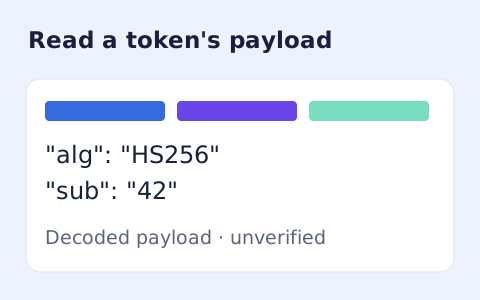
Inspect the header and payload of a compact JWT without verifying its signature.
Open tool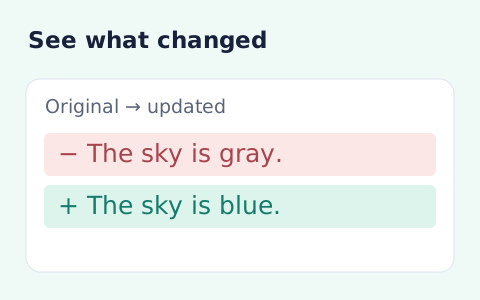
Compare two pieces of text locally with additions and removals highlighted by word or line.
Open toolChoose another tool for your next calculation, conversion, or text task.
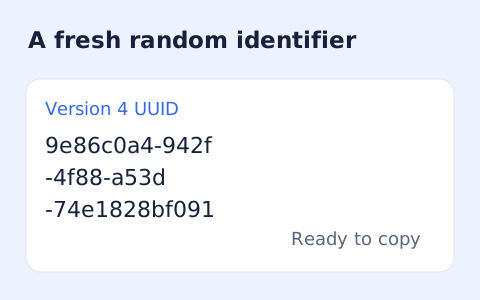
Create one or more RFC 4122 version 4 UUIDs locally and copy them in one click.
Open tool
Convert pixel values to CSS rem units with a configurable root font size and a quick reference table.
Open tool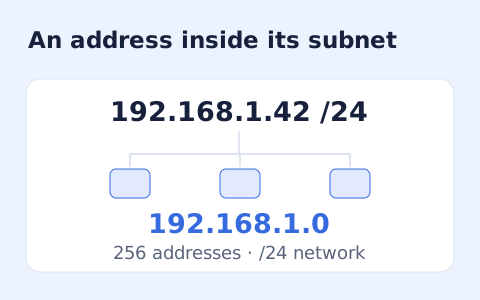
Calculate IPv4 subnet details from an address and CIDR prefix, including /31 and /32 cases.
Open tool
Generate a CSS border-radius declaration from four corner values and preview the shape.
Open toolUse the exact message and a UTF-8 text key, then choose the required hash and output encoding.
Answers about using HMAC Generator and understanding its results.
No. The entered key is UTF-8 text, even when it contains hexadecimal-looking characters.
Yes, with a nonempty key.
The form offers SHA-256, SHA-384, and SHA-512 HMAC, with hexadecimal or Base64 output.
It changes the message bytes used in the computation. Preserve meaningful whitespace when comparing an expected HMAC.