
Unix Timestamp Converter
Convert signed Unix timestamps and ISO date-times with explicit time-zone offsets.
Open toolInspect a compact JSON Web Token by decoding its header and payload locally. Read unverified claims and supported time values in UTC; the signature is not checked.
Enter the inputs, then select Decode JWT.
Result will appear here
The decoder reads the first two Base64url segments as UTF-8 JSON and displays the declared header algorithm and payload without verifying the signature.
Supported exp, iat, and nbf NumericDate claims are also shown in UTC. The signature is not verified, so decoded content must not be used as an authentication or authorization decision.
Remove an accidental Bearer prefix and check the number of dot separated parts.

Paste a compact three part JWT to inspect its header and payload locally.
Paste the complete three-part token into JWT. Keep the segments and separators intact. This form is for compact JWT inspection, rather than an encrypted token or a separate Base64 text value.
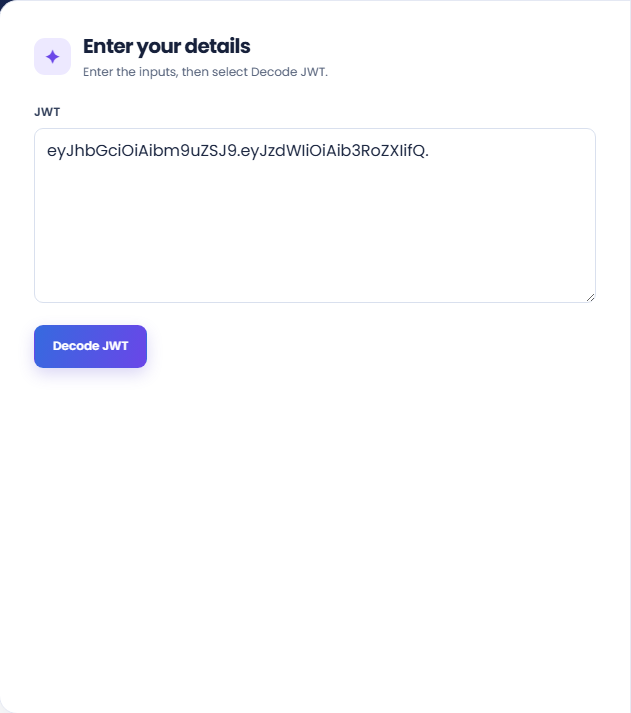
Run the decoder and read the Unverified result. The panel displays header and payload JSON, the declared header algorithm, and supported NumericDate claims in UTC.
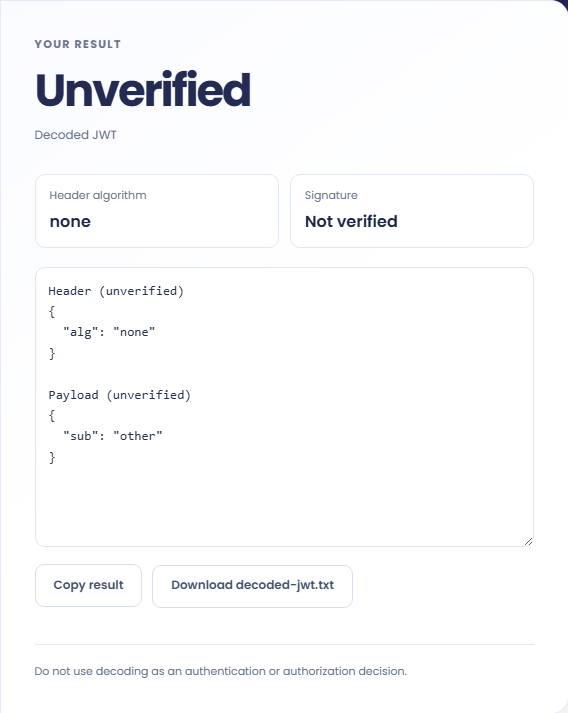
Read the Signature: Not verified status and the authentication warning. Copy or download the decoded text only for inspection. A trusted verifier must separately check signature, issuer, audience, and other requirements.
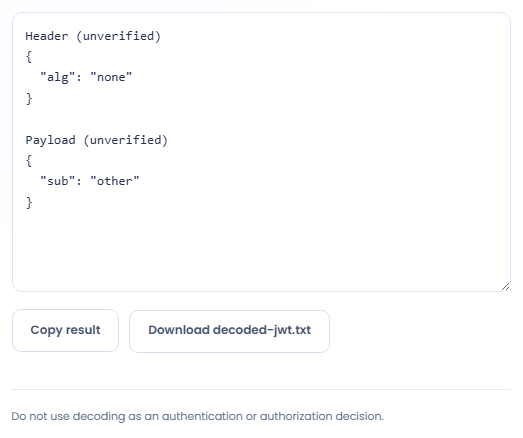
Decoded claims can support debugging when their unverified status remains explicit.
Decode a test token when checking which claim names an integration places in the payload. Compare that structure with the receiving application requirements. The result can reveal a missing or differently named field but cannot establish that authentication should succeed.

Read a supported expiry or issue time when investigating a test session problem. Confirm the actual validation behavior in the application separately. A visible date does not prove that the signature, audience, issuer, or token lifetime was accepted.

Use a suitable nonsecret example to describe a token payload in technical notes. Include the meaning of each relevant field from the integration documentation. Avoid presenting the decoded example as proof that a real account has those permissions.

Use the decoded header and claims for inspection while keeping trust decisions separate from readable token content.
The signature is not cryptographically verified. The decoder can accept an alg none header with an empty third segment, so successful decoding is especially unsuitable as an authorization decision.
A five part encrypted JWE is outside this compact JWT decoder. Textual structure checks do not decrypt a token, validate a signing key, or establish trust in its claims.

Check the compact token structure and the application’s verification process before relying on a claim.
Remove an accidental Bearer prefix and check the number of dot separated parts. Malformed Base64URL, invalid UTF-8, or header and payload values that are not JSON objects are rejected.
Non numeric time claims are shown as unsupported rather than interpreted as timestamps. Check the format used by the issuer and use a proper verifier in the consuming application when assessing validity.

Convert signed Unix timestamps and ISO date-times with explicit time-zone offsets.
Open tool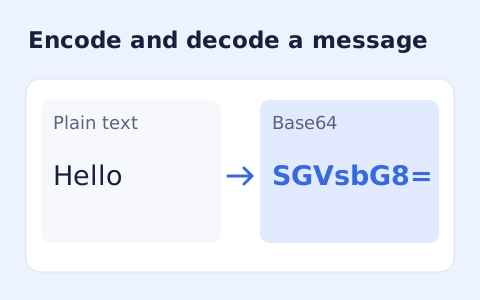
Encode UTF-8 text into standard padded Base64 and decode Base64 back into Unicode text.
Open tool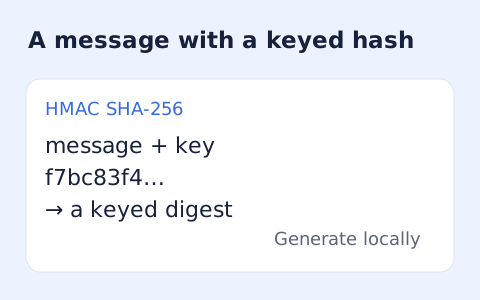
Calculate HMAC-SHA-256, SHA-384, or SHA-512 locally and copy hexadecimal or Base64 output.
Open toolChoose another tool for your next calculation, conversion, or text task.
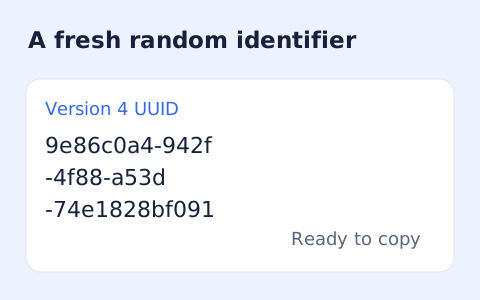
Create one or more RFC 4122 version 4 UUIDs locally and copy them in one click.
Open tool
Convert pixel values to CSS rem units with a configurable root font size and a quick reference table.
Open tool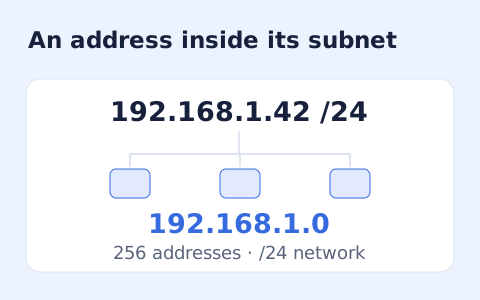
Calculate IPv4 subnet details from an address and CIDR prefix, including /31 and /32 cases.
Open tool
Generate a CSS border-radius declaration from four corner values and preview the shape.
Open toolPaste a compact three part JWT to inspect its header and payload locally.
Answers about using JWT Decoder and understanding its results.
No. A trusted verifier must check signature, issuer, audience, and other requirements.
No. It is a decoded claim from the token. A trusted verifier must decide and verify the allowed algorithm.
Supported numeric exp, iat, and nbf claims are interpreted as Unix seconds and displayed in UTC. Unsupported NumericDate values are marked accordingly.
Use a compact three-part JWT within 100,000 characters. Header and payload segments must decode to JSON objects. Five-part encrypted JWE is outside this decoder.