
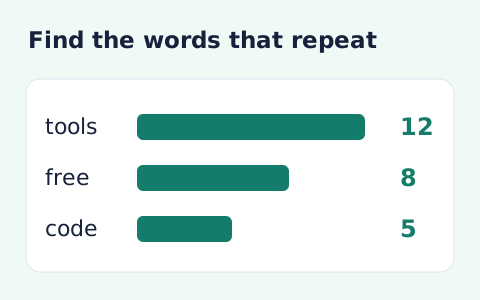
Word Frequency Counter
Analyze word counts and term frequency locally with Unicode aware word matching.
Open toolEstimate reading time from pasted text and your chosen words-per-minute rate. Review the word count beside the minutes-and-seconds result.
Update the inputs to see your result.
Result will appear here
Text word count and the entered reading speed produce a duration estimate.
Unicode letter and number sequences determine the word count. The page divides that count by words per minute, converts it to seconds, and rounds upward to a whole second with a minimum of one second.
An estimate for space-separated prose. Dense material, images, and languages without spaces can take longer; no text is uploaded.

Count the intended passage with an explicit words per minute assumption.
Paste the text to read and enter the words-per-minute speed for the estimate. Keep the passage boundaries and chosen speed with a comparison. The form does not collect measured reader behaviour or time spent interpreting images.
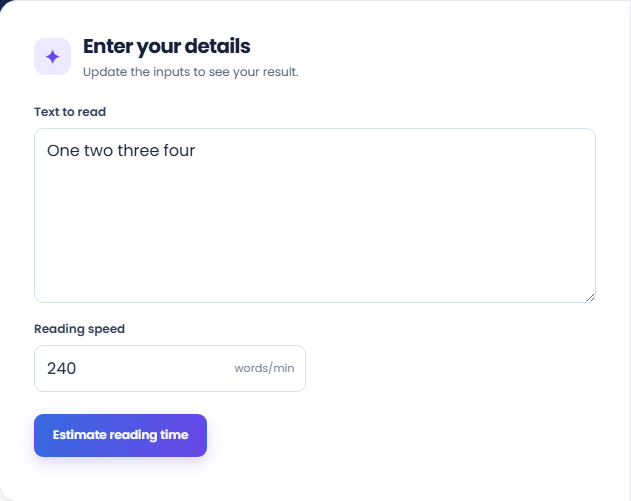
Select Estimate reading time and review the minutes-and-seconds result. The page counts matching word sequences, divides by the entered speed, and rounds upward to whole seconds. A speed change can affect the result even when the text is unchanged.
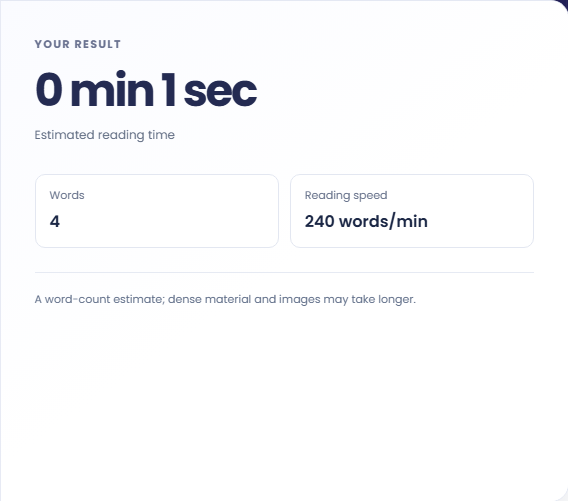
Read Words and Reading speed beside the duration. Dense material, images, reading purpose, and different language conventions can change actual reading time. Treat the result as a text-count estimate rather than an exact duration for every reader.
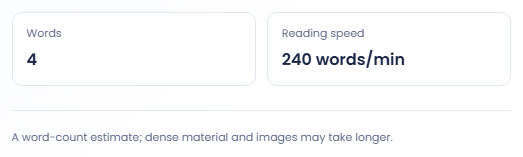
The estimate helps describe text length under a stated pace assumption.
Run the original and edited passages at the same words per minute. A shorter estimate then reflects the counted text difference. Reread what was removed before using the number to judge whether the edited passage still covers its subject.

Use the output as an approximate reading duration for a passage, with its speed assumption kept in your notes. Images, examples and difficult material can take additional time. The calculator does not measure actual reading sessions or track visitors.

Nine hundred counted words at two hundred twenty five words per minute produce four minutes. This hypothetical check makes the speed basis clear. It describes the arithmetic rate and does not establish how long an individual will need for that text.

Read the duration with the word count and chosen speed assumption.
The page derives duration from counted terms and rounds upward to a whole second, with a minimum of one second. It does not use a document's subject, sentence complexity or visual content to calculate the time.
Punctuation separates counted terms, while scripts without spaces may not match ordinary linguistic word boundaries. A reader can also pause at diagrams or examples. Treat the output as a labelled estimate of the entered text.

Check passage boundaries and factors that the word-count model cannot measure.
A blank passage cannot provide the intended estimate, and the reading speed must be positive. Check the copied text for navigation labels or markup if the count differs from the passage you intended to assess.
This page does not estimate a spoken presentation, remove document markup or upload a file. For vocabulary repetition, Word Frequency Counter supplies term counts; use those results for text analysis rather than treating reading duration as a quality score.

Analyze word counts and term frequency locally with Unicode aware word matching.
Open tool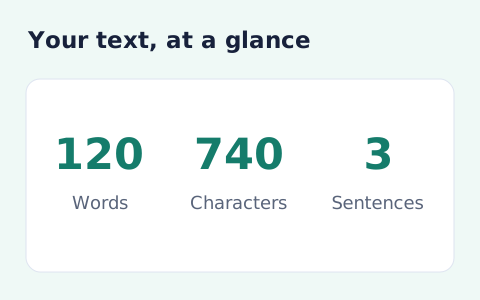
Analyze pasted text locally with word, sentence, paragraph, line, and character statistics.
Open tool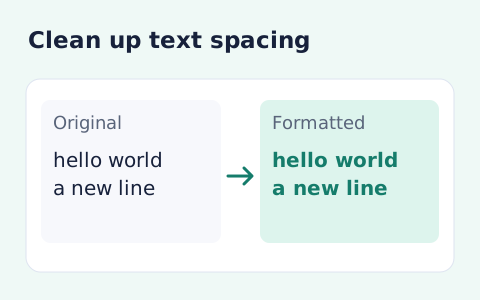
Format pasted text with line trimming, horizontal whitespace cleanup, blank-line handling, and case conversion.
Open toolChoose another tool for your next calculation, conversion, or text task.
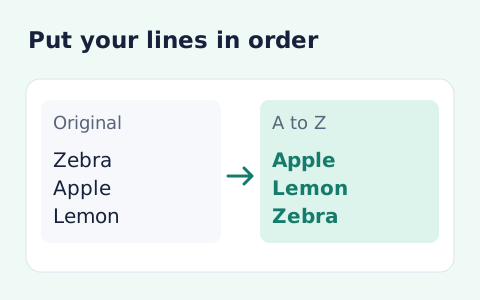
Sort text lines A–Z or Z–A, optionally removing blank and duplicate lines, then copy the result.
Open tool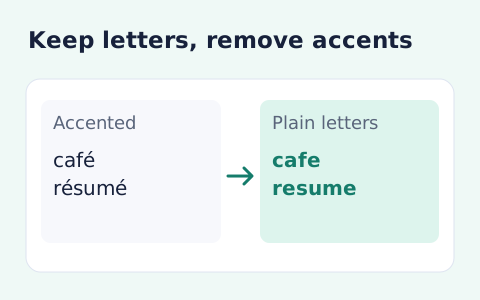
Remove diacritic marks from Unicode text locally while keeping the original letter order and line breaks.
Open tool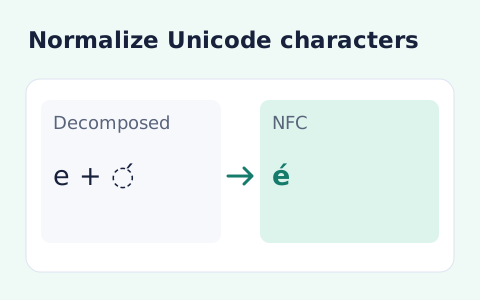
Convert text between the four Unicode normalization forms locally in your browser.
Open tool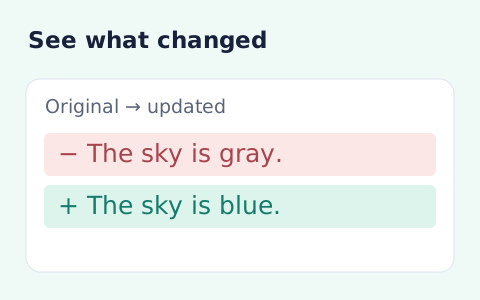
Compare two pieces of text locally with additions and removals highlighted by word or line.
Open toolEstimate reading time from pasted text and your chosen words-per-minute rate.
Answers about using Reading Time Calculator and understanding its results.
Yes. Enter a words-per-minute estimate that matches your reader.
No. Punctuation by itself is excluded.
No. It uses text word count and the entered reading speed. Image inspection and pauses are not measured.
No. Familiarity, language, text density, and reading purpose can change actual duration. Keep the chosen speed with the estimate.