
Unicode Normalizer
Convert text between the four Unicode normalization forms locally in your browser.
Open toolRemove accents by decomposing Unicode text and stripping combining marks. Keep line breaks and letter order, then review the transformed text.
Update the inputs to see your result.
Result will appear here
NFD decomposition exposes combining marks so they can be removed.
The source text is decomposed with Unicode NFD. Characters in the combining-mark category are removed, leaving the remaining sequence in its original order. This is mark removal rather than translation or complete transliteration.
This removes marks such as the accent in é → e. It is not full transliteration: some letters such as ł or ß remain unchanged. Text stays in the browser.
Reference: MDN: String.normalize().

Keep an untouched copy before removing combining marks from a passage.
Paste the source text with its intended line breaks. Keep an original copy where exact names or technical strings matter. The operation removes decomposable combining marks rather than translating the text or converting every special letter into basic Latin.

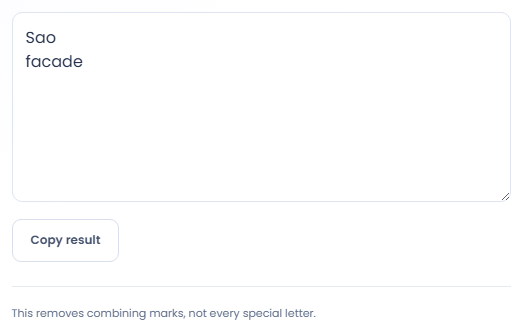
Select Remove accents and inspect the processed text. The page first applies NFD decomposition, then removes combining-mark characters. Letter order and line breaks remain, while some letters without a decomposable accent sequence can stay unchanged.

Read Combining marks removed and check representative names or terms in the output. Use Copy result only after confirming the transformation suits the destination. A removed-mark count does not show whether the transformed wording retains its original meaning.
Use the transformation only when loss of diacritics is intended.
Create a plain letter variant of an accented phrase for a search process that needs it. Keep the original phrase as well. Removing marks can merge distinctions in spelling, so the alternate string should not silently replace the source name or wording.

The hypothetical text café becomes cafe because the acute accent decomposes into a combining mark. Some letters, including ł and ß, remain unchanged. Inspect the actual output instead of assuming every non ASCII letter will become an ASCII sequence.

If your goal is consistent Unicode representation while preserving accents, use Unicode Normalizer instead. Accent removal deliberately drops combining marks. Choosing the right operation matters when two pieces of text need comparison without losing their original spelling.

Understand which accents change and which special letters can remain.
The tool uses decomposed Unicode text and removes combining mark characters. It reports the transformed code point count and the number of marks removed. Those counts describe the transformation, not a language quality assessment.
A letter that does not decompose into a base plus mark can remain unchanged. The output is therefore not guaranteed to be ASCII. It also does not translate text, correct spelling or establish equivalent meanings.

Review names and exact strings before replacing text with its transformed version.
A blank input cannot be transformed. When a character remains unchanged, inspect whether it has a combining mark decomposition rather than repeatedly running the tool. Applying the same removal again does not invent a transliteration for that letter.
Diacritics can carry distinctions in names and words. Review the result before using it in a record that requires exact spelling. If copying is unavailable, select the result text manually; there is no file export in this tool.

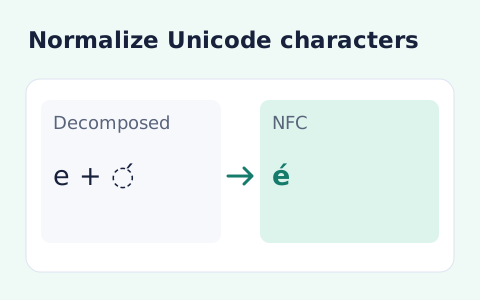
Convert text between the four Unicode normalization forms locally in your browser.
Open tool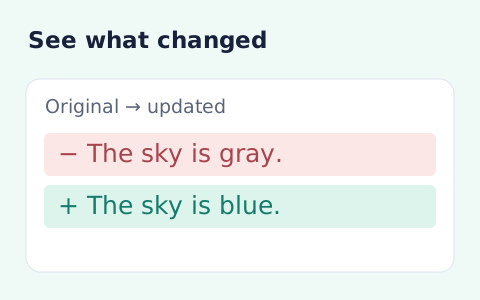
Compare two pieces of text locally with additions and removals highlighted by word or line.
Open tool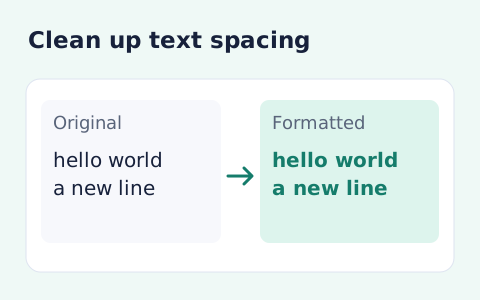
Format pasted text with line trimming, horizontal whitespace cleanup, blank-line handling, and case conversion.
Open toolChoose another tool for your next calculation, conversion, or text task.
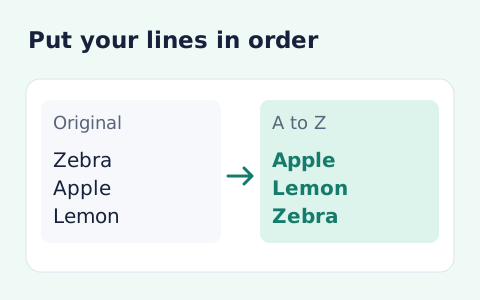
Sort text lines A–Z or Z–A, optionally removing blank and duplicate lines, then copy the result.
Open tool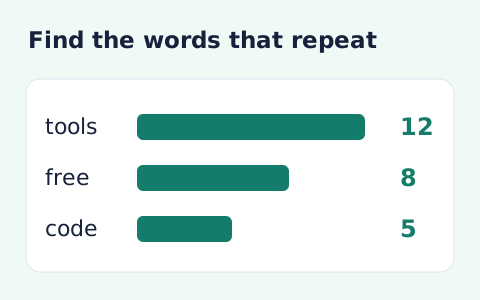
Analyze word counts and term frequency locally with Unicode aware word matching.
Open tool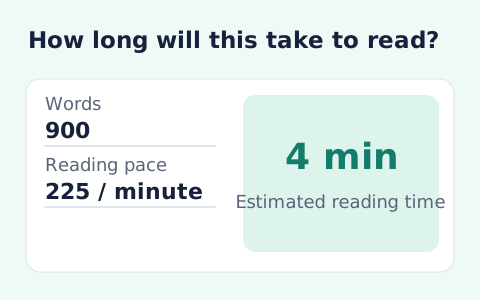
Paste text and estimate reading time from its word count and your chosen reading speed.
Open tool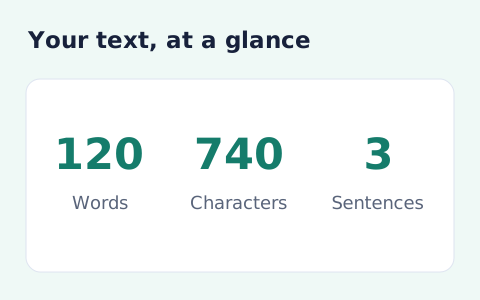
Analyze pasted text locally with word, sentence, paragraph, line, and character statistics.
Open toolRemove decomposable combining marks from Unicode text while retaining line breaks and letter order.
Answers about using Remove Accents from Text and understanding its results.
No. It only removes decomposable combining marks.
Yes. The tool preserves line breaks and unaccented text.
No. Letters such as ł and ß are not decomposable accent sequences and can remain unchanged.
Yes. Select Remove accents and use Copy result beneath the processed text. Review names and technical strings because removing marks can change their meaning.