
RGB to Hex Converter
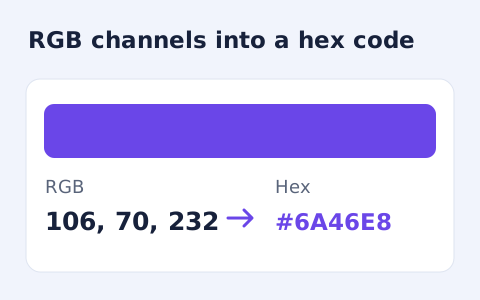
Convert RGB channel numbers into a six-digit hexadecimal CSS colour and preview it.
Open toolConvert three- or six-digit hex colour into a CSS rgb() value and separate red, green, and blue channels. Preview and copy the opaque colour.
Update the inputs to see your result.
Result will appear here
Hex digit pairs are converted into the three decimal RGB channels.
A three-digit input is expanded by repeating each digit. Each pair of hex digits is converted into an integer channel from zero to 255, then combined into an rgb() value and colour preview.
Alpha-channel hex is not accepted in this tool. Converted values and a colour preview stay in your browser.

Use an opaque three or six digit hex color to obtain a CSS RGB value.
Enter three or six hexadecimal digits, with or without the leading hash. A short value expands by repeating each digit. Alpha-channel hex is not accepted, so use an opaque colour notation when preparing the input.

Select Convert color and read the generated rgb() expression beside the preview. The page converts each hex pair into its decimal red, green, or blue channel. The operation changes colour notation without changing those underlying channel values.
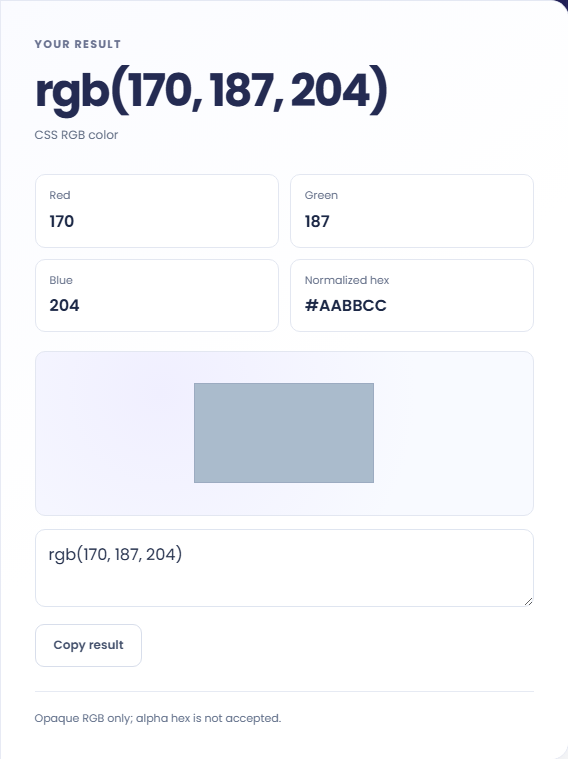
Review Red, Green, Blue, and Normalized hex. Use Copy result or select the text directly, then insert it into the intended destination yourself. The page does not alter another website’s styles or convert between colour profiles.
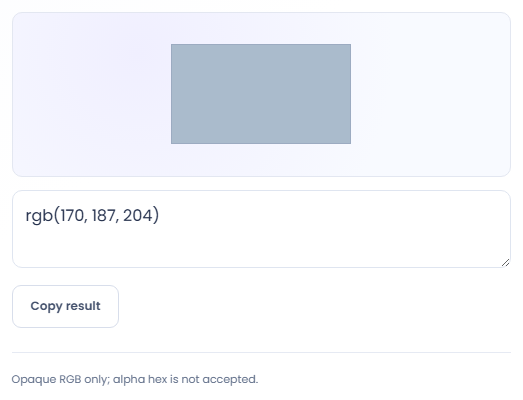
The hex and RGB outputs describe the same opaque channel values.
The hypothetical short color #abc expands to #AABBCC and produces rgb(170, 187, 204). This shows how each short digit is duplicated. It is a format conversion and does not change the color into a different profile or color space.

Convert a hex value when a destination expects separate decimal channels or a CSS rgb expression. Keep the channel order as red, green and blue. The tool does not discover what color profile or alpha behaviour that destination uses.

Copy the three displayed channels into RGB to Hex Converter and compare the normalized hex output. This checks notation consistency for supported opaque values. A different letter case in the hex string does not by itself describe a different color.

Read the decimal channels alongside the normalized opaque hex value.
Three digit input is expanded to six digits before channel conversion. The normalized hex line uses uppercase letters. The RGB expression provides decimal channel values in order, while the preview uses the corresponding hex value.
The page accepts no alpha hex and does not convert color profiles. The preview is a browser rendering of an opaque RGB color, not evidence of a measured display match or a complete accessibility assessment.

Check supported hex length and the destination’s expected colour notation.
Four or eight digit alpha hex values are rejected. Check length and hexadecimal digits if the form reports an invalid color. Do not remove the alpha portion without considering whether transparency was part of the intended design.
The generated expression can be copied, but there is no palette file export or image sampling option here. For text and background readability, use Color Contrast Checker with both colors rather than treating one swatch as an accessibility result.

Convert RGB channel numbers into a six-digit hexadecimal CSS colour and preview it.
Open tool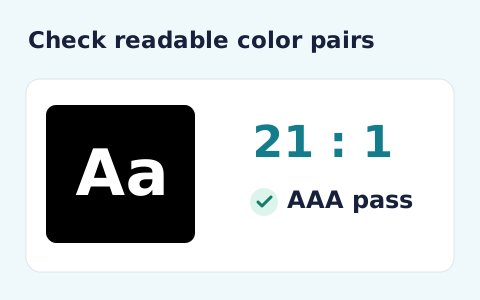
Calculate the WCAG 2 contrast ratio and AA/AAA results for normal and large text.
Open tool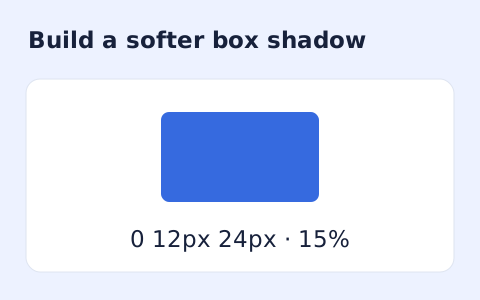
Create a CSS box-shadow declaration from editable shadow settings and copy the result.
Open toolChoose another tool for your next calculation, conversion, or text task.
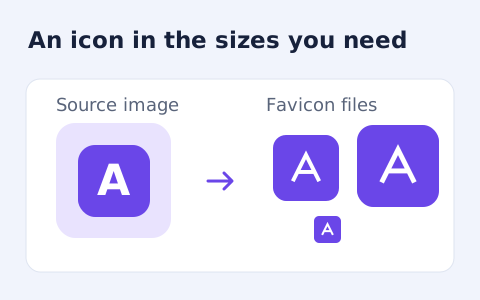
Create an ICO and common PNG favicon sizes from a raster image.
Open tool
Convert a WebP image into a downloadable multi-size ICO file.
Open tool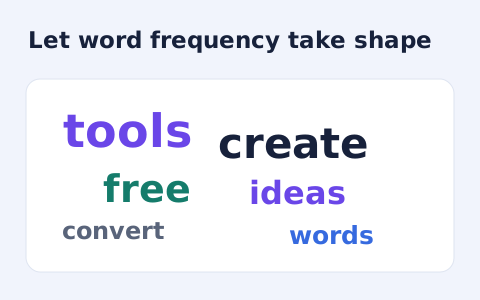
Create a downloadable word cloud from the most frequent terms in your text.
Open tool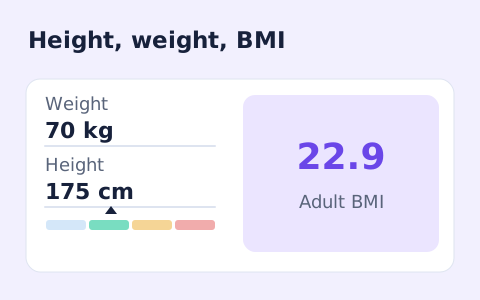
A free adult BMI calculator with metric inputs, a clear BMI category, and the calculation shown.
Open toolConvert three- or six-digit hex colour into a CSS rgb() value and separate red, green, and blue channels.
Answers about using Hex to RGB Converter and understanding its results.
Yes. It expands to #aabbcc before conversion.
Yes. Use Copy result beside the generated rgb() value.
Yes. The parser trims whitespace and accepts the valid three- or six-digit value with or without a leading hash.
No. It converts channel notation for an opaque RGB colour. It does not transform colour profiles or handle alpha-channel hex.