Favicon Generator
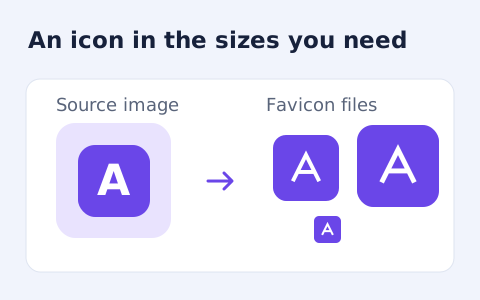
Create an ICO and common PNG favicon sizes from a raster image.
Open toolConvert a WebP image into a multi-size ICO file. Choose contain or crop-to-square fitting, select an icon size set and download the PNG-backed container.
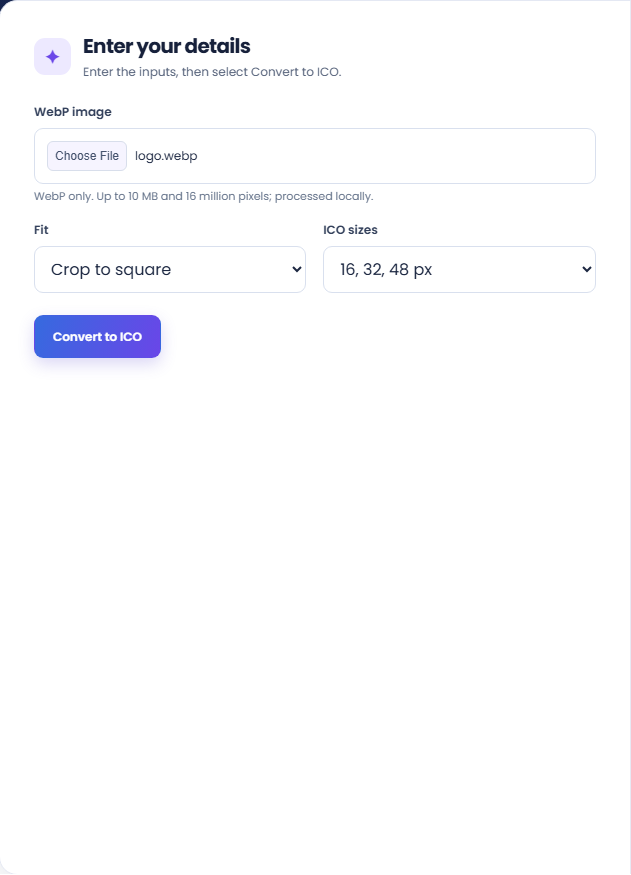
Enter the inputs, then select Convert to ICO.
Result will appear here
The converter draws a decoded WebP source at the selected square sizes and stores the resulting PNG images in a single ICO container.
Contain retains the source with transparent padding; cover can crop to fill the square. Review the icon at small sizes and test the PNG-backed container with the target application.
Input must meet the file size and decoded image dimension limits.

Choose an actual WebP image, an icon size set, and a square fit mode.
Choose an actual WebP image, select contain or cover fitting, and choose the small or standard ICO size set. Check source dimensions and file size before generating the container.
Run the converter and inspect the preview. The supporting rows identify the source dimensions and the number of PNG images packaged in the ICO.
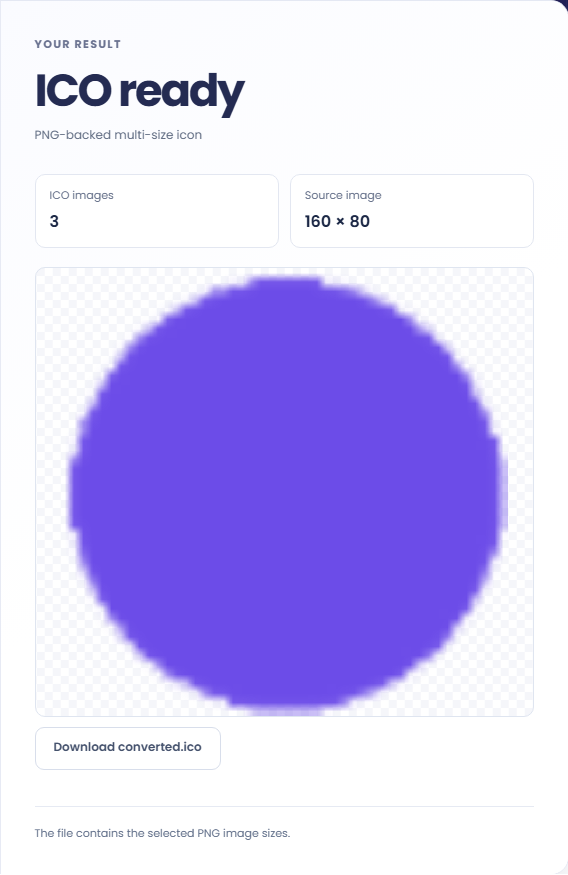
Download converted.ico and check it in the consuming application. Read the PNG-backed-container note. Inspect small sizes for lost detail, and verify whether contain padding or cover cropping matches the intended icon.
Convert a finished raster mark when a workflow specifically needs an ICO file.
Create an ICO from a mark already exported as WebP when another system requests the icon container. Confirm the target accepts the generated PNG backed ICO representation. Format conversion does not guarantee compatibility with older software expecting other ICO encodings.
Try both fit modes for a rectangular source before choosing the icon. Contain retains the composition but can leave more transparent space; cover fills the square but can remove edges. The choice depends on which source detail must remain visible.
Use the small set when only the supported smaller sizes are needed, or the standard set when a broader selection is appropriate. Check the target requirements first. More embedded sizes do not restore details missing from the source image.
Inspect the fitted icon and included size set before testing the ICO in the application that will display it.
The standard set contains 16, 32, 48, 64, 128, and 256 pixel images; the small set contains 16, 32, and 48. The container uses PNG backed images and retains transparency.
Contain and cover both produce square images. They change placement rather than redesigning the mark, and upscaling a small source can make its limitations more visible.
Check the actual WebP format, decoded dimensions, fit, and desired size set before conversion.
Input must meet the file size and decoded image dimension limits. A renamed PNG is rejected as a WebP source. Animated raster input does not become an animated ICO through this conversion.
If a consumer rejects the ICO, check its supported encoding and size requirements. For a broader website package with PNG files and manifest examples, use the favicon generator instead.

Choose another tool for your next calculation, conversion, or text task.
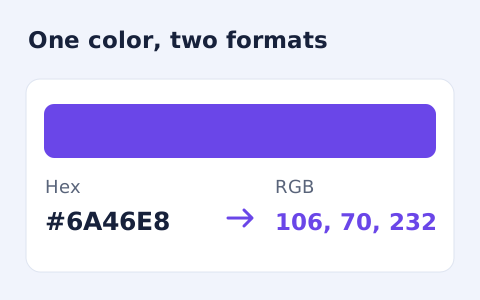
Convert #RGB or #RRGGBB colours into CSS rgb() values and individual red, green, and blue channels.
Open tool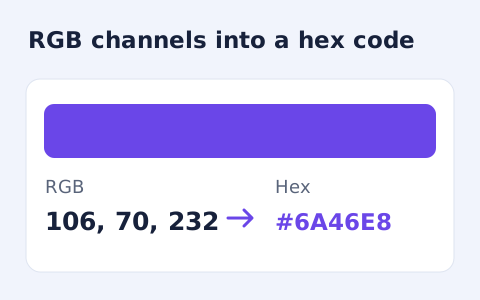
Convert RGB channel numbers into a six-digit hexadecimal CSS colour and preview it.
Open tool
Create a downloadable word cloud from the most frequent terms in your text.
Open tool
Plan a dated meeting across IANA time zones and check typical weekday office hours.
Open toolChoose an actual WebP image, an icon size set, and a square fit mode.
Answers about using WebP to ICO Converter and understanding its results.
No. It fits the full image with transparent padding.
Choose 16, 32, and 48 pixels, or the standard set that also includes 64, 128, and 256 pixels.
No. Its entries are PNG images. Check support in the application that will consume the icon.
The source must be an actual WebP within 10 MB, 16 million decoded pixels, and 8,192 pixels per side. Animated input is represented by a decoded frame.