
Favicon Generator
Create an ICO and common PNG favicon sizes from a raster image.
Open toolTurn self-contained SVG markup into a CSS background-image data URI. Inspect the preview, then copy or download the percent-encoded background declaration.
Enter the inputs, then select Generate CSS.
Result will appear here
The converter validates self-contained SVG markup against its supported content rules, then serializes and percent-encodes it as a CSS background data URL.
The output is a background-image declaration with a data URI. Place it within a CSS rule and review the element dimensions and background behavior in the target page.
Use well formed XML with an SVG root.

Paste SVG source to create a CSS background declaration with an encoded data URI.
Paste the SVG document with its self-contained shapes and supported internal references. Remove unsupported scripts, stylesheets, animation, embedded images, and external resources before using this converter.
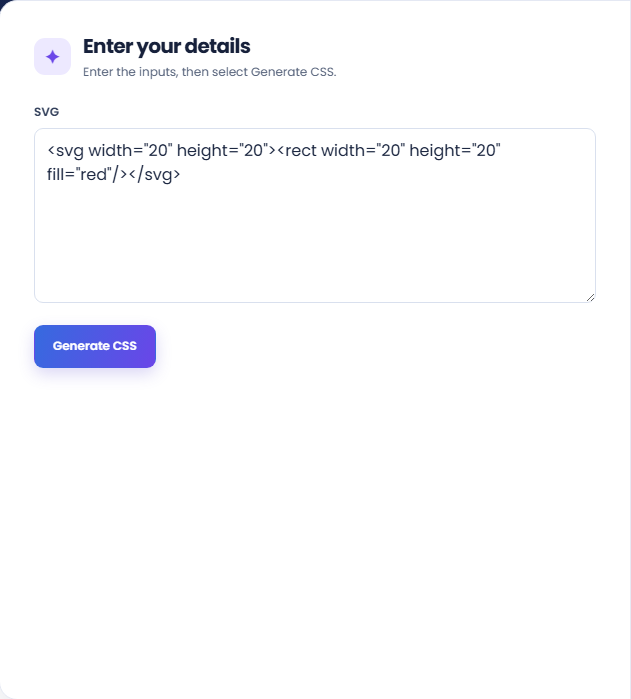
Run the converter and inspect the CSS-ready result with the SVG character count and preview. The markup is serialized into a percent-encoded data URI inside a background-image declaration.
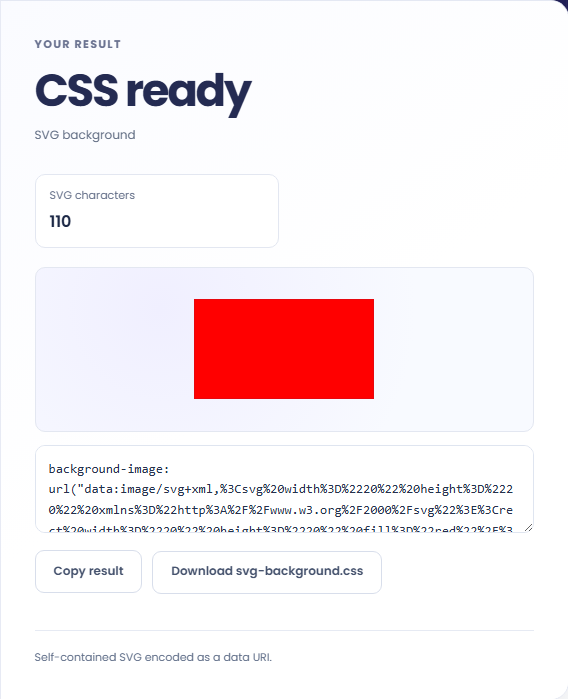
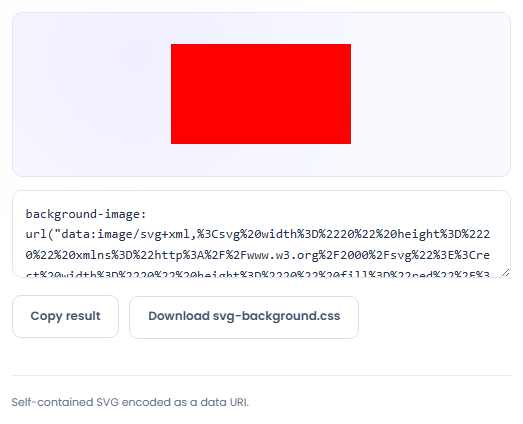
Copy the declaration or download svg-background.css. Place it within a CSS rule and review background size, positioning, and element dimensions. The preview does not supply the surrounding component styling.
Use a self contained vector when a background is appropriate for the component.
Convert a simple decorative mark for use behind a component where no separate image request is desired. Review whether a CSS background suits the role. Meaningful content that needs an accessible description may require a different document treatment.

Use a self contained pattern when the source consists of supported vector shapes and local references. Test repetition and background size in your stylesheet. The generated declaration embeds the source but does not choose how often the pattern should repeat.

Share a generated CSS background when another developer needs the same vector source in a component example. Retain the readable SVG for later edits. The encoded declaration is useful for placement, while the original is easier to inspect and maintain.

Use the preview and CSS text to check whether the accepted SVG still fits its intended background role.
Scripts, style elements, animation, foreignObject, image elements, and external links are rejected. Local fragment references can remain, but references to external resources are outside the supported input.
The SVG stays vector source inside a data URI. This conversion is not an image optimization report, a complete sanitizer guarantee, or a method for reproducing every possible SVG document.

Review unsupported elements and resource references in the source before retrying a rejected SVG.
Use well formed XML with an SVG root. DOCTYPE and event handler attributes are rejected. When conversion fails, review the identified feature in the original rather than deleting unrelated markup until it passes.
If a valid background is invisible, inspect the element dimensions and its background rules in the actual page. The converter does not render or audit your target component.

Create an ICO and common PNG favicon sizes from a raster image.
Open tool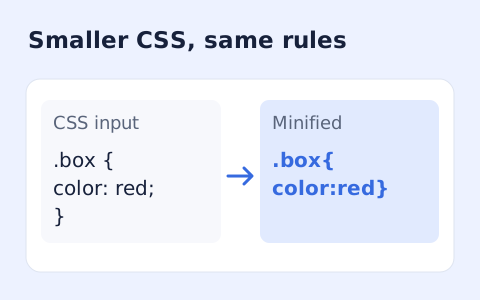
Minify CSS while retaining strings, custom properties, and rule order.
Open tool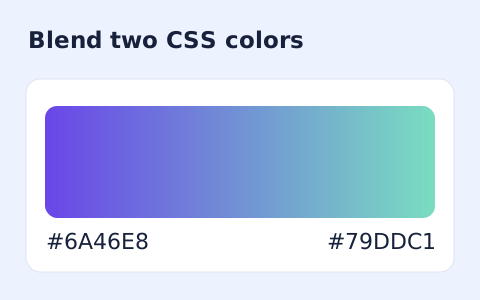
Generate a two-color linear gradient or a circular radial gradient with a browser preview.
Open toolChoose another tool for your next calculation, conversion, or text task.
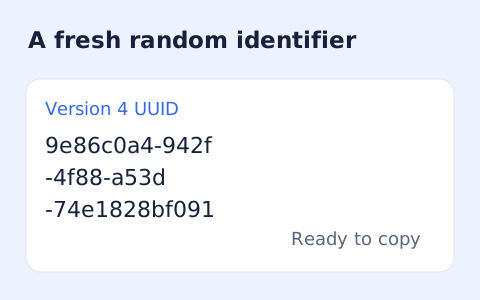
Create one or more RFC 4122 version 4 UUIDs locally and copy them in one click.
Open tool
Convert pixel values to CSS rem units with a configurable root font size and a quick reference table.
Open tool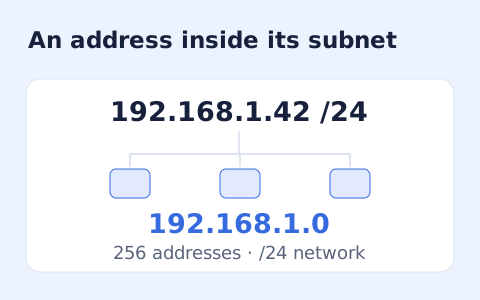
Calculate IPv4 subnet details from an address and CIDR prefix, including /31 and /32 cases.
Open tool
Generate a CSS border-radius declaration from four corner values and preview the shape.
Open toolPaste SVG source to create a CSS background declaration with an encoded data URI.
Answers about using SVG to CSS Converter and understanding its results.
No. Use self-contained shapes, text, and internal fragment references.
Yes. Copy the background-image declaration into a CSS rule.
No. Script and style elements are outside the supported self-contained SVG input. Review the rejected element before retrying the conversion.
Supported internal references such as url(#id) can remain. External URLs and imported resources are rejected.