
HTML Minifier
Minify HTML fragments or documents locally while preserving script, style, pre, and textarea content.
Open toolMinify a CSS stylesheet online and compare its source and output byte counts. Choose license-comment handling, then copy or download the compact CSS; rule restructuring is disabled.
Enter the inputs, then select Minify CSS.
Result will appear here
The minifier checks strings and bracket balance, then compacts parsed CSS with rule restructuring disabled and the selected comment policy.
The result reports UTF-8 byte totals and supplies the CSS text for copy or download. Test the output with the actual stylesheet before replacing a deployed file.
Unfinished strings, comments, or unmatched brackets can stop processing.

Paste CSS source and choose whether license style comments should remain.
Paste the stylesheet and choose whether /*! license comments should remain. Close strings, comments, and brackets in the source before processing, and retain the original for comparison.
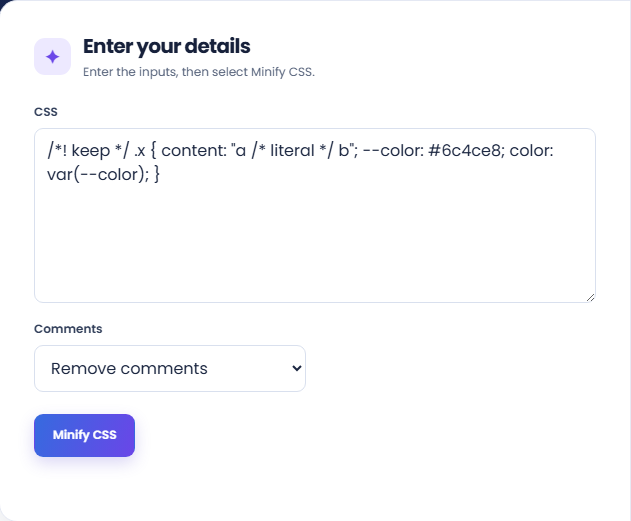
Run the minifier and inspect the output byte total with original bytes and bytes saved. The result text keeps rule order because restructuring is disabled.
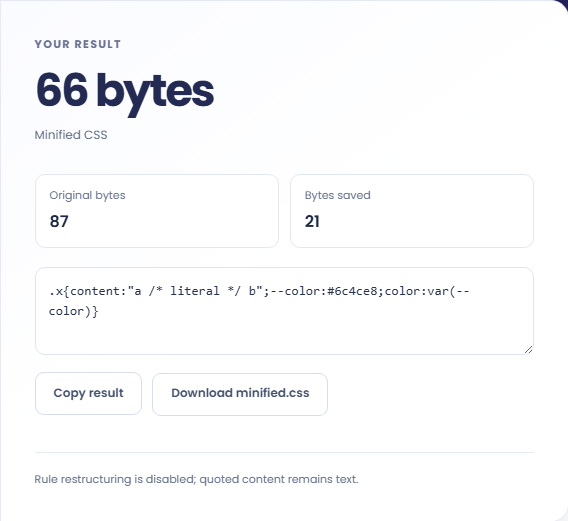
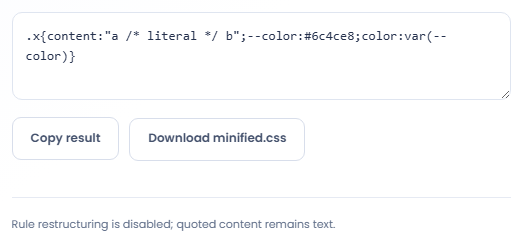
Copy the text or download minified.css, then review the real stylesheet rendering. Read the quoted-content and disabled-restructuring note. Byte reduction does not replace a check of the intended cascade.
Minify a stylesheet copy while retaining a readable source for future edits.
Create a compact version of a reviewed stylesheet for a build or static asset workflow. Continue editing the readable source instead of the minified file. Check that any links to fonts and images still resolve from the final asset location.

Compare the reported UTF-8 source bytes before and after minification for this input. Use those numbers for the stylesheet transformation only. Browser caching, transport compression, other assets, and rendering behavior are separate parts of an actual page performance assessment.

Process a CSS excerpt when evaluating how its comments and syntax are handled. Preserve required attribution where appropriate and test the resulting rules in context. Successful minification does not establish that an unfamiliar stylesheet is compatible with your component.

Review the compact stylesheet and retained comments before substituting it in a page.
The minifier does not use rule restructuring in this configuration. Strings and references remain source content; imports and URLs are not fetched or checked for availability.
A compact stylesheet is not a compatibility report. Its appearance and effect still depend on the browser, document, cascade, and other styles applied to the same elements.

Resolve unfinished source syntax and test the resulting stylesheet with its actual imports and referenced assets.
Unfinished strings, comments, or unmatched brackets can stop processing. Check the original around the reported area and use complete rules rather than a cut off clipboard excerpt.
Input is bounded at 100000 characters and processing has a time budget. If an application behaves differently with the output, compare the original rules and test the actual styled elements.

Minify HTML fragments or documents locally while preserving script, style, pre, and textarea content.
Open tool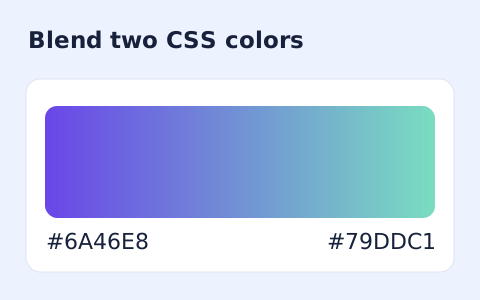
Generate a two-color linear gradient or a circular radial gradient with a browser preview.
Open tool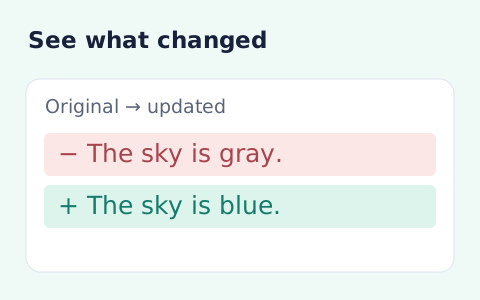
Compare two pieces of text locally with additions and removals highlighted by word or line.
Open toolChoose another tool for your next calculation, conversion, or text task.
Create one or more RFC 4122 version 4 UUIDs locally and copy them in one click.
Open tool
Convert pixel values to CSS rem units with a configurable root font size and a quick reference table.
Open tool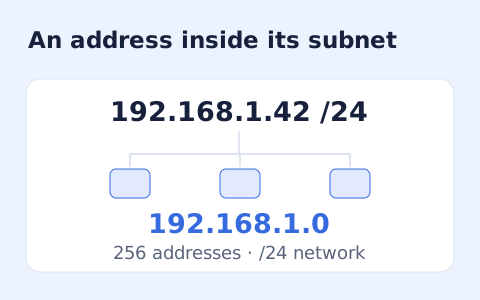
Calculate IPv4 subnet details from an address and CIDR prefix, including /31 and /32 cases.
Open tool
Generate a CSS border-radius declaration from four corner values and preview the shape.
Open toolPaste CSS source and choose whether license style comments should remain.
Answers about using CSS Minifier and understanding its results.
No. String contents are parsed as strings rather than removed as comments.
Rule restructuring is disabled.
Yes. Choose the option to keep comments beginning with /*!; the other mode removes comments.
No. Imports and URLs remain references in the CSS source. The output does not include the contents of those external resources.