
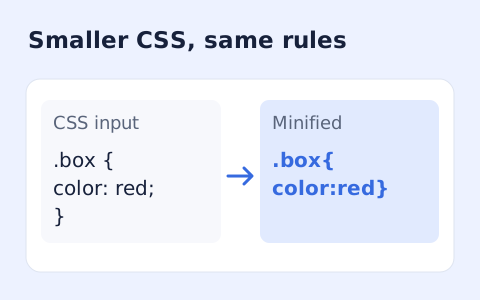
CSS Minifier
Minify CSS while retaining strings, custom properties, and rule order.
Open toolMinify HTML fragments or documents locally while preserving script, style, pre, and textarea content.
Enter the inputs, then select Minify HTML.
Result will appear here
The minifier conservatively reduces HTML whitespace and optionally removes ordinary comments while retaining attribute quotes, optional tags, and embedded script or style content.
The result reports original and output UTF-8 byte sizes. Review the actual rendered document after copying it; inline JavaScript and CSS are not separately minified.
The input must contain text and stay within 100000 characters.

Paste the HTML source and choose whether ordinary comments should remain in the output.
Paste the document or fragment and choose whether ordinary HTML comments should remain. Keep a source copy for a rendered comparison, especially when whitespace carries meaning in the document.
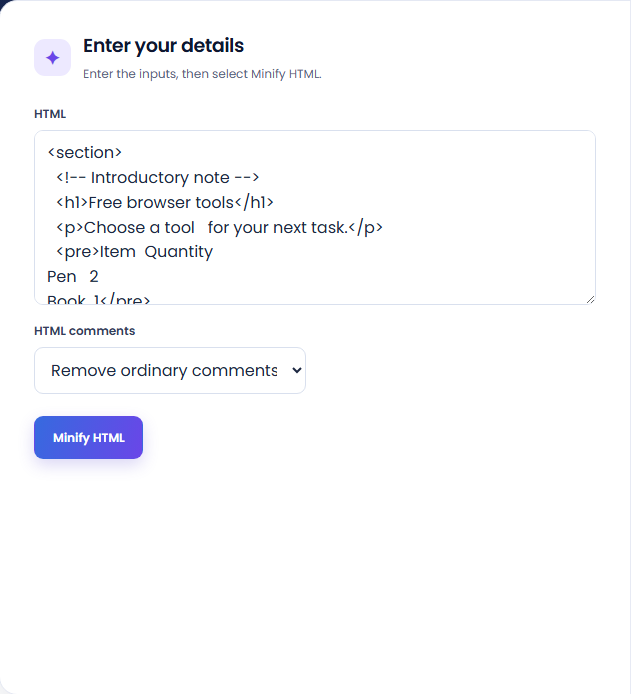
Run the minifier and inspect the output-byte result with original bytes, bytes saved, and reduction. These values describe this particular source, not a general speed improvement.
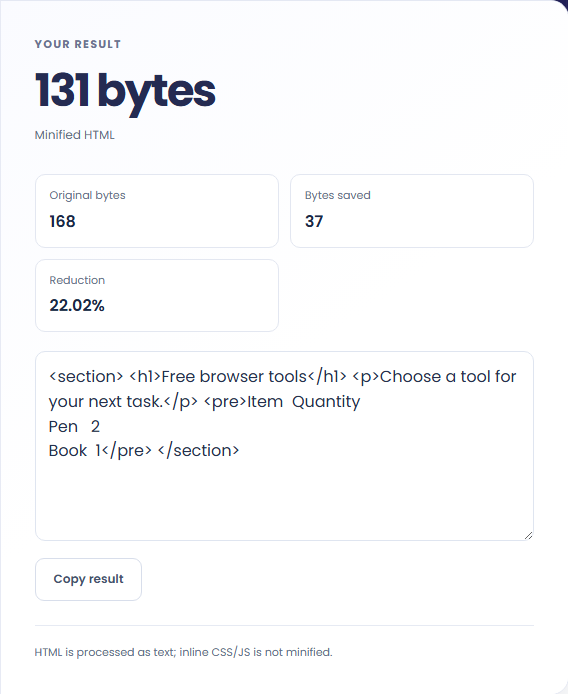
Copy the minified HTML and review it in its intended page. The result note explains that inline CSS and JavaScript are not minified. Check whitespace-sensitive and preformatted areas before replacing a file.
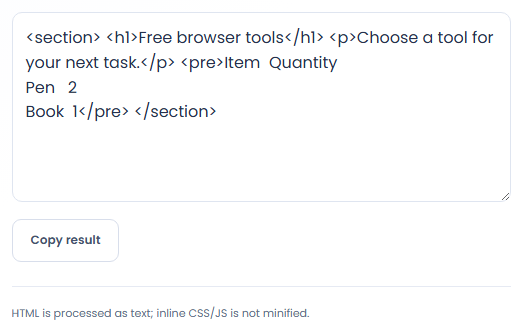
Minify a reviewed source fragment before checking it in its actual rendering context.
Minify a reviewed fragment for a system that accepts HTML text, then check that system output separately. Keep the original readable fragment as the editing source. A compact copy is less suitable for continuing manual edits or discussing markup structure.

Use the reported UTF-8 byte counts to compare this source before and after processing. Those counts describe the markup only. They do not include images, network compression, external stylesheets, or the other resources that affect actual page loading.

Try a representative source sample when evaluating a minification step in a build process. Include markup where whitespace matters, rather than testing only empty structural tags. The local result can expose a review concern but is not an integration test of that build.

Compare the compact HTML with the original where whitespace, comments, or embedded content may matter.
Attribute quotes and optional tags are retained by this conservative configuration. Embedded JavaScript and CSS are not minified, so their size and behavior are outside the reported HTML transformation.
Whitespace reduction can affect meaningful separation in some markup or template contexts. A smaller output is not enough to establish that the page still communicates or behaves correctly.

Test the resulting document in its intended page after checking the source and comment option.
The input must contain text and stay within 100000 characters. Work runs with a time budget. If a large source is stopped, isolate a representative complete fragment for inspection.
If rendering changes, compare the source and output around inline text and template expressions. Return to the original before editing, and test the chosen minification settings in the actual application.

Minify CSS while retaining strings, custom properties, and rule order.
Open tool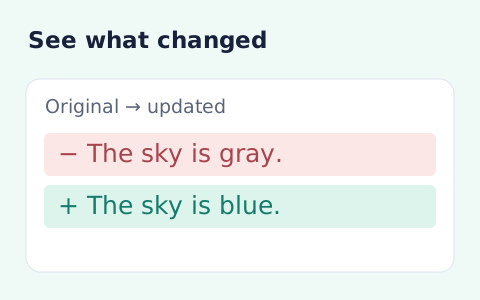
Compare two pieces of text locally with additions and removals highlighted by word or line.
Open tool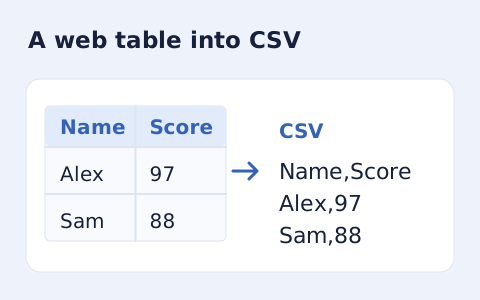
Extract an HTML table into CSV, expanding row and column spans.
Open toolChoose another tool for your next calculation, conversion, or text task.
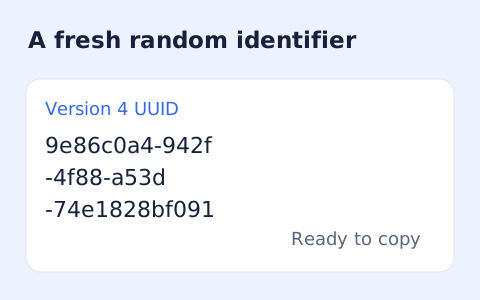
Create one or more RFC 4122 version 4 UUIDs locally and copy them in one click.
Open tool
Convert pixel values to CSS rem units with a configurable root font size and a quick reference table.
Open tool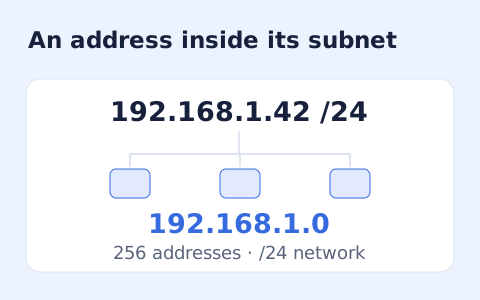
Calculate IPv4 subnet details from an address and CIDR prefix, including /31 and /32 cases.
Open tool
Generate a CSS border-radius declaration from four corner values and preview the shape.
Open toolPaste the HTML source and choose whether ordinary comments should remain in the output.
Answers about using HTML Minifier and understanding its results.
Whitespace inside pre and textarea elements is preserved.
No. The tool treats the input and result as text in an isolated processing worker.
No. Script and style content is retained; those languages are not minified by this tool.
Yes. Choose Keep or Remove ordinary comments before running the minifier.