CSV Viewer
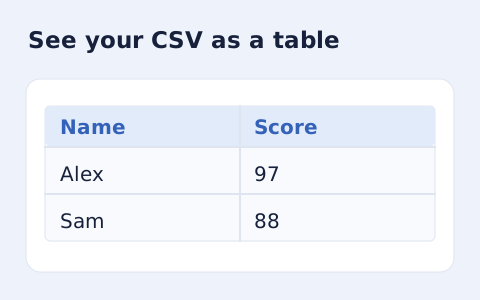
Inspect quoted CSV cells in a readable table without uploading your data.
Open toolExtract an HTML table into CSV without rendering the document. Select the table number, expand merged cells into a grid, and choose formula-like cell treatment before export.
Enter the inputs, then select Convert to CSV.
Result will appear here
The converter reads text from the selected HTML table without rendering the document and repeats spanned cell text to form a rectangular CSV grid.
Nested tables and non-table embedded content are removed from cell extraction. The grid becomes CSV with required quoting and the chosen formula-prefix treatment; review expanded spans in the resulting records.
Choose a table index from one to twenty and use input within the supported row, column, and text limits.

Paste HTML source, select a table number, and choose the formula escape setting.
Paste the HTML table source, choose its one-based table number, and set formula-like cell treatment. Retain the relevant row and column spans so the extracted grid can represent their coverage.
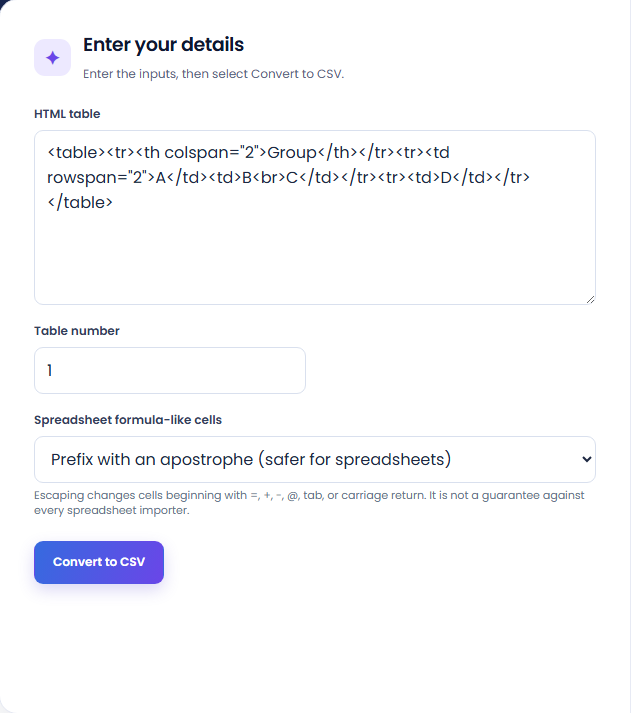
Run the converter and inspect the CSV row and column totals. The selected table is read as text, and spanned cells repeat their originating value across the covered grid positions.
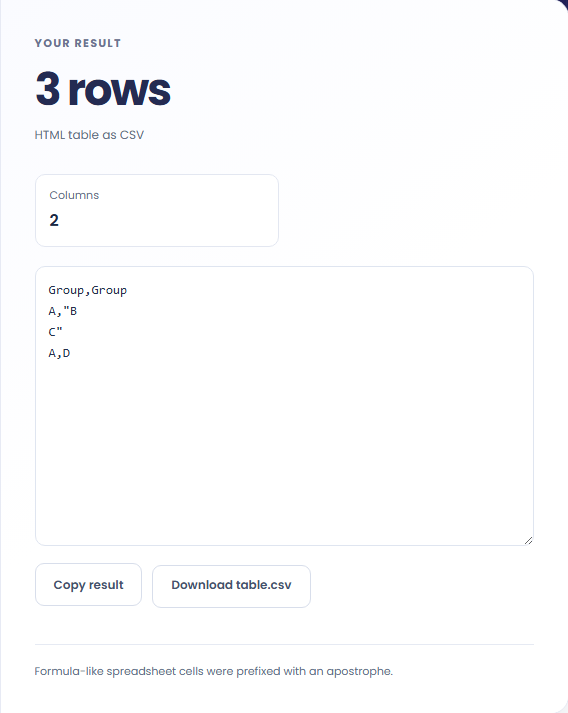
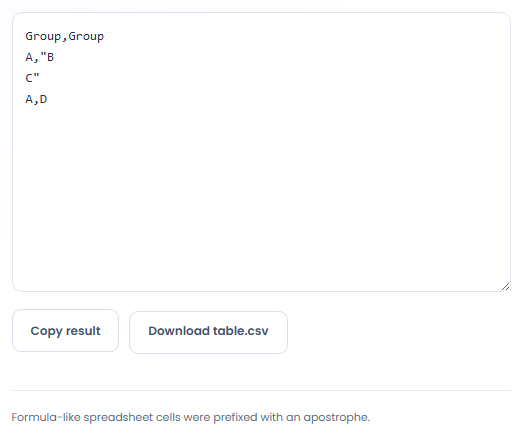
Copy the CSV or download table.csv. Review expanded spans and the formula-treatment note before opening it in the destination. Nested or embedded non-table content does not become independent cell data.
Extract cell text from a table when CSV is the next step.
Convert a supplied table from a report or saved source when its text needs review in a spreadsheet. Check the selected table against the original document first. A webpage can contain layout tables or nested tables unrelated to the intended dataset.

Inspect the output when a table uses rowspan or colspan for grouped headings. Repeated text helps fill the rectangular grid, but it does not create a separate semantic header hierarchy. Decide how the receiving workflow should interpret those rows before importing them.

Use CSV when only the cell text is needed from an HTML table. Keep the source markup if formatting or links still matter. The extraction removes unsupported embedded content and does not preserve the document as an interactive or styled table.

Compare the exported cells with the table’s structure, especially where spans or multiline text affect the result.
Line break elements and supported block text boundaries can become newlines inside cells. Script, style, nested table, and embedded content are removed from cell extraction rather than copied as executable markup.
Spanned cells repeat their text in the resulting grid, and missing positions are filled with empty cells. This represents a table layout as text positions, not an automatic relational data model.

Choose the intended table index and inspect its source structure before using the resulting CSV.
Choose a table index from one to twenty and use input within the supported row, column and text limits. Overlapping cells and unsupported column spans are rejected; a rowspan is limited to its current row group.
If a result contains unexpected rows, confirm the selected table in the supplied source. Formula escaping changes selected leading cell text, so review the choice alongside the destination spreadsheet behavior.

Choose another tool for your next calculation, conversion, or text task.

Plan a dated meeting across IANA time zones and check typical weekday office hours.
Open tool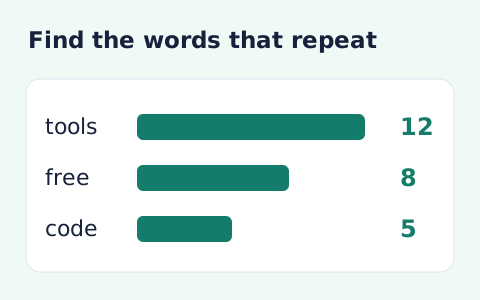
Analyze word counts and term frequency locally with Unicode aware word matching.
Open tool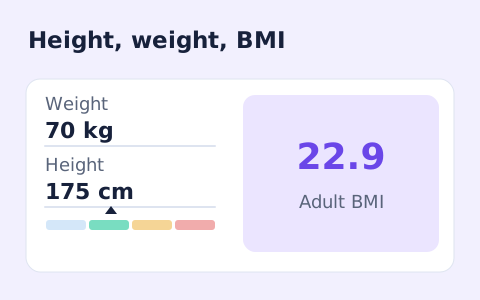
A free adult BMI calculator with metric inputs, a clear BMI category, and the calculation shown.
Open tool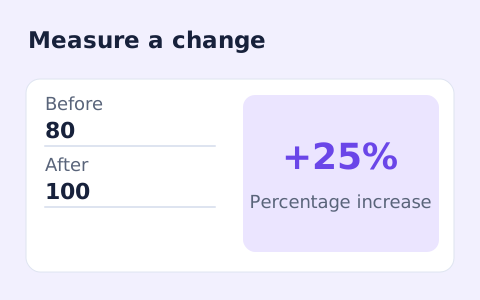
Calculate percentage change and absolute difference between a positive starting value and a new value.
Open toolPaste HTML source, select a table number, and choose the formula escape setting.
Answers about using HTML Table to CSV Converter and understanding its results.
Its text is repeated across the covered columns to make a rectangular CSV.
Yes. Set the one-based table number.
The cell text is repeated through the covered rows in its current row group. A rowspan extending past that group is limited to the group; overlapping cells are rejected.
No. It extracts the selected table from an inert template and serializes cell text. Review which table number and spans are represented.