
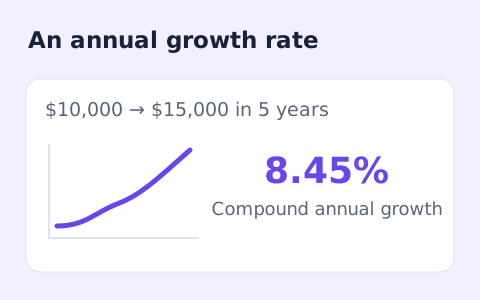
CAGR Calculator
Calculate compound annual growth rate from a starting value, ending value, and time in years.
Open toolCalculate percentage change from a positive starting value to a new value. Review the absolute difference and whether the change is an increase or decrease.
Update the inputs to see your result.
Result will appear here
The value difference is expressed relative to the positive starting amount.
The starting value is subtracted from the new value. Dividing that difference by the starting value and multiplying by one hundred gives percentage change. The difference also determines the displayed direction.
The starting value must be greater than zero. Zero or negative bases need a different comparison convention.

The starting value sets the percentage basis, so the input order matters.
Enter a positive starting value and a nonnegative new value. Keep their unit and basis consistent. The starting value is the denominator, so reversing the inputs generally changes the percentage even when the absolute movement is the same.
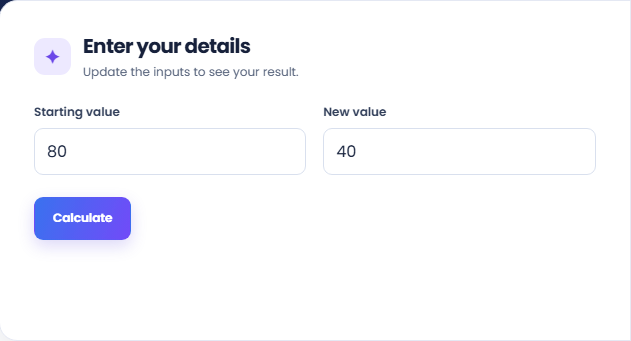
Select Calculate and read the signed percentage change. The page subtracts the starting value from the new value, then relates that difference to the starting amount. A decrease gives a negative percentage under this positive-base convention.
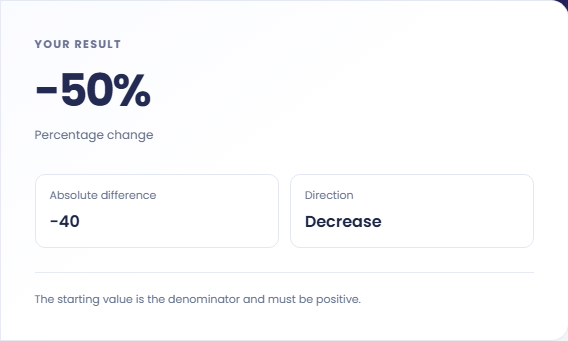
Read Absolute difference and Direction with the percentage. Record the starting amount when sharing the result so another person can reproduce its basis. Zero or negative starting values need a different comparison convention and are not accepted here.
Use the same measurement basis and keep the order of the two values explicit.
A hypothetical change from eighty to one hundred is an increase of twenty units and twenty five percent. The starting eighty is the percentage basis. This example makes the absolute and relative measures visible without assigning a currency or subject to the numbers.

Reversing that example from one hundred to eighty gives a twenty percent decrease. The absolute difference has the same magnitude, but the percentage base is different. This helps explain why a rise and its reversal need not have equal percentages.

Enter a before and after value measured on the same basis, then preserve the unit and dates outside the form. The tool does not discover whether two totals describe the same population or period, so that context needs checking separately.

Read the signed percentage with its original baseline and absolute difference.
The absolute difference uses the same unit as the inputs. The main percentage divides that difference by the starting value. Direction describes whether the new value increased, decreased or stayed the same.
If the inputs are themselves percentages, their absolute difference can describe percentage points. The main output still describes relative change. Retain the labels rather than presenting those two measures as interchangeable quantities.

Check value order and a positive base before comparing changes.
The starting value must be positive. For a comparison that begins at zero, this calculator cannot supply a meaningful finite relative percentage. Record the absolute change separately instead of changing the baseline to satisfy the form.
The page does not adjust for inflation, elapsed time or changes in the quantity being measured. For an annualized endpoint rate, CAGR Calculator adds a duration input; use it only when that comparison matches the available values.

Calculate compound annual growth rate from a starting value, ending value, and time in years.
Open tool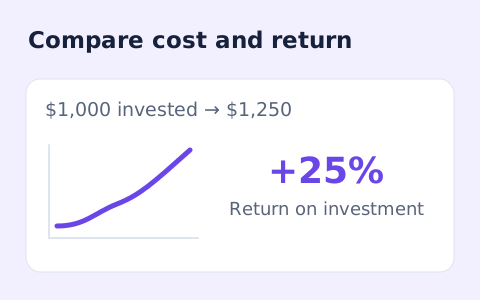
Calculate simple return on investment from the initial cost, final value, additional income, and costs.
Open tool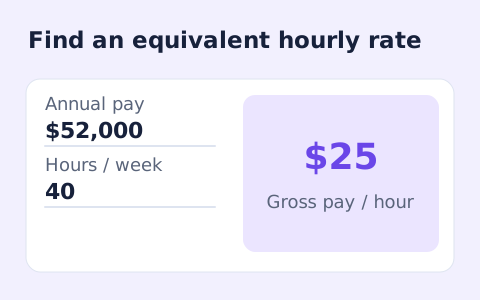
Convert annual gross salary into an hourly rate from your hours per week and paid weeks per year.
Open toolChoose another tool for your next calculation, conversion, or text task.
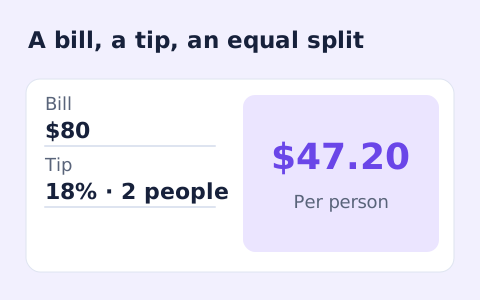
Quickly split a bill with a percentage tip. See the tip amount, total, and per-person amount.
Open tool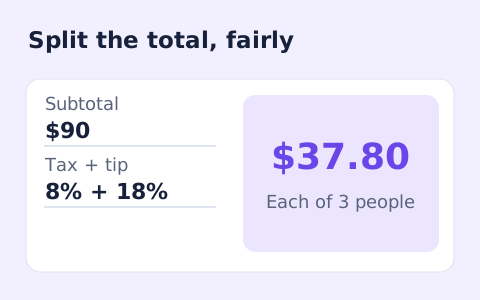
Split a bill among friends using a subtotal, sales tax, tip, and number of people.
Open tool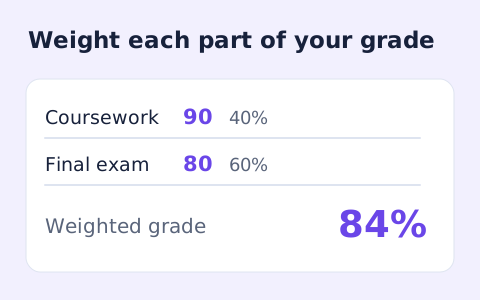
Calculate a weighted grade from scores, points possible, and weights for multiple assignments.
Open tool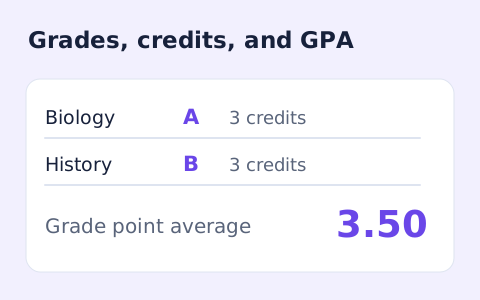
Add courses, letter grades, and credit hours to calculate a weighted 4.0-scale GPA.
Open toolAnswers about using Percent Change Calculator and understanding its results.
The new value is lower than the starting value.
The percentage formula divides by the starting value, so a zero base is undefined.
Usually not. Reversing the values changes the denominator. Keep the starting and new value in the intended order.
No. This form requires a positive starting value and a nonnegative new value. Another comparison convention is needed outside those inputs.
Calculate percentage change from a positive starting value to a new value.