
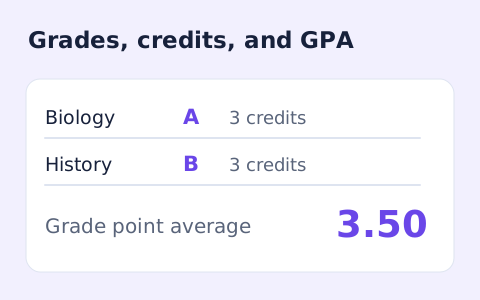
GPA Calculator
Add courses, letter grades, and credit hours to calculate a weighted 4.0-scale GPA.
Open toolCalculate a weighted grade from assignment scores, possible points, and course weights. Distinguish the current grade from its contribution to the full course.
Update the inputs to see your result.
Result will appear here
Assignment score fractions are combined using their entered course weights.
Each assignment score is divided by its possible points, then multiplied by its course weight. Summed contributions give course points earned; dividing by entered weights gives the current grade on that work.
Enter each assignment's score, maximum points, and course weight. The page reports both your current grade on entered work and the overall weighted contribution. A final grade needs weights totalling 100%.

Each row separates an earned score, possible points and its share of the course.
Enter a score, points possible, and course weight for each assignment. Use Add row for more work or remove unused rows. Scores cannot exceed their possible points, and the entered weights must not add up to more than 100 percent.
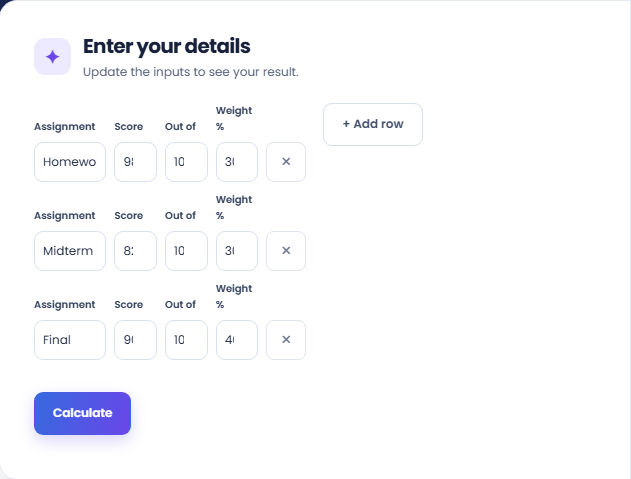
Select Calculate and read Current grade on entered work. The page first converts each score to its fraction of possible points, then weights those fractions. The main grade is normalized to the weights entered rather than treating unentered work as graded.
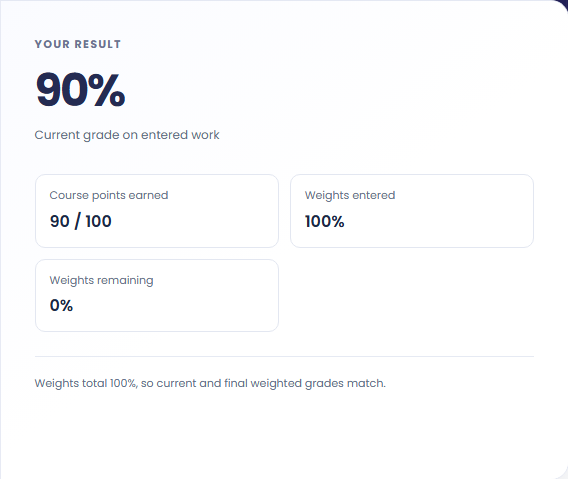
Read Course points earned, Weights entered, and Weights remaining. If the weights do not total 100 percent, the current grade is not a final course grade. Keep the assignment selection and weighting basis with any result you record.
Use assignment weights from the grading plan instead of assuming every score counts equally.
Enter each assignment's own points possible alongside its weight. This allows a short quiz and a larger exam to contribute according to the grading plan. Keep their raw scoring scales separate so a point total does not accidentally become a percentage.

Enter completed assignments and read the remaining weight before interpreting the main grade. Missing assignments are not automatically given zero scores. If you want to explore a hypothetical future score, add it as an explicit row with the appropriate course weight.

A hypothetical ninety percent assignment weighted forty percent and an eighty percent exam weighted sixty percent produce an eighty four percent result. The weights total one hundred percent, so the current grade and overall weighted contribution refer to the same complete model.

Distinguish the grade on entered work from its full-course contribution.
The current grade is normalized to the weights entered. Course points earned show their contribution out of one hundred course points. The two measures answer different questions until the entered weights cover the whole course.
Names help identify rows but do not change the calculation. The page uses the score, possible points and weight. It does not read a gradebook or apply category rules that are absent from the entered rows.

Check assignment maximums and total weights before interpreting the grade.
Possible points must be above zero, earned score cannot exceed them, and each weight must be positive. A total above one hundred percent is rejected. Review duplicated rows before reducing a weight to hide that error.
This form does not model dropped assignments, extra credit above an assignment maximum or a school's rounding policy. Apply those rules separately before comparing its output with an official gradebook or final course result.

Add courses, letter grades, and credit hours to calculate a weighted 4.0-scale GPA.
Open tool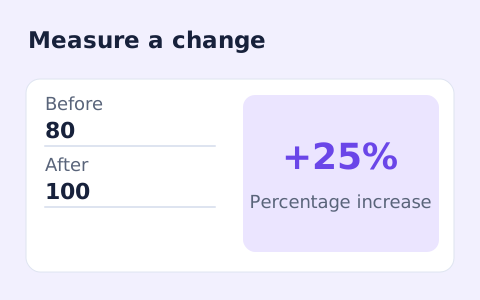
Calculate percentage change and absolute difference between a positive starting value and a new value.
Open tool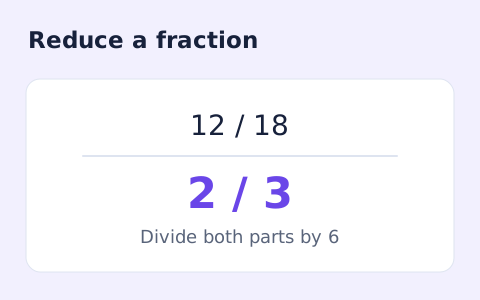
Simplify signed integer fractions exactly and see the greatest common divisor and mixed-number form.
Open toolChoose another tool for your next calculation, conversion, or text task.
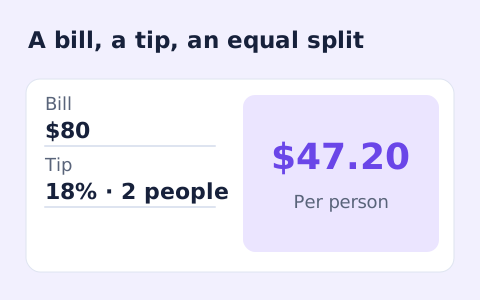
Quickly split a bill with a percentage tip. See the tip amount, total, and per-person amount.
Open tool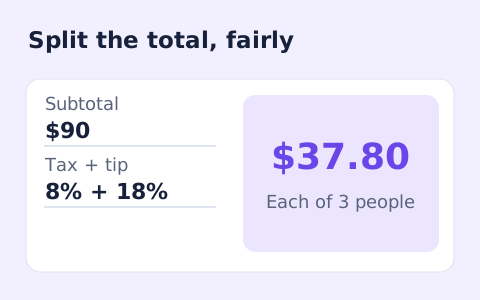
Split a bill among friends using a subtotal, sales tax, tip, and number of people.
Open tool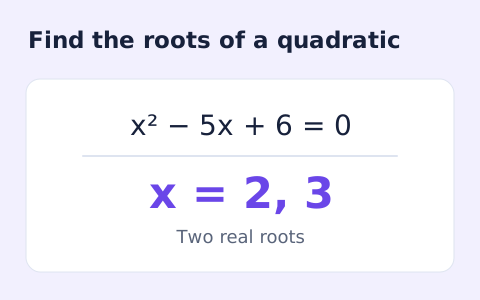
Find the discriminant and real or complex roots of a quadratic equation.
Open tool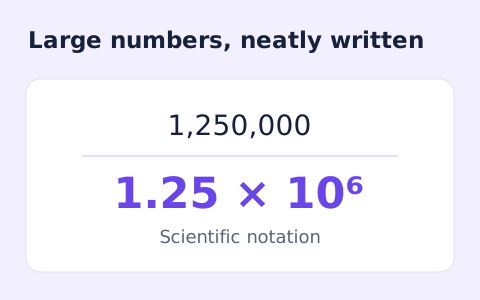
Convert decimal numbers to normalized scientific notation and back using digit-based arithmetic.
Open toolCalculate a weighted grade from assignment scores, possible points, and course weights.
Answers about using Weighted Grade Calculator and understanding its results.
The current grade is normalized to the entered weights, while the contribution shows the share of the full course grade earned so far.
Yes. Use Add row for more graded items.
No. The page rejects a combined weight above 100 percent. Check the course weighting before calculating.
No. Each score must lie between zero and that row’s points possible. A course with other extra-credit rules needs a separate model.