
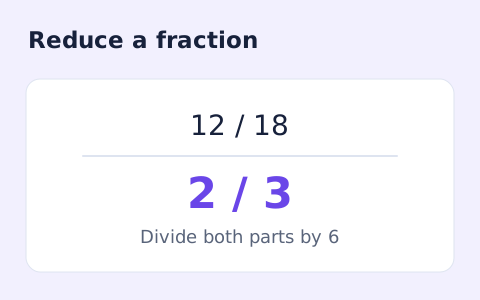
Fraction Simplifier
Simplify signed integer fractions exactly and see the greatest common divisor and mixed-number form.
Open toolConvert decimal numbers to normalized scientific notation and back using digit-based arithmetic.
Enter the inputs, then select Calculate.
Result will appear here
The converter rearranges decimal digits into a normalized coefficient and exponent without first converting the number to an ordinary floating point value.
The expanded decimal is available alongside the scientific result. Trailing zeros are normalized, so this is a representation converter rather than a significant-figures editor.
Remove spaces inside the number, grouping commas, and unit text.

Enter a plain decimal or an e notation value without grouping commas or a unit suffix.
Enter the complete signed decimal or e-notation value. Keep every intended digit, but leave grouping commas, currency symbols, unit suffixes, and spaces inside the number outside this field.
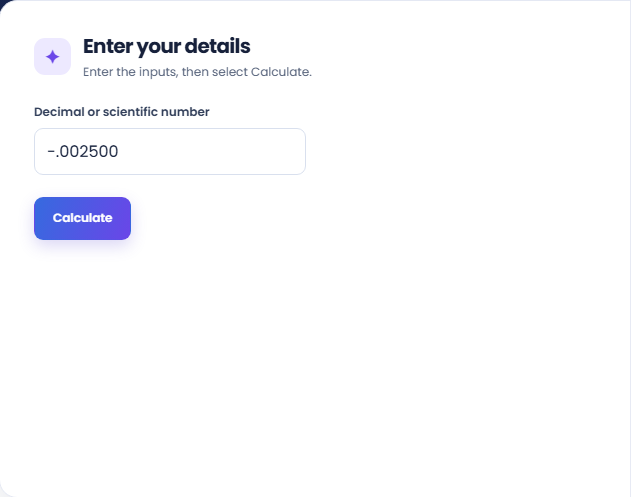
Run the conversion and read the normalized scientific result with its coefficient and exponent. Compare its magnitude and sign with the source before deciding which representation to use.
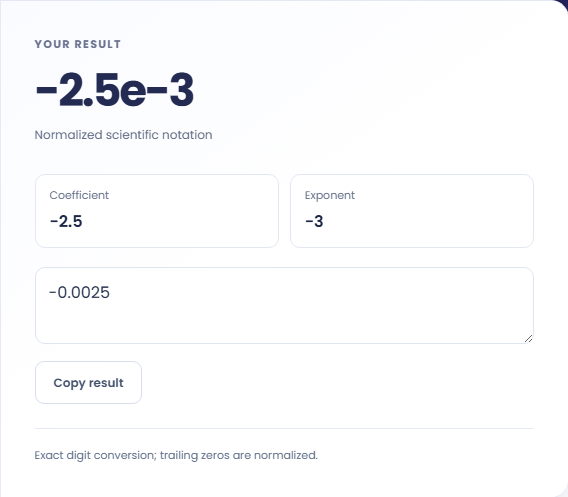
The text output and its copy control contain the expanded decimal. Use the displayed scientific result when a compact form is needed. Trailing zeros are normalized, so retain the source if they express measurement precision.
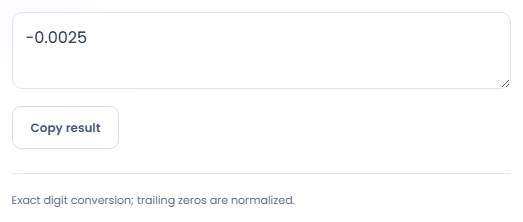
Use the two representations when the same numeric value needs to appear in different contexts.
Expand an e notation value when leading zeros make a measurement hard to compare with a plain decimal. Checking the expanded form can reveal a misplaced exponent before the value is entered into a separate calculation or report.

Convert a long integer into a shorter notation for a worksheet or explanation. Keep the original integer nearby if the destination needs an exact digit string, because its own number parser may apply rounding when you paste the compact form.

Convert values from two exports into the same notation before visually comparing them. Different formatting can make equal magnitudes look unrelated. This is a representation check, not a statistical comparison or a test that the underlying measurements are equivalent.

Check the coefficient, exponent, and expanded decimal together when comparing two representations of the same number.
The conversion works with decimal digit strings rather than ordinary floating point arithmetic. That preserves entered digits, but trailing zeros are normalized away instead of being retained as a statement of significant figures.
Zero has a normalized zero result. For negative values, keep the minus sign separate from your interpretation of the exponent: a negative exponent means a small magnitude, not a negative number.

Clean numeric notation and an explicit exponent help prevent an unintended value from reaching the converter.
Remove spaces inside the number, grouping commas, and unit text. The input is limited to 1000 characters, and very large exponents or expanded outputs are rejected to keep the conversion bounded.
If a copied result changes in a spreadsheet, inspect the spreadsheet cell type and display settings. Compare the original digit string with this output before assuming that the converter rounded the number.

Simplify signed integer fractions exactly and see the greatest common divisor and mixed-number form.
Open tool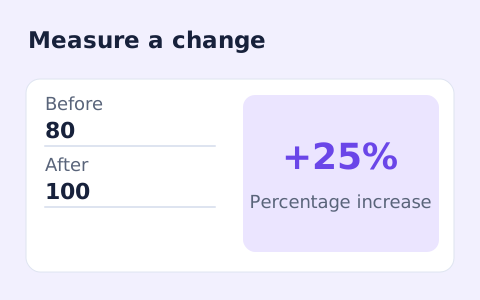
Calculate percentage change and absolute difference between a positive starting value and a new value.
Open tool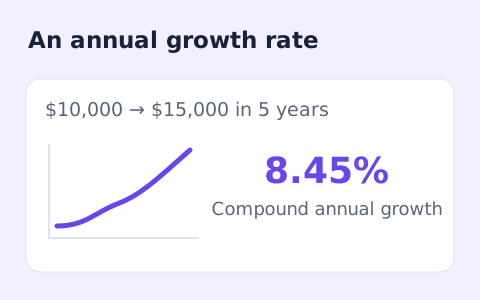
Calculate compound annual growth rate from a starting value, ending value, and time in years.
Open toolChoose another tool for your next calculation, conversion, or text task.

Quickly split a bill with a percentage tip. See the tip amount, total, and per-person amount.
Open tool
Split a bill among friends using a subtotal, sales tax, tip, and number of people.
Open tool
Calculate a weighted grade from scores, points possible, and weights for multiple assignments.
Open tool
Add courses, letter grades, and credit hours to calculate a weighted 4.0-scale GPA.
Open toolEnter a plain decimal or an e notation value without grouping commas or a unit suffix.
Answers about using Scientific Notation Converter and understanding its results.
No. The converter works with digit strings instead of converting the value to a floating-point number.
Yes. For example, 1.25e6 becomes 1.25e6 and 1250000.
No. Enter only a signed decimal or e-notation number. Keep grouping separators and measurement units outside the input.
Trailing zeros are normalized away. Keep the original measurement notation if those zeros communicate precision.