
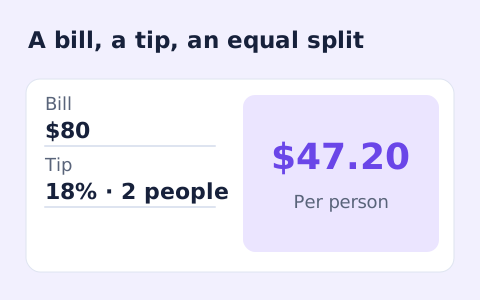
Tip Calculator
Quickly split a bill with a percentage tip. See the tip amount, total, and per-person amount.
Open toolSplit a subtotal, sales tax, and tip into equal shares. Tax and tip are calculated separately from the same pre-tax subtotal.
Update the inputs to see your result.
Result will appear here
Tax and tip use the same subtotal, then the grand total is divided equally.
The page calculates both tax and tip from the subtotal. It adds those amounts to obtain the grand total, then divides that total equally among the entered number of people.
The tip is based on the pre-tax subtotal. Shares are equal and displayed to cents.
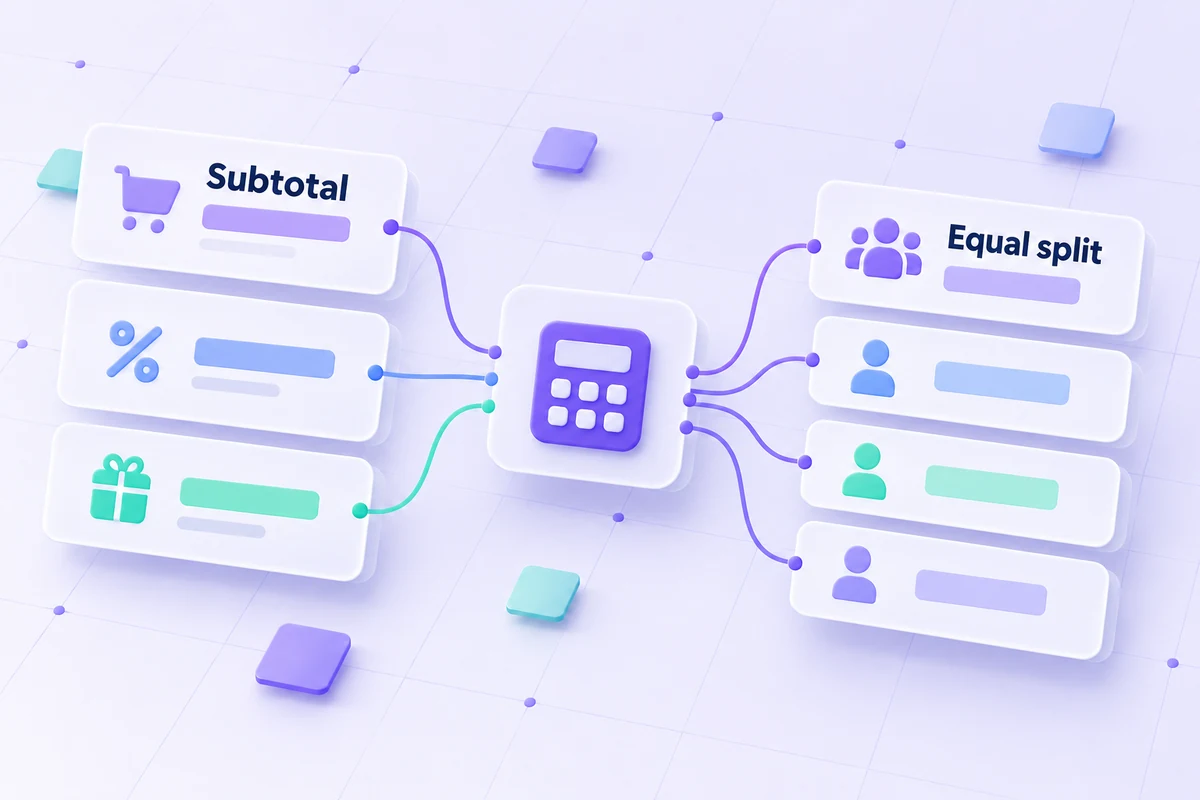
This form separates subtotal, sales tax and tip before making equal shares.
Enter the pre-tax subtotal, sales-tax percentage, tip percentage, and a whole number of people. Both percentage charges use the same subtotal. Confirm that this basis matches the bill you want to divide before applying the equal split.
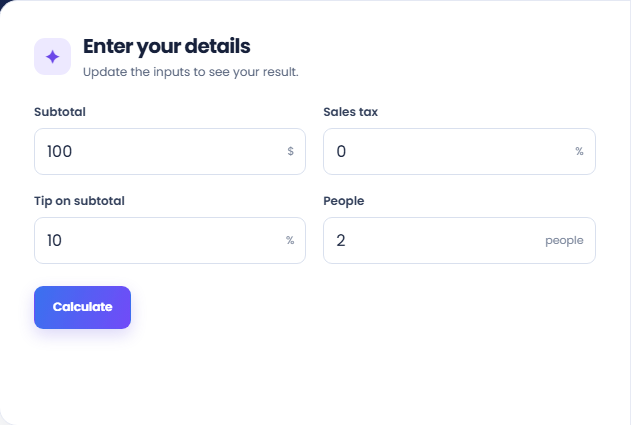
Select Calculate to read the amount each person pays. The page adds tax and tip to the subtotal, then divides the grand total equally. Unequal purchases or different individual contributions need a separate allocation outside this form.
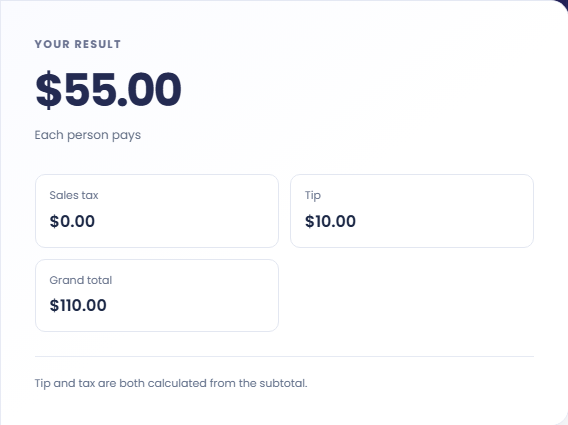
Check Sales tax, Tip, and Grand total beside the share amount. The displayed shares are rounded to cents. Check that collecting those amounts covers the grand total, and retain the subtotal and percentage assumptions when explaining the split.
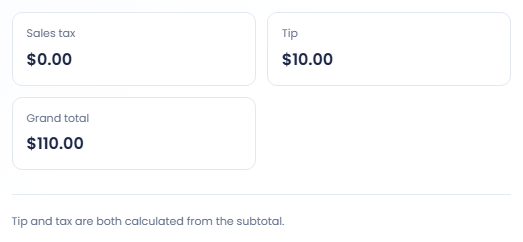
Use the separate charge lines when the subtotal and percentages are known.
A hypothetical $90 subtotal, eight percent tax and eighteen percent tip totals $113.40. Three equal shares are $37.80. The tip applies to the original subtotal in this example, which makes the charge basis visible to everyone.

Leave subtotal, tax and tip unchanged and adjust the people count. The total bill stays the same while each share changes. This is useful when agreeing an equal split after someone joins or leaves the paying group.

Review the tax and tip lines rather than combining them into one unexplained percentage. This keeps a receipt check readable. If the restaurant used a different tipping basis, calculate that amount separately before reconciling the actual amount due.

See how subtotal-based charges contribute to each rounded share.
Tax and tip each use the same subtotal. The calculator does not apply tip to the subtotal plus tax, and it does not infer the percentages from an existing receipt total.
Each person pays an equal part of the grand total. Money is displayed to cents, so rounded shares can differ slightly from an exact division. The group needs to settle any remaining cent outside the form.

Check equal-share and percentage assumptions against the intended bill.
If a receipt includes service charges or an existing gratuity, decide how those amounts belong in your bill before using the form. It has percentage fields for tax and tip but no separate service charge field.
A people count must be a positive whole number. For a bill whose full total is already known and only needs a tip or split, Tip Calculator provides a simpler input basis without a separate tax rate.

Quickly split a bill with a percentage tip. See the tip amount, total, and per-person amount.
Open tool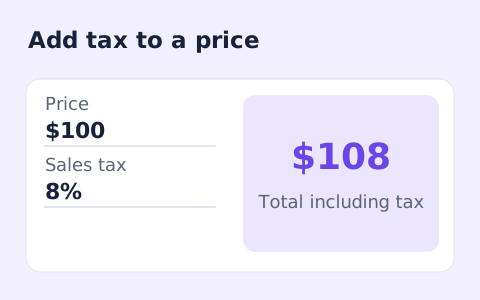
Calculate sales tax and the total price from a pre-tax subtotal and a rate you enter.
Open tool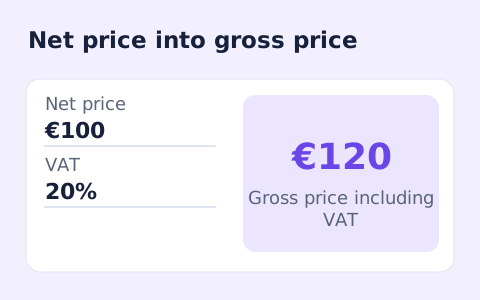
Calculate net price, VAT amount, and gross price from an entered VAT rate.
Open toolChoose another tool for your next calculation, conversion, or text task.
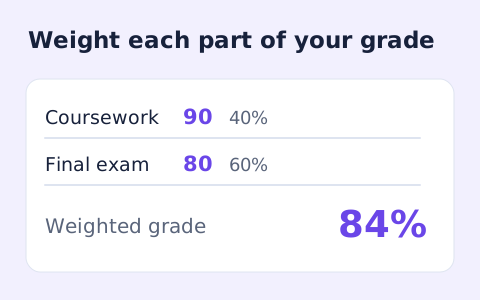
Calculate a weighted grade from scores, points possible, and weights for multiple assignments.
Open tool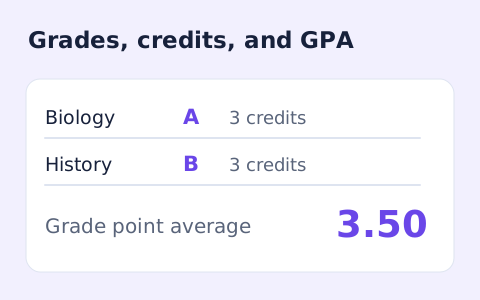
Add courses, letter grades, and credit hours to calculate a weighted 4.0-scale GPA.
Open tool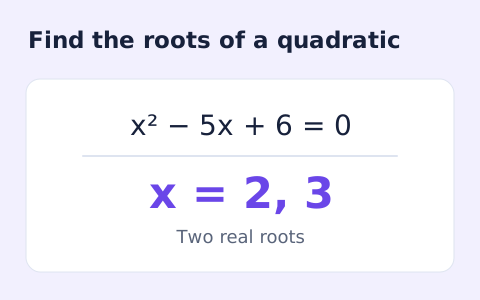
Find the discriminant and real or complex roots of a quadratic equation.
Open tool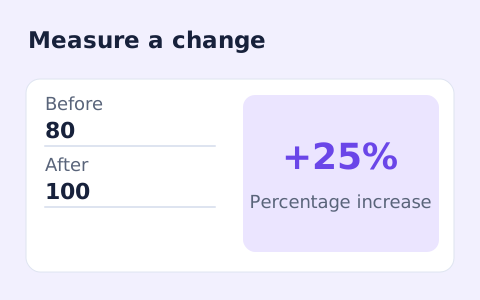
Calculate percentage change and absolute difference between a positive starting value and a new value.
Open toolSplit a subtotal, sales tax, and tip into equal shares.
Answers about using Split Bill Calculator and understanding its results.
No. This page calculates tax and tip separately from the subtotal.
This calculator makes equal shares only.
No. Both percentages use the subtotal in this form. Use a separate calculation if the intended bases differ.
Per-person amounts are rounded to cents. When collecting payments, check that the final shares add up to the bill total.