
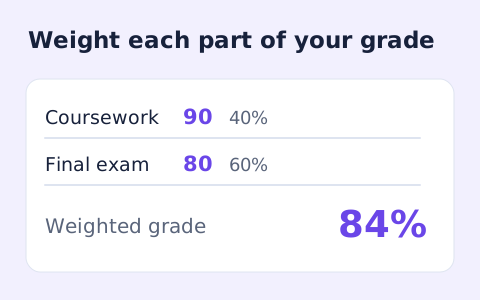
Weighted Grade Calculator
Calculate a weighted grade from scores, points possible, and weights for multiple assignments.
Open toolCalculate a credit-weighted grade point average (GPA) from letter grades and credits on this 4.0 scale. Check your institution's rules before using the estimate.
Update the inputs to see your result.
Result will appear here
Course grade points are weighted by credits and averaged over total credits.
Each selected letter grade maps to the page’s grade-point table. Grade points are multiplied by course credits, summed, and divided by total credits. A and A+ both map to 4.0 in this implementation.
Schools use different plus/minus and repeated-course policies. Check your institution's official grade-point scale before relying on this estimate.

Use a letter grade and credit amount for each course included in the estimate.
Choose a letter grade and enter credits for each course. Use Add course or remove unused rows to match the work you want included. Credits must be above zero and no more than 30 for each row.
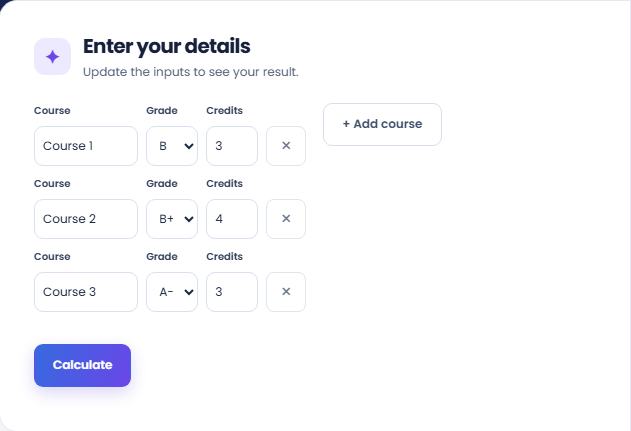
Select Calculate and read the GPA result. The page weights each grade-point value by its course credits, then divides total grade points by total credits. A and A+ both map to 4.0 on this implementation’s stated scale.
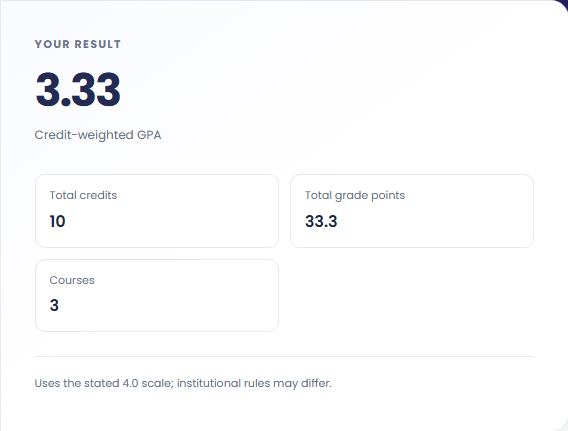
Review Total credits, Total grade points, and Courses. Keep the course selection with the estimate. Institutional plus/minus scales, pass/fail exclusions, and repeated-course policies can differ, so this result should not be labelled as an official transcript calculation.
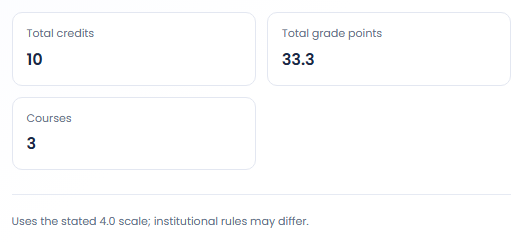
These examples use the page's grade scale rather than claiming an institution's official result.
A hypothetical three credit A course and a three credit B course produce a GPA of 3.50 on this scale. Equal credits make the two grades contribute equally. The example helps check that grades and credit amounts reached their intended fields.

Compare two courses with unequal credit amounts while keeping the grades unchanged. The course with more credits contributes more grade points to the average. This makes the weighting visible without assuming that every course has the same credit value.

Change a selected course grade to inspect a possible result while keeping all other rows fixed. Label that run as hypothetical. The page does not predict a final grade or apply academic rules for retaking a course.

Read the GPA with course selection and the page’s stated grade-point scale.
On this page, A and A plus both map to four points, while B plus maps to 3.3 and A minus to 3.7. The GPA is the total credit weighted grade points divided by total credits.
The displayed GPA is rounded to two decimal places. School policies can use different grade points, repeated course treatment or excluded courses. The estimate therefore does not certify an official transcript or academic standing.

Check credits and institution-specific grading rules before using the estimate.
Credits must be positive and no greater than thirty in each row. A missing credit value prevents a valid estimate. If no rows remain, add a course rather than expecting a GPA for an empty course list.
The form has no pass or fail option separate from its letter grade F. Review your institution's treatment of pass or fail courses and repeats before entering them. Do not change a letter grade merely to imitate a policy the form cannot represent.

Calculate a weighted grade from scores, points possible, and weights for multiple assignments.
Open tool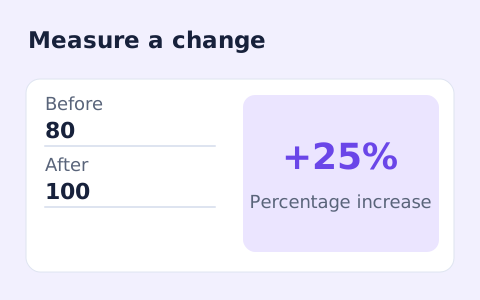
Calculate percentage change and absolute difference between a positive starting value and a new value.
Open tool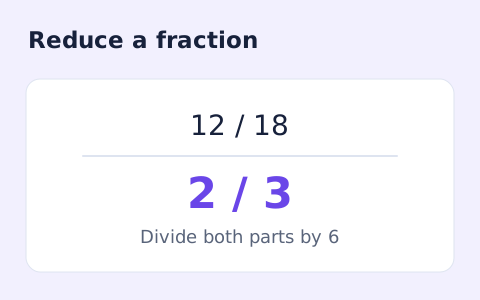
Simplify signed integer fractions exactly and see the greatest common divisor and mixed-number form.
Open toolChoose another tool for your next calculation, conversion, or text task.
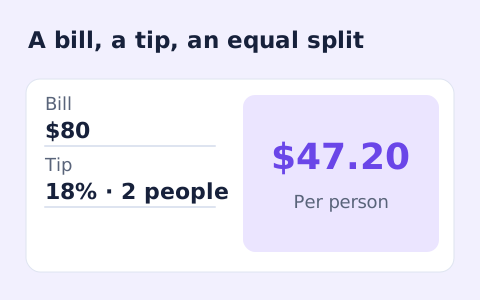
Quickly split a bill with a percentage tip. See the tip amount, total, and per-person amount.
Open tool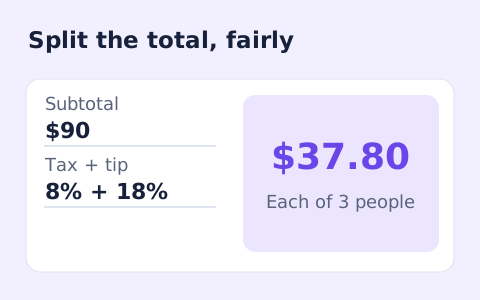
Split a bill among friends using a subtotal, sales tax, tip, and number of people.
Open tool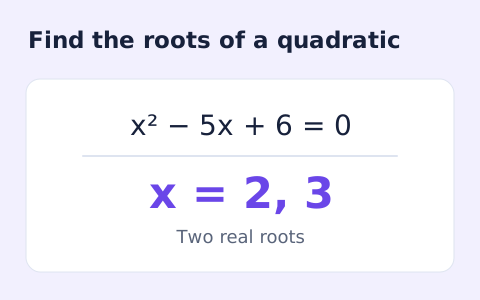
Find the discriminant and real or complex roots of a quadratic equation.
Open tool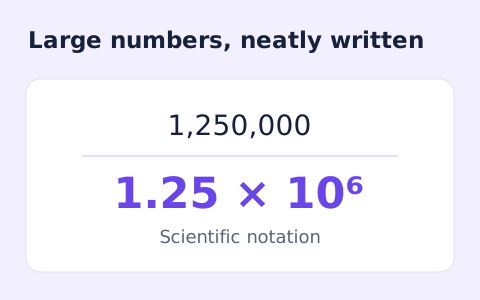
Convert decimal numbers to normalized scientific notation and back using digit-based arithmetic.
Open toolCalculate a credit-weighted GPA from course letter grades and credits on the page’s stated 4.0 scale.
Answers about using GPA Calculator and understanding its results.
No. A course with more credits contributes more to the GPA.
Yes. This tool uses a stated common 4.0 scale; your school's transcript may differ.
No. It calculates from the rows you enter using its stated scale. Apply institution-specific exclusions and replacement policies separately.
Each course needs credits above zero and no more than 30. The page reports the sum of the entered credits.