
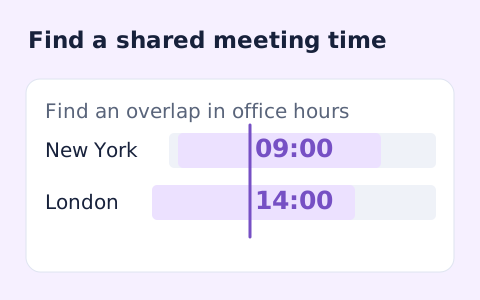
Time Zone Meeting Planner
Plan a dated meeting across IANA time zones and check typical weekday office hours.
Open toolConvert a dated local time between IANA time zones. Read the destination date, UTC offset and UTC instant, with explicit handling for repeated daylight-saving times.
Enter the inputs, then select Convert time.
Result will appear here
The converter resolves a wall-clock date and time in its source IANA zone to one instant and displays that instant in the destination zone.
A repeated source time needs an earlier or later choice when applicable. A nonexistent local time during a clock change is rejected, rather than shifted into a different time.
The result shows the destination local time, source local time and UTC instant. Offsets are resolved for the supplied date, rather than treated as a fixed year-round difference.

Enter a local date and time, its source timezone, and the destination timezone.
Choose the source local date-time, enter source and destination IANA zones, and set repeated-time handling. The chosen date matters because the source offset can change with daylight-saving transitions.
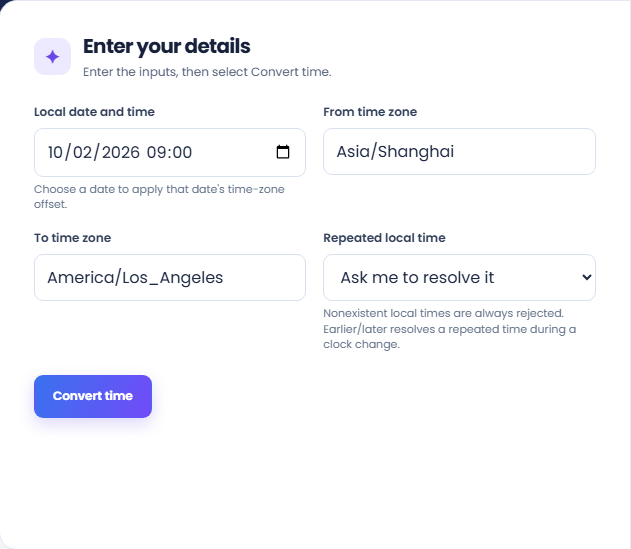
Run the conversion and read the destination local time with its offset. The source local-time row and UTC instant identify the same resolved moment in other representations.
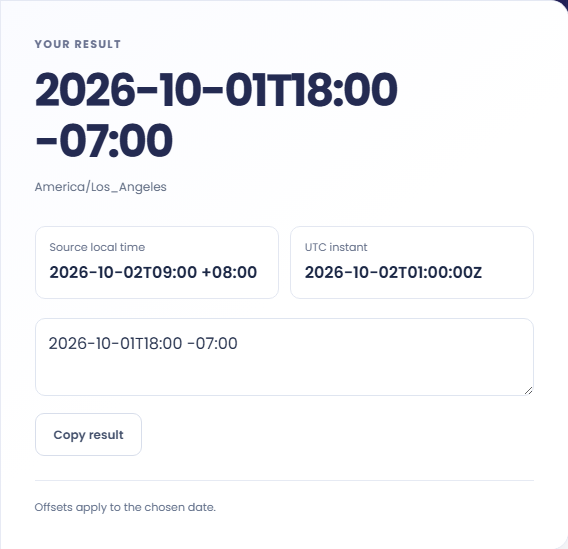
Copy the destination result with its date and offset. Review the date-specific-offset note. Earlier or later resolves a repeated time; it does not make a nonexistent source local time acceptable.
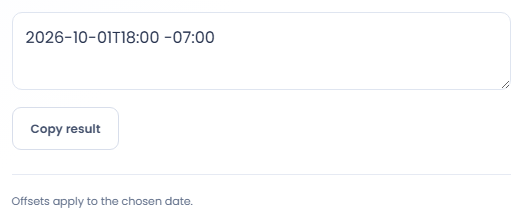
Use the full date when converting a wall clock time across locations.
Convert a locally recorded event when its timezone is known but its timestamp has no offset. Check repeated clock times against other event context. The tool cannot determine which occurrence the source intended merely from the visible local date and time.

Convert a deadline into another location for an announcement or working note. Include the resulting date and timezone with the time. Conversion identifies the corresponding instant; it does not decide contractual deadline rules or configure an application reminder.

Compare the source and destination date when arranging work between distant locations. A clock time that seems convenient can fall on another day in the destination. Use the meeting planner if several participant locations need to be reviewed together.

Read the local dates, offsets, and UTC value together when checking that both zones describe the same instant.
The same instant has different local representations. The displayed source, destination, and UTC values help distinguish a changed clock display from a changed event time.
Timezone rules come from the browser environment. This result is a conversion for the supplied date, not a promise that an offset stays constant throughout the year.

Confirm the source zone and date, especially when a daylight-saving transition repeats or skips a local time.
A nonexistent local time during a clock advance is rejected, including when earlier or later is selected. Choose an actual time from the source record instead of assuming that option fills a missing hour.
Use an accepted IANA timezone name and verify the source date. Abbreviations can be ambiguous, and a fixed UTC offset alone does not represent every seasonal rule for a named location.

Plan a dated meeting across IANA time zones and check typical weekday office hours.
Open tool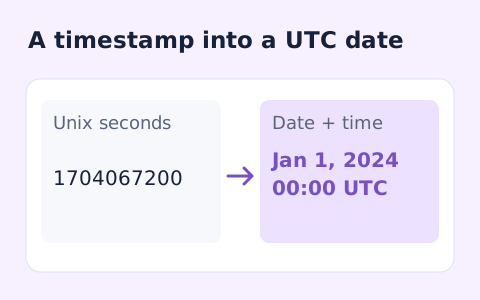
Convert signed Unix timestamps and ISO date-times with explicit time-zone offsets.
Open tool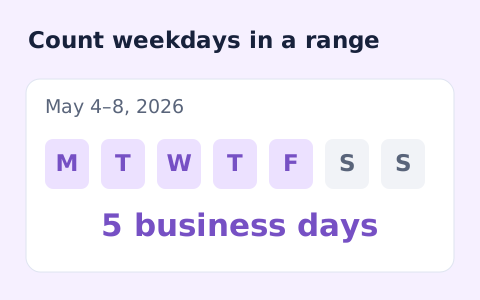
Count weekdays between two dates, including both endpoints and excluding Saturdays and Sundays.
Open toolChoose another tool for your next calculation, conversion, or text task.
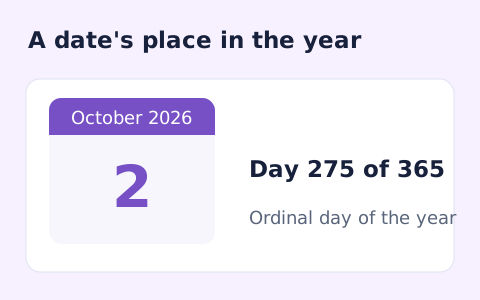
Find whether a date is day 1 through 365 or 366 of its calendar year.
Open tool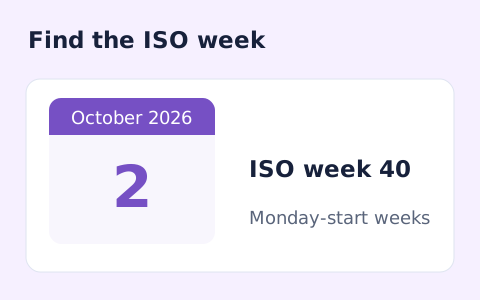
Calculate a date's ISO 8601 week number, week-year, and weekday.
Open tool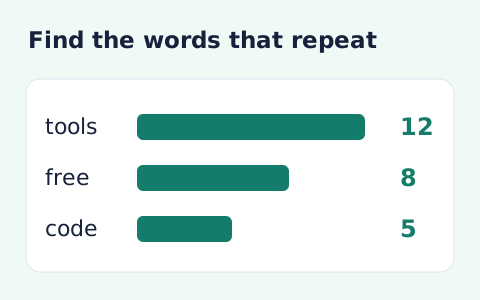
Analyze word counts and term frequency locally with Unicode aware word matching.
Open tool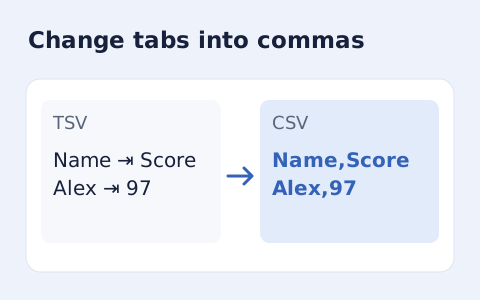
Convert tab-delimited records into quoted CSV without losing multiline cells.
Open toolEnter a local date and time, its source timezone, and the destination timezone.
Answers about using Timezone Converter and understanding its results.
Use an IANA zone such as America/Chicago or Asia/Shanghai; abbreviations can be ambiguous.
Yes. Offsets are resolved for the chosen date.
The form requires a date because the offset can depend on that date, including daylight-saving transitions.
It chooses an occurrence of a repeated local time during a clock change. It does not make a nonexistent local time valid.