
Day of Year Calculator
Find whether a date is day 1 through 365 or 366 of its calendar year.
Open toolCount Monday-to-Friday dates between a start and end date, including both endpoints. This weekday calculator excludes weekends; weekday holidays remain in the count.
Update the inputs to see your result.
Result will appear here
Full weeks and remaining dates are counted using an inclusive weekday rule.
The inclusive range is divided into full weeks and remaining dates. Each full week contributes five weekdays, and the remaining dates are checked for Saturday or Sunday using UTC calendar-day arithmetic.
Public holidays are not excluded because holiday calendars depend on country and region. Uses calendar dates, not time zones or working hours.

Choose an inclusive date range for a Monday to Friday count.
Select the start date and an end date on or after it. Both dates are included when they fall on a weekday. This form uses a fixed Monday-to-Friday pattern rather than a country-specific working calendar.
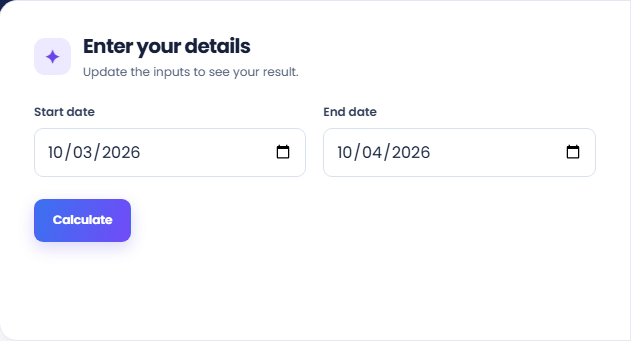
Select Calculate and read the Monday-to-Friday count. Complete weeks contribute five weekdays and the remaining dates are checked individually. A same-date range gives one for a weekday and zero for a Saturday or Sunday.
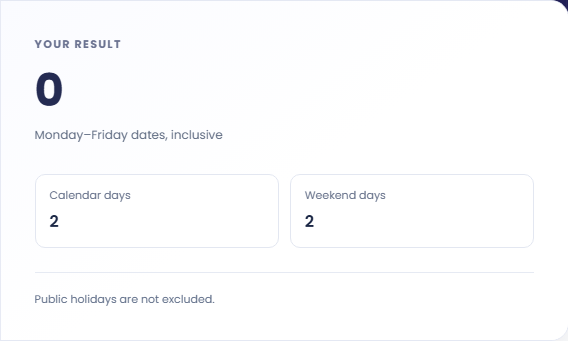
Read Calendar days and Weekend days beside the count. Public holidays, regional weekend patterns, shifts, and working hours are not included. Keep the endpoints and any separate holiday adjustment with the result when using it in a schedule.
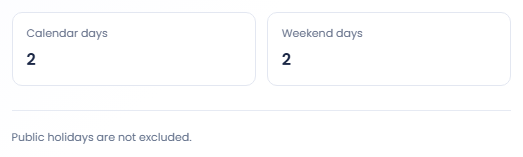
Use the number as a calendar calculation with the holiday limitation kept visible.
The hypothetical range from Monday May fourth 2026 to Friday May eighth 2026 contains five counted weekdays. The endpoints are included. This simple example distinguishes the count from a duration convention that might exclude the starting date.

Choose dates spanning a Saturday and Sunday, then review the weekend total with the weekdays. This separates calendar duration from the Monday to Friday count. The tool does not measure working hours or treat a partial day differently.

Select the same start and end date to see how inclusion works. A weekday counts as one and a Saturday or Sunday counts as zero weekdays. This boundary check helps explain a difference from another system that excludes one endpoint.

Keep weekday, weekend, and calendar-day counts distinct.
The main result counts Monday to Friday dates, inclusive. Calendar days includes every date in the interval, and Weekend days counts Saturdays and Sundays. These three values describe the calendar convention used by the form.
Public holidays, company closures and alternative working weeks are not represented. A weekday is therefore not guaranteed to be a working day for a particular region or organisation. Check those calendars separately for actual scheduling rules.

Check endpoint order and make separate adjustments for holidays or other schedules.
If the end precedes the start, the form rejects the range. Correct the intended order rather than assuming the tool will reverse it. Check the selected year when a range appears longer than expected.
This page does not interpret contractual deadlines, holiday rules or working hours. Confirm the relevant inclusion convention before using the count in a formal schedule. It also does not convert times between zones because the inputs are calendar dates.

Find whether a date is day 1 through 365 or 366 of its calendar year.
Open tool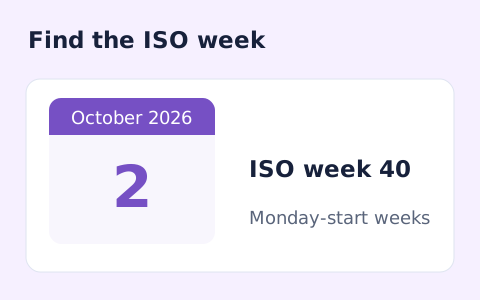
Calculate a date's ISO 8601 week number, week-year, and weekday.
Open tool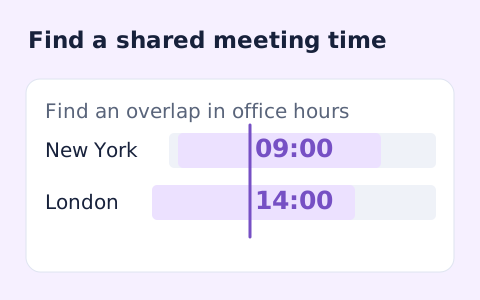
Plan a dated meeting across IANA time zones and check typical weekday office hours.
Open toolChoose another tool for your next calculation, conversion, or text task.
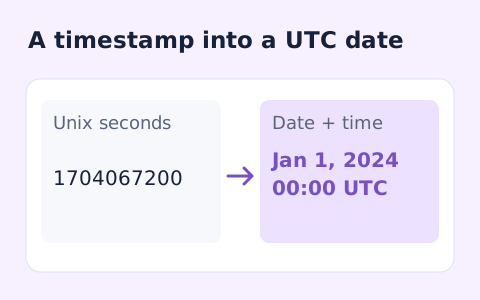
Convert signed Unix timestamps and ISO date-times with explicit time-zone offsets.
Open tool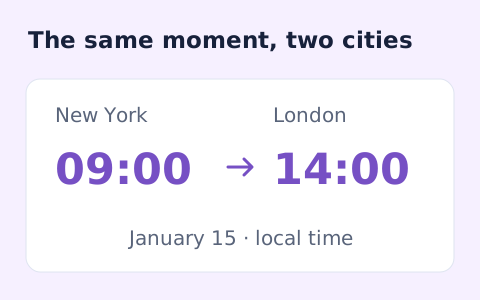
Convert dated local times between IANA zones while handling daylight saving transitions.
Open tool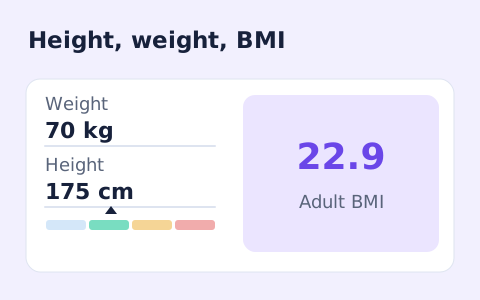
A free adult BMI calculator with metric inputs, a clear BMI category, and the calculation shown.
Open tool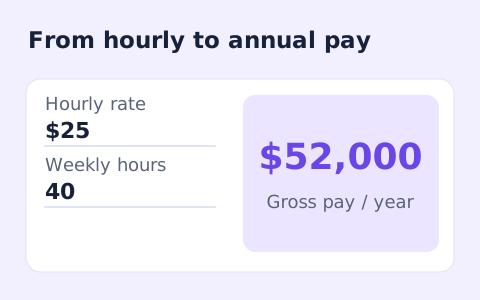
Convert hourly pay to gross annual, monthly, and weekly salary using your own working hours and weeks.
Open toolAnswers about using Business Days Calculator and understanding its results.
Yes. A weekday start or end date counts as one business day.
No. Only Saturdays and Sundays are excluded.
A single weekday counts as one business day. A Saturday or Sunday counts as zero; both endpoints refer to that same date.
No. It counts calendar dates with a fixed Monday-to-Friday pattern. Work shifts, holidays, regional weekends, and hours are not modelled.
Count Monday-to-Friday dates between a start and end date, including both endpoints.