
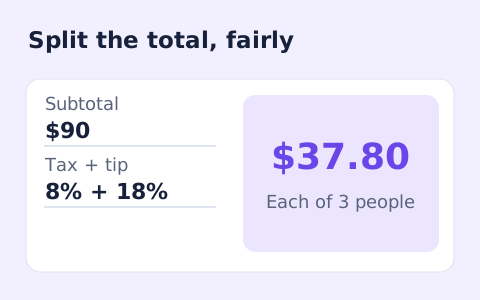
Split Bill Calculator
Split a bill among friends using a subtotal, sales tax, tip, and number of people.
Open toolCalculate sales tax and the total price from a pre-tax subtotal and the rate you enter. Check the tax amount and subtotal together.
Update the inputs to see your result.
Result will appear here
The entered percentage produces tax that is added to one subtotal.
The subtotal is multiplied by the rate divided by one hundred to calculate tax. That tax amount is added to the subtotal to produce the displayed total; the page does not look up local tax rules.
Uses the rate you enter; local tax rules, exemptions, and rounding on individual items can change the amount charged.

Supply the pre tax subtotal and the percentage that applies to the scenario being modelled.
Enter the pre-tax subtotal and applicable sales-tax percentage. Use the purchase basis required for your calculation, including any relevant discount adjustment. The page does not look up a local rate or decide which items are taxable.
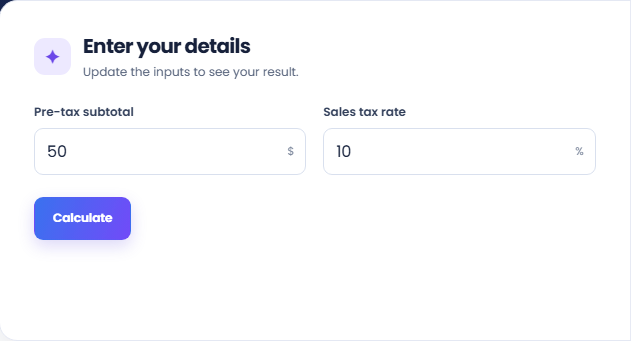
Select Calculate and read the price including sales tax. The tax amount is derived from the entered subtotal and rate. A zero rate is accepted and leaves the total equal to the subtotal without adding a tax component.
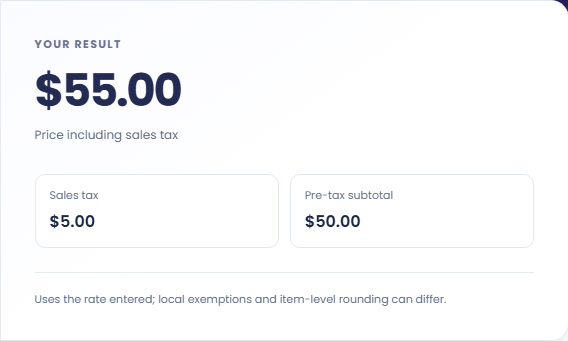
Review Sales tax and Pre-tax subtotal separately from the total. This is a one-subtotal calculation, so item-level rounding or exemptions can produce a different invoice amount. Keep the entered tax basis with the estimate when reconciling a purchase.
Use a common subtotal basis when comparing prices or checking arithmetic.
A hypothetical $100 subtotal at eight percent produces $8 of tax and a $108 total. This makes the percentage basis visible. It does not determine whether eight percent applies to an item or location in a real purchase.

Run each pre tax amount with the same rate when that rate is appropriate to the comparison. Keep the subtotals and tax amounts with the totals. A tax inclusive quote needs a different starting basis and should not be entered unchanged here.

Use the subtotal and stated rate from the receipt to check the modelled arithmetic. If the charge differs, review exemptions and how individual lines were rounded. This form calculates tax on the entered subtotal and does not inspect the receipt's items.

Distinguish the tax component from the total price including tax.
The page applies one entered percentage to one subtotal. A transaction containing items with different tax treatment cannot be described by that arrangement unless the taxable subtotal has already been prepared separately.
Money is displayed to cents. A seller may round individual item taxes before totalling them, which can differ from taxing the whole subtotal once. The result does not decide which local method applies.

Check the taxable basis, rate, and invoice rounding before reconciling amounts.
A rate entered as 0.08 means 0.08 percent in this field, not eight percent. Check the percentage label and use a number without currency or percent symbols. Keep the subtotal free of tax already included elsewhere.
The calculator does not determine exemptions, local tax rules or the correct rate. Use applicable transaction information before entering the figures. For bill sharing with separate tax and tip, Split Bill Calculator includes those additional fields.

Split a bill among friends using a subtotal, sales tax, tip, and number of people.
Open tool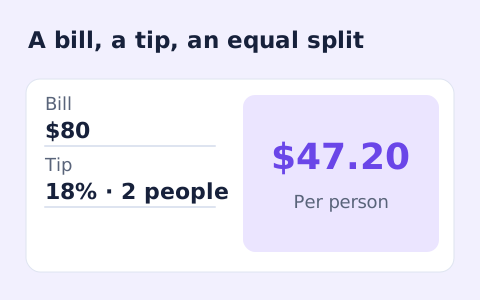
Quickly split a bill with a percentage tip. See the tip amount, total, and per-person amount.
Open tool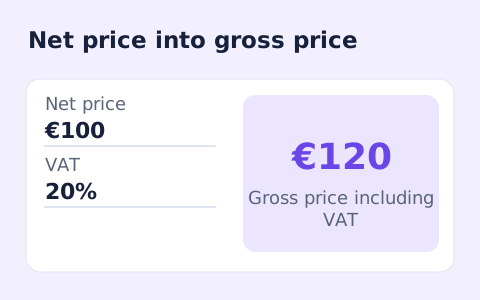
Calculate net price, VAT amount, and gross price from an entered VAT rate.
Open toolChoose another tool for your next calculation, conversion, or text task.
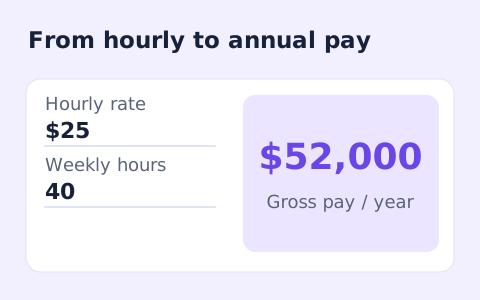
Convert hourly pay to gross annual, monthly, and weekly salary using your own working hours and weeks.
Open tool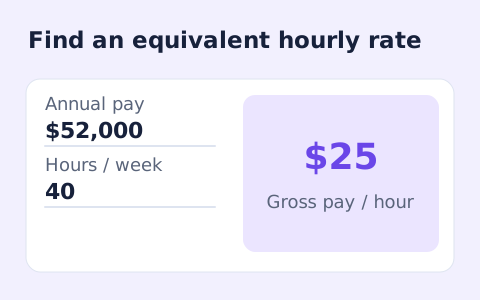
Convert annual gross salary into an hourly rate from your hours per week and paid weeks per year.
Open tool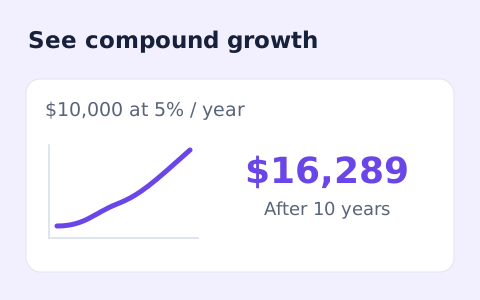
Estimate compound growth from a starting balance, monthly contribution, annual rate, and compound frequency.
Open tool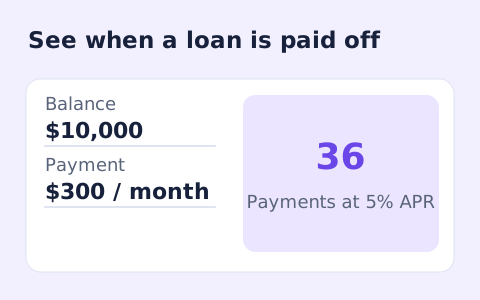
Estimate loan payoff time and interest savings from regular and extra monthly payments.
Open toolCalculate sales tax and the total price from a pre-tax subtotal and the rate you enter.
Answers about using Sales Tax Calculator and understanding its results.
No. Enter the rate applicable to your purchase.
Enter the taxable subtotal after any discount that applies under your local rules.
Yes. A zero rate produces zero tax and a total equal to the entered subtotal.
No. It calculates from one subtotal. An invoice with separate taxable items, exemptions, or item-level rounding can differ.