
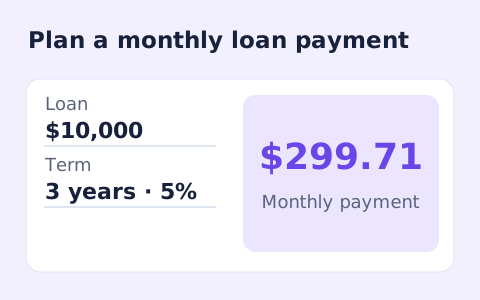
Loan Repayment Calculator
Calculate fixed monthly payments on an amortizing loan using amount, annual rate, and term.
Open toolCompare estimated payoff time and interest with and without an extra monthly payment, using your current balance and a fixed entered rate.
Update the inputs to see your result.
Result will appear here
Two monthly balance simulations compare regular payments with extra payments.
For each month, the tool adds interest on the remaining balance and subtracts the payment. It runs that model once with the regular payment and once with the extra amount, then compares interest and payoff months.
Assumes a fixed rate, monthly interest, payments at month end, and no fees or prepayment penalties. Actual loan terms may differ.
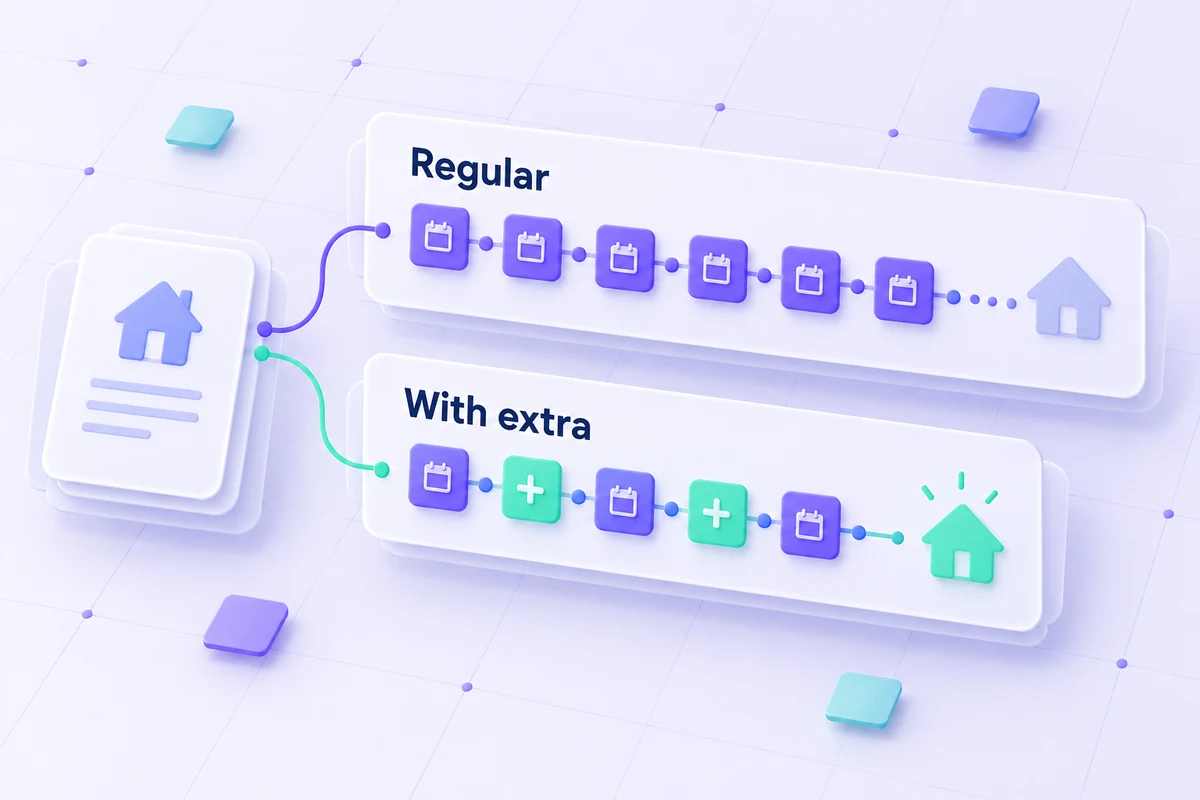
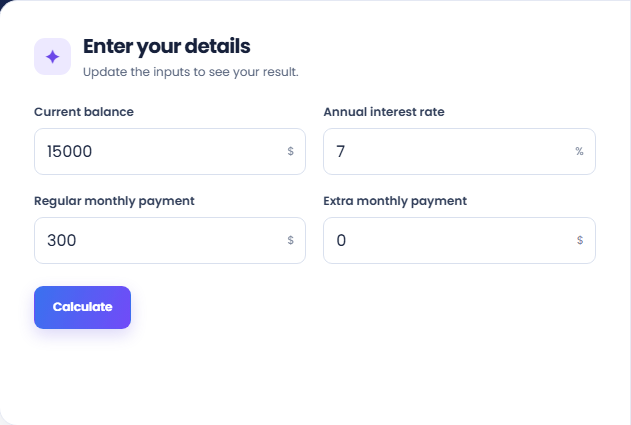
Prepare the current balance, annual rate and regular monthly payment before adding an extra amount.
Enter the current loan balance, annual rate, regular monthly payment, and extra monthly payment. Keep the rate fixed for this scenario. The regular payment must cover the first month of interest before an extra-payment comparison can be calculated.
Select Calculate and read the estimated payoff time with the extra payment. The page applies monthly interest and subtracts the combined payment until the balance reaches zero. This is a modelled schedule rather than a lender’s exact payoff quote.
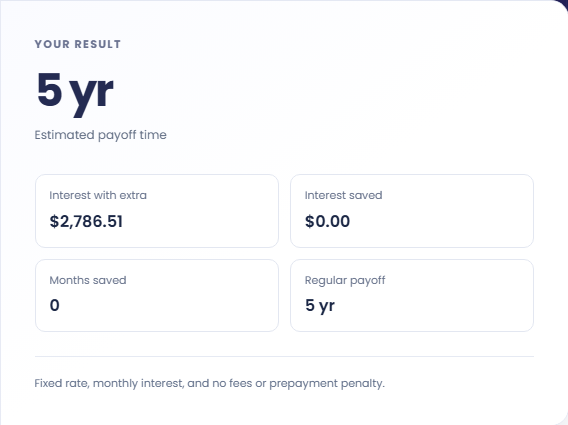
Review Interest with extra, Interest saved, Months saved, and Regular payoff. These use the same starting balance and fixed rate. The model excludes fees and prepayment penalties, so retain its assumptions when comparing it with the loan agreement.
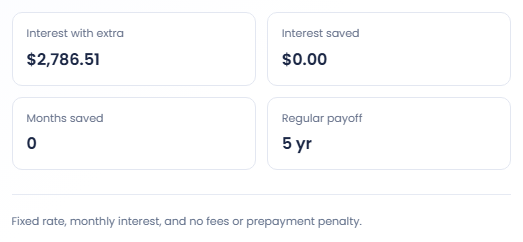
These examples describe repayment arithmetic and do not change the terms of a loan.
Run a hypothetical balance with the same rate and regular payment, then vary the extra payment. The comparison shows how that assumed recurring amount changes time and interest. It does not check whether the loan permits that payment arrangement.

At zero percent interest, a hypothetical $1,200 balance with a $100 regular payment takes twelve months. Adding $100 each month reduces that to six. This simple case helps check the payment fields without introducing an interest rate assumption.

Set the extra amount to zero and inspect Regular payoff. Then enter an extra amount and compare the two schedules. This separates the original payment assumption from the added payment, instead of treating an unrelated lender quote as the baseline.

Read interest and time differences against the regular-payment baseline.
Interest saved and months saved compare the model with regular payments against the model with regular plus extra payments. Both use the same entered balance and fixed rate, so changes in other loan terms are absent.
Payoff time is a count of monthly payments, shown in years and months. The tool does not provide a lender's payoff quote for a particular day or calculate a detailed payment date schedule.

Check that the payment covers interest and that the model fits the loan.
If the regular payment is no greater than the first month's interest, the page rejects the comparison even when an extra amount is entered. Review the regular payment and rate rather than relying on the added amount to bypass that check.
The model stops at a one hundred year repayment limit and excludes fees and prepayment penalties. A rejected long schedule or a lender quote with extra charges needs separate review; the displayed saving does not settle those differences.

Calculate fixed monthly payments on an amortizing loan using amount, annual rate, and term.
Open tool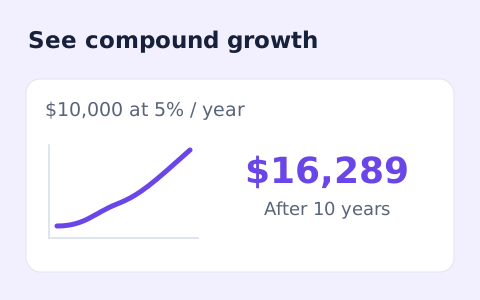
Estimate compound growth from a starting balance, monthly contribution, annual rate, and compound frequency.
Open tool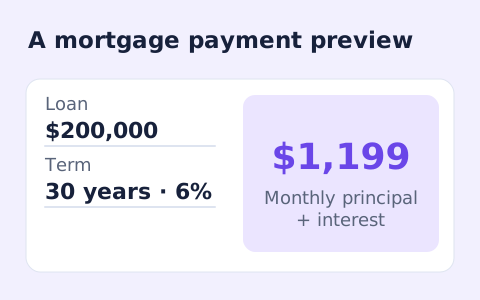
Estimate a monthly mortgage payment with down payment, taxes, insurance, and HOA costs.
Open toolChoose another tool for your next calculation, conversion, or text task.
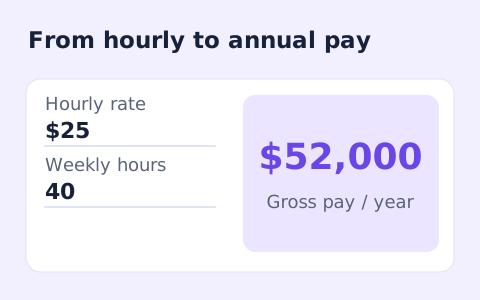
Convert hourly pay to gross annual, monthly, and weekly salary using your own working hours and weeks.
Open tool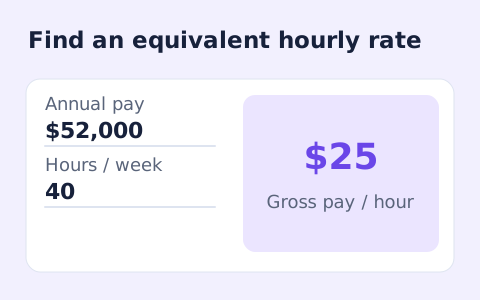
Convert annual gross salary into an hourly rate from your hours per week and paid weeks per year.
Open tool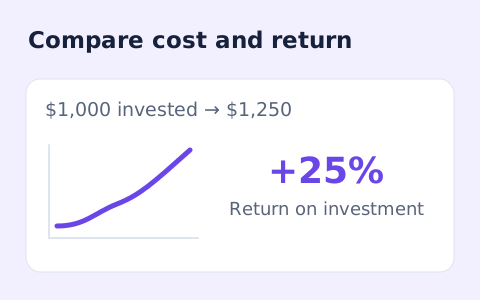
Calculate simple return on investment from the initial cost, final value, additional income, and costs.
Open tool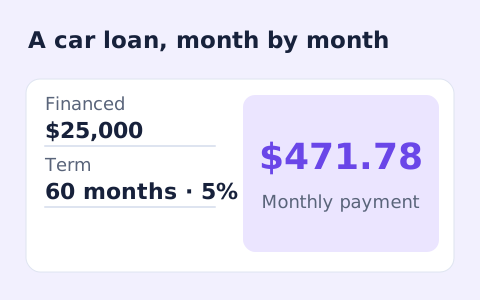
Estimate monthly auto loan payments with vehicle price, down payment, trade-in, sales tax, fees, and APR.
Open toolCompare estimated payoff time and interest with and without an extra monthly payment, using your current balance and a fixed entered rate.
Answers about using Loan Payoff Calculator and understanding its results.
The page asks for a higher payment because the balance would not decline under this model.
No. Check your loan agreement for fees or penalties.
The calculation stops after 1,200 months. If a balance remains, the page asks for a larger payment rather than returning a longer estimate.
Not necessarily. The model uses monthly interest with a fixed rate and no fees or prepayment penalty. A lender may use other timing or charges.