
Loan Repayment Calculator
Calculate fixed monthly payments on an amortizing loan using amount, annual rate, and term.
Open toolEstimate an auto loan payment from vehicle price, down payment, trade-in, financed fees, sales tax, rate, and term in months.
Update the inputs to see your result.
Result will appear here
Vehicle-price adjustments determine financing before a fixed payment is calculated.
The model adds sales tax on the full vehicle price and financed fees, then subtracts down payment and trade-in value. A fixed monthly payment amortizes that amount over the entered whole-number term.
Uses tax on the full vehicle price; trade-in tax credits vary by location. Excludes insurance, registration, and other costs unless entered as financed fees.

Separate vehicle price, reductions, financed charges and the monthly loan schedule.
Enter vehicle price, down payment, trade-in, sales tax, financed fees, annual rate, and a whole-number term in months. Fees paid upfront should not be counted as financed. The tax input is applied to the full vehicle price in this model.
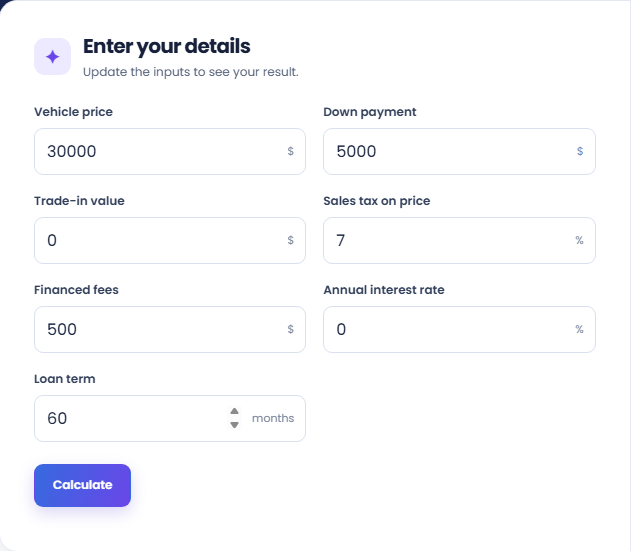
Select Calculate and read the estimated monthly payment. The page first derives the amount financed, then applies the fixed-rate payment formula over the entered term. It rejects a negative financed amount rather than treating it as a credit.
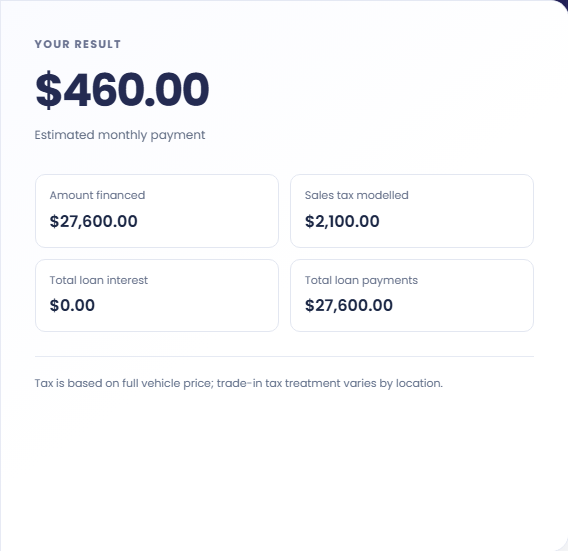
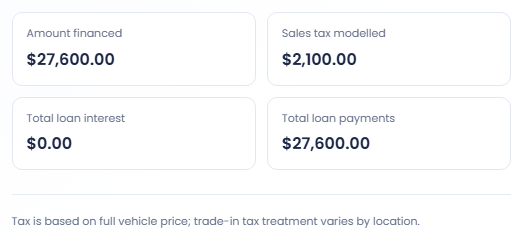
Review Amount financed, Sales tax modelled, Total loan interest, and Total loan payments. Local trade-in tax treatment can differ from the full-price basis used here. Insurance, registration, and other costs are outside the loan unless deliberately included as financed fees.
Keep the tax basis and financed charges consistent across hypothetical scenarios.
Hold vehicle price, tax, fees, rate and term fixed while changing the down payment. Review the reduced amount financed alongside the monthly payment. This is a loan arithmetic comparison and does not assess the other financial effects of using that money.

Run the form with the financed fee amount you want included. Fees paid separately should not also be included as financed fees. The page's payment total describes the loan model, rather than the complete cash cost of buying and running a vehicle.

Use the same financed amount and rate with different term lengths. Compare total interest along with the monthly payment. A smaller payment over more months can describe a different overall amount repaid, so keep the term with each result.

Separate the financed amount from the repayment cost over the term.
Amount financed includes price, modelled tax and financed fees, less down payment and trade in. Total loan payments and interest describe repayment of that balance. The down payment itself is not a monthly loan payment.
The tax model uses the full vehicle price. Insurance, registration and other charges are absent unless deliberately included as financed fees. It does not discover local rules or reconstruct the line items in a dealer's quote.

Check financed fees and the full-price tax assumption against your scenario.
The form rejects reductions greater than price, tax and financed fees together. Check whether the price field already reflects a down payment or trade in reduction before subtracting those amounts again in their separate fields.
Compare real quotes on the same tax and fee basis before judging differences. This calculator uses a fixed rate and equal monthly payments; it does not model rebates, changing rates or lender eligibility decisions.

Calculate fixed monthly payments on an amortizing loan using amount, annual rate, and term.
Open tool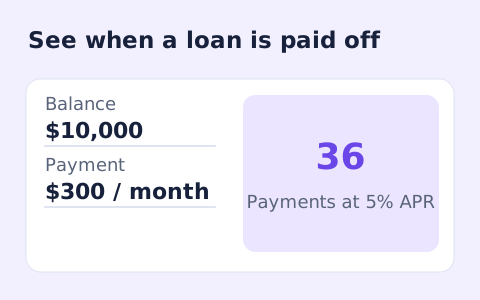
Estimate loan payoff time and interest savings from regular and extra monthly payments.
Open tool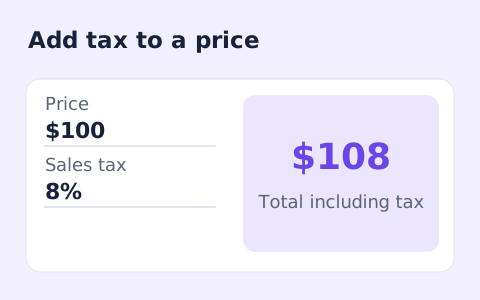
Calculate sales tax and the total price from a pre-tax subtotal and a rate you enter.
Open toolChoose another tool for your next calculation, conversion, or text task.
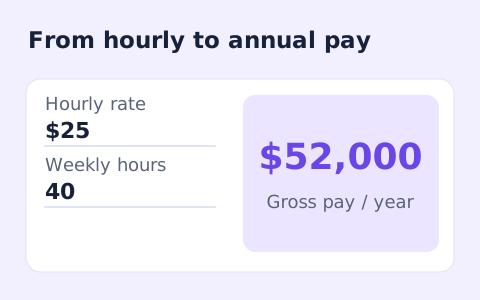
Convert hourly pay to gross annual, monthly, and weekly salary using your own working hours and weeks.
Open tool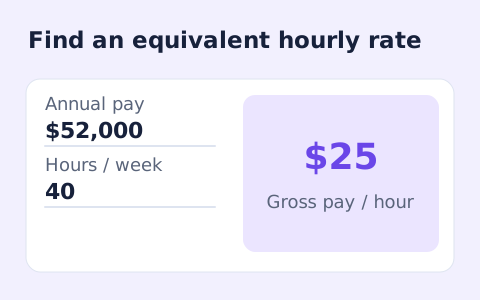
Convert annual gross salary into an hourly rate from your hours per week and paid weeks per year.
Open tool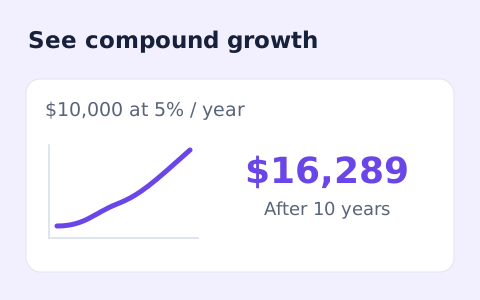
Estimate compound growth from a starting balance, monthly contribution, annual rate, and compound frequency.
Open tool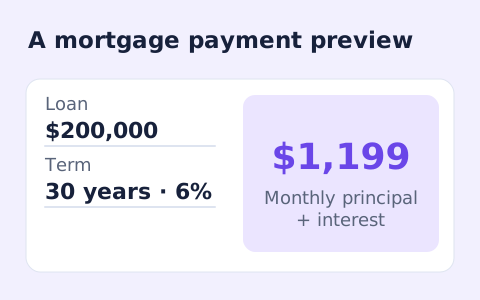
Estimate a monthly mortgage payment with down payment, taxes, insurance, and HOA costs.
Open toolEstimate an auto loan payment from vehicle price, down payment, trade-in, financed fees, sales tax, rate, and term in months.
Answers about using Auto Loan Calculator and understanding its results.
This model taxes the full price. Check your local rules; some places allow a trade-in tax credit.
Enter zero for financed fees. Upfront fees then sit outside this loan estimate.
The form accepts whole-number terms from one to 120 months. It uses a fixed annual rate for the full term.
No. If the down payment and trade-in exceed price, tax, and financed fees, the page asks you to correct the inputs.