
Loan Payoff Calculator
Estimate loan payoff time and interest savings from regular and extra monthly payments.
Open toolEstimate equal monthly payments from a loan amount, annual interest rate, and term. Review the total repaid and interest under a fixed-rate model.
Update the inputs to see your result.
Result will appear here
The fixed-rate payment formula spreads principal over the modelled months.
The annual percentage rate is converted to a monthly rate and used in the amortizing-payment formula. At zero interest, the principal is divided equally among the modelled months. The repayment totals use the unrounded monthly calculation.
Assumes a fixed rate and equal monthly payments. Excludes fees, insurance, taxes, and rate changes.

Use a loan amount, fixed annual rate and term in years to estimate equal monthly payments.
Enter the loan amount, annual interest rate, and term in years. Use the amount to be financed and keep separately paid fees outside it. The term is rounded to whole months, so check that it reflects the intended repayment period.
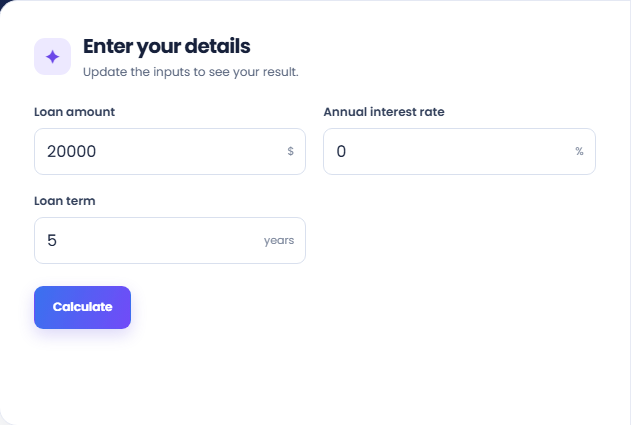
Select Calculate to read the estimated monthly payment. The model uses equal payments and a fixed rate for the entered term. At zero interest, the amount is divided equally over the modelled months instead of applying the interest formula.
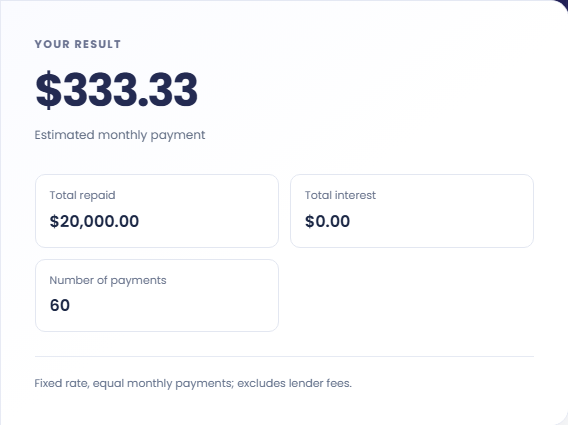
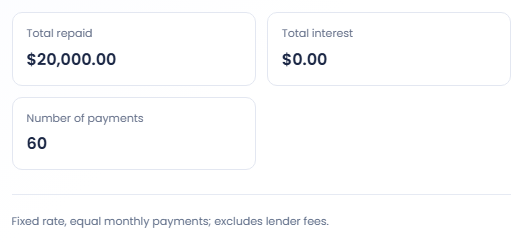
Read Total repaid, Total interest, and Number of payments alongside the monthly amount. These totals exclude lender fees, insurance, taxes, and rate changes. Record the term and rate with the result rather than comparing monthly amounts without their assumptions.
Keep the borrowed amount and repayment period explicit in each comparison.
Run the same principal and annual rate with two terms. Review the monthly payment and total interest together, rather than choosing from the payment alone. This describes the fixed rate model and does not evaluate which loan arrangement suits an individual.

Keep the principal and term fixed while entering a second hypothetical annual rate. The difference isolates the rate assumption. A real offer may include fees or changing terms that are not represented by the annual rate field here.

A hypothetical $1,200 loan at zero percent over one year produces twelve monthly payments of $100. This confirms the amount and time basis of the form. It also provides a comparison with a model that includes a positive rate.

Compare monthly payment, total repaid, and term on the same basis.
The monthly payment is the equal scheduled amount in this model. Total repaid multiplies it by the modelled payment count; total interest is the amount above the entered principal. The displayed currency values are rounded.
A fractional year is converted to full months. Check Number of payments before comparing the estimate with a contract using a specific start date, irregular first period or a different repayment schedule.

Verify term conversion and excluded costs before relying on the estimate.
The calculator excludes lender fees, insurance and changing rates. It also does not assess eligibility or obtain offers. Compare a real quote's charge list and repayment schedule separately from this simple principal and interest estimate.
For an existing balance and known monthly payment, use Loan Payoff Calculator instead. This form solves for an equal payment from a term, so entering a desired payment here would use the wrong input arrangement.

Estimate loan payoff time and interest savings from regular and extra monthly payments.
Open tool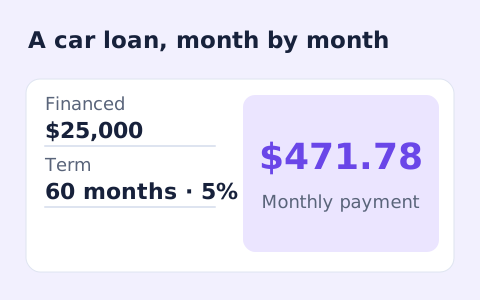
Estimate monthly auto loan payments with vehicle price, down payment, trade-in, sales tax, fees, and APR.
Open tool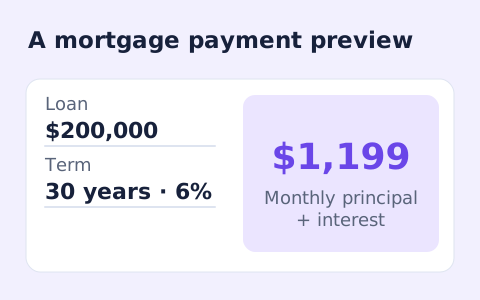
Estimate a monthly mortgage payment with down payment, taxes, insurance, and HOA costs.
Open toolChoose another tool for your next calculation, conversion, or text task.
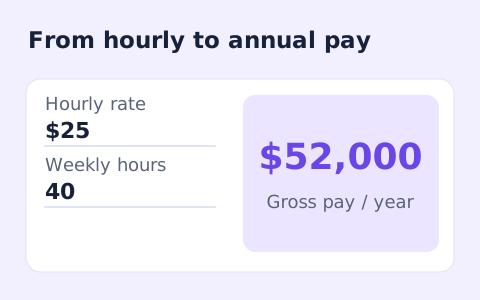
Convert hourly pay to gross annual, monthly, and weekly salary using your own working hours and weeks.
Open tool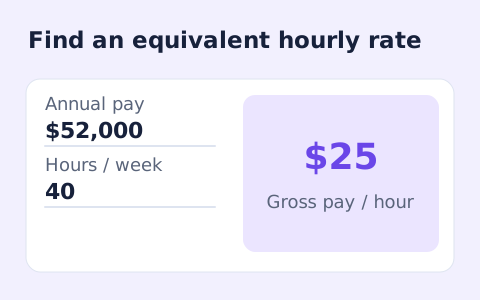
Convert annual gross salary into an hourly rate from your hours per week and paid weeks per year.
Open tool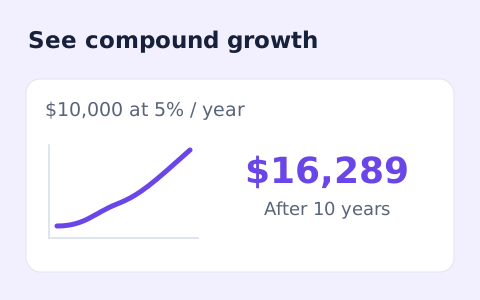
Estimate compound growth from a starting balance, monthly contribution, annual rate, and compound frequency.
Open tool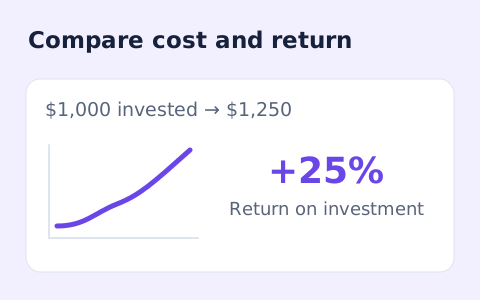
Calculate simple return on investment from the initial cost, final value, additional income, and costs.
Open toolAnswers about using Loan Repayment Calculator and understanding its results.
The loan amount is divided equally across the monthly payments.
No. Add them to the loan amount only if they are financed.
The page multiplies the entered years by twelve and rounds to a whole number of months, with at least one month.
No. It shows the monthly payment, total repaid, total interest, and number of payments, rather than a month-by-month table.
Estimate equal monthly payments from a loan amount, annual interest rate, and term.