
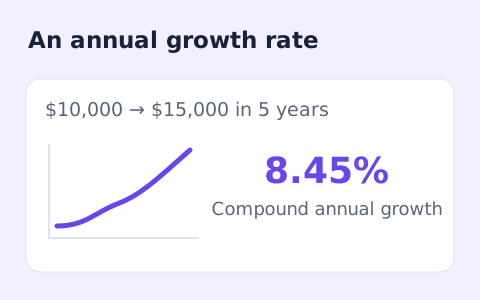
CAGR Calculator
Calculate compound annual growth rate from a starting value, ending value, and time in years.
Open toolCalculate simple return on investment (ROI) from initial cost, final value, extra income, and additional costs. Read net gain or loss alongside the percentage.
Update the inputs to see your result.
Result will appear here
Net proceeds after costs are compared with the initial investment.
Final value and additional income are added, then the initial investment and additional costs are subtracted to obtain net gain. That net gain is divided by the initial investment to calculate the simple percentage return.
Simple, non-annualized ROI. It does not account for investment duration, taxes, inflation, or the timing of cash flows.

Separate the initial investment, final value, income and additional expenses before entering totals.
Enter initial investment, final value, additional income, and additional costs. Keep costs outside the initial investment in their own field so they are not counted twice. The initial investment must be positive because it is the percentage denominator.
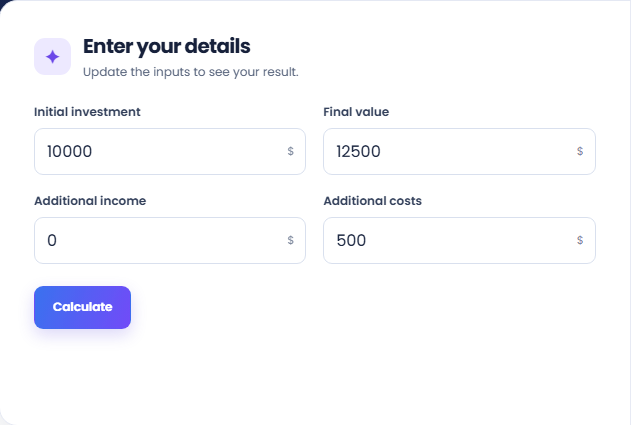
Select Calculate and read simple ROI. The calculation subtracts investment and extra costs from final value plus income, then divides that net gain by the initial investment. A negative result represents a loss under those entered amounts.
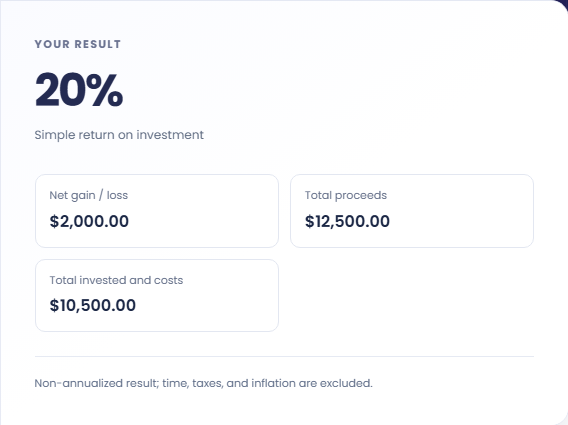
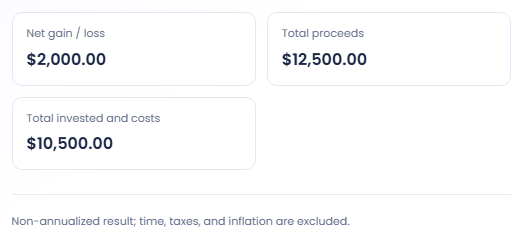
Review Net gain or loss, Total proceeds, and Total invested and costs. The percentage does not show duration or cash-flow timing. This page does not annualize ROI or include taxes and inflation, so keep the period and assumptions separately.
These examples concern a nonannualized arithmetic return on the entered initial cost.
An initial $1,000 investment ending at $1,250 with no added income or expenses produces a twenty five percent ROI. The $250 net gain provides a direct check on that percentage. This example describes arithmetic and does not forecast a return.

Keep initial investment, final value and income fixed while changing expenses. Review the lower net gain and changed ROI together. This identifies the expense effect without changing the denominator or suggesting that all real costs have been included.

If comparing scenarios, record their duration outside the form and keep the cost basis consistent. The page does not annualise results. A larger percentage over a much longer period therefore cannot be treated as a faster growth rate from this output alone.

Keep simple ROI distinct from annualized return and cash-flow measures.
ROI uses net gain or loss relative to the initial investment. Total invested and costs is also shown, but that combined amount is not the denominator used for the main percentage. Keep this distinction when comparing another model.
Duration, taxes, inflation and the timing of cash flows are excluded. Additional income and expenses are entered as totals. The result cannot assess whether an investment suits an individual or compare detailed cash flow schedules.

Check cost categories and the denominator before sharing the percentage.
Check whether a final value already includes accumulated income before filling both fields. Likewise, do not count an expense both inside the initial cost and as a later expense. A valid number can still have the wrong accounting basis.
Initial investment must be positive. If you need an annualized endpoint growth rate, CAGR Calculator uses a time period, but it also excludes intervening cash flows. Select the comparison method that matches the amounts available.

Calculate compound annual growth rate from a starting value, ending value, and time in years.
Open tool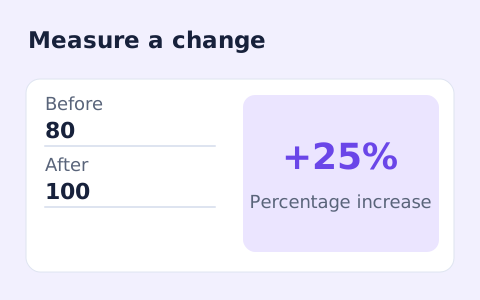
Calculate percentage change and absolute difference between a positive starting value and a new value.
Open tool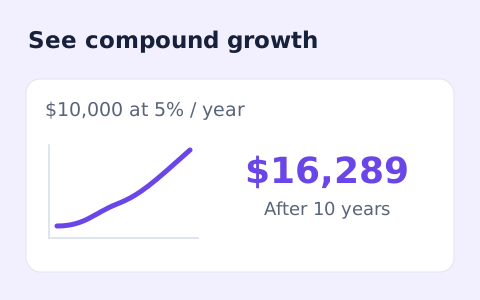
Estimate compound growth from a starting balance, monthly contribution, annual rate, and compound frequency.
Open toolChoose another tool for your next calculation, conversion, or text task.
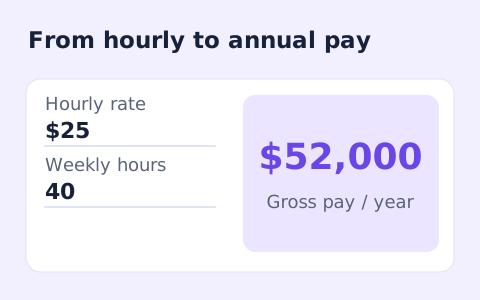
Convert hourly pay to gross annual, monthly, and weekly salary using your own working hours and weeks.
Open tool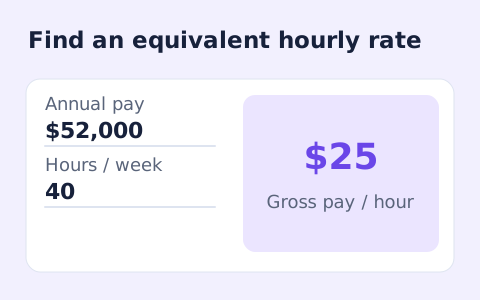
Convert annual gross salary into an hourly rate from your hours per week and paid weeks per year.
Open tool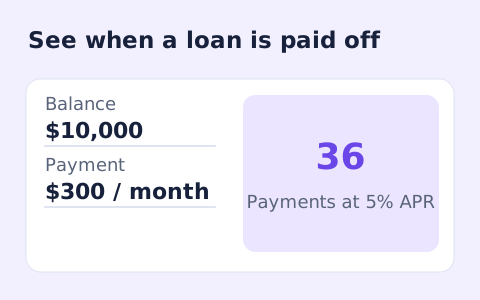
Estimate loan payoff time and interest savings from regular and extra monthly payments.
Open tool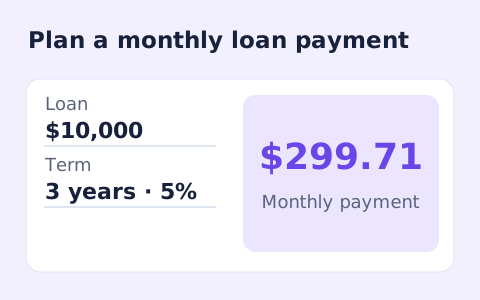
Calculate fixed monthly payments on an amortizing loan using amount, annual rate, and term.
Open toolCalculate simple ROI from initial investment, final value, extra income, and additional costs.
Answers about using ROI Calculator and understanding its results.
No. The result is total ROI for the period you entered, regardless of length.
Enter costs outside the initial investment that should reduce the gain.
Yes. If total proceeds are less than the initial investment and additional costs, net gain and ROI are negative.
No. This page divides net gain by the initial investment. It also shows total invested and costs separately so the calculation basis is visible.