
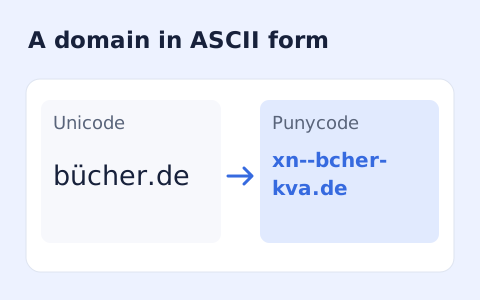
Punycode Converter
Convert a hostname between Unicode characters and its xn-- Punycode representation.
Open toolCalculate an IPv4 subnet mask and IP address range from a dotted-decimal address and CIDR prefix. Review network boundaries and total or usable addresses.
Update the inputs to see your result.
Result will appear here
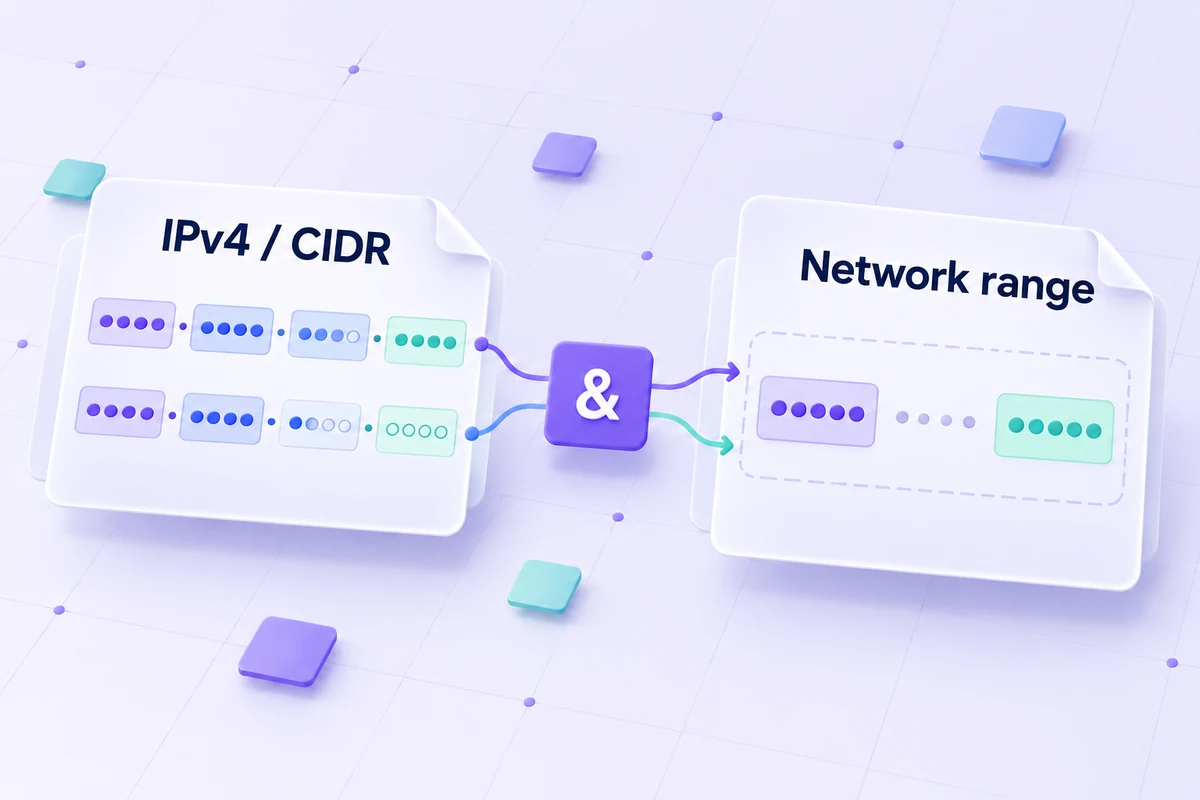
The CIDR mask identifies the IPv4 network block and its endpoints.
The prefix sets the leading subnet-mask bits. A bitwise AND determines the network address, and the inverse mask determines the last address. Ordinary subnet usable ranges exclude the endpoints; /31 and /32 use the page’s stated special cases.
For ordinary subnets, the first and last addresses are reserved. /31 is treated as a two-address point-to-point link under RFC 3021; /32 is a single host route.
Reference: RFC 3021: 31-bit IPv4 prefixes.
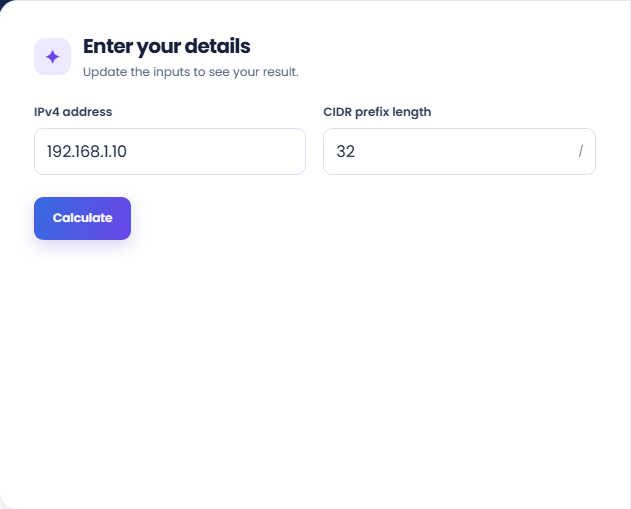
Enter an IPv4 address separately from its CIDR prefix length.
Enter the dotted-decimal IPv4 address and a whole-number CIDR prefix from zero to 32. Keep the prefix separate from the address field. This form handles local address arithmetic and does not scan, allocate, or validate a live network.
Select Calculate and read the IPv4 network address with its prefix. The subnet mask determines which bits define the network. Compare a second prefix on the same address if you want to inspect how the block boundaries change.
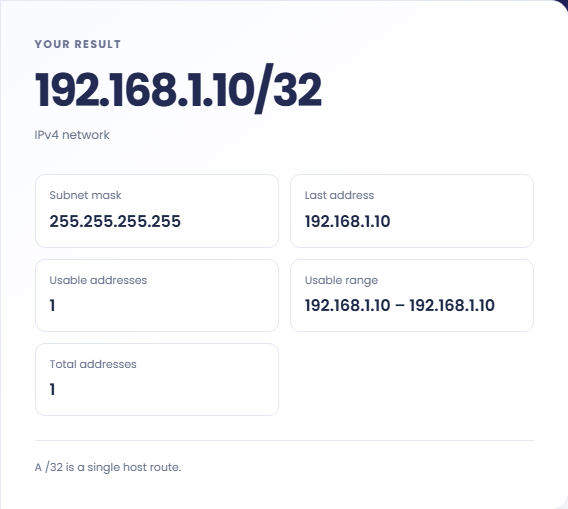
Review Subnet mask, Last address, Usable range, and address counts. Ordinary subnets reserve the first and last addresses. Read the separate /31 and /32 notes before applying that ordinary rule to a point-to-point block or a host route.
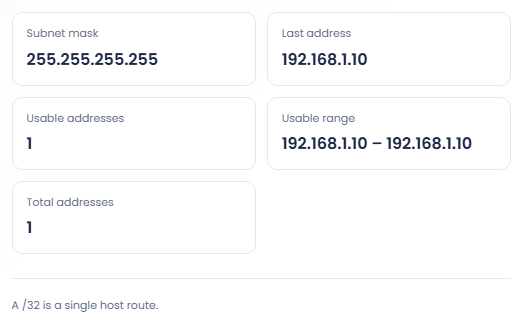
The result describes an address block; it does not configure a router or inspect a network.
A hypothetical address 192.168.1.42 with prefix twenty four belongs to network 192.168.1.0/24. The result also shows the mask and boundaries. This helps check a supplied address and prefix before comparing them with an existing network configuration.

Run the same address with different prefixes and inspect the changed total and usable counts. This makes block size assumptions visible. The tool does not assess routing policy, allocate blocks or determine which prefix should be used for a particular deployment.

A thirty one bit prefix follows the two address point to point convention, while thirty two bits describe one host route. Review those notes with the usable range. Applying the ordinary first and last address reservation would misread these two cases.

Read total and usable counts with the prefix’s endpoint rules.
For ordinary subnets through prefix thirty, the first and last addresses are excluded from the usable range. Total addresses still counts the entire block. The result displays both quantities so they do not have to share one ambiguous label.
The network address is the entered address masked by the prefix. An address need not already be the first address in its block. The calculator does not verify reachability, address ownership or whether an address is currently assigned.

Check address notation and special small-block behaviour before using the range.
Use decimal IPv4 octets and a whole CIDR prefix in their separate fields. If you copied address/prefix text together, split it before calculation. An IPv6 address needs a different calculator with the appropriate address width and conventions.
The usable range is a mathematical block description. It does not include your organisation's reservations, existing assignments or device policy. Check those details in the actual network configuration before using an address from the displayed range.

Convert a hostname between Unicode characters and its xn-- Punycode representation.
Open tool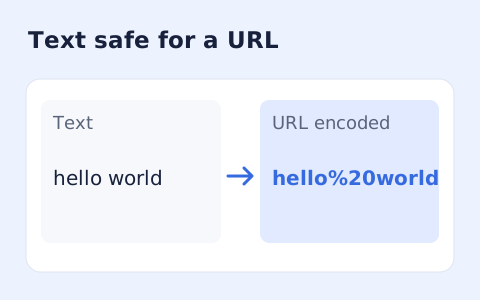
Percent-encode UTF-8 text for a URL component or convert escaped text back to readable characters.
Open tool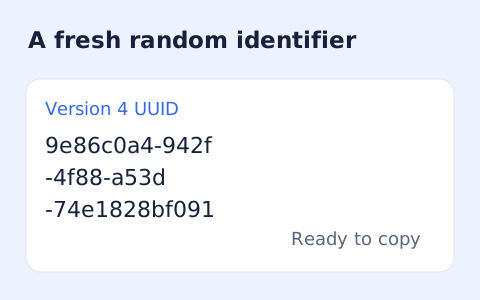
Create one or more RFC 4122 version 4 UUIDs locally and copy them in one click.
Open toolChoose another tool for your next calculation, conversion, or text task.

Convert pixel values to CSS rem units with a configurable root font size and a quick reference table.
Open tool
Generate a CSS border-radius declaration from four corner values and preview the shape.
Open tool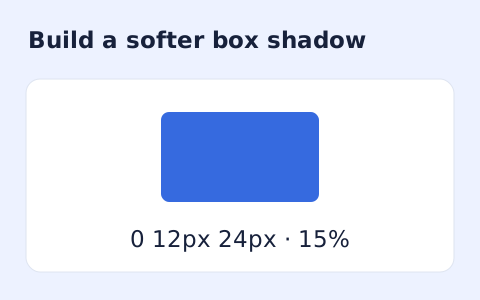
Create a CSS box-shadow declaration from editable shadow settings and copy the result.
Open tool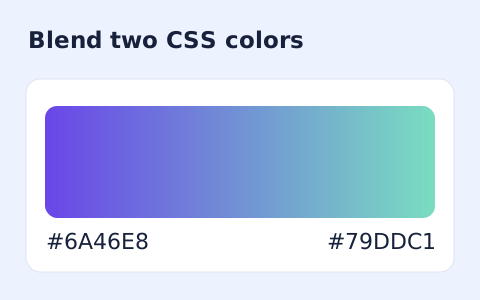
Generate a two-color linear gradient or a circular radial gradient with a browser preview.
Open toolCalculate IPv4 network details from a dotted-decimal address and CIDR prefix.
Answers about using IPv4 Subnet Calculator and understanding its results.
RFC 3021 allows both addresses on a point-to-point link.
No. This tool accepts IPv4 dotted-decimal addresses only.
It counts every address in the prefix block. Ordinary subnets reserve the first and last addresses, so usable count is smaller than total count.
No. The calculation is local address arithmetic. It does not scan a network, allocate addresses, or check routing.