
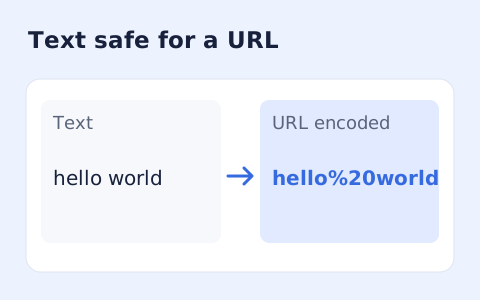
URL Encoder Decoder
Percent-encode UTF-8 text for a URL component or convert escaped text back to readable characters.
Open toolConvert a hostname between Unicode characters and its xn-- Punycode representation.
Enter the inputs, then select Calculate.
Result will appear here
The converter normalizes a hostname, applies Punycode to its domain labels, and checks the ASCII structure and Unicode round trip.
The result displays both hostname representations. It does not register the domain, check ownership, or perform a complete IDNA policy assessment.
Remove spaces and URL punctuation that belong outside a hostname.

Enter a hostname by itself and choose conversion to ASCII or Unicode.
Enter a hostname without a scheme, port, path, query, or email address, then choose Unicode-to-ASCII or ASCII-to-Unicode. Include a trailing dot only if it belongs to the intended hostname.
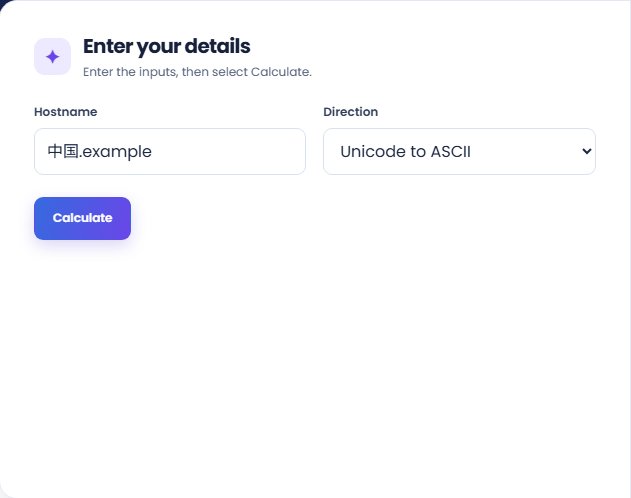
Run the conversion and inspect the selected representation. The supporting ASCII and Unicode forms let you compare the same normalized hostname label by label.
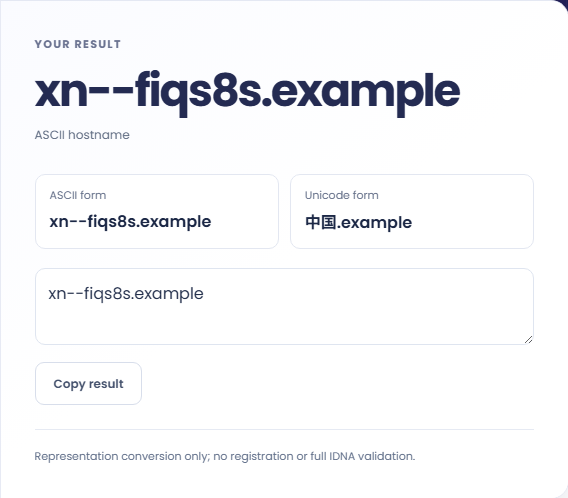
Copy the selected output and compare it with the required hostname field. Review the conversion-only note: the result does not establish registration, ownership, or legitimacy and is not a complete IDNA assessment.
Compare hostname representations while keeping the rest of a URL outside the input.
Convert an xn-- hostname from a configuration or message into a readable form. The decoded letters help identify what was encoded, but a readable result alone cannot establish who controls the domain or whether a linked site should be trusted.

Obtain an ASCII representation when a configuration field expects it. Confirm the receiving system accepts the result and apply its own domain validation rules. This converter does not configure DNS, check registration, or test whether the host resolves.

Convert a hostname when a document shows Unicode while a log shows ASCII. Compare corresponding labels to investigate whether they refer to the same encoded name. Preserve the full context because paths and ports are outside this conversion.

Compare the Unicode and ASCII hostnames label by label before using either representation.
The result is checked for an ASCII label length up to 63 and a hostname length up to 253 without the trailing root dot. These checks do not provide complete IDNA policy validation.
Conversion does not detect every visually similar character or misleading hostname. Treat the output as a representation of the input rather than a security assessment or availability check.

Enter the hostname alone and check its spelling separately from any URL path, scheme, or query.
Remove spaces and URL punctuation that belong outside a hostname. Labels must not begin or end with a hyphen. The input length is bounded, and invalid encoded labels are rejected.
If another domain system rejects a converted value, check that system rules rather than assuming conversion guarantees acceptance. Registration policies and full internationalized domain processing can impose requirements beyond this tool.

Percent-encode UTF-8 text for a URL component or convert escaped text back to readable characters.
Open tool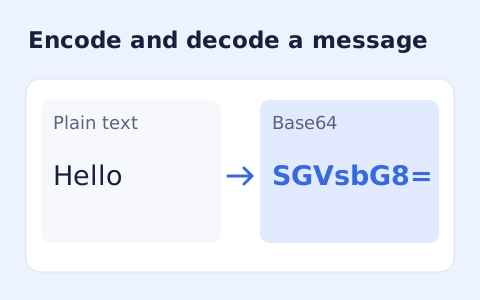
Encode UTF-8 text into standard padded Base64 and decode Base64 back into Unicode text.
Open tool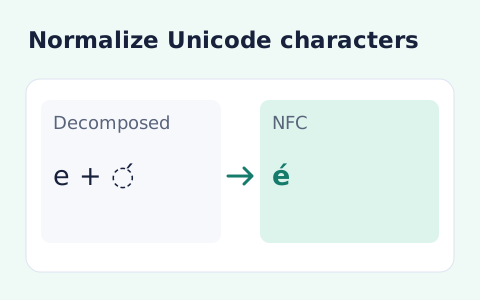
Convert text between the four Unicode normalization forms locally in your browser.
Open toolChoose another tool for your next calculation, conversion, or text task.
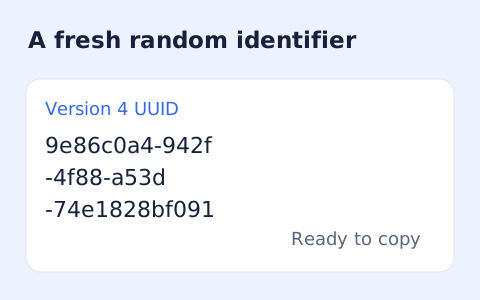
Create one or more RFC 4122 version 4 UUIDs locally and copy them in one click.
Open tool
Convert pixel values to CSS rem units with a configurable root font size and a quick reference table.
Open tool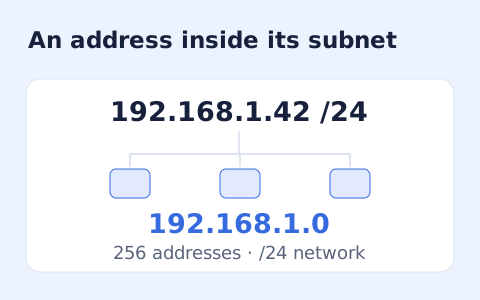
Calculate IPv4 subnet details from an address and CIDR prefix, including /31 and /32 cases.
Open tool
Generate a CSS border-radius declaration from four corner values and preview the shape.
Open toolEnter a hostname by itself and choose conversion to ASCII or Unicode.
Answers about using Punycode Converter and understanding its results.
Yes. Each non-ASCII label is converted separately.
Conversion alone does not establish legitimacy or ownership.
No. Enter the hostname without a scheme, port, path, query, or email address.
A trailing hostname dot is retained in the selected output. The labels themselves are converted and normalized.