
Text Compare
Compare two pieces of text locally with additions and removals highlighted by word or line.
Open toolTest JavaScript regular expressions in a separate worker and inspect matches, offsets, and capture groups.
Enter the inputs, then select Test regex.
Result will appear here
The tester creates a JavaScript regular expression from your pattern and flags and searches the supplied text in a bounded worker.
The grid shows UTF-16 offsets, matched text, and capture groups. Results are capped at 1,000 matches, and expensive processing is stopped rather than allowed to run indefinitely.
Use distinct supported flags and a pattern no longer than 1000 characters.

Enter a JavaScript regular expression, its flags, and the text to test.
Enter the pattern without slash delimiters, set the distinct JavaScript flags, and paste the test text. Include representative matches and nonmatches in a bounded sample before expanding it.
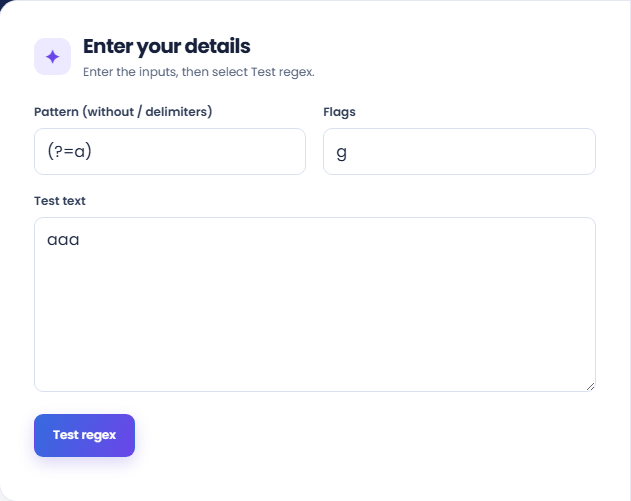
Start the test and read the match total. The output identifies the flags and whether the displayed results reached their cap. Without a global flag the search returns only its first match.
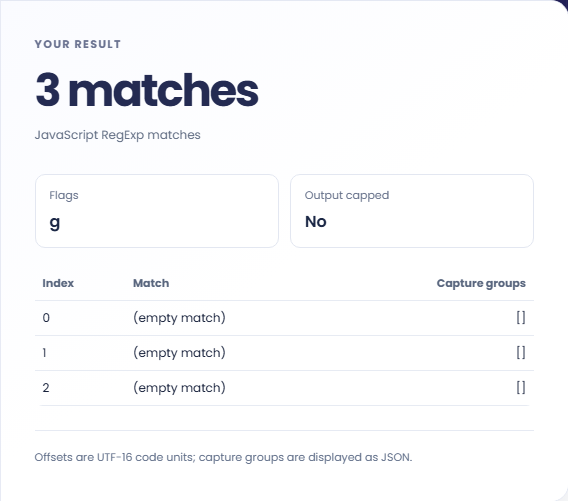
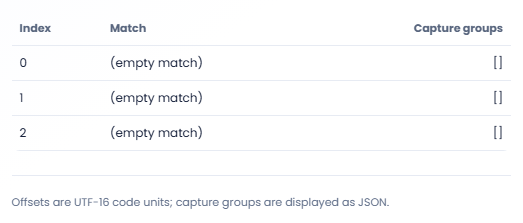
Read the match grid, including offsets, matched text, and capture groups. Offsets are UTF-16 code units. A timeout or capped result calls for a smaller or more focused sample, not an assumption about unseen matches.
Test small, representative samples before using a pattern in another application.
Paste a few representative records when designing a pattern to extract a code or identifier. Include a record missing that identifier. This helps reveal accidental matches without requiring you to test the entire source file at the outset.

Test what a pattern matches before using it in a separate replacement operation. Captured groups can help explain which portions a replacement would reference, but this screen reports matches and does not apply a replacement to the input.

Use a compact example to investigate a difference between a browser pattern and another regex engine. Record the pattern and flags with the result. A JavaScript match does not establish that a PCRE or server language pattern behaves identically.

Use match positions and captured groups to see which portions of the sample the JavaScript expression accepts.
Match indexes use JavaScript UTF-16 code unit positions. An emoji before a match can make that index differ from a count of visible characters or Unicode code points.
The results are capped at 1000 matches, and expensive expressions can be stopped by the worker. A truncated result or timeout is not evidence that later text contains no matches.

Test representative matching and nonmatching text with the flags supported by your browser.
Use distinct supported flags and a pattern no longer than 1000 characters. Browser support still determines whether particular flags or combinations compile. Input text is limited to 50000 characters.
For a timeout, reduce the sample and review nested repetition or broad alternatives. An empty text sample is allowed, which is useful when checking whether a pattern can produce an empty match.

Compare two pieces of text locally with additions and removals highlighted by word or line.
Open tool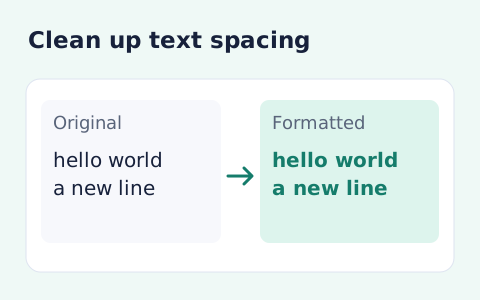
Format pasted text with line trimming, horizontal whitespace cleanup, blank-line handling, and case conversion.
Open tool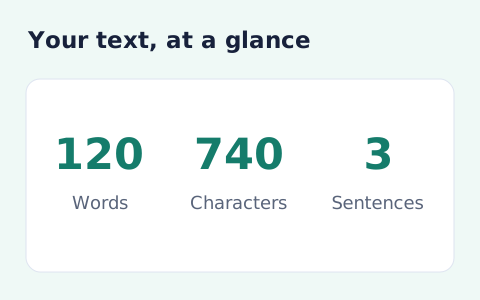
Analyze pasted text locally with word, sentence, paragraph, line, and character statistics.
Open toolChoose another tool for your next calculation, conversion, or text task.
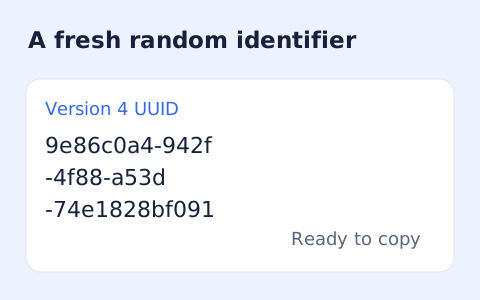
Create one or more RFC 4122 version 4 UUIDs locally and copy them in one click.
Open tool
Convert pixel values to CSS rem units with a configurable root font size and a quick reference table.
Open tool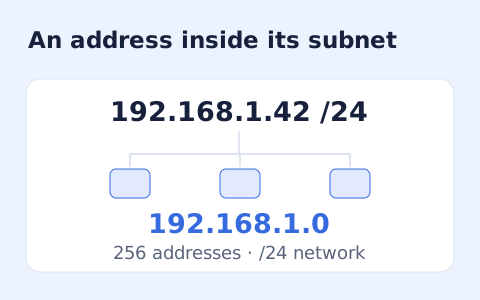
Calculate IPv4 subnet details from an address and CIDR prefix, including /31 and /32 cases.
Open tool
Generate a CSS border-radius declaration from four corner values and preview the shape.
Open toolEnter a JavaScript regular expression, its flags, and the text to test.
Answers about using Regex Tester and understanding its results.
Enter the pattern without the outer slashes and put g in Flags.
The tester advances safely after each zero-length match so it does not loop forever.
No. It uses the browser JavaScript RegExp engine. Check features and flags against the environment where your pattern will run.
Without the g flag the tester reports the first match. Add g when you want a global search.