YAML Validator
Validate YAML 1.2 syntax, duplicate keys, and bounded alias references.
Open toolFormat XML online with two or four spaces of indentation. Paste a well-formed document without a DOCTYPE, inspect its nesting and copy or download the result.
Enter the inputs, then select Format XML.
Result will appear here
The formatter checks XML for well-formed structure without a DOCTYPE, then indents elements using the selected width.
Mixed content and xml:space preservation are kept together. The generated XML can be copied or downloaded, but well-formedness does not prove conformity to an XSD or application schema.
Check unmatched tags, unescaped ampersands, and missing quoted attribute values against the original source.

Paste an XML document and choose two or four spaces for indentation.
Paste one XML document and choose two-space or four-space indentation. The source must be well formed and must not include a DOCTYPE. Keep mixed content and whitespace-preservation attributes intact.
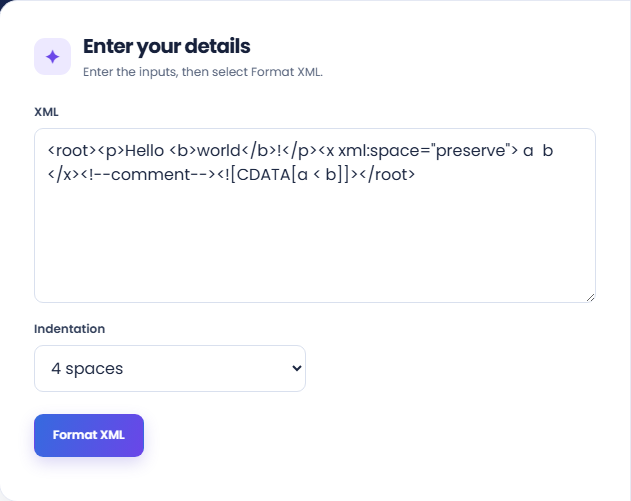
Run the formatter and inspect the Formatted XML output. The indentation makes element nesting easier to follow while mixed content is kept together.
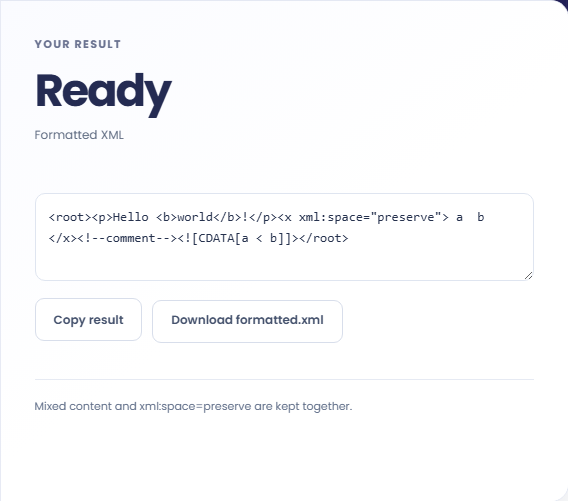
Use the text controls to copy the result or download formatted.xml. Read the preservation note and review it with the actual consumer. Well-formed XML is not evidence of XSD conformity.
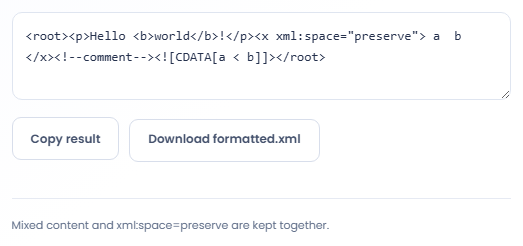
Use readable XML when inspecting structure without changing the document into another data format.
Format a copied XML response to locate nested elements and attributes more easily. Look at the actual values after finding the desired branch. Formatting does not confirm that the response matches an API contract or that its values are valid.

Use indentation to inspect parent and child relationships in an XML configuration excerpt. Validate the final file in the application that consumes it, since well formed XML can still contain unsupported elements or incorrect configuration values.

Create a readable XML example for a technical explanation. Preserve meaningful text, comments, and CDATA from the sample instead of replacing them with invented content. Review the accompanying explanation separately so it describes the actual document rather than its visual layout.

Read the formatted structure alongside any mixed content or preserved whitespace in the original document.
The input is checked for well formed XML, and the formatter handles comments, CDATA, mixed content, and xml:space preservation. The resulting indentation is not evidence of compliance with an XSD.
DOCTYPE declarations are rejected. This tool does not resolve external entities or load a DTD, so documents depending on those features need a different review workflow.

Use the reported location to inspect the original XML before changing tags, attributes, or escaped characters.
Check unmatched tags, unescaped ampersands, and missing quoted attribute values against the original source. Avoid repairing an excerpt by guessing missing content when a complete source document is available.
Input is limited to 100000 characters. If another application rejects the formatted result, inspect that application schema and requirements in addition to the XML syntax checked here.

Choose another tool for your next calculation, conversion, or text task.
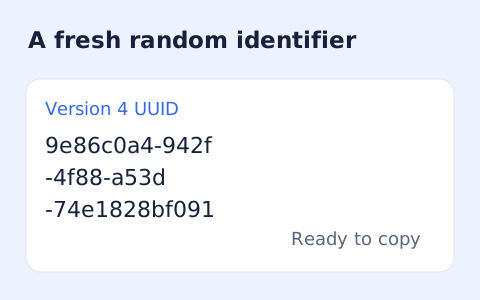
Create one or more RFC 4122 version 4 UUIDs locally and copy them in one click.
Open tool
Convert pixel values to CSS rem units with a configurable root font size and a quick reference table.
Open tool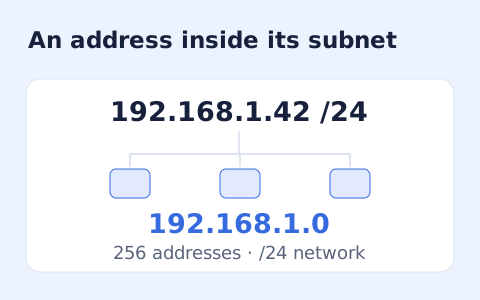
Calculate IPv4 subnet details from an address and CIDR prefix, including /31 and /32 cases.
Open tool
Generate a CSS border-radius declaration from four corner values and preview the shape.
Open toolPaste an XML document and choose two or four spaces for indentation.
Answers about using XML Formatter and understanding its results.
No. Documents containing a DOCTYPE are rejected.
No. It checks well-formed XML, not a schema.
Choose two spaces or four spaces in the form.
Mixed content is kept together rather than expanded into unrelated lines. Review whitespace-sensitive consumers before replacing the original.