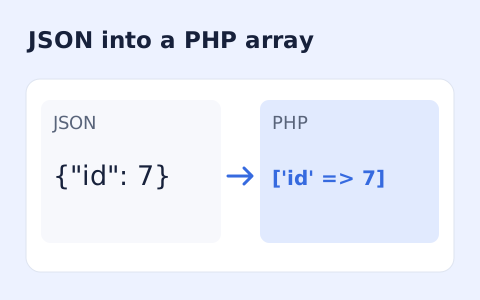
JSON to PHP Array Converter
Generate a PHP array expression from JSON without running code.
Open toolGenerate Python dataclass definitions from a JSON object or array of sample objects. Inspect nested models, inferred types and optional fields before integrating the code.
Enter the inputs, then select Generate dataclasses.
Result will appear here
The generator combines keys from sample JSON objects, infers observed value types, and creates nested Python dataclasses where the sample contains nested objects.
Missing fields receive a default and optional typing where applicable. Generated definitions are a starting point: nested dictionaries do not become dataclass instances automatically, and a sample cannot prove every future value type.
The root must be an object or a nonempty array of objects, with up to 5000 records.
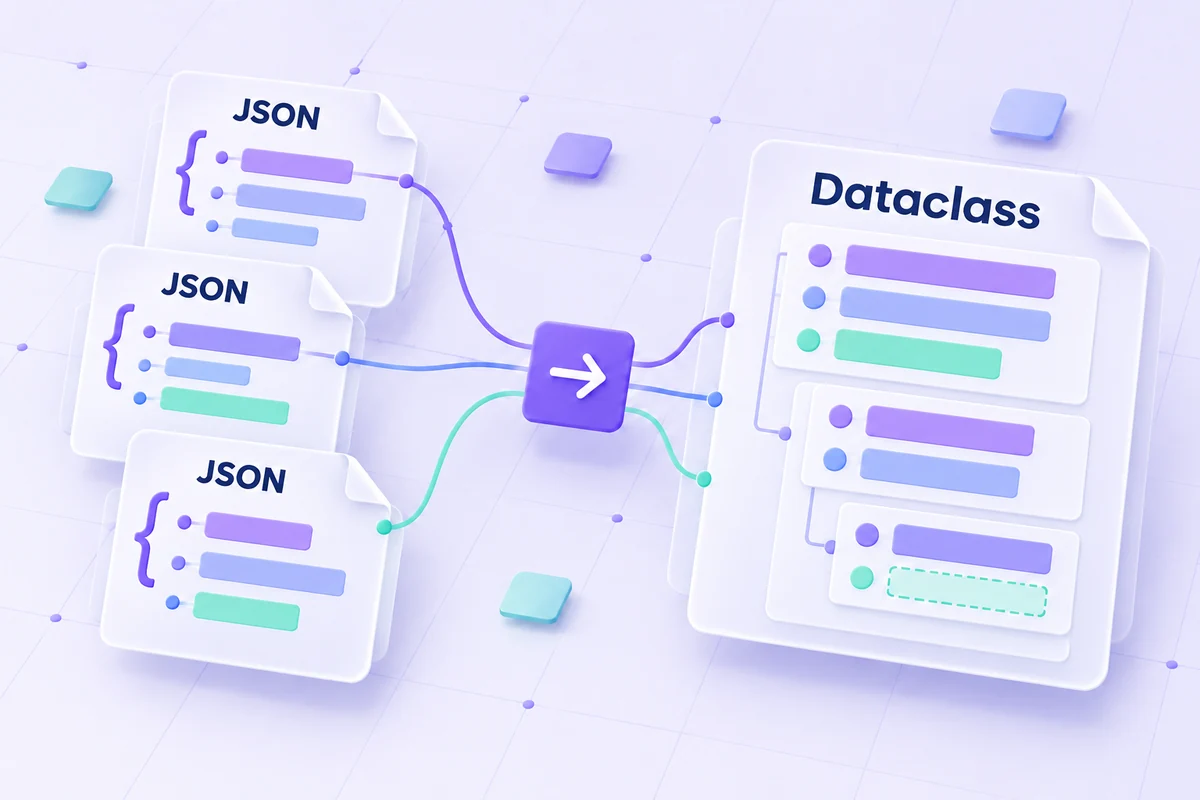
Paste a JSON object or an array of objects and choose the root class name.
Paste one JSON object or a nonempty array of objects and choose a distinct ASCII root class name. Use representative examples with missing or varying fields when you want those differences reflected in inference.
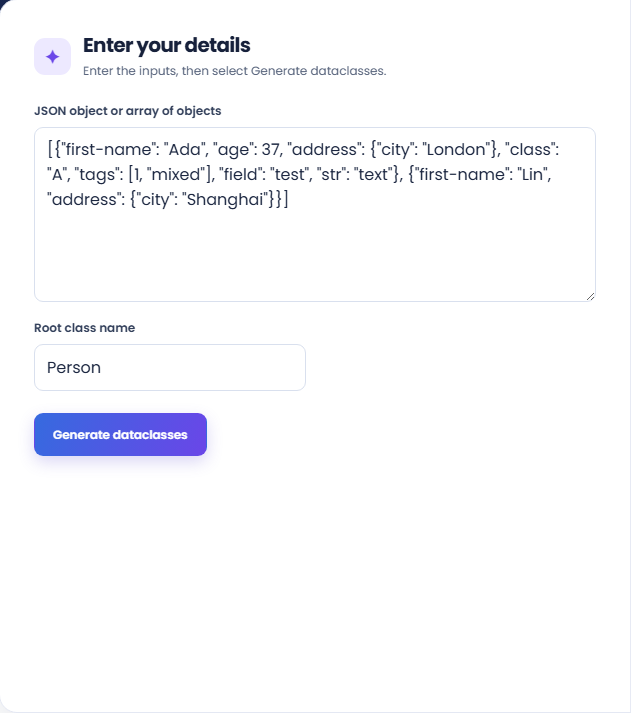
Run the generator and inspect the class total and Python definitions. The output infers nested classes and field types from the observed samples, with metadata linking normalized fields to original keys.
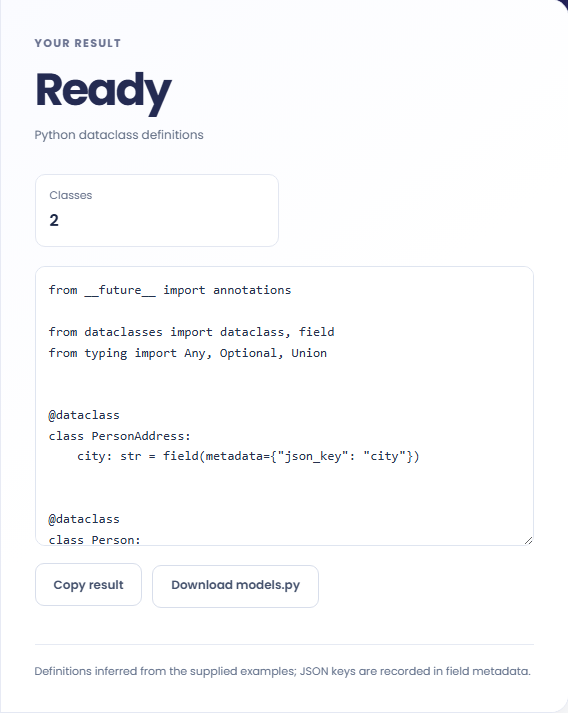
Copy the definitions or download models.py. Read the sample-inference note and inspect optional fields, arrays, and unions. Nested dictionaries still need explicit construction or an application serializer to become dataclass instances.
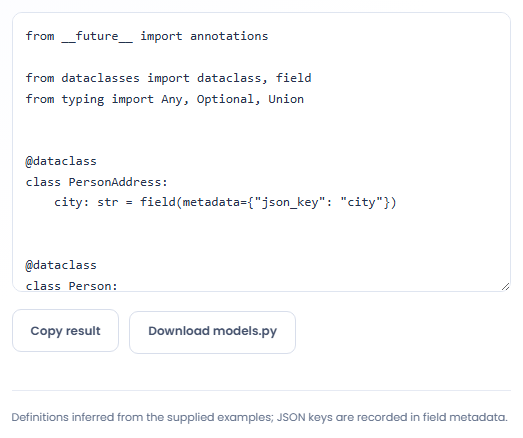
Generate Python type definitions from a sample while reviewing what that sample can establish.
Generate an initial model from a sample API response when preparing typed application code. Compare it with the API contract afterwards. One observed sample can omit optional fields or use a narrower set of types than the service actually permits.

Use several sample objects to inspect how missing keys, nulls, and type differences affect the definitions. This can expose variation worth documenting. The result describes the supplied samples rather than a statistically complete description of the dataset.

Inspect generated field names when JSON keys contain spaces, punctuation, or names unsuitable for Python attributes. The original key is recorded in metadata. Any deserialization code still needs to use that mapping; metadata alone does not rename incoming keys.

Review the generated types and defaults against the records your Python code actually expects to receive.
Missing fields can receive optional types and None defaults. Nested objects can produce additional classes, and arrays can require union types when the provided elements differ.
The original JSON key is retained in json_key metadata when fields are normalized. Name collisions can require adjusted field names, so inspect generated access names rather than guessing them.

Choose representative sample records and inspect generated names and optional fields before integrating the classes.
The root must be an object or a nonempty array of objects, with up to 5000 records. Class names must follow the supported identifier rules and cannot use rejected reserved names.
The generator bounds nesting and fields per class. If a model is rejected or awkward, review the sample structure and intended schema rather than assuming a larger sample can solve every design issue.

Choose another tool for your next calculation, conversion, or text task.
Create one or more RFC 4122 version 4 UUIDs locally and copy them in one click.
Open tool
Convert pixel values to CSS rem units with a configurable root font size and a quick reference table.
Open tool
Calculate IPv4 subnet details from an address and CIDR prefix, including /31 and /32 cases.
Open tool
Generate a CSS border-radius declaration from four corner values and preview the shape.
Open toolPaste a JSON object or an array of objects and choose the root class name.
Answers about using JSON to Python Dataclass Generator and understanding its results.
No. Instantiate nested classes explicitly or use a serializer in your application.
It is normalized, made unique, and mapped to its original JSON key in field metadata.
Yes. A nonempty array of objects lets the generator inspect missing fields and type variation across records.
A field absent from some sample records can receive an optional type and a None default. Review that inference against the records your application expects.