
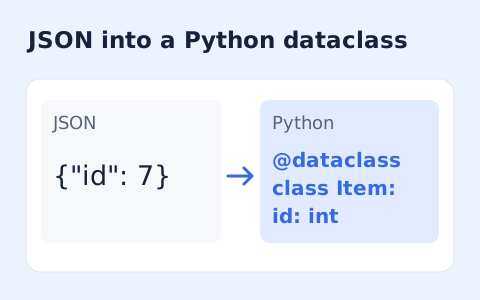
JSON to Python Dataclass Generator
Infer nested Python dataclass definitions from JSON example records.
Open toolConvert JSON objects and arrays into a PHP array expression. Review escaped strings and large-integer handling, then copy or download the code without running it here.
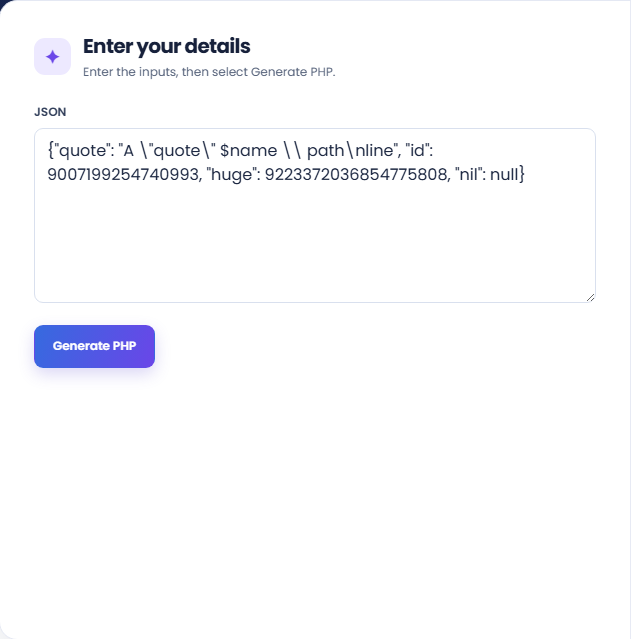
Enter the inputs, then select Generate PHP.
Result will appear here
The converter preserves JSON numeric tokens, maps objects and lists to PHP array syntax, and escapes characters that would change a PHP string literal.
Integers outside the signed 64-bit range are emitted as strings. The output is a returnable PHP expression for review; the tool does not execute it or supply application validation.
Use valid JSON within 100000 characters and the supported nesting depth.
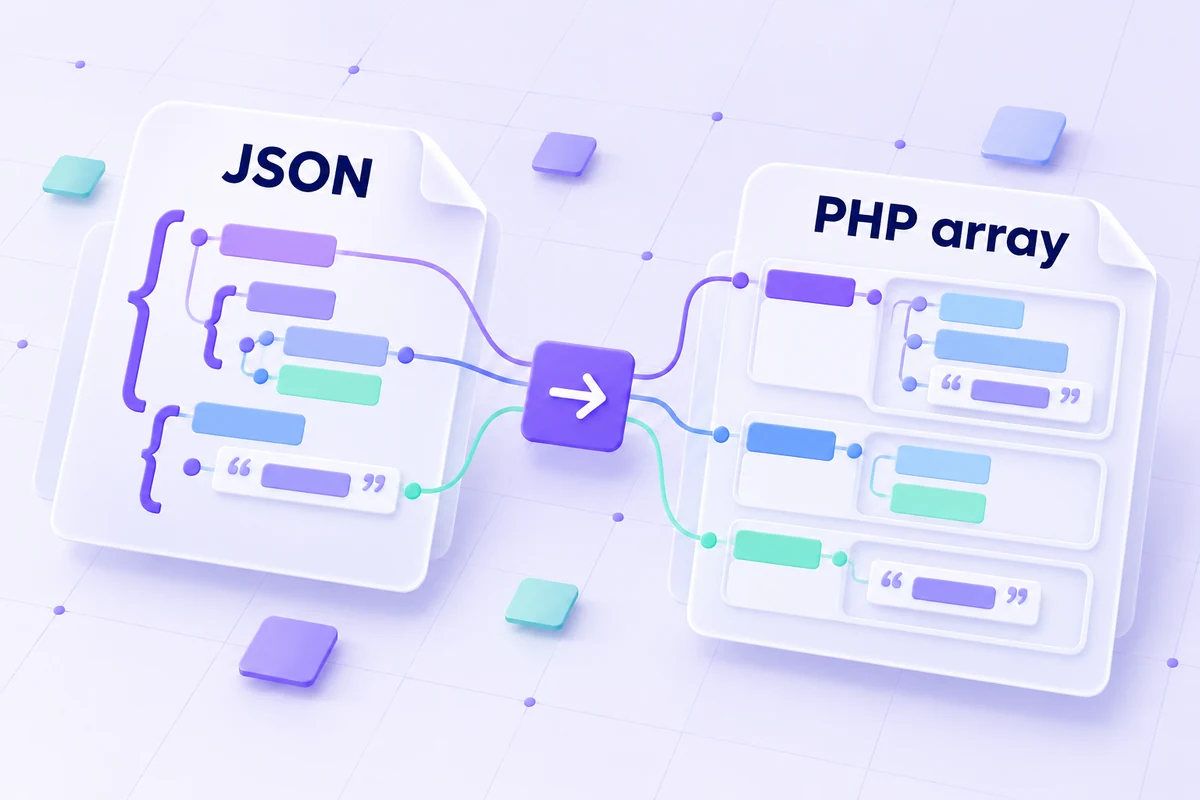
Paste JSON and inspect the PHP array representation before using it in code.
Enter the complete JSON object, array, or supported value. Preserve intended string characters and numeric digits. The converter maps object keys to associative PHP array entries rather than PHP object properties.
Run the converter and inspect the PHP array expression. Strings are escaped for generated literals, and the output is returned as code rather than executed by the tool.
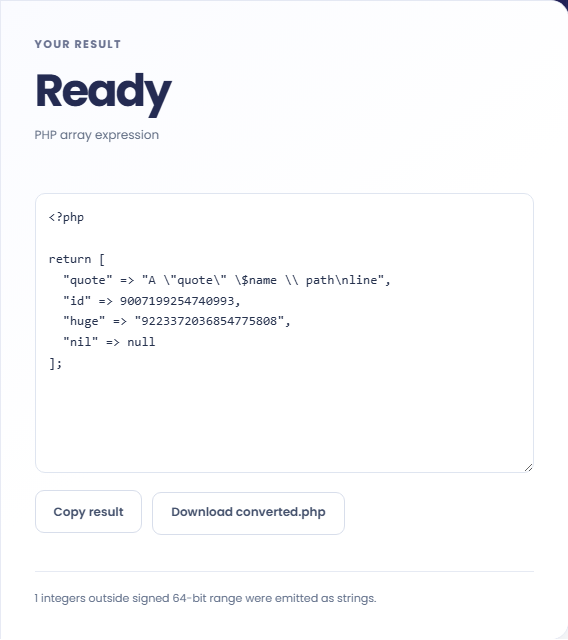
Copy the code or download converted.php. Read the result note for integers emitted as strings outside the signed 64-bit range. Review the target application types before placing the expression in PHP.
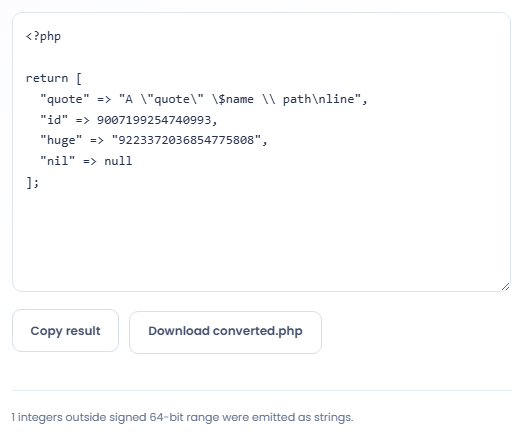
Generate a starting point for PHP data while reviewing differences between the two type systems.
Generate a PHP return file for reviewed JSON data used in a local project. Confirm the consuming code expects arrays at the relevant levels. A JSON object and a JSON array can both become PHP arrays, so their original distinction may need separate handling.

Convert sample JSON into a PHP fixture when testing code that receives array data. Review string escaping and expected value types before using it. A generated fixture does not establish that the code loading it will interpret numeric keys as intended.

Use a sample containing a large integer identifier to see whether it becomes a PHP integer or string. Keep identifiers exact when comparing them with another system. The converter reports its type choice rather than guaranteeing the receiving code treats the value correctly.

Review the resulting PHP value structure where JSON objects, large integers, or numeric-looking keys need attention.
Objects and arrays both use PHP array syntax, and an empty JSON object becomes an empty array. PHP can also cast numeric looking array keys, which may affect downstream access.
Integers outside the signed 64-bit range are emitted as strings with a notice. Ordinary finite decimal values use numeric output, so review type requirements before assuming every value keeps its JSON type.

Check the JSON source first, then review the generated literal in the PHP environment where it will be used.
Use valid JSON within 100000 characters and the supported nesting depth. If conversion fails, check the JSON syntax before changing the data to resemble PHP source.
String escaping does not make generated code an application validator. Check the final source in the target runtime, especially when object distinctions, integer precision, or key casting matter to the consumer.

Infer nested Python dataclass definitions from JSON example records.
Open tool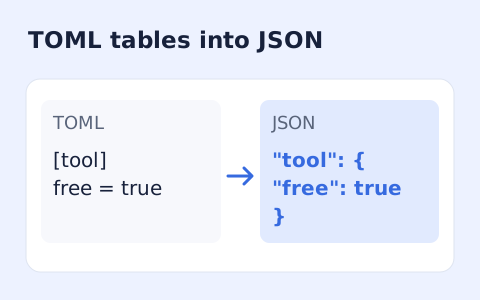
Convert TOML tables, arrays, and values into formatted JSON.
Open tool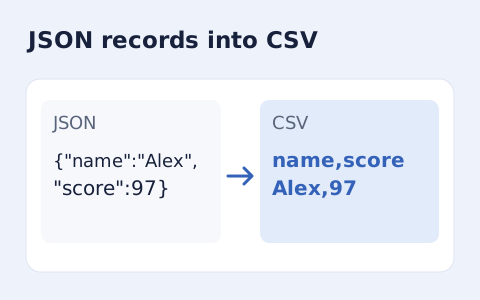
Convert an array of JSON objects into CSV with a union of column names.
Open toolChoose another tool for your next calculation, conversion, or text task.
Create one or more RFC 4122 version 4 UUIDs locally and copy them in one click.
Open tool
Convert pixel values to CSS rem units with a configurable root font size and a quick reference table.
Open tool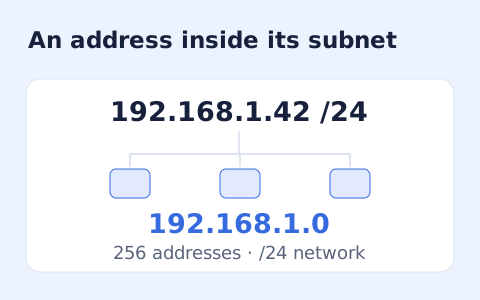
Calculate IPv4 subnet details from an address and CIDR prefix, including /31 and /32 cases.
Open tool
Generate a CSS border-radius declaration from four corner values and preview the shape.
Open toolPaste JSON and inspect the PHP array representation before using it in code.
Answers about using JSON to PHP Array Converter and understanding its results.
Yes. Generated string literals escape PHP interpolation and control characters.
No. The output is code for you to review and copy.
Integers outside the signed 64-bit range are emitted as strings to retain their digits. Check the target application type before using the output.
No. JSON objects are mapped to associative PHP arrays. Review code that expects object properties rather than array keys.