
HTML Minifier
Minify HTML fragments or documents locally while preserving script, style, pre, and textarea content.
Open toolRemove scripts and event handlers from HTML while keeping basic text, lists, tables and links. Review the cleaned source and contained preview, then copy or download the fragment.
Enter the inputs, then select Sanitize HTML.
Result will appear here
DOMPurify keeps an allowlist of basic HTML tags and link attributes and removes active or unsupported content.
This page keeps text formatting, lists, tables and links. Images, CSS, forms, embedded content and event attributes are removed. The preview cannot execute scripts or load external resources. Sanitizing a fragment does not replace context-specific security checks in your own application.
Paste an HTML fragment, apply the basic allowlist, and compare retained markup before taking it to another application.
Include the text, list or table markup you want to keep. This basic policy removes images, CSS, forms and active content.
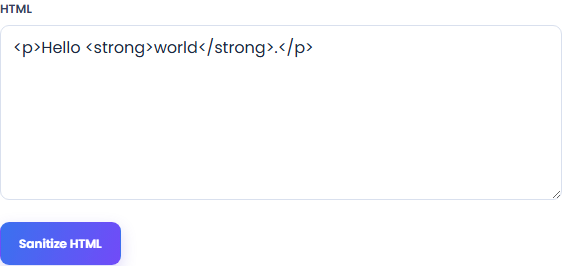
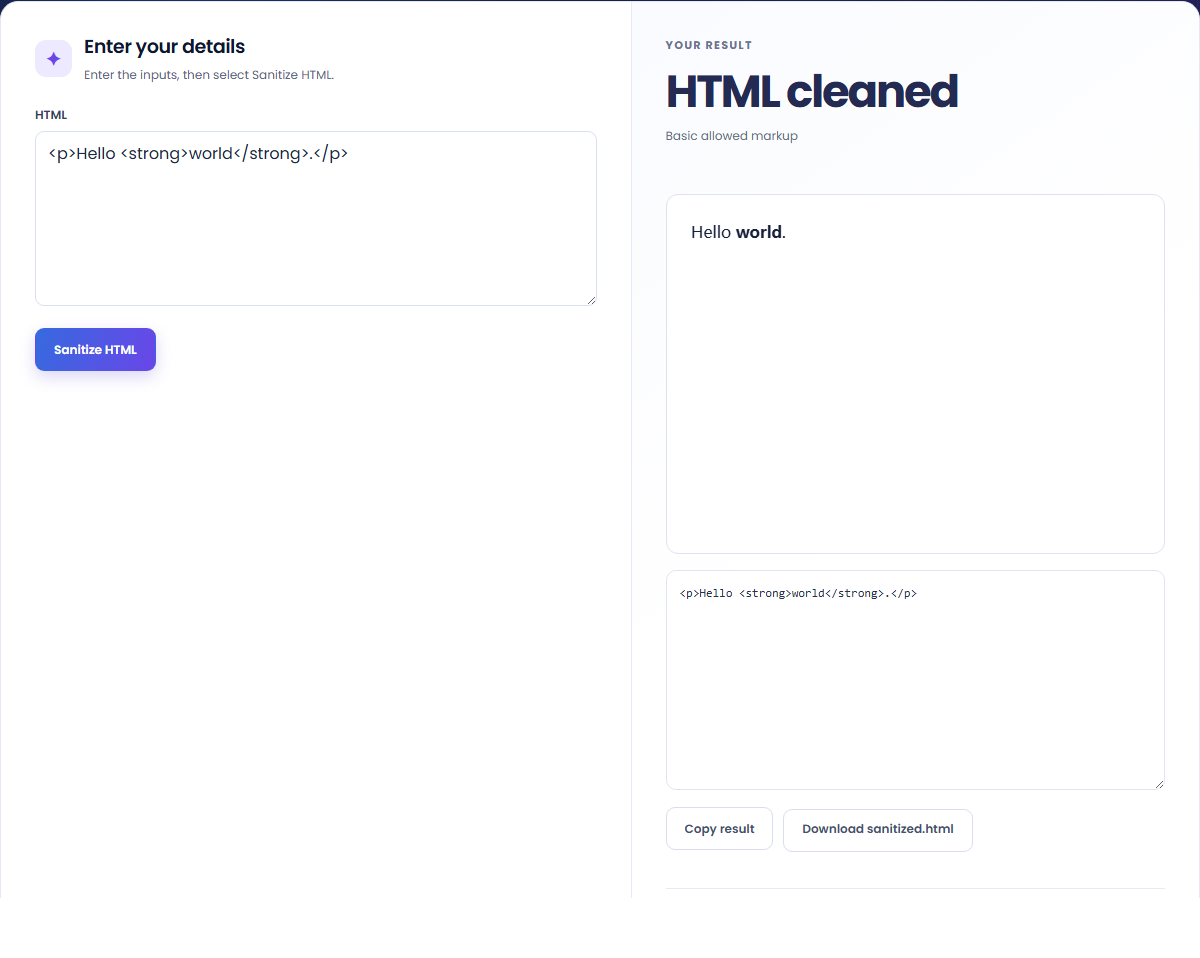
Select Sanitize HTML to remove scripts, event handlers, images, CSS and other unsupported markup. The result keeps the basic tags and link attributes allowed by this page.
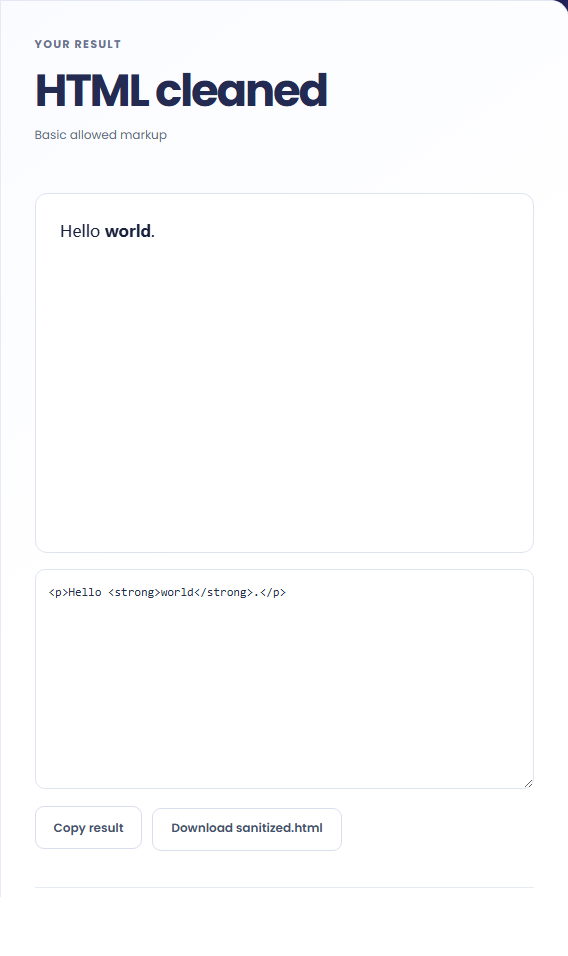
Compare the cleaned source and contained preview. Copy the fragment or download the HTML for a separate application review.
Prepare basic markup for a destination with its own HTML policy.
Keep paragraphs, headings and links from a pasted fragment while removing its unsupported attributes and active elements.

Prepare simple text, lists or tables for a destination that accepts basic HTML. Check that the destination permits the same tags.

Try a small fragment with a style or event attribute and compare the returned source. This is a policy demonstration, not a security certification.

Compare the cleaned source with the preview to see what the basic HTML policy retained.
Read the returned HTML as the result of this page's allowlist. Removed images, CSS and attributes will not appear in the output.

A fragment accepted by this allowlist still needs checks for its destination and insertion context.
The text input is limited to 100,000 characters. A fragment that needs images, styles, forms or embedded content cannot retain them under this basic policy; review the permitted markup before replacing the source.
The preview blocks scripts and external resource loading. It illustrates retained formatting, while application-level sanitization, URL policies and the eventual insertion context still need separate review.

Minify HTML fragments or documents locally while preserving script, style, pre, and textarea content.
Open tool
Convert an HTML fragment to JSX with React attribute names, style objects and self-closing elements.
Open tool
Write Markdown, update the rendered preview and download the Markdown or HTML when it is ready.
Open toolChoose another tool for your next calculation, conversion, or text task.
Compare two JSON values by structure. See changed paths without treating object key order as a difference.
Open tool
Check CSV quoting and consistent column counts, then review the record count and selected delimiter.
Open tool
Create a newly encoded PNG, JPEG or WebP from a local image and remove its original embedded metadata.
Open tool
Convert numbered SRT cues into a WebVTT file with dot-separated milliseconds and plain subtitle text.
Open toolRemove scripts, event handlers and unsupported markup from basic HTML. Review the cleaned fragment and a contained preview.
Answers about using HTML Sanitizer and understanding its results.
No. Style elements and style attributes are removed by this basic HTML policy.
The preview renders allowed markup in a sandbox with scripts and resource loading disabled.