
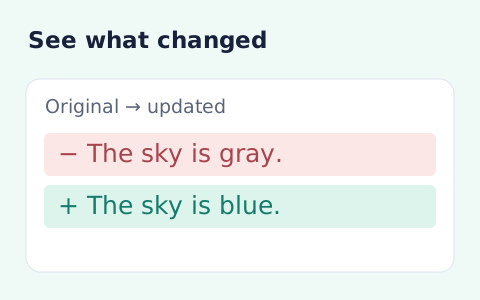
Text Compare
Compare two pieces of text locally with additions and removals highlighted by word or line.
Open toolCompare two JSON values by structure. See changed paths without treating object key order as a difference.
Enter the inputs, then select Compare JSON.
Result will appear here
Compare parsed JSON recursively, ignoring object key order and reporting positional array changes with JSON Pointer paths.
Array order matters. The result lists up to 1,000 differences, and indicates truncation if more are found. Numbers are compared without rounding their JSON digits; duplicate keys and malformed JSON are rejected.
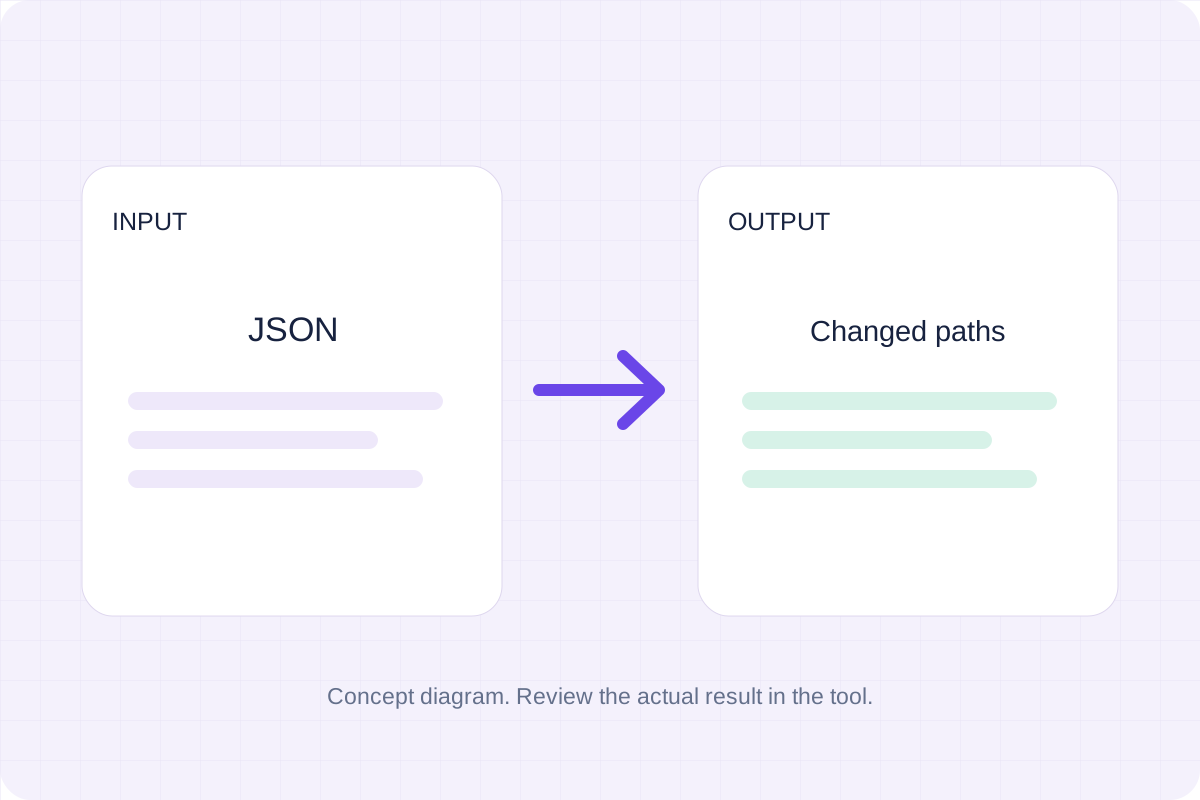
Paste the original and updated JSON separately, then compare their values and read the changed paths.
Both documents must be valid JSON without duplicate keys. Object key order and whitespace are ignored; array positions remain significant.
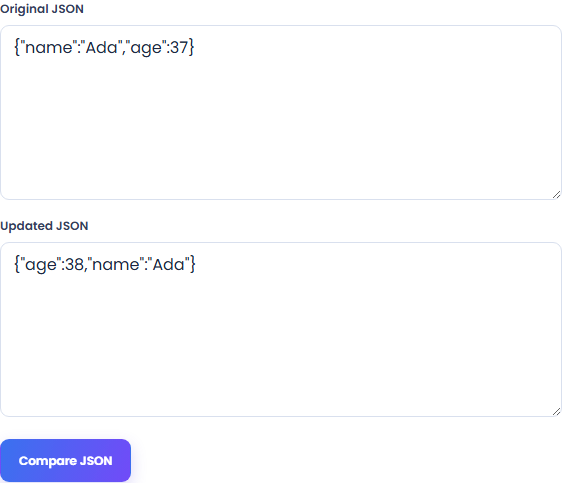
Select Compare JSON to list added, removed and changed values. Object key order and whitespace do not affect the comparison, while array entries are compared by their positions.
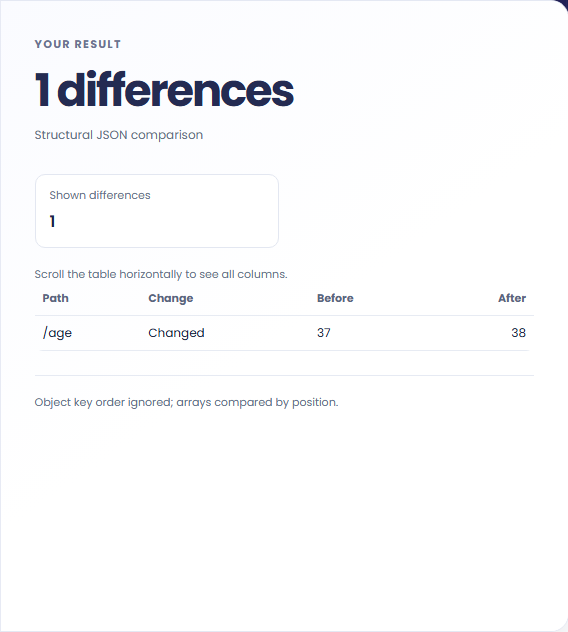
Compare the documents and read each JSON Pointer path, change label and before/after value. A large result may show only its first 1,000 differences.
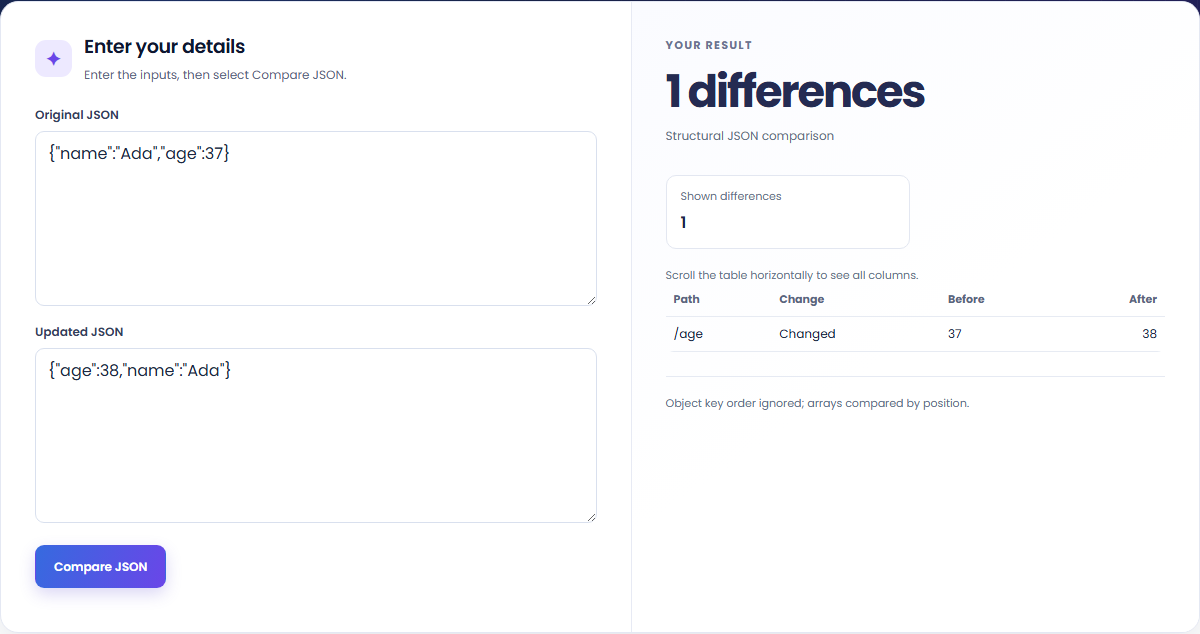
Compare captured payloads or configuration files by their values and structure.
Inspect changed fields between two captured payloads. Keep identifiers beside the documents so the result has a clear context.

Separate value changes from whitespace or object key reordering. The tool does not determine whether the new configuration is valid for your application.

See positional differences when entries are inserted, removed or reordered. This comparison treats arrays as ordered sequences, not sets.

Read each JSON Pointer path with its change label and before/after values; a path alone does not explain the change.
Equal means the parsed values match under this structural comparison. A changed path identifies a value difference, not its cause or effect on an application.

Check both input documents and the display limit before treating the result table as a complete comparison.
JSON Pointer escapes ~ and / in object keys. Keep array ordering and the 1,000-row display limit in mind when reading a large report.
Each input is limited to 100,000 characters; malformed JSON and duplicate keys are rejected. The main difference count includes changes beyond the first 1,000 displayed rows, and the page identifies a truncated result. An Equal result refers to this structural comparison, not your application's validation rules.

Compare two pieces of text locally with additions and removals highlighted by word or line.
Open tool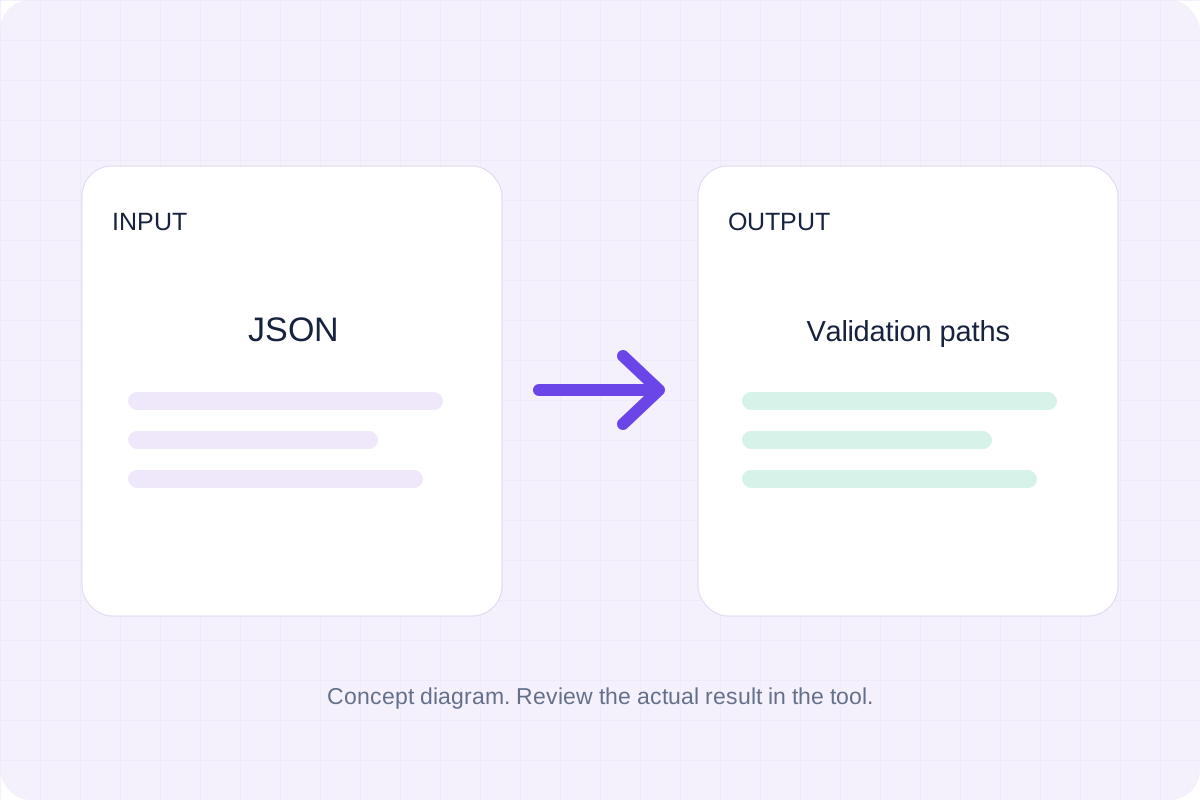
Validate JSON against a draft-07 or 2020-12 schema. Review error paths without sending the documents to a server.
Open tool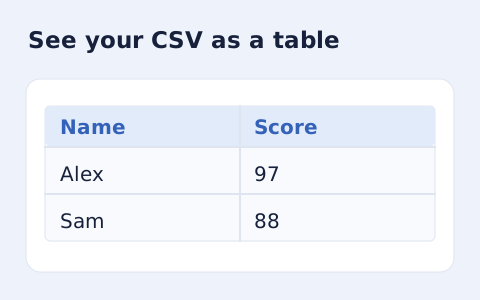
Inspect quoted CSV cells in a readable table without uploading your data.
Open toolChoose another tool for your next calculation, conversion, or text task.
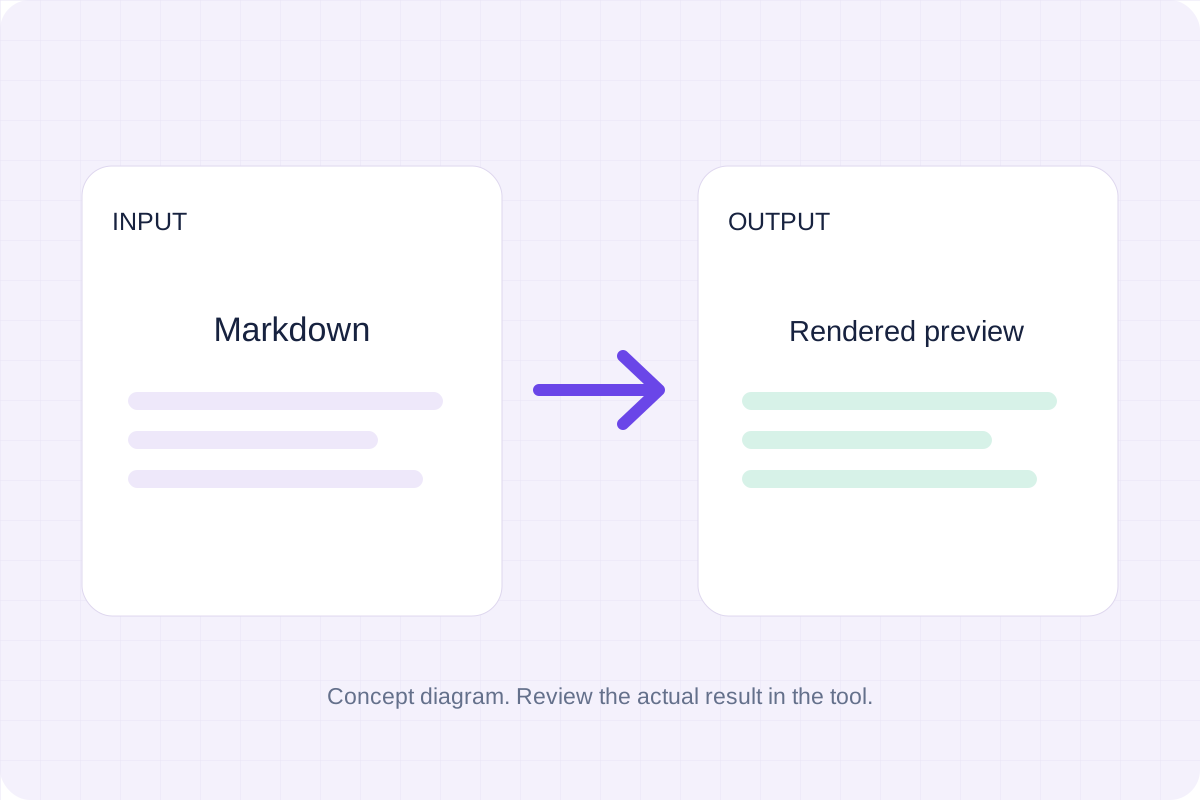
Write Markdown, update the rendered preview and download the Markdown or HTML when it is ready.
Open tool
Check CSV quoting and consistent column counts, then review the record count and selected delimiter.
Open tool
Create a newly encoded PNG, JPEG or WebP from a local image and remove its original embedded metadata.
Open tool
Remove scripts, event handlers and unsupported markup from basic HTML. Review the cleaned fragment and a contained preview.
Open toolCompare two JSON values by structure. See changed paths without treating object key order as a difference.
Answers about using JSON Diff Checker and understanding its results.
No. The comparison uses parsed values, so formatting and object key order do not change the result.
No. Arrays are compared by position; a reordered item can produce differences.