
JSON Schema Generator from JSON
Infer a draft-07 JSON Schema from a sample object or object array, then review it before using it as a contract.
Open toolValidate JSON against a draft-07 or 2020-12 schema. Review error paths without sending the documents to a server.
Enter the inputs, then select Validate JSON.
Result will appear here
Compile a local JSON Schema with AJV and formats support and validate the supplied JSON without coercion.
Supports draft-07 and draft 2020-12, local references and standard format checks. Remote references are not fetched. Inputs and schema complexity are bounded in a timed worker. The tool does not add defaults, coerce values or prove your business rules are complete.
Paste the JSON document and a local draft-07 or 2020-12 schema, then inspect the validation status and any error paths.
Use a schema object or boolean schema. Supported drafts are draft-07 and 2020-12; an omitted $schema uses draft-07. Place definitions in the same schema for local fragment references.
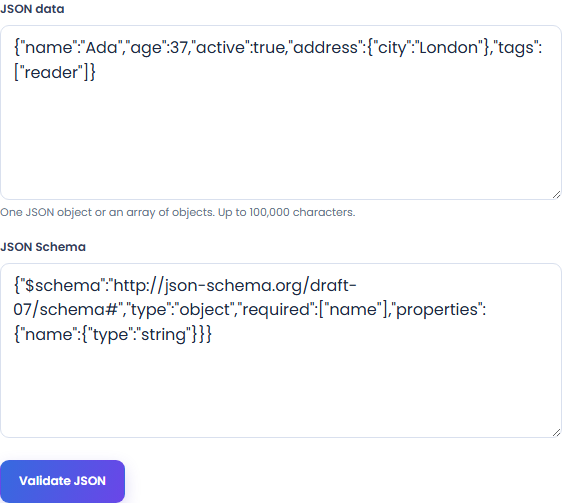
Run Validate JSON. The worker compiles the supplied schema and checks the data with format validation enabled. It does not coerce values, insert defaults or fetch remote schemas.
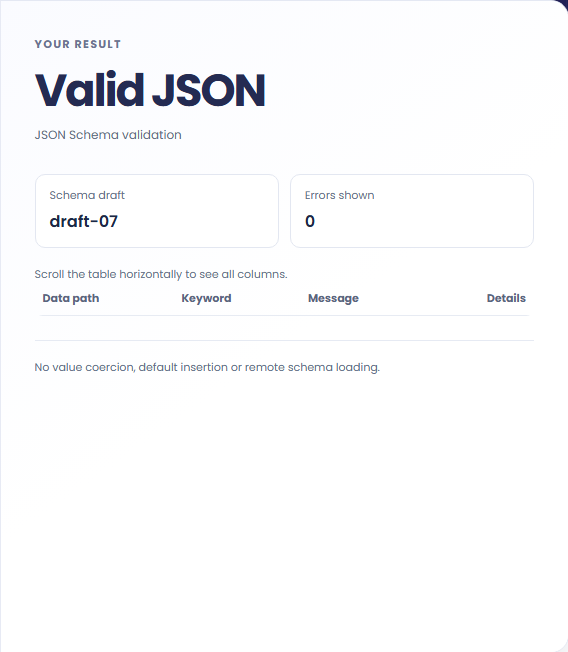
Read Valid JSON or Schema mismatch. When mismatches appear, use Data path, Keyword, Message and Details to locate the issue. Correct the data or schema according to the intended contract, then validate again.
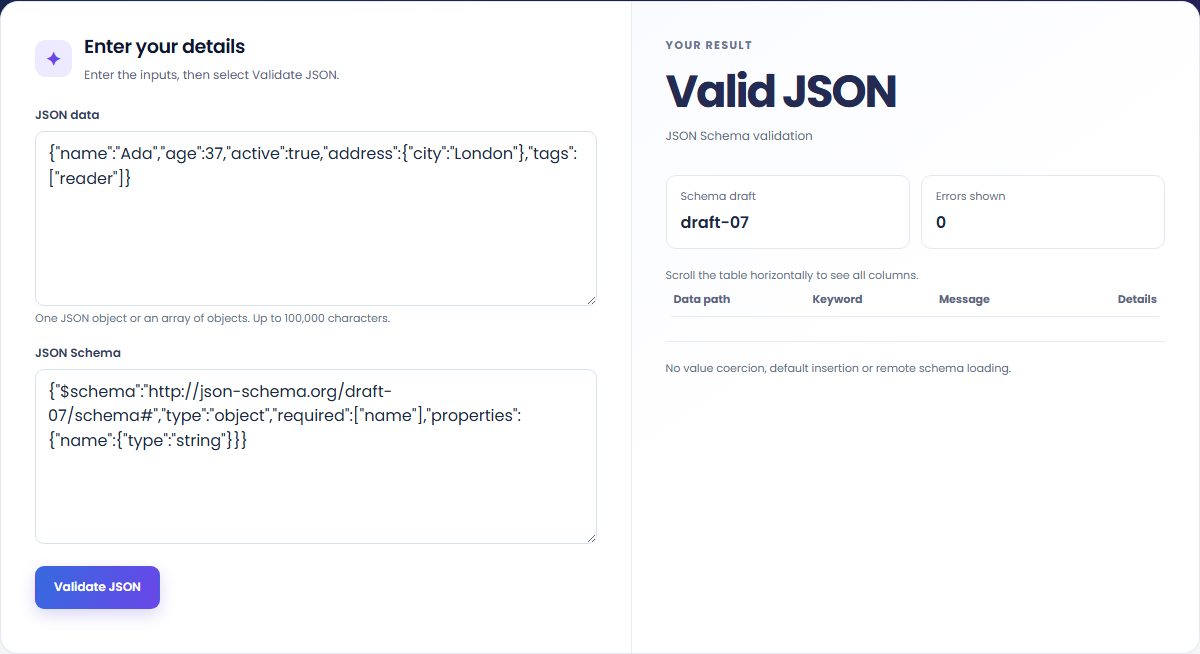
Check example documents against a schema and inspect the reported mismatches.
Validate a response against the contract you supply. This does not establish that the contract includes every business rule.

Try valid and invalid examples to check required entries, data types and standard formats. Values are not coerced or filled with defaults.

Paste a schema from JSON Schema Generator and test additional representative payloads. Edit inferred requirements when they do not fit the intended contract.

Distinguish an evaluated schema mismatch from a document or schema that could not be parsed or compiled.
Valid JSON means the document passes the supplied supported schema; it does not prove the schema covers every business rule. Schema mismatch lists up to 100 validation errors. Malformed JSON, unsupported references or a schema compilation problem instead produce an input error.

Review the selected schema draft, references and numeric representation before retrying a failed validation.
Represent integers outside JavaScript’s safe range as strings where the contract allows them. JSON data and schema inputs each accept up to 100,000 characters. Schemas are bounded at 5,000 inspected nodes and 40 nesting levels, with pattern strings up to 300 characters.
Only local fragment references are supported; remote schemas are not fetched. Validation runs in a timed worker, so complex patterns or recursive schemas may need a smaller representative document. The checker does not change values to make them fit the schema.

Infer a draft-07 JSON Schema from a sample object or object array, then review it before using it as a contract.
Open tool
Compare two JSON values by structure. See changed paths without treating object key order as a difference.
Open tool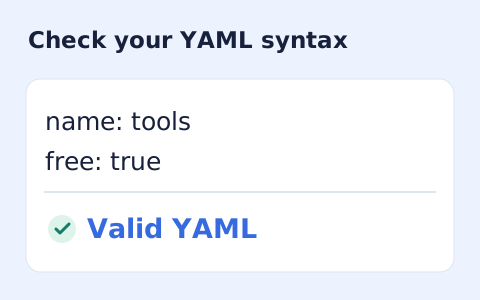
Validate YAML 1.2 syntax, duplicate keys, and bounded alias references.
Open toolChoose another tool for your next calculation, conversion, or text task.
Write Markdown, update the rendered preview and download the Markdown or HTML when it is ready.
Open tool
Check CSV quoting and consistent column counts, then review the record count and selected delimiter.
Open tool
Create a newly encoded PNG, JPEG or WebP from a local image and remove its original embedded metadata.
Open tool
Remove scripts, event handlers and unsupported markup from basic HTML. Review the cleaned fragment and a contained preview.
Open toolPaste a supported JSON Schema and sample document, then inspect the status and reported mismatch paths.
Answers about using JSON Schema Validator and understanding its results.
No. Provide definitions inside your schema; remote references are unsupported.
No. Validation does not coerce values or insert defaults.