
JSON Schema Validator
Validate JSON against a draft-07 or 2020-12 schema. Review error paths without sending the documents to a server.
Open toolInfer a draft-07 JSON Schema from a JSON object or nonempty array of objects. Review field types and required entries before using the schema as a data contract.
Enter the inputs, then select Generate schema.
Result will appear here
Use quicktype to infer field types and nested object shapes and emit JSON Schema draft-07.
Sample inference does not establish all allowed values, optional fields or business rules. The generated schema may need edits for additional examples and desired constraints. No remote schema or sample is fetched.
Use a representative JSON object or object array, choose the root type name, and review the inferred draft-07 schema.
Use an object or a nonempty array of objects and choose a root type name. Include examples of optional and nullable fields where possible.
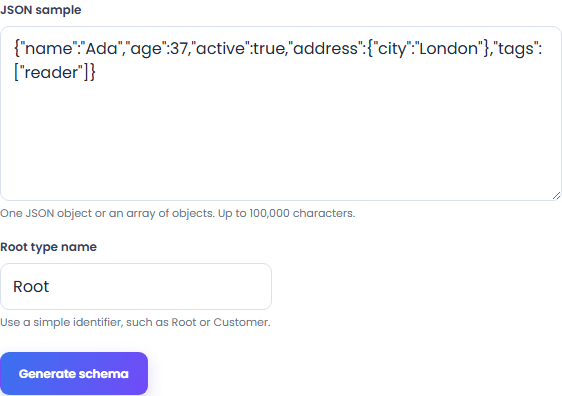
Select Generate schema to infer a draft-07 schema from the supplied object shapes and values. The generator uses only your pasted sample; it does not retrieve your API or a remote schema.
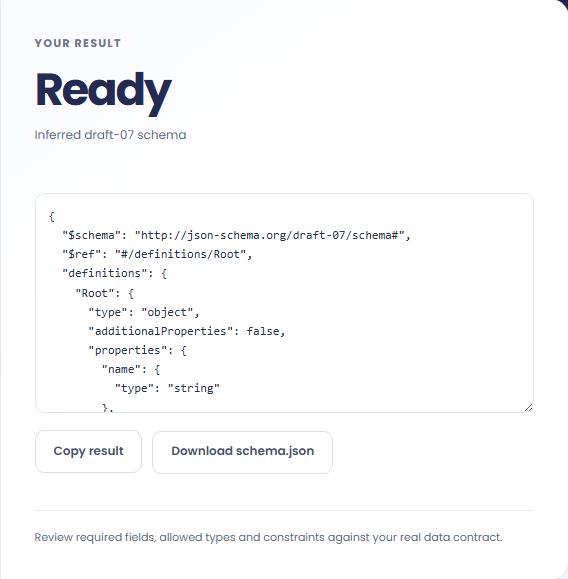
Generate the schema, then review definitions, field types and required entries. Download schema.json and validate representative data separately.
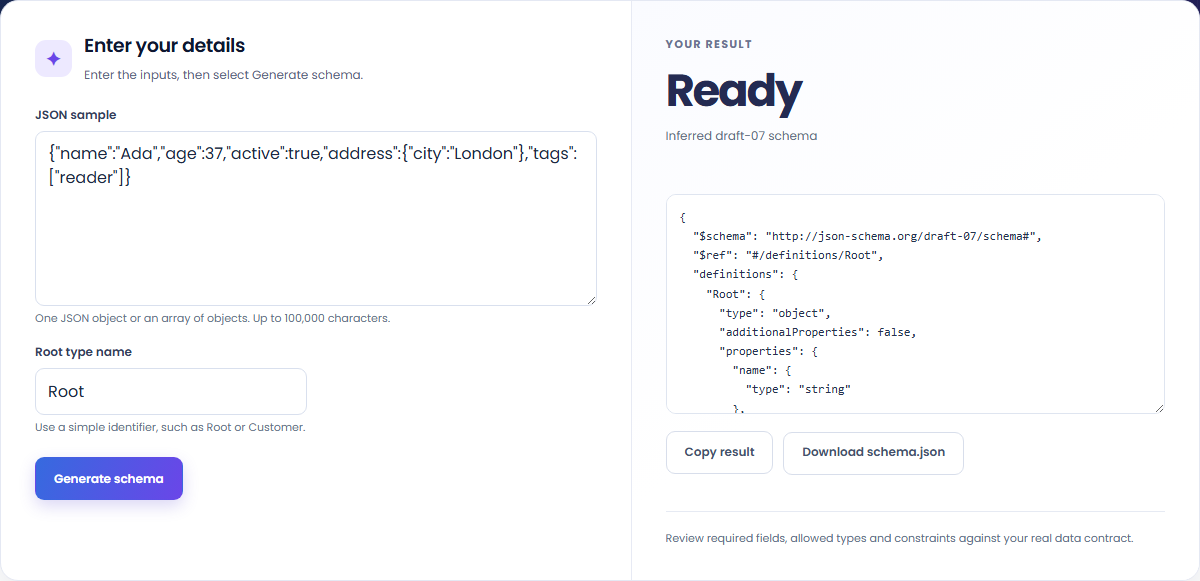
Start a schema from an example and refine it against your complete data contract.
Use a sample to create an initial schema structure. Add ranges, patterns and rules from your actual data contract after generation.

Generate definitions for objects and arrays in an API example. Check that additional real responses fit the inferred structure.

Open JSON Schema Validator to test the edited schema against valid and invalid documents. A successful sample does not prove that every allowed case is covered.

Read inferred types and required entries as a starting point for the contract your application actually needs.
The schema is draft-07. It describes shapes inferred from supplied examples; it does not know which missing values your application should allow.

An observed JSON sample does not establish all valid values, optional fields or business rules.
Review required fields, empty arrays and numeric ranges. Add business rules yourself instead of treating one observed sample as the complete contract.
The JSON input is limited to 100,000 characters and must be an object or a nonempty array of objects. Use a root type name beginning with a letter and containing at most 40 letters, digits or underscores; reserved names are rejected. After editing the schema, validate additional representative documents separately.

Validate JSON against a draft-07 or 2020-12 schema. Review error paths without sending the documents to a server.
Open tool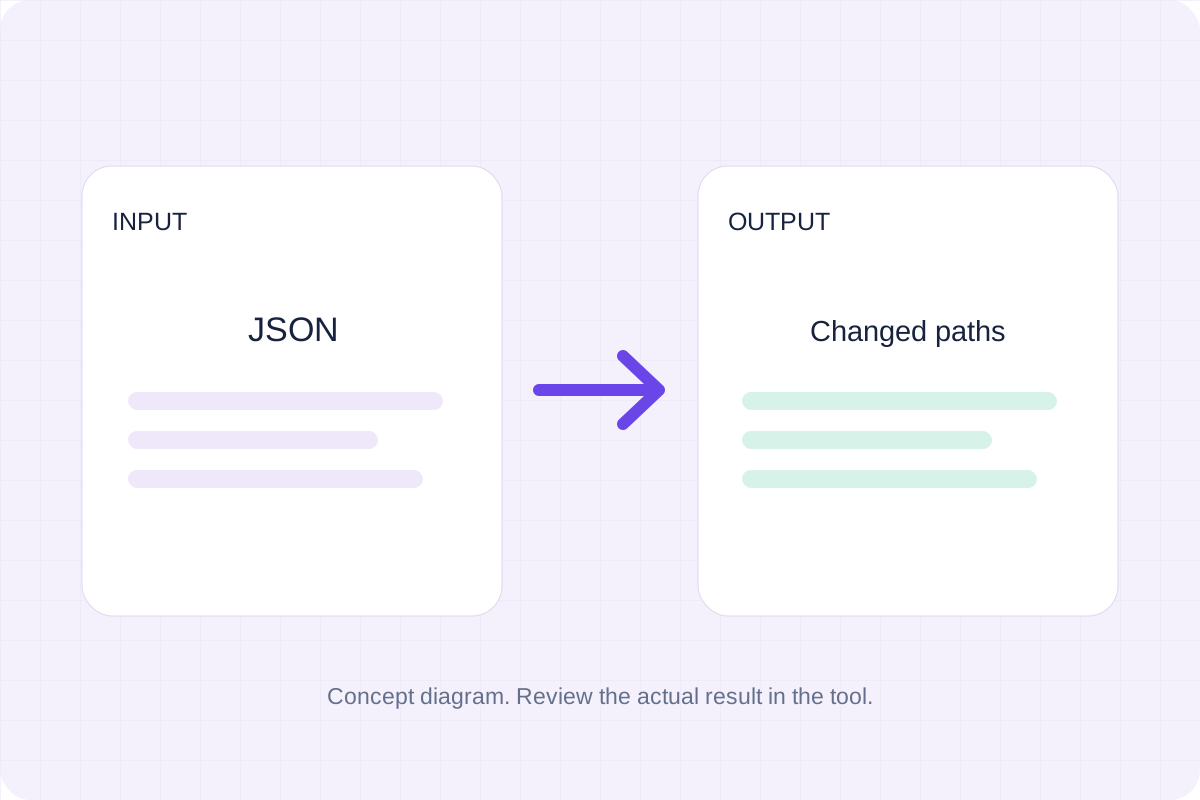
Compare two JSON values by structure. See changed paths without treating object key order as a difference.
Open tool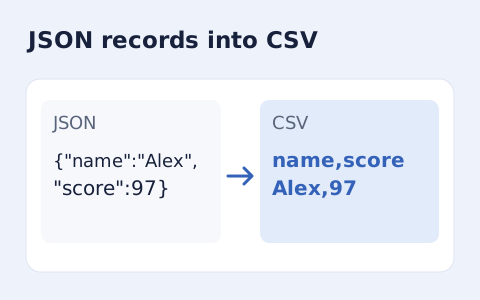
Convert an array of JSON objects into CSV with a union of column names.
Open toolChoose another tool for your next calculation, conversion, or text task.
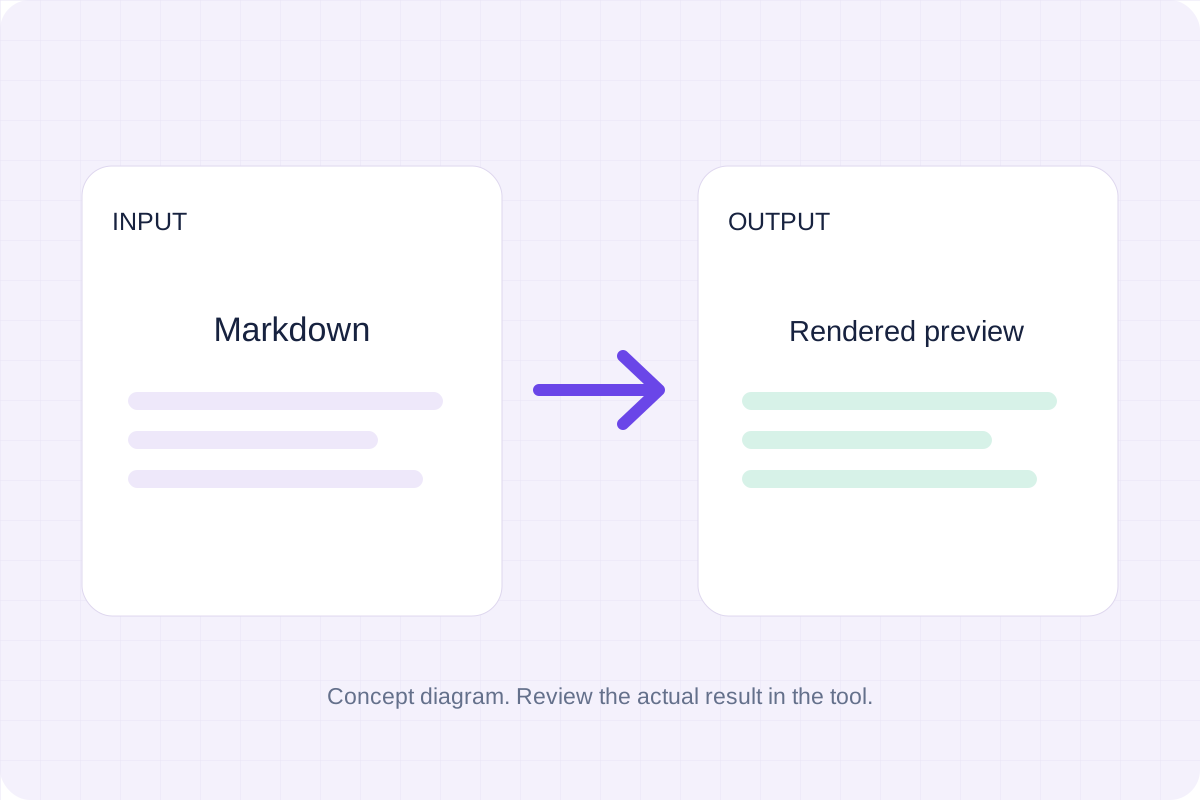
Write Markdown, update the rendered preview and download the Markdown or HTML when it is ready.
Open tool
Check CSV quoting and consistent column counts, then review the record count and selected delimiter.
Open tool
Create a newly encoded PNG, JPEG or WebP from a local image and remove its original embedded metadata.
Open tool
Remove scripts, event handlers and unsupported markup from basic HTML. Review the cleaned fragment and a contained preview.
Open toolAnswers about using JSON Schema Generator from JSON and understanding its results.
The output uses JSON Schema draft-07.
No. Review required fields and inferred types with your complete data contract.
Infer a draft-07 JSON Schema from a sample object or object array, then review it before using it as a contract.