
Markdown to HTML Email Converter
Turn Markdown into a simple HTML email with inline styles. Preview the body and download the HTML for your email workflow.
Open toolWrite Markdown and check its rendered preview as you edit headings, lists, tables and fenced code. Download the Markdown source or sanitized HTML before leaving the page.
Enter the inputs, then select Update preview.
Result will appear here
Parse GitHub-style Markdown with marked and sanitize the HTML before rendering the preview.
The preview updates after a short typing delay. Raw HTML is limited to the same basic formatting policy as the sanitizer. Remote images are omitted; links are shown without opening them automatically. Your text is not saved after leaving or reloading the page.
Write or paste a draft, review its updating Markdown preview, and download the source or HTML you want to keep.
Use headings, lists, emphasis, fenced code or GitHub-style tables. A short typing delay updates the preview; Update preview also runs it immediately.
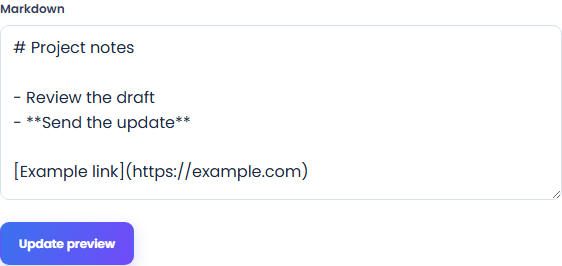
Select Update preview to render immediately, or wait for the short typing delay. Compare the sanitized formatting with your Markdown source; fenced code is displayed as text rather than executed.
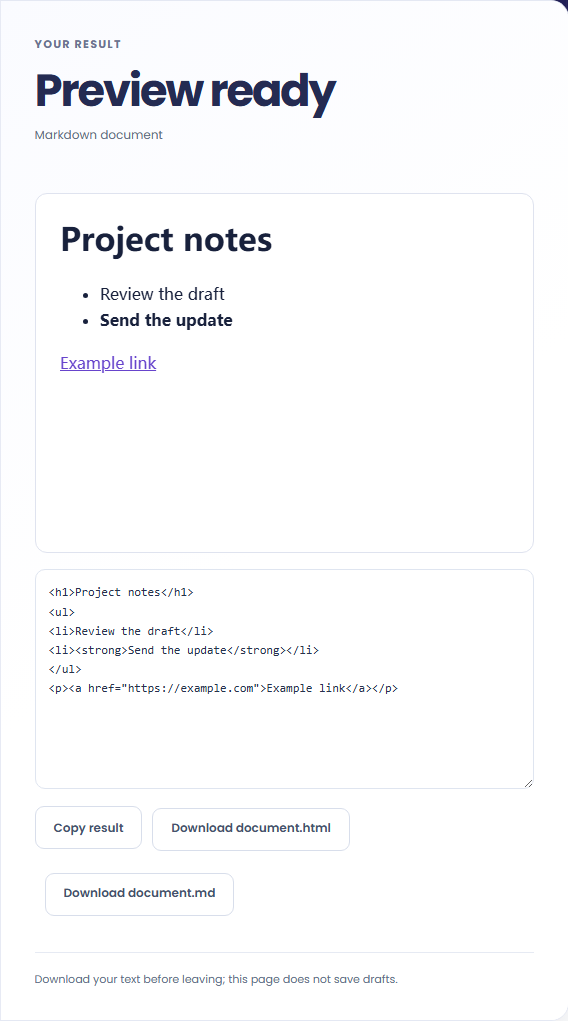
Compare the rendered preview with the source. Download document.md to keep editing later, or download the basic HTML for another workflow.
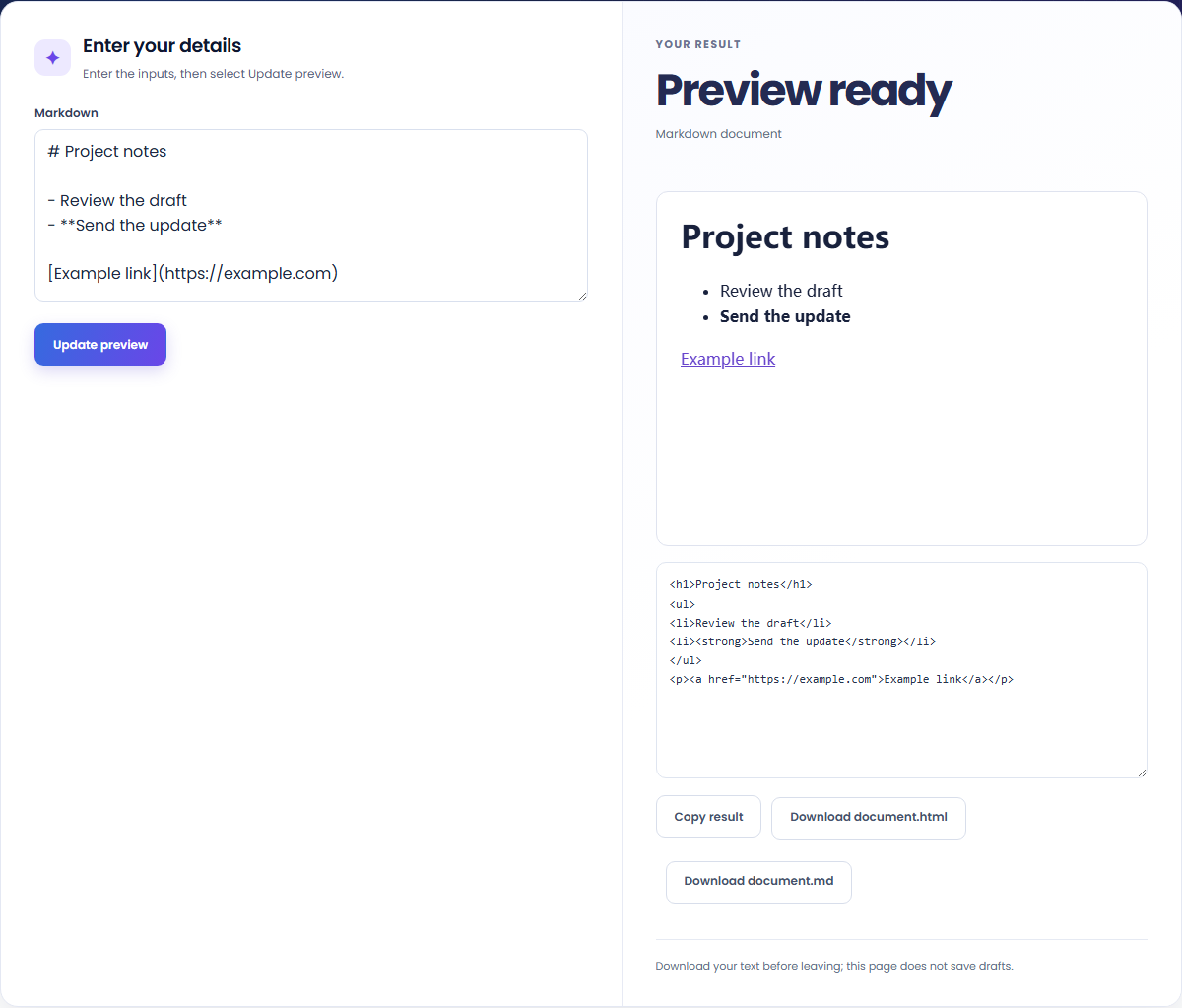
Write a document, compare its rendered preview and keep the source for later edits.
Keep a small checklist and heading in Markdown, then inspect how emphasis and list spacing appear in the preview.

Preview pipe-separated rows before copying them to a documentation page. This checks rendering here, not a different publishing platform.

Download the Markdown source for a repository or editor. The page does not keep a draft after you leave or reload.

The preview shows supported Markdown formatting after the generated HTML passes through the basic sanitizer.
The HTML preview shows sanitized formatting. Raw HTML, remote images and unsupported elements can render differently from the source or be omitted.

Keep your source file before leaving, and check which formatting your destination publishing system supports.
Code blocks remain text, and the editor does not execute them. Check how your destination publishing system handles Markdown tables, raw HTML and other formatting before importing the draft.
The editor accepts up to 100,000 characters. It does not save drafts after you leave or reload, so download document.md for later edits. Raw HTML follows the basic sanitizer policy, and remote images are omitted from the preview.

Turn Markdown into a simple HTML email with inline styles. Preview the body and download the HTML for your email workflow.
Open tool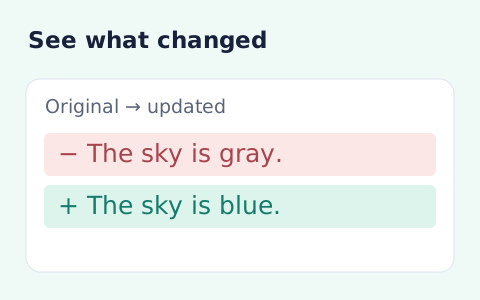
Compare two pieces of text locally with additions and removals highlighted by word or line.
Open tool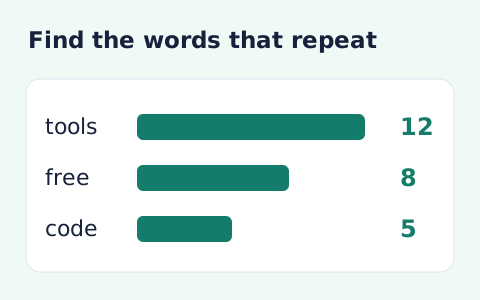
Analyze word counts and term frequency locally with Unicode aware word matching.
Open toolChoose another tool for your next calculation, conversion, or text task.
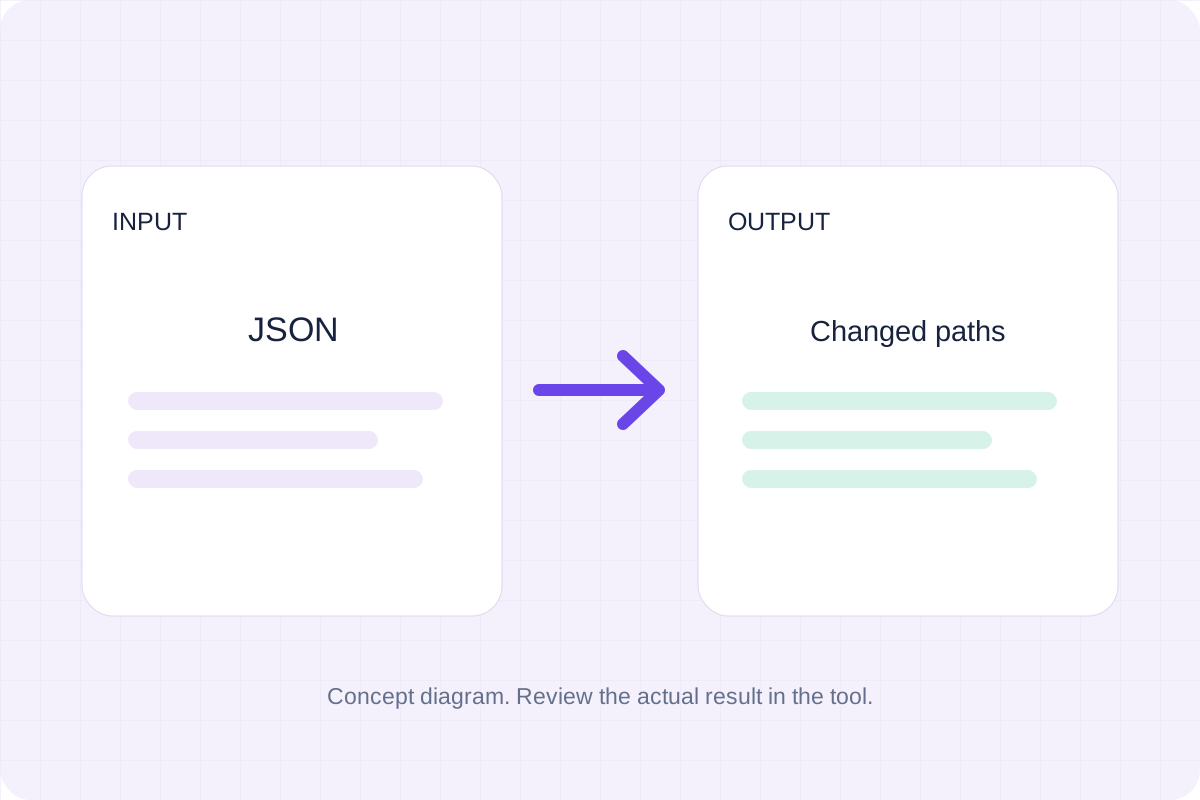
Compare two JSON values by structure. See changed paths without treating object key order as a difference.
Open tool
Check CSV quoting and consistent column counts, then review the record count and selected delimiter.
Open tool
Create a newly encoded PNG, JPEG or WebP from a local image and remove its original embedded metadata.
Open tool
Remove scripts, event handlers and unsupported markup from basic HTML. Review the cleaned fragment and a contained preview.
Open toolWrite Markdown, update the rendered preview and download the Markdown or HTML when it is ready.
Answers about using Markdown Editor and understanding its results.
No. Download the Markdown file before leaving or reloading.
Yes. GitHub-style tables and fenced code blocks are supported; code is displayed as text.